About Budgeting App
A practical guide to what the app does, who it fits, and how it supports monthly planning, expense tracking, goals, and debt payoff on iOS.
budgeting app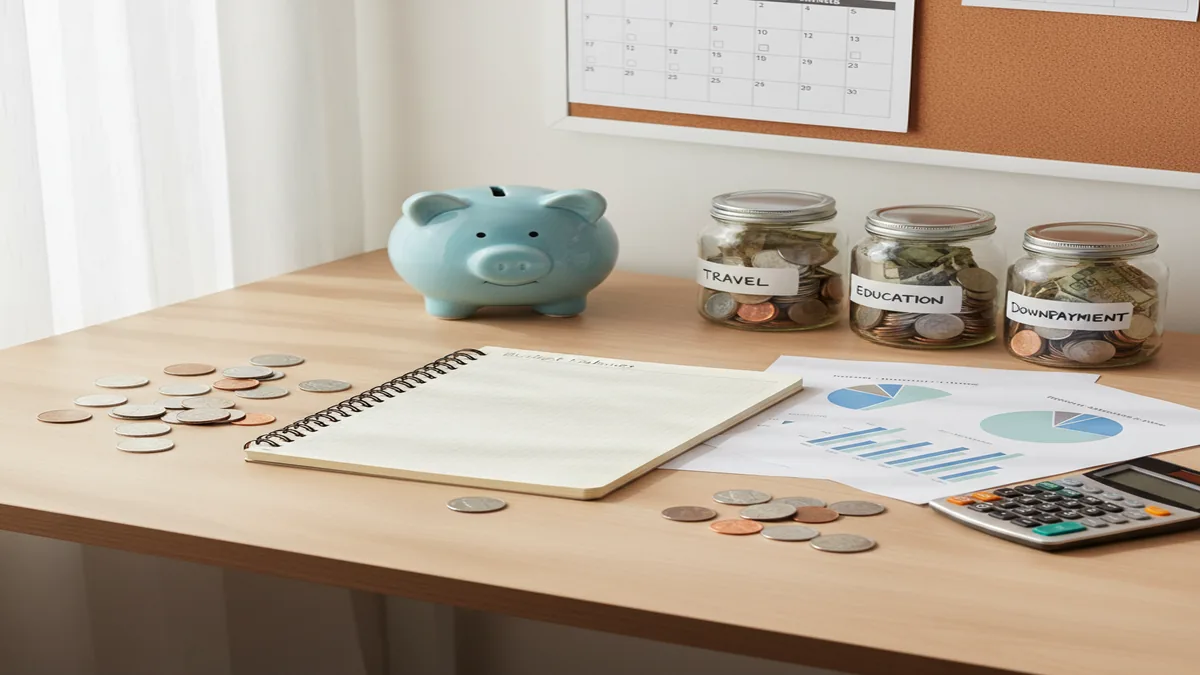
About budgeting app is a guide to a free iOS budgeting planner that helps people allocate income, track expenses, plan goals, and review debt payoff. Walleta is the App Store version of the money tracker, built for manual planning without bank syncing. It is best for people who want a clear spending plan before the month starts.
What Is About Budgeting App?
The app is a free iOS budgeting planner for assigning income to bills, spending categories, savings goals, and debt payoff before money is spent. It is built for people who want a monthly plan, not just a record of past transactions.
You can use templates such as 50/30/20, envelope budgeting, and zero-based budgeting, then customize categories around your real bills and priorities. After the plan is set, you manually log income and expenses to compare planned amounts with actual spending.
The planner also includes savings goals, debt payoff planning, net worth tracking, reports, a bill calendar, subscription tracking, shared budgets, multi-currency support, exports, and iCloud sync. For privacy-focused users, there is no bank connection, and data stays on device.
How About Budgeting App Works
The tool works by turning expected income into a category-by-category spending plan, then checking that plan against the transactions you enter. The core mechanism is allocation first, review second.
You start with a budgeting method: 50/30/20 for simple guardrails, envelope budgeting for category caps, or zero-based budgeting when every dollar needs a job. Then you add income, recurring bills, category targets, savings goals, and debt payments.
During the month, each expense reduces the relevant category balance. Reports show plan versus actual, so you can move money between categories, lower unrealistic targets, or increase goal funding next month. That feedback loop is the main value.
How to Use a Monthly Budget Planner
Choose a budgeting method
Pick 50/30/20 for broad percentages, envelope budgeting for strict category limits, or zero-based budgeting if you want every dollar assigned before the month starts.
Enter income and bill dates
Add expected paychecks, recurring bills, subscriptions, and due dates. This makes the bill calendar useful for deciding what must be funded first.
Assign category targets
Fund essentials first, then debt, savings goals, and flexible spending. Keep a small buffer category because real months rarely match the first draft.
Track expenses weekly
Log transactions into the correct categories and review remaining balances. Weekly review catches overspending early enough to adjust.
Review and export results
Use reports to compare planned amounts with actual spending. Export CSV or PDF files if you want to archive the month or analyze it elsewhere.
When to Use an iOS Spending Plan (and When Not To)
Use it when
- Use it when you want to decide where money goes before spending starts.
- Use it when you are paid weekly, biweekly, monthly, or irregularly and need category targets around due dates.
- Use it when goals, debt payoff, subscriptions, and bills need to live in one personal finance workflow.
- Use it when you prefer manual control instead of automatic transaction imports.
- Use it when couples or families need shared visibility into household categories.
Skip it when
- Do not use it as a replacement for tax software, bookkeeping software, or professional accounting.
- Do not use it if you need Android support today.
- Do not use it if your main priority is investment performance analysis.
- Do not use it if you refuse to enter or review transactions manually.
- Do not treat projections as guaranteed outcomes; they depend on actual income, spending, and follow-through.
About Budgeting App vs YNAB and Goodbudget
| Feature | Budgeting App | YNAB | Goodbudget |
|---|---|---|---|
| Primary focus | iOS budget planning, manual expense tracking, goals, debt payoff, and net worth | Zero-based budgeting with strong behavior coaching | Envelope budgeting for households and shared category limits |
| Cost structure | Free iOS app | Paid subscription after trial | Free tier with paid Plus plan |
| Best fit | People who want a simple iPhone-first planner with goals and debt tools | Users who want a strict budgeting system and are willing to pay | Families who like digital envelopes and shared budget access |
| Budgeting methods | 50/30/20, envelope, and zero-based templates | Primarily zero-based budgeting | Envelope budgeting |
| Debt and goals | Savings goals, snowball and avalanche payoff planning, and progress tracking | Goal tracking and debt planning through categories | Envelope-based goal planning with fewer advanced payoff tools |
| Platform strength | iPhone and iPad | Web, iOS, and Android | Web, iOS, and Android |
Choose the free iOS planner if you want manual category planning with goals and debt tools. Choose YNAB if you want intensive zero-based coaching across platforms, or Goodbudget if shared envelope budgeting is the priority.
Monthly Budget Use Cases
- Paycheck planning: Allocate each paycheck to bills, groceries, savings, debt, and flexible spending before it disappears into small purchases.
- Debt payoff planning: Use snowball or avalanche planning to decide which debt receives extra money first, then align monthly categories with that strategy.
- Savings goal tracking: Create targets for emergency funds, travel, annual bills, or large purchases, then fund them as planned budget lines.
- Subscription control: Track recurring charges and due dates so renewals are visible before they hit the account.
- Couple or family coordination: Use shared budgets to keep household categories visible, especially for groceries, childcare, utilities, and joint goals.
- Net worth review: Track assets and debts over time so short-term budgeting connects to long-term financial direction.
About Budgeting App Limitations
What to keep in mind
- The app is iOS-only, so there is no Android version.
- Manual entry accuracy matters; reports are only as reliable as the income, expenses, and category choices you enter.
- It is not financial advice, tax advice, investment advice, or a substitute for a licensed professional.
- Debt payoff dates, savings timelines, and net worth projections are estimates, not guarantees.
- Budget results depend on user input, consistent review, and real-world follow-through.
- It is designed for personal budgeting, not full business bookkeeping or payroll management.
- Investment tracking is not the main focus; the planner is stronger for spending, goals, bills, and debt.
- Exports are useful for review, but spreadsheet users may still want deeper custom analysis outside the app.
Quick answer: Budgeting App (Walleta) is a free iOS budget planner for people who want to plan their month, track spending manually, manage bills, set savings goals, and follow debt payoff progress without connecting a bank account. It is a practical default for iPhone users who prefer privacy, hands-on expense tracking, and flexible budgeting methods like 50/30/20, envelope budgeting, and zero-based budgeting.
Key facts:
- Budgeting App is built for iPhone users who want manual budgeting with no required bank connection.
- You can plan monthly income, spending categories, bills, savings goals, debt payments, and reports in one app.
- Templates and budgeting styles such as 50/30/20, envelope, and zero-based budgeting can help you organize money based on your own inputs.
Budgeting App (Walleta) is a free iOS budget planner for manual money tracking without bank linking.
Frequently Asked Questions
It helps you plan income, set category targets, track expenses, and review whether your month followed the plan. It also supports goals, debt payoff, reports, bills, subscriptions, and net worth tracking.
Yes, it is available as a free iOS budgeting planner. It is designed for iPhone and iPad users who want manual control over their monthly plan.
No, it is currently iOS-only. Android users would need a different budgeting tool.
Yes, zero-based budgeting is supported. You can assign every dollar of expected income to bills, spending, savings, debt, or a buffer category.
No, the workflow is based on manual tracking rather than bank syncing. That gives you more control, but it also means you must enter transactions consistently.
Yes, shared budgets can help couples or families coordinate household categories and goals. It works best when everyone agrees on category rules and reviews spending regularly.
It can help you organize a debt payoff plan using snowball or avalanche methods. The actual payoff speed depends on income, interest rates, extra payments, and spending discipline.
Yes, CSV and PDF exports are supported. Exports are useful for archiving months, reviewing spending on a computer, or doing deeper spreadsheet analysis.
No, it is a budgeting and planning tool. Use it to organize decisions, but consult a qualified professional for financial, tax, legal, or investment advice.