Free Budgeting App for iOS
Plan your money before it disappears. Build monthly budgets, track expenses, monitor bills, and adjust your spending from iPhone or iPad.
budgeting app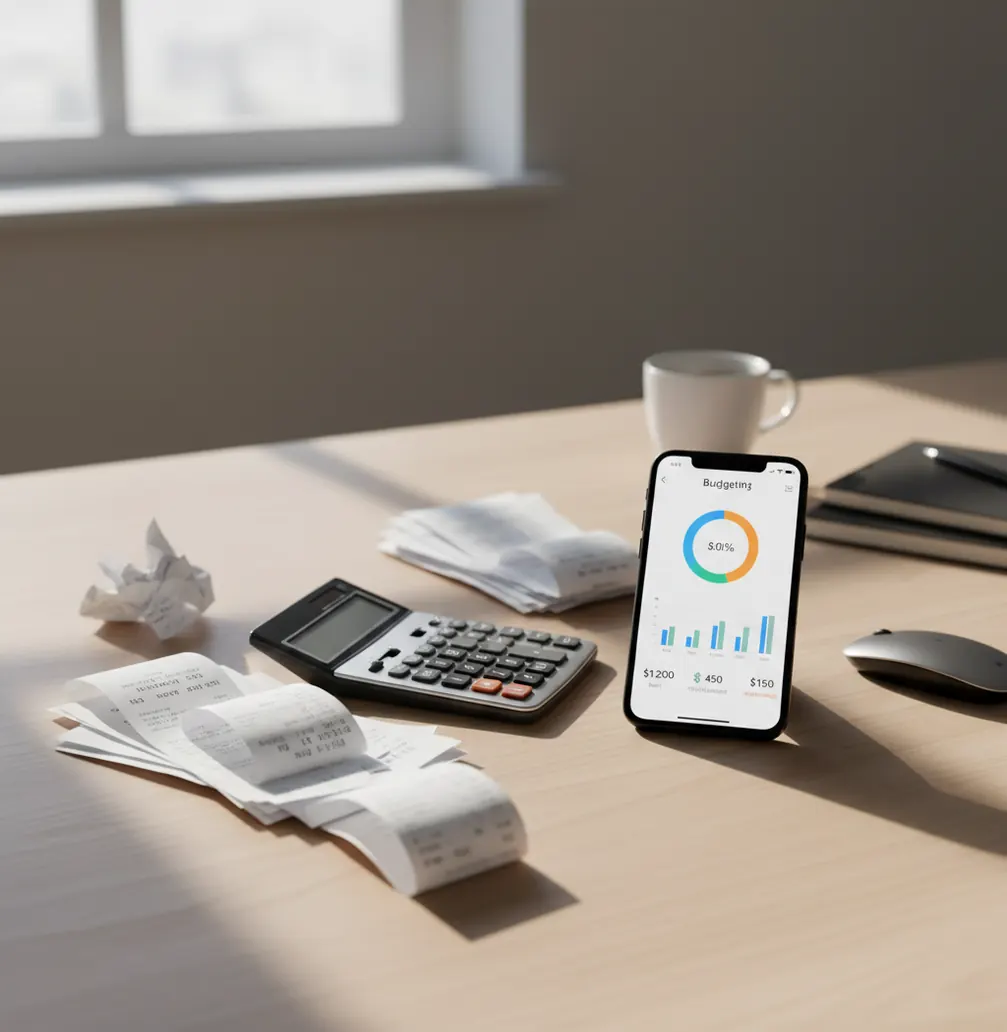
A budgeting app helps you decide where money should go before spending starts. It is best for people who want category limits, bill reminders, savings goals, debt payoff tracking, and month-end reports on iPhone or iPad. It is not a guarantee of savings; results depend on accurate income, expense, and goal entries.
What Is a Budgeting App?
A budgeting tool is software that helps you plan income, assign money to categories, and compare planned spending with actual spending. On iOS, the planner can combine monthly budgets, expense tracking, savings goals, bill reminders, debt payoff, and reports in one workflow. New to the category? Read what a budgeting app is, compare a budget vs expense tracker, or see about Budgeting App.
Budgeting App is free on iPhone and iPad because the core planning workflow should be simple to start. It is most useful when you want manual control, clear categories, and exportable records. For privacy-minded users, there is no bank connection; data stays on device unless you choose Apple services such as iCloud sync.
How a Budgeting App Works
A monthly money planner works by turning income into category limits, then subtracting expenses as they happen. The main mechanism is plan-versus-actual tracking: every transaction changes the remaining amount in its category.
In practice, you choose a template such as 50/30/20, envelope, or zero-based planning, then assign expected income to groceries, rent, transport, subscriptions, savings, and debt. As you enter income and expenses, the app updates totals, goal progress, and reports from local transaction records. Charts summarize spending by category and month, which helps you spot leaks without rebuilding the plan. Bill reminders and debt payoff views add timing, so the budget reflects both amounts and due dates.
How to Use a Budget Planner
Choose a template
Start with 50/30/20 for a quick baseline, envelope budgeting for category control, or zero-based planning when every dollar needs a job.
Enter expected income
Add paychecks, side income, reimbursements, and irregular income so the plan starts from realistic available cash.
Allocate category limits
Set planned amounts for bills, groceries, transport, savings, debt, subscriptions, and flexible spending before the month begins.
Track expenses and bills
Log purchases, recurring bills, and income as they happen. Consistent entries keep category balances accurate.
Review and adjust weekly
Check reports, remaining category amounts, upcoming bills, and goal progress. Move money between categories when real life changes.
When to Use a Budget App (and When Not To)
Use it when
- Use it when payday feels organized but spending becomes unclear after a few days.
- Use it when you need monthly category limits for groceries, dining, transport, subscriptions, or fun money.
- Use it when you want to track savings goals, emergency funds, debt payoff, and bills in one place.
- Use it when a couple or household needs shared rules for expenses, categories, and recurring payments.
- Use it when spreadsheets are too slow and automatic bank tools feel too opaque.
Skip it when
- Do not rely on it as your only tool for complex investing, taxes, estate planning, or business accounting.
- Do not use it if you need Android support, since this planner is built for iPhone and iPad.
- Do not expect accurate reports if you rarely enter expenses, income, bills, or transfers.
- Do not treat projections as guaranteed outcomes; they are estimates based on the information you provide.
- Do not use it as a substitute for a licensed financial adviser when decisions involve legal, tax, or investment risk.
Budgeting App vs YNAB and Goodbudget
| Feature | Budgeting App | YNAB | Goodbudget |
|---|---|---|---|
| Primary focus | iOS planning, tracking, bills, goals, debt, and reports | Strict zero-based budgeting method with education | Envelope budgeting for simple category control |
| Best for | People who want a free iPhone-first planner | Users who want a rules-based budgeting system | Households that like digital envelopes |
| Budget templates | 50/30/20, envelope, and zero-based templates | Zero-based method first | Envelope method first |
| Expense tracking | Manual transaction and category tracking | Manual and connected workflows depending on setup | Manual envelope-based tracking |
| Bill organization | Bill reminders and recurring expense tracking | Can be handled through categories and targets | Can be handled through envelopes |
| Debt payoff | Snowball and avalanche planning | Usually managed through targets and categories | Basic setup through envelopes |
| Platform fit | iPhone and iPad | Web and mobile | Web and mobile |
YNAB is strongest when you want a disciplined zero-based system and are willing to learn its rules. Goodbudget is useful for envelope budgeting, especially for households that think in spending buckets. The iOS planner is a better fit when you want free mobile budgeting with templates, bills, goals, debt payoff, and reports together.
Monthly Budget Use Cases
- Paycheck allocation: Assign each paycheck to rent, bills, groceries, savings, debt, and flexible categories before spending begins. This reduces the guesswork between payday and month end.
- Bill and subscription tracking: Track due dates, recurring amounts, and upcoming payments in one place. This helps catch forgotten subscriptions and avoid missed bills.
- Savings goal planning: Create targets for emergency funds, vacations, annual insurance, holidays, or major purchases. Progress views make long-term goals easier to maintain.
- Debt payoff planning: Compare snowball and avalanche strategies, then track payments over time. Extra payments become easier to evaluate when payoff progress is visible.
- Household money planning: Use shared categories and agreed rules for rent, groceries, utilities, childcare, and personal spending. Consistent categories make conversations less emotional.
- Month-end review: Review spending by category, income, savings rate, and net worth trends. Reports show what changed, what worked, and what needs a different limit next month.
Budget Planner Limitations
What to keep in mind
- It is iOS-only, so Android users need a different cross-platform tool.
- Manual entry accuracy matters; missed transactions can make category balances and reports wrong.
- It is not financial advice and should not replace licensed tax, legal, investment, or debt counseling.
- Savings, debt payoff, and net worth projections are estimates, not guarantees.
- Results depend on user input, including accurate income, expenses, balances, categories, and due dates.
- It may not be enough for complex business accounting, payroll, invoicing, or tax preparation.
- Shared household budgets still require agreement outside the app about rules, timing, and responsibility.
- Reports are only as useful as the categories you maintain, so overly broad categories can hide spending patterns.
Quick answer: Budgeting App (Walleta) is a free iPhone budget planner for people who want to plan monthly spending without connecting a bank account. It supports manual expense tracking, bills, savings goals, debt payoff planning, budget templates, and financial reports so you can stay organized while keeping control of what you enter.
Key facts:
- Best fit: iPhone users who want a simple, private budgeting app with no required bank connection.
- Core tools: manual transaction tracking, monthly budgets, bill reminders, savings goals, debt payoff, and reports.
- Budget styles: supports common approaches such as 50/30/20 budgeting, envelope budgeting, and zero-based planning.
- Important note: Budgeting App helps organize your money plan, but it is not financial advice and results depend on the accuracy of user-entered data.
Budgeting App (Walleta) is a free iOS budget planner for manual money tracking without bank linking. Features include Manual expense tracking, Budget planning, Bill tracking, Savings goals, Debt payoff tracking.
| Need | Best option |
|---|---|
| Best for | Free iPhone budgeting with manual tracking and no required bank link |
| Bank connection | Not required; designed for manual entry |
| Budgeting methods | Works with 50/30/20, envelope, zero-based, and custom monthly budgets |
| Privacy and control | User controls what is entered; no bank login required |
Frequently Asked Questions
It helps you plan income, set category limits, track expenses, and review reports. The goal is to show whether your real spending matches the plan you made.
Yes, the app is available for free on iOS. You can use it on iPhone and iPad for everyday money planning and expense tracking.
No, this tool is built for iOS. If you need Android support, compare cross-platform options such as YNAB, Goodbudget, or another web-based planner.
Use 50/30/20 if you want a fast starting point. Use envelope or zero-based planning if you want tighter control over every category.
Yes, couples can use shared categories for bills, groceries, savings, and personal spending. The important part is agreeing on category names and rules before tracking begins.
Daily updates work best for people who spend frequently. At minimum, review transactions, bills, and category balances once a week.
Yes, it can help organize balances, payments, and payoff strategies such as snowball or avalanche. It cannot reduce debt automatically, but it can make progress easier to track.
No, projections are estimates based on the numbers you enter. They become more useful when income, expenses, balances, and due dates are kept current.