Bill Tracker App for iPhone: Plan Due Dates and Cash Flow
Budgeting App turns upcoming bills into a practical cash-flow plan. Track due dates, reserve paycheck money, and keep subscriptions visible before they renew.
track expenses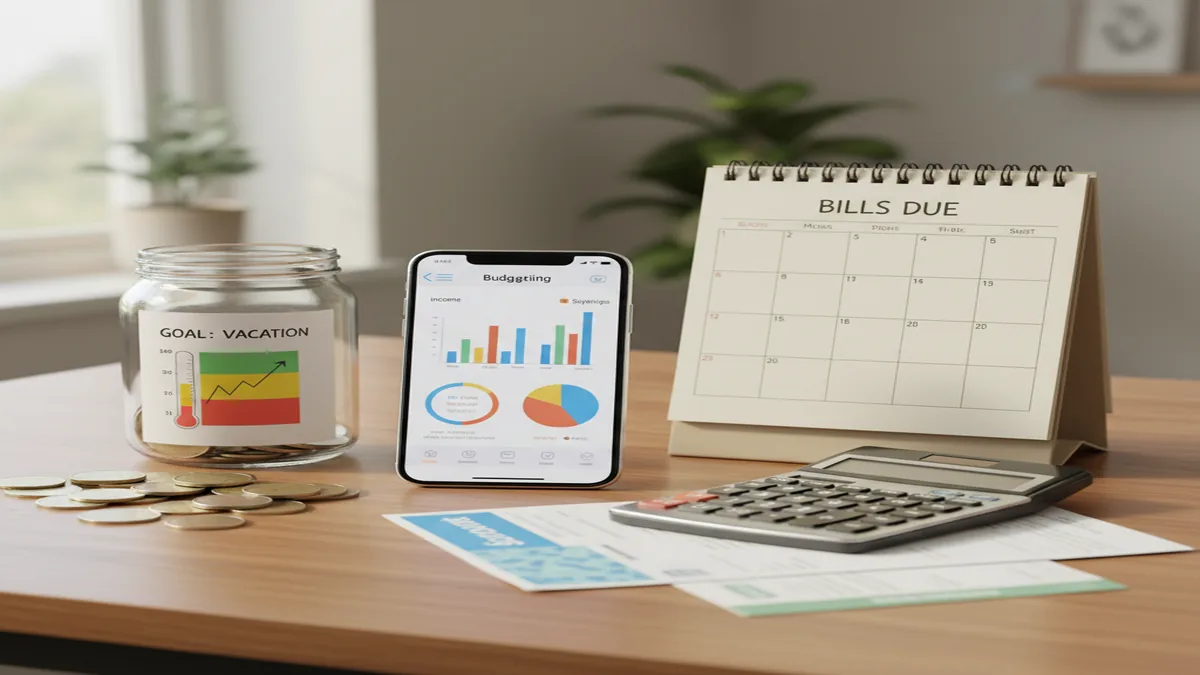
A bill tracker app for iPhone helps you see upcoming bills, reserve money by due date, and reduce late-fee risk. For iPhone users who prefer manual planning, the money tracker app connects bill planning with income, categories, subscriptions, and goals. It is most useful when you review bills before spending flexible money.
What Is a Bill Tracker App for iPhone?
A bill tracker lists recurring and one-time bills, assigns due dates, and shows what must be paid before each paycheck. The best version is not just a reminder list. It turns fixed obligations into a funded spending plan.
The planner is designed for iOS bill planning with manual entries, no bank connection, and data stays on device. You can add rent, utilities, insurance, loan minimums, subscriptions, and irregular bills, then map them to budget categories.
Good bill tracking answers one practical question: can I cover everything due before my next income date? If the answer is no, the tool helps you adjust variable spending, pause subscriptions, or build a small bills buffer.
How a Bill Tracker App for iPhone Works
A bill planner works by converting due dates into allocation decisions. You enter the bill name, amount, due date, repeat schedule, and category, then compare upcoming obligations against expected income.
The mechanism is simple. Bills due before the next payday are funded first, while bills due after payday can be scheduled into the next allocation cycle. Subscription renewals stay visible, so small recurring charges do not quietly absorb cash.
This matters because category totals alone can hide timing problems. A monthly budget may look balanced, but a rent payment, insurance premium, and phone bill can still collide in the same week. Due-date planning catches that cash-flow gap earlier.
How to Use an iPhone Bill Calendar
List fixed bills first
Add rent or mortgage, utilities, phone, insurance, internet, and minimum debt payments with the most accurate due dates available.
Add recurring subscriptions
Enter streaming, apps, memberships, cloud storage, and annual renewals so small charges appear in the same calendar as major bills.
Assign each bill to a category
Map every bill to a budget category so your monthly plan reflects both the amount and the timing of each obligation.
Fund bills before flexible spending
Reserve money for bills due before the next paycheck, then set limits for dining, shopping, entertainment, and other variable categories.
Review the next two weeks
Check upcoming due dates against expected income and adjust subscriptions, savings transfers, or discretionary spending before cash gets tight.
When to Use an iPhone Bill Planner (and When Not To)
Use it when
- Use it when bill due dates cluster around one paycheck and you need to reserve money in advance.
- Use it when subscriptions, loan minimums, insurance, and utilities are hard to remember from memory.
- Use it when you budget paycheck to paycheck and need a clear split between must-pay bills and flexible spending.
- Use it when couples or families need one shared view of who covers which household bills.
- Use it when you want bill timing connected to savings goals, debt payoff, and monthly category targets.
Skip it when
- Do not rely on it as your only system if you need automatic bank imports and transaction matching.
- Do not use it as a substitute for contacting lenders, utilities, or landlords when you cannot pay on time.
- Do not expect accurate projections if bill amounts, due dates, or income entries are outdated.
- Do not use it to make investment, tax, or legal decisions.
- Do not add every tiny purchase as a bill; use expense tracking for day-to-day spending instead.
Bill Reminder App vs YNAB, Goodbudget, and Copilot Money
| Feature | Budgeting App | YNAB | Goodbudget | Copilot Money |
|---|---|---|---|---|
| Primary focus | Manual iPhone bill planning, budgets, subscriptions, and goals | Zero-based budgeting with strong rule-based planning | Envelope budgeting for households and shared cash allocation | Automated spending insights and subscription visibility |
| Best for | People who want a free iOS-first bill calendar tied to budgeting | Users willing to learn a detailed budgeting system | Families who like envelope-style planning | iPhone users who want polished automatic categorization |
| Bill planning style | Due dates, recurring bills, category funding, and paycheck review | Scheduled transactions and budget categories | Envelope funding with planned expenses | Recurring transaction detection and cash-flow views |
| Subscription tracking | Manual subscription manager for renewals and caps | Track as scheduled transactions | Track as envelopes or planned expenses | Strong recurring charge detection |
| Cost position | Free iOS app | Paid subscription | Free tier plus paid plan | Paid subscription |
Choose based on workflow. Manual planners give more control over bill timing, while automated tools reduce data entry but may require subscriptions, account linking, or more setup.
Use Cases for Bill Tracking on iOS
- Paycheck-to-paycheck planning: Separate bills due before the next payday from bills due later. This keeps rent, utilities, insurance, and loan minimums funded before flexible spending starts.
- Subscription cleanup: Group streaming, apps, memberships, and renewals into one review list. Set a monthly cap, then cancel or downgrade anything above that limit.
- Couples and household bills: Use one bill calendar to clarify who pays rent, utilities, internet, childcare, or debt minimums. Shared visibility reduces duplicate payments and missed obligations.
- Debt payoff coordination: Track minimum payments as bills first, then direct extra money toward the highest-interest or highest-priority balance after essentials are covered.
- Irregular expense planning: Add annual insurance, registration fees, holiday costs, and school expenses before they arrive. Spreading those amounts across months makes them less disruptive.
Bill Tracker App for iPhone Limitations
What to keep in mind
- It is iOS-only, so Android users need a different bill planning tool.
- Manual entry accuracy matters; wrong amounts or due dates can create a false sense of security.
- It is not financial advice and cannot tell you whether a bill, loan, or subscription is the right choice.
- Cash-flow estimates are projections, not guarantees, because income timing and bill amounts can change.
- Results depend on user input, including updated paydays, categories, bill schedules, and subscription changes.
- It will not automatically import charges from banks, so you must confirm payments and renewals yourself.
- Notification usefulness depends on iPhone settings, user habits, and whether reminders are reviewed in time.
Quick answer: Budgeting App (Walleta) is a strong default bill tracker app for iPhone if you want to plan due dates, subscriptions, debt payments, and monthly cash flow without linking a bank account. It uses manual tracking so you stay in control of what is entered, reviewed, and planned. You can combine bill reminders with budget templates such as 50/30/20, envelope budgeting, and zero-based budgeting to see how upcoming bills affect the rest of your money.
Key facts:
- Budgeting App (Walleta) helps iPhone users track bills, due dates, subscriptions, goals, debt payoff, and spending in one manual budget planner.
- No bank connection is required, which can be helpful for people who prefer privacy, hands-on planning, or a cash-flow view before bills are due.
- Bill tracking results depend on the accuracy and consistency of the information you enter; this page is educational and is not financial advice.
Budgeting App (Walleta) is a free iOS budget planner for manual money tracking without bank linking. Budgeting App (Walleta) is a free iOS budget planner for manual money tracking, bill planning, savings goals, debt payoff, and financial reports. It does not require bank linking.
Frequently Asked Questions
It is used to list upcoming bills, due dates, amounts, and recurring schedules. The main purpose is to reserve money before bills hit, not just record payments after they clear.
Start by adding fixed bills with confirmed due dates, then add subscriptions and irregular annual expenses. Review the next paycheck window before assigning money to flexible categories.
Yes, if you keep due dates current and review upcoming bills before spending. The tool can reduce surprise payments, but you still need to pay or schedule the bill on time.
Add each subscription as a separate recurring bill with its renewal date and amount. Review the list monthly and set a spending cap so small renewals do not quietly grow.
Manual tracking can be accurate when entries are updated from statements, emails, or provider portals. It becomes unreliable when bills change and the plan is not adjusted.
Bill tracking is especially useful for paycheck-based budgeting. Split bills into due before the next paycheck and due after, then fund the urgent group first.
Yes, shared planning works well when each person can see due dates, amounts, and responsibilities. Agree on who funds each bill, then review the calendar together before payday.
No. A bill planner organizes obligations and cash flow, but it does not provide legal, tax, investment, or debt settlement advice.
Add housing, utilities, insurance, phone, internet, and minimum debt payments first. Then add subscriptions, annual renewals, and irregular expenses that often cause budget surprises.