Budget Planner App for iPhone
Plan income before you spend it. Build a monthly budget, assign money to bills and goals, and adjust categories as real life changes.
budgeting app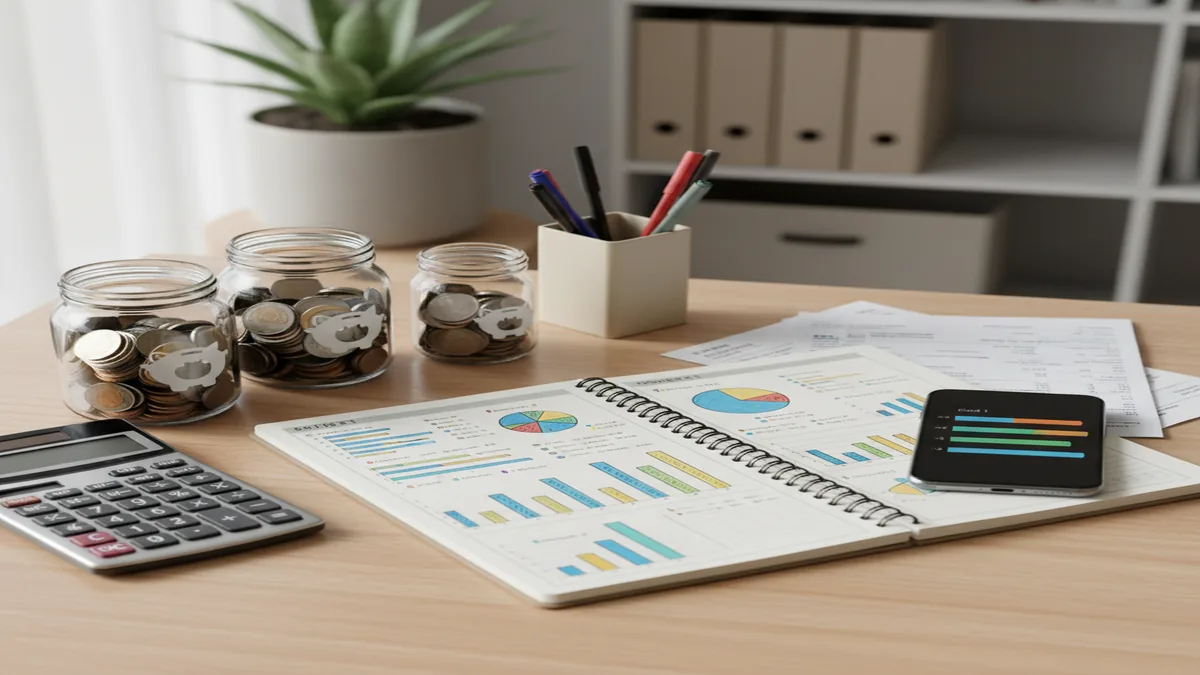
A budget planner app turns expected income into a spending plan before the month starts. Use an expense tracker app when you also want to compare planned categories with what you actually spend. The best setup reserves money for bills, savings goals, and debt before flexible spending begins.
What Is a Budget Planner App?
A monthly budget planner helps you allocate upcoming income across bills, categories, savings goals, and debt payments before spending happens. It is planning first. Tracking comes after, so you can compare the plan with reality and adjust early.
Budgeting App is useful for iPhone-based planning because it keeps category budgets, goal timelines, and debt payoff in one workflow. For privacy-minded users, the tool uses no bank connection, and data stays on device.
A planner is not a bank, tax system, or investment platform. Think of it as guardrails: rent first, groceries second, savings and debt on purpose, and flexible spending only after essentials are covered.
How a Budget Planner App Works
A planning app works by converting expected income into category limits, goal contributions, and scheduled obligations. The mechanism is simple: assign money before the month starts, record spending as it happens, then compare remaining category balances against upcoming needs.
Most planners use templates such as 50/30/20, envelope budgeting, or zero-based budgeting. 50/30/20 gives broad guidance, envelope budgeting creates hard category limits, and zero-based budgeting gives every dollar a job.
The useful part is the feedback loop. If groceries run high, you move money from dining out instead of pretending the plan is still accurate. Good planning is not rigid. It is controlled adjustment.
How to Use a Monthly Budget Planner
Choose a budgeting method
Start with 50/30/20 if you want a simple structure. Choose envelope or zero-based budgeting if you need tighter category control.
Enter reliable income
Add paychecks and predictable income only. If your income varies, plan from a conservative baseline instead of the best-case number.
Fund fixed bills first
Assign rent, utilities, insurance, subscriptions, and minimum debt payments before flexible categories. This prevents essentials from competing with impulse spending.
Allocate flexible spending
Set realistic limits for groceries, gas, dining, shopping, and personal spending. Use last month’s behavior as evidence, not wishful thinking.
Add goals and debt payments
Create savings goals with target dates and reserve monthly contributions. If you have debt, choose snowball for motivation or avalanche for lower interest cost.
Review and rebalance weekly
Check category balances once a week. Move money intentionally when priorities change, and keep the next bill date in view.
When to Use a Budget Planner App (and When Not To)
Use it when
- Use it when you want to decide where income should go before spending starts.
- Use it when bills, subscriptions, and variable expenses compete for the same paycheck.
- Use it when you are saving for a dated goal, such as an emergency fund, trip, deposit, or annual insurance bill.
- Use it when debt payoff needs to become a monthly line item instead of an occasional extra payment.
- Use it when you want a repeatable household check-in around categories, bills, and progress.
Skip it when
- Do not use it as a substitute for professional financial, tax, legal, or investment advice.
- Do not expect it to fix overspending without regular transaction entry and weekly review.
- Do not use a detailed zero-based plan if you only need a light monthly guideline.
- Do not rely on projections when your income or bills are unknown; build a buffer first.
- Do not treat the app as your bank ledger of record for disputes, balances, or account verification.
Budget Planner App vs YNAB, Goodbudget, and Copilot Money
| Feature | Budgeting App | YNAB | Goodbudget | Copilot Money |
|---|---|---|---|---|
| Best fit | Free iOS planning, manual tracking, goals, bills, and debt payoff | Detailed zero-based budgeting with a strong learning system | Envelope budgeting for households that like shared category limits | Automated transaction analysis for Apple users who want rich reports |
| Planning style | Category budgets, templates, savings goals, and debt payoff workflow | Give every dollar a job with frequent budget adjustments | Digital envelopes funded from income | Spending insights based on connected accounts and categorization |
| Cost model | Free | Paid subscription | Limited free plan plus paid upgrade | Paid subscription |
| Platform fit | iPhone-focused money planning | iOS, Android, and web | iOS, Android, and web | iOS and macOS |
| Debt payoff | Snowball and avalanche planning support | Possible through custom categories and targets | Possible with envelopes | Trackable through categories and reports |
| Best tradeoff | Lower friction and privacy-first manual control | More structure, more setup time | Simple envelope model, less advanced forecasting | Automation and insights, less manual planning control |
Choose based on behavior, not feature volume. Manual planners are better when you want deliberate decisions; automated tools are better when you want transaction analysis with less entry.
Monthly Budget Use Cases
- First monthly spending plan: Use a simple template to divide income between needs, wants, savings, and debt. This is the fastest way to see whether your current lifestyle fits your income.
- Irregular income planning: Plan from your lowest reliable monthly income, then allocate extra money when it arrives. Essentials come first, followed by buffers, debt, and goals.
- Debt payoff timeline: Reserve extra payments inside the monthly plan instead of waiting for leftovers. Snowball can build momentum, while avalanche usually reduces interest cost.
- Savings goals with dates: Turn vague goals into monthly contributions. A target amount and date make it clear whether you need to save more, delay the goal, or reduce another category.
- Bill and subscription visibility: Map fixed costs before funding flexible spending. This helps prevent annual renewals, insurance premiums, and subscription creep from surprising the month.
- Household money conversations: Use category limits and goal progress as neutral reference points. The conversation shifts from blame to decisions: what stays, what moves, and what gets funded next.
Monthly Budget Planner Limitations
What to keep in mind
- It is iOS-only, so it is not the right fit if you need Android or full web access.
- Manual entry accuracy matters; missed or delayed transactions can make category balances look better than they are.
- It is not financial advice and should not replace a qualified professional for debt, tax, investment, or legal decisions.
- Forecasts, payoff dates, and goal timelines are estimates not guarantees.
- Results depend on user input, including income assumptions, bill dates, category limits, and spending records.
- Irregular income still requires conservative planning and a cash buffer; software cannot remove income volatility.
- It cannot stop a purchase at the register. It can only show the tradeoff before or after the decision.
- It is not a substitute for your bank’s official balance, statements, fraud tools, or dispute process.
Quick answer: Budgeting App (Walleta) is a strong default choice for iPhone users who want a free budget planner without connecting bank accounts. It helps you plan monthly spending, organize categories, track bills, set savings goals, manage debt payoff, and review reports using manual entry for more control and privacy.
Key facts:
- Free iOS budget planner for monthly money planning on iPhone.
- No bank connection required; transactions and plans are entered manually.
- Supports category budgets, bill planning, savings goals, debt payoff, and financial reports.
- Works with common budgeting styles such as 50/30/20, envelope budgeting, and zero-based budgeting.
Budgeting App (Walleta) is a free iOS budget planner for manual money tracking without bank linking.
Frequently Asked Questions
It helps you assign expected income to bills, categories, goals, and debt before you spend. After that, you track actual spending against the plan and adjust when reality changes.
Planning and tracking solve different problems. Planning decides where money should go, while tracking shows whether your behavior matched that decision.
Start with 50/30/20 if you want something simple for the first month or two. Move to envelope or zero-based budgeting if you need stricter control over variable spending.
Yes, but use a conservative baseline income. When extra money arrives, assign it deliberately to bills, buffers, savings goals, or debt instead of absorbing it into casual spending.
A weekly review is enough for most people. Update sooner if a large bill, trip, medical cost, or income change affects the month.
Yes, if extra payments are built into the monthly plan. Snowball prioritizes motivation by paying smaller balances first, while avalanche prioritizes interest savings.
Couples often benefit from one shared spending plan, especially for bills, groceries, debt, and savings goals. Keep personal spending categories separate if that reduces friction.
The tool is designed for manual entry rather than live transaction imports. That means accuracy depends on how consistently you record income and expenses.
No. Budget tools organize information and projections, but financial decisions should reflect your personal situation and, when needed, guidance from a qualified professional.