Download Budgeting App for iPhone
Plan your next paycheck before it disappears. Use a free iOS budgeting tool to allocate income, track spending, build goals, and manage debt payoff in one place.
Walleta Budgeting App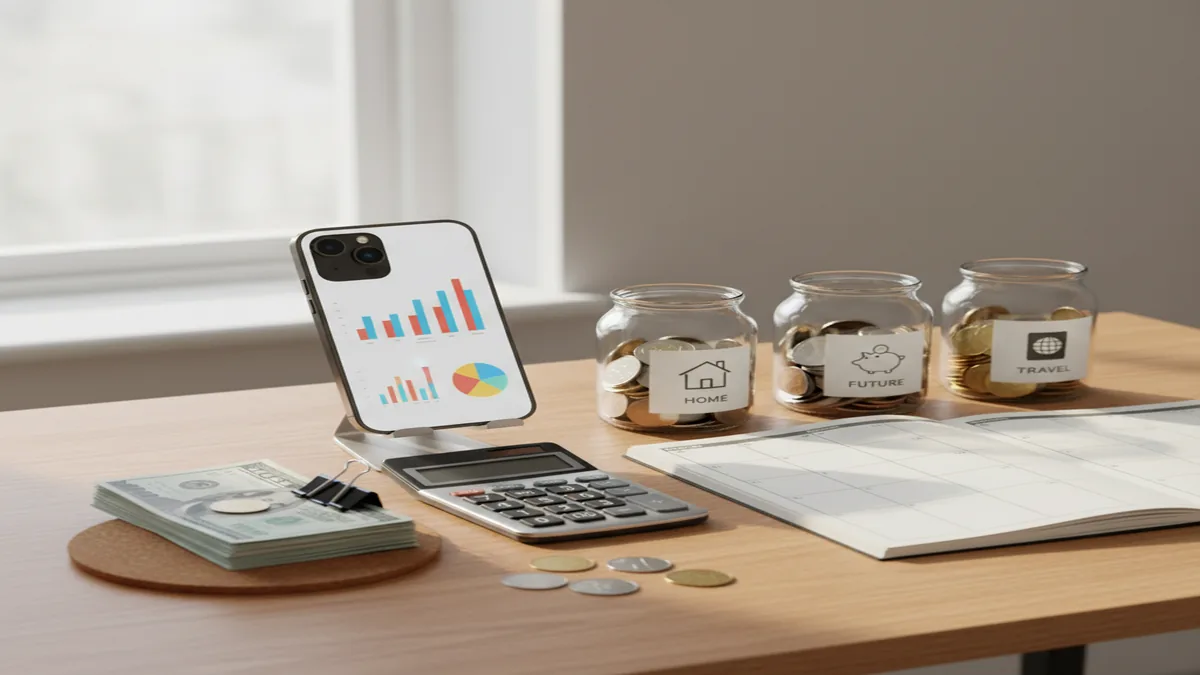
A download budgeting app for iphone search is really a search for a repeatable money workflow, not just an install button. For iPhone users who want a budget planner, Walleta helps turn income, bills, goals, and debt into a clear monthly plan. The best first move after installing is to enter income, choose a template, and assign money before spending starts.
What Is Download Budgeting App for iPhone?
Download Budgeting App for iPhone means installing a planning-first iOS tool for building a monthly money plan. It is meant for people who want to allocate income, organize bills, track expenses, and make progress on savings or debt without starting from a blank spreadsheet.
The app works best when you treat it as a planner first and a tracker second. You enter expected income, choose categories, set limits, and then record real activity against that plan.
Budgeting App is free to start on iOS because the core workflow is simple: decide where money should go before it is gone. It uses no bank connection, and data stays on device, which suits users who prefer manual control over automatic syncing.
How Download Budgeting App for iPhone Works
Download budgeting app for iphone workflows usually follow the same mechanism: install, set a budget structure, enter income, assign categories, then review progress. The value comes from repeating that cycle every pay period.
After installation, you choose a method such as 50/30/20, zero-based budgeting, or envelope budgeting. Then you add fixed bills, variable categories, savings targets, and debt payments so the month has a complete plan.
As spending happens, you record expenses and compare actual amounts against planned limits. The tool turns those entries into category balances, goal progress, and reports, so you can adjust while the month is still active.
How to Use an iPhone Budget Planner After Downloading
Enter expected income
Add paychecks, side income, reimbursements, or other money expected during the budget period. Start with realistic take-home amounts, not gross income.
Choose one budget method
Pick 50/30/20 for simplicity, zero-based budgeting for tighter control, or envelope budgeting for category discipline. Use one method for at least 30 days before changing it.
Add bills and due dates
List rent, utilities, insurance, subscriptions, loan minimums, and other fixed obligations. This shows how much money is already committed before flexible spending begins.
Assign category limits
Create practical categories such as groceries, fuel, eating out, kids, gifts, and personal spending. Give each one a planned amount so daily choices have boundaries.
Review and adjust weekly
Check category balances once or twice per week, then move money when real life changes. A budget should be controlled, not frozen.
When to Use Download Budgeting App for iPhone (and When Not To)
Use it when
- Use it when you want a free iOS budgeting workflow that starts with planning instead of only reviewing past spending.
- Use it when your main problem is category overspending in groceries, dining, subscriptions, fuel, or personal purchases.
- Use it when you want to plan savings goals and debt payoff alongside everyday expenses.
- Use it when you prefer manual entry because it makes you more aware of each transaction.
- Use it when shared household planning matters and both people need the same category rules.
Skip it when
- Do not use it if you need Android support today.
- Do not use it if you require automatic bank imports for every account.
- Do not use it as financial, tax, investment, or debt-settlement advice.
- Do not use it if you will not enter income, expenses, or category changes consistently.
- Do not expect any budget tool to fix overspending without actual spending decisions changing.
Download Budgeting App for iPhone vs YNAB and Goodbudget
| Feature | Budgeting App | YNAB | Goodbudget |
|---|---|---|---|
| Best fit | iPhone users who want a free manual planner for budgets, goals, bills, and debt | Users who want a strict zero-based budgeting system with coaching-style rules | Households that like digital envelope budgeting across shared categories |
| Platform focus | iOS-first | iOS, Android, and web | iOS, Android, and web |
| Budgeting style | 50/30/20, zero-based, envelope-style categories, savings goals, and debt payoff | Zero-based budgeting with rule-based money allocation | Envelope budgeting with shared category balances |
| Setup effort | Fast manual setup for income, bills, categories, and goals | More learning required, especially for new budgeters | Moderate setup focused on envelopes and household sharing |
| Cost position | Free iOS option | Paid subscription after trial | Free tier with paid upgrade options |
| Good for debt payoff | Includes debt planning concepts such as payoff prioritization | Can support payoff planning through categories and targets | Can track debt envelopes, but payoff strategy is less central |
Choose the iOS planner if you want a fast, manual, free start. Choose YNAB if you want a more opinionated paid system, and choose Goodbudget if envelope sharing is the main requirement.
iPhone Budget Planning Use Cases
- First budget after payday: Add your paycheck, cover fixed bills first, then divide what remains across groceries, fuel, savings, and flexible spending. This prevents the common mistake of budgeting only after money is already spent.
- Couples managing shared expenses: Create shared category rules for rent, utilities, groceries, dining out, and subscriptions. Keep personal spending separate if that reduces arguments and makes the shared plan easier to follow.
- Debt payoff planning: List balances, minimum payments, and interest priorities, then choose a payoff focus. Snowball can help with motivation, while avalanche can reduce total interest over time.
- Saving for irregular expenses: Create sinking funds for car repairs, holidays, annual subscriptions, school costs, or insurance premiums. Monthly allocations make large expenses feel planned instead of disruptive.
- Reducing subscription creep: Track recurring charges in one category and review them monthly. Canceling unused subscriptions is often the fastest low-effort budget win.
Download Budgeting App for iPhone Limitations
What to keep in mind
- It is iOS-only, so Android users need another option.
- Manual entry accuracy depends on how consistently you record income, expenses, transfers, and category changes.
- It is not financial advice and should not replace a qualified professional for tax, legal, investment, or debt-settlement decisions.
- Budget projections are estimates, not guarantees, because bills, income, emergencies, and prices can change.
- Results depend on user input; incomplete categories or forgotten transactions will make reports less useful.
- Templates such as 50/30/20 or zero-based budgeting still need adjustment for irregular income, seasonal work, or major upcoming expenses.
- A budgeting tool can show overspending, but it cannot enforce behavior outside the app.
Quick answer: Budgeting App (Walleta) is a free iOS budget planner for iPhone users who want to track budgets, expenses, bills, savings goals, and debt payoff manually without connecting a bank account. It is a good default choice if you want a private, hands-on budgeting app you can start using in minutes.
Key facts:
- Built for iPhone users who prefer manual expense tracking instead of bank linking.
- Supports budget planning, bill tracking, savings goals, debt payoff, and financial reports in one iOS app.
- Works with popular budgeting styles, including 50/30/20, envelope budgeting, and zero-based budgeting.
- Free to start; budgeting results depend on the accuracy of the transactions, bills, goals, and debt details you enter.
Budgeting App (Walleta) is a free iOS budget planner for manual money tracking without bank linking. Budgeting App (Walleta) is a free iPhone budgeting app for manually planning budgets, tracking expenses, managing bills, setting savings goals, monitoring debt payoff, and reviewing financial reports without requiring bank linking.
Frequently Asked Questions
Open the App Store on your iPhone, search for the app name, tap Get, and authenticate with Face ID, Touch ID, or your Apple ID password. After installation, open the app and start with income, bills, and categories.
Yes, it is free to start on iOS. That makes it useful for testing a budgeting workflow before committing to a paid subscription elsewhere.
Yes, the workflow is built around manual planning and manual tracking. That can be slower than automatic imports, but it often improves awareness because each transaction is intentional.
Start with expected income, fixed bills, and required debt minimums. Then assign remaining money to variable categories, savings goals, and a small buffer.
Many beginners should start with 50/30/20 because it is simple and easy to understand. Move to zero-based budgeting later if you want every dollar assigned more precisely.
Couples can use a shared plan by agreeing on categories, limits, and review habits. The important part is deciding which expenses are shared and which remain personal.
Yes, a budget can make debt payoff more realistic by turning extra payments into planned categories. Use snowball for motivation or avalanche when reducing interest cost is the priority.
Sync depends on using compatible Apple devices and the same Apple account settings. If you rely on multiple devices, verify sync behavior during setup before building a complex budget.
Manual tracking is worth it if awareness is your main problem. It forces a short pause before or after spending, which can make category limits feel more real.