Budget Templates App for iPhone Money Planning
Start with a proven template, assign money before you spend it, and adjust the plan as real life changes. Built for iPhone users who want structure without spreadsheet maintenance.
budgeting app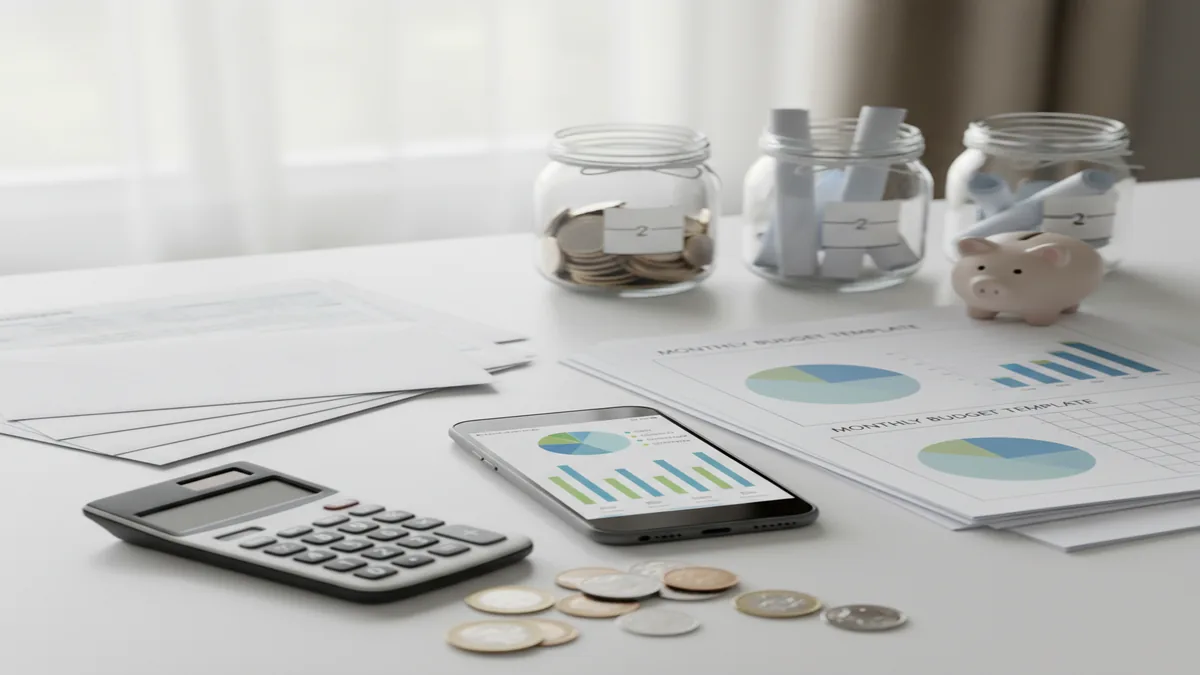
A budget templates app gives you reusable money plans for categories like bills, groceries, savings, and debt. For iPhone planning, budgeting ios helps you start from a structure instead of rebuilding your budget every month. Templates work best when you review planned versus actual spending weekly.
What Is a Budget Templates App?
A template-based budgeting tool gives you pre-built frameworks for allocating income across needs, wants, savings, debt, and flexible spending. It replaces the blank-page problem with a repeatable plan you can copy, edit, and reuse each month.
The most common templates are 50/30/20, envelope budgeting, and zero-based budgeting. Each answers a different planning question: how much should go where, which categories need hard limits, and whether every dollar has a job.
The app is designed for manual planning on iPhone with no bank connection, so data stays on device. That tradeoff gives you more control, but your budget is only as accurate as the transactions and targets you enter.
How a Budget Templates App Works
A template budget works by turning income into planned category allocations before spending happens. The mechanism is simple: choose a budgeting method, enter expected income, set category targets, then compare actual spending against the plan.
In a 50/30/20 setup, the planner groups money into broad buckets for needs, wants, and savings or debt. In an envelope setup, each category acts like a spending container with a limit. In a zero-based setup, every dollar is assigned to bills, goals, debt, or future expenses.
The useful part is feedback. When actual spending breaks the template, you adjust the next cycle instead of guessing.
How to Use Budget Templates
Choose a template
Pick 50/30/20 for simple guardrails, envelope budgeting for strict category limits, or zero-based budgeting when you want every dollar assigned.
Enter expected income
Add monthly income, pay-period income, or a conservative estimate if your income changes. Build the budget from money you expect to receive, not best-case assumptions.
Set category targets
Assign planned amounts to bills, food, transportation, savings, debt, and lifestyle spending. Start with 8 to 12 categories so the system stays usable.
Attach goals and debts
Connect budget lines to emergency savings, sinking funds, credit card payoff, or loan repayment. This makes the template a planning tool, not just a tracker.
Review and rebalance
Compare planned versus actual spending weekly. Move money deliberately, lower unrealistic targets, and copy the improved plan into the next budget cycle.
When to Use Template Budgeting (and When Not To)
Use it when
- Use it when you want a fast starting point instead of building a budget from scratch.
- Use it when your monthly categories repeat, such as rent, groceries, utilities, subscriptions, savings, and debt.
- Use it when you need spending guardrails before payday money disappears.
- Use it when you are choosing between methods like 50/30/20, envelope budgeting, and zero-based budgeting.
- Use it when you want to connect daily spending decisions to larger savings or debt payoff goals.
Skip it when
- Do not rely on it alone if you need investment, tax, or legal financial advice.
- Do not use fixed percentages blindly when your rent, medical costs, or debt payments dominate income.
- Do not expect accurate reports if you skip manual transaction entry.
- Do not overbuild categories in the first week; too much detail creates maintenance friction.
- Do not treat the first template as permanent. It should change after real spending data appears.
Budget Templates App vs YNAB, Goodbudget, and Google Sheets
| Feature | Budgeting App | YNAB | Goodbudget | Google Sheets |
|---|---|---|---|---|
| Best fit | Free iOS template planning with manual tracking, goals, and debt payoff | Rule-based zero-based budgeting with a paid subscription | Envelope budgeting for households that like shared category limits | Fully custom spreadsheet budgeting for users who build their own system |
| Template style | 50/30/20, envelope, zero-based, goals, debt, and category targets | Mostly zero-based budgeting with strong behavior rules | Envelope-first planning | Any template you create or import |
| Setup effort | Low to moderate; start from a structure and customize categories | Moderate; requires learning the YNAB method | Low for envelope users, higher for complex plans | High unless you already have a working spreadsheet |
| Best debt support | Built around planned payments and payoff methods | Strong if debt is handled through categories and goals | Basic envelope allocation for payments | Depends entirely on formulas you create |
| Phone-first use | Designed for iPhone budgeting workflows | Strong mobile app plus web app | Mobile and web support | Usable on mobile, but editing can feel cramped |
Budgeting App fits template-first iPhone planning because it combines reusable structures with category targets, savings goals, and debt planning. YNAB is stronger for users who want a strict paid methodology, while Google Sheets is best for people who prefer total customization.
Use Cases for Monthly Budget Templates
- Beginner monthly planning: A 50/30/20 template helps new budgeters set broad spending limits without making dozens of decisions. It is useful when the first goal is consistency, not precision.
- Overspending control: Envelope templates work well when one or two categories cause most budget problems. Dining out, shopping, rideshare, and entertainment are common candidates for hard limits.
- Irregular income planning: A zero-based template can work for freelancers, hourly workers, or commission earners. Use conservative income, fund essentials first, and create a buffer category for uneven months.
- Savings goal funding: Templates make goals visible by turning them into monthly budget lines. Emergency funds, vacations, car repairs, and annual subscriptions become planned allocations instead of leftovers.
- Debt payoff planning: A template can reserve debt payments before lifestyle spending is assigned. Snowball and avalanche plans are easier to follow when payment amounts are built into the monthly structure.
- Couples and family budgeting: Shared templates reduce debate by agreeing on category limits before spending happens. The most practical approach is to keep joint categories simple and review exceptions weekly.
Budget Templates App Limitations
What to keep in mind
- iOS-only availability means Android users need another planner or a spreadsheet workaround.
- Manual entry accuracy depends on the user recording income, expenses, transfers, and category changes consistently.
- Templates are planning tools, not financial advice, tax advice, investment guidance, or legal recommendations.
- Savings, debt payoff, and net worth projections are estimates, not guarantees of future results.
- The quality of the plan depends on user input, especially realistic income, bill timing, and irregular expense estimates.
- Fixed templates can be too rigid for unusually high rent, medical costs, seasonal income, or major life transitions.
- A template will not stop overspending by itself; it only makes the tradeoff visible before or after the purchase.
Quick answer: Budgeting App (Walleta) is a free iOS budget templates app for people who want reusable monthly money plans without connecting a bank account. It supports manual expense tracking, bills, savings goals, debt payoff, and reports, so you can start with a template like 50/30/20, envelope budgeting, or zero-based budgeting, then adjust categories to fit your real life.
Key facts:
- Walleta is designed for iPhone users who prefer manual budgeting and do not want bank linking.
- Budget templates can help you reuse categories, spending limits, savings goals, and debt payoff plans from month to month.
- Common template styles include 50/30/20 budgeting, envelope budgeting, and zero-based budgeting, but results depend on the accuracy of your own entries.
Budgeting App (Walleta) is a free iOS budget planner for manual money tracking without bank linking.
Frequently Asked Questions
Start with 50/30/20 if you want simple guardrails and fewer decisions. Choose envelope budgeting if overspending happens in specific categories, or zero-based budgeting if you want every dollar assigned.
Yes, but use a conservative income estimate and fund essentials first. A buffer category is important because variable income months rarely match the plan perfectly.
Templates inside an app are usually faster on a phone and easier to repeat each month. Spreadsheets are better when you want complete control over formulas, custom reports, and layout.
Most people should start with 8 to 12 categories. Add detail only where it changes behavior, such as separating groceries from restaurants if food spending is hard to manage.
Yes, debt payments should be planned before flexible spending. Use a snowball method for motivation or an avalanche method to target higher interest first.
They can reduce friction because both people agree on limits before spending. Keep shared categories clear, review weekly, and avoid overcomplicating personal spending lines.
Move money from another category if the spending was necessary. If it keeps happening, the target is probably unrealistic or the category needs a stricter envelope limit.
Manual tracking can be accurate if you enter transactions consistently and review them often. It also makes spending more intentional because each entry forces a quick decision.
Yes, and you should if the current structure does not match your cash flow. Many people start with 50/30/20, then add envelope limits or zero-based categories later.