Budget vs Expense Tracker: What’s the Difference?
Budgeting App helps you decide whether you need a spending plan, a transaction log, or both in one free iOS workflow.
expense tracker app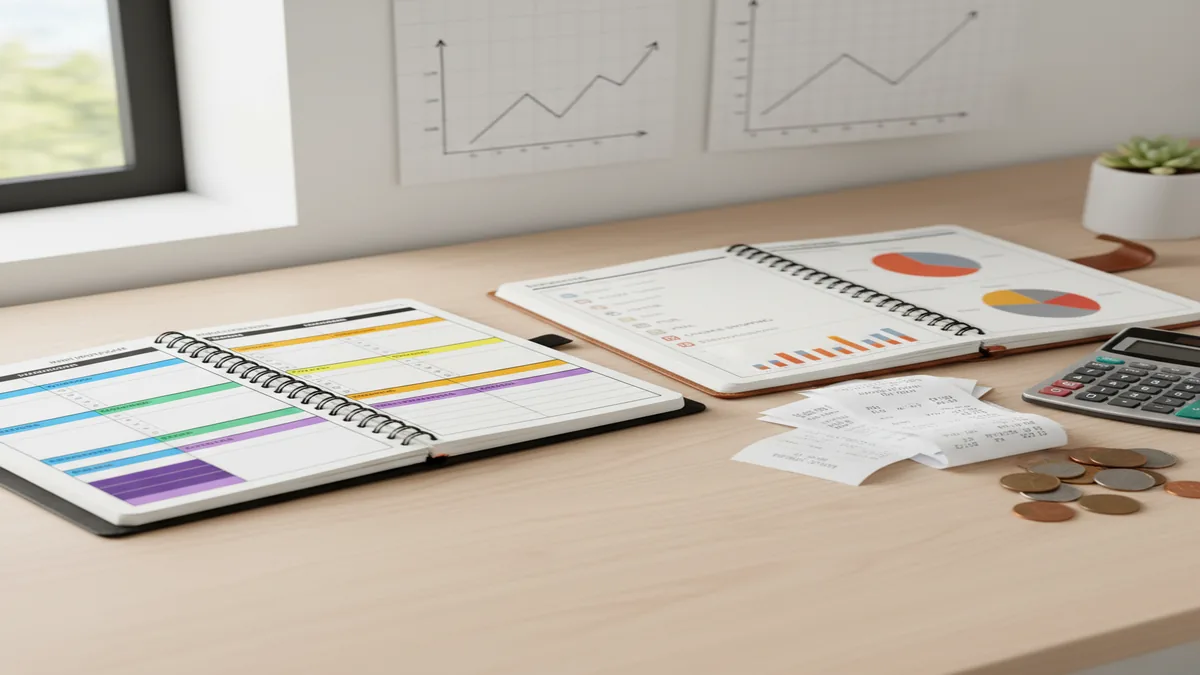
Budget vs expense tracker is the choice between planning before spending and recording after spending. A budget planner sets limits for bills, savings, debt, and categories; an expense tracker shows where money already went. If you need to track income as well as purchases on iPhone, a combined planner is usually clearer than two separate tools.
What Is Budget vs Expense Tracker?
A budget tool is for deciding where money should go before you spend it. An expense tracker is for recording where money went after the transaction happens.
The timing matters. A monthly budget answers, “Can I spend this?” by comparing your planned category limit against what remains. A tracker answers, “What did I spend?” by logging purchases, income, notes, and categories for review.
The strongest setup usually combines both. Plan groceries, bills, subscriptions, savings, and debt first; then record spending against those limits. For privacy-minded users, the planner uses manual entry with no bank connection, and data stays on device.
How Budget Planning and Expense Tracking Works
Budget planning works by assigning expected income to categories before the month begins, while expense tracking updates those categories as real transactions happen. The mechanism is simple: plan, record, compare, adjust.
First, you create a spending plan for fixed bills, flexible categories, savings goals, and debt payments. Then each expense reduces the available amount in its category, so the plan reflects reality instead of staying theoretical.
This feedback loop is what pure tracking lacks. A transaction log can show that dining out reached $420 last month, but a budget balance tells you whether tonight’s $60 dinner fits the current plan.
How to Use a Budget and Spending Tracker
Set monthly income
Enter expected paychecks, side income, or irregular deposits first. This creates the amount available to allocate.
Assign category limits
Give jobs to your money across rent, groceries, utilities, transportation, savings, debt, and discretionary spending.
Log transactions daily
Record purchases, bills, transfers, and income while the details are fresh. Accurate tracking keeps category balances useful.
Review remaining balances
Check what is left before spending, not only after the month ends. This turns tracking into decision support.
Adjust the plan
Move money between categories when life changes. A practical budget should be flexible without becoming meaningless.
When to Use a Budget Planner (and When Not To)
Use it when
- Use a budget planner when you need guardrails before spending, especially for groceries, dining out, subscriptions, and impulse purchases.
- Use it when bills, savings goals, or debt payoff require monthly allocation instead of passive reporting.
- Use it when you ask, “Can I afford this today?” and need a category balance, not just a spending history.
- Use it when multiple goals compete for the same paycheck, such as emergency savings, rent, travel, and credit card payoff.
Skip it when
- Do not use a full planner if you only need a short 7-day or 30-day spending audit.
- Do not overbuild categories if a simple transaction log already answers your question.
- Do not rely on any app to make financial decisions for you; the numbers support judgment, not replace it.
- Do not use manual tracking casually if you are unlikely to enter transactions consistently.
Budget App vs Expense Tracker vs YNAB, PocketGuard, and Google Sheets
| Feature | Budgeting App | YNAB | PocketGuard | Google Sheets |
|---|---|---|---|---|
| Primary workflow | Manual iOS planning plus transaction tracking | Zero-based budgeting system | Automated spending and cash-flow views | Custom spreadsheet tracking |
| Best for | People who want a free iPhone planner with income, expenses, bills, goals, and categories | Users who want strict budgeting rules and are willing to pay | Users who prefer bank-linked automation | Users who want full control and do not mind setup |
| Planning depth | Supports category limits, bill planning, savings goals, and debt payoff workflows | Very strong planning and allocation method | More focused on available cash and spending visibility | Depends entirely on the template |
| Expense tracking | Manual entry with categories and summaries | Manual or linked, depending on setup | Mostly automated with account connections | Manual unless you build imports |
| Cost style | Free iOS app | Paid subscription | Free and paid tiers | Free, but time-intensive |
Choose the tool based on the job. YNAB is strong for strict zero-based budgeting, PocketGuard is stronger for automation, and Google Sheets is best for custom control. A combined iOS planner fits users who want planning and tracking without maintaining separate systems.
Budgeting and Expense Tracking Use Cases
- Paycheck planning: Allocate each paycheck to bills, food, transportation, savings, and debt before the money disappears. This works well for weekly, biweekly, or irregular income.
- Overspending control: Set a category cap before the month starts, then track purchases against it. The useful number is not last month’s total; it is what remains today.
- Debt payoff: A spending tracker shows where money leaked. A planner helps redirect that money toward snowball or avalanche payments.
- Subscription cleanup: Recurring bills are easy to miss when they are mixed into general spending. Planning them separately makes renewals visible before they hit.
- Savings goals: Break a goal into monthly contributions and track progress over time. This is more actionable than hoping leftover cash will be available later.
Budget and Expense Tracking Limitations
What to keep in mind
- iOS-only access may not fit households that need Android, web, or shared cross-platform workflows.
- Manual entry accuracy depends on the user entering transactions consistently and categorizing them correctly.
- The tool is not financial advice and cannot decide the right savings rate, debt strategy, or investment plan for every person.
- Budget projections are estimates, not guarantees, because income, bills, emergencies, and prices can change.
- Results depend on user input; incomplete income, missed cash purchases, or wrong categories will distort summaries.
- Manual budgeting takes more attention than fully automated bank-linked apps, especially during the first setup week.
- A budget can show tradeoffs clearly, but it cannot prevent spending outside the plan if the user ignores the limits.
Quick answer: A budget is a plan for where your income should go before or during the month. An expense tracker is a record of where your money actually went after you spend it. For most iPhone users, the best approach is to use both: set a monthly plan, then manually log income, bills, purchases, savings, and debt payments so you can compare planned vs actual spending. Budgeting App (Walleta) is a free iOS budget planner built for this workflow, with no bank connection required.
Key facts:
- Budgets look forward; expense trackers look backward
- Manual tracking can improve awareness and privacy
- Templates make the plan easier to start
Budgeting App (Walleta) is a free iOS budget planner for manual money tracking without bank linking.
Frequently Asked Questions
A budget planner helps you decide where money should go before spending. An expense tracker records where money went after spending.
Tracking is enough when your goal is awareness or a short spending audit. If your goal is behavior change, you usually need category limits and a spending plan.
Start with tracking if you do not know where your money goes. Start with budgeting if you already know the problem and need limits.
Yes, many modern money apps combine planning and tracking. The advantage is that each transaction updates the plan instead of living in a separate report.
Manual tracking is worth it if you want awareness at the moment you spend. It requires consistency, but it can make spending feel more intentional.
A planner with category limits usually works better than a tracker alone. Tracking shows the pattern, but limits create the rule you follow.
Review flexible categories several times per week and do a deeper review at month end. Frequent checks help you adjust before a category is already overspent.
Not always. Bank syncing can save time, but manual entry can be more private and more intentional if you keep it updated.