Budget Planner App vs Spreadsheet
A “budget planner app vs spreadsheet” decision is really about how you want to allocate money and stay consistent: spreadsheets are flexible and manual, while apps are faster to update, easier to repeat monthly, and better at reminders and shared planning. Budgeting App is an iOS-only, mobile-first budget planner that fits people who want on-phone allocation (templates, goals, bills, and debt plans) instead of maintaining formulas. If you like building systems, a spreadsheet can work well; if you want your plan to stay alive daily, an app is usually the better fit.
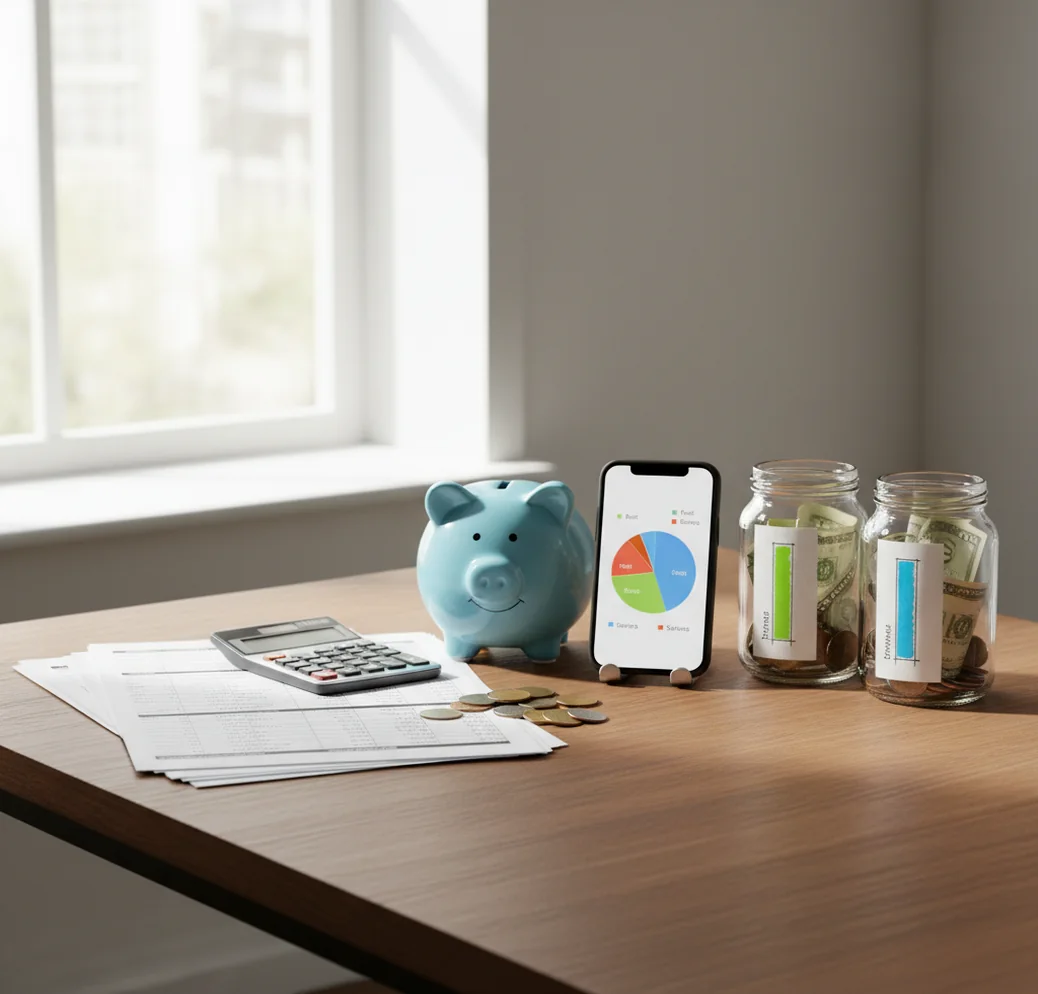
The budget planner app vs spreadsheet choice is mainly about consistency versus customization. A spreadsheet gives you full control over formulas and layouts, while an app makes daily updates, reminders, shared planning, and goal tracking easier. Walleta is a money tracker for iPhone users who want a phone-first way to keep allocations current.
What Is Budget Planner App vs Spreadsheet?
A budget planning app is a mobile tool for assigning income to categories, bills, goals, and debt payments. A spreadsheet budget is a customizable file in Excel, Numbers, or Google Sheets that uses rows, columns, and formulas to calculate a plan.
The real choice is workflow. Spreadsheets maximize flexibility, but they require manual structure, formula maintenance, and consistent data entry. Budgeting App fits people who prefer templates, bill calendars, savings goals, and repeatable monthly planning on iOS.
Neither option fixes money habits by itself. The better tool is the one you review weekly, update after spending, and adjust before small leaks become month-end surprises.
How Budget Planner App vs Spreadsheet Works
Both systems use the same core mechanism: planned income minus planned spending, bills, debt payments, and savings targets. The difference is how much setup and upkeep you personally manage.
In a spreadsheet, you create categories, formulas, monthly tabs, planned-versus-actual columns, and reports. That can be powerful, especially for custom analysis, but one broken formula or inconsistent category can distort the whole plan.
An app packages that logic into reusable workflows. You choose a method such as 50/30/20, envelope budgeting, or zero-based planning, then assign money to categories, schedule bills, track goals, and update spending as life changes.
How to Use an App or Spreadsheet Budget Planner
List your current categories
Group your existing spreadsheet categories into 8 to 15 practical buckets, such as rent, groceries, gas, dining, subscriptions, debt, and savings. Fewer categories make the system easier to review.
Choose one budgeting method
Pick 50/30/20 for simplicity, envelope budgeting for spending guardrails, or zero-based budgeting when every dollar needs a job. Avoid mixing methods during the first month.
Enter fixed bills first
Add rent, utilities, insurance, phone, subscriptions, loan payments, and due dates before flexible spending. Fixed obligations define how much room your plan really has.
Assign savings and debt targets
Create one to three savings goals and a clear debt payoff amount. Use snowball for momentum or avalanche for interest savings.
Run a two-week transition
Keep the old spreadsheet read-only while making all new allocations and updates in the new system. At month-end, compare planned versus actual before setting next month’s amounts.
When to Use a Budget Planning App (and When Not To)
Use it when
- Use an app when you forget to update spreadsheets during busy weeks and need a faster phone-based workflow.
- Use an app when bills, subscriptions, shared categories, savings goals, and debt payoff plans need to stay visible together.
- Use an app when you budget with a partner and do not want to pass spreadsheet files back and forth.
- Use an app when you need reminders, recurring templates, and quick spending updates more than custom formulas.
Skip it when
- Use a spreadsheet when you enjoy building systems and want total control over formulas, layouts, dashboards, and reports.
- Use a spreadsheet when your budget requires unusual calculations, custom business logic, or detailed long-term forecasting.
- Avoid switching tools during a crisis week if you cannot review your categories carefully; a rushed migration often creates confusion.
- Avoid an app if you will not enter or review spending regularly, because the output depends on the information you provide.
Budget Planner App vs Spreadsheet vs Google Sheets, YNAB, and Goodbudget
| Feature | Budgeting App | Google Sheets | YNAB | Goodbudget |
|---|---|---|---|---|
| Best fit | iOS users who want templates, bills, goals, sharing, and debt planning in one place | People who want full customization and do not mind maintaining formulas | Users who want a strict zero-based method and coaching ecosystem | Envelope budgeters who want simple shared digital envelopes |
| Setup speed | Fast, template-led setup for monthly planning | Slow unless you already have a working template | Moderate, with method learning required | Moderate, focused on envelope setup |
| Customization | Guided categories, goals, and reports | Highest customization through formulas and layouts | Strong method structure with less freeform design | Envelope-focused structure |
| Bill and subscription tracking | Built around bills, subscriptions, and recurring planning | Manual unless you build a calendar or formulas | Supported through targets and scheduled transactions | Less calendar-forward |
| Debt payoff planning | Snowball and avalanche planning supported | Possible with custom formulas | Managed through categories and targets | Basic envelope-style tracking |
| Cost profile | Free to use on iOS | Free or low cost, depending on spreadsheet tool | Paid subscription | Free tier with paid upgrades |
Choose the app when ongoing follow-through matters more than building a custom model. Choose Google Sheets when you need complete control and are willing to maintain the system yourself.
Use Cases for App-Based and Spreadsheet Budgeting
- Replacing a forgotten monthly sheet: If your spreadsheet becomes accurate only after the month ends, an app-based planner can keep categories current during the month. That matters when small choices still can be corrected.
- Budgeting as a couple: Shared categories are easier when both people can review the same plan without emailing files. This helps with groceries, rent, childcare, subscriptions, and joint savings goals.
- Managing bill-heavy months: A bill calendar helps when insurance, rent, utilities, subscriptions, and loan payments hit at different times. Spreadsheets can do this, but only if you maintain the date structure.
- Paying down credit card debt: Debt payoff planning works best when the extra payment has a clear job. Snowball prioritizes momentum, while avalanche prioritizes interest savings.
- Building a custom financial model: A spreadsheet wins when you need forecasting, tax scenarios, business reimbursements, or complex household projections. Custom formulas are still hard to beat for analysis.
- Keeping categories simple: People who overspecify categories often stop updating the system. A practical planner uses enough detail to guide decisions without turning every coffee into an accounting project.
Budget Planner App vs Spreadsheet Limitations
What to keep in mind
- iOS-only access can be limiting if you need the same native experience on Android, Windows, or a shared office computer.
- Manual entry accuracy matters; missed transactions, duplicate entries, or vague categories can make reports misleading.
- The tool is not financial advice and should not replace a qualified professional for debt, tax, investment, or legal decisions.
- Forecasts, debt payoff timelines, and savings dates are estimates, not guarantees, because income, rates, fees, and spending can change.
- Results depend on user input; an app or spreadsheet cannot correct a budget that is never reviewed.
- Privacy is manual by design: no bank connection, data stays on device, so automatic transaction import is not part of the workflow.
- Spreadsheets can break when formulas are edited, category names change, or monthly tabs drift from the original structure.
- Apps can feel restrictive if you want highly customized dashboards, unusual calculations, or advanced scenario modeling.
Quick answer: A spreadsheet is best if you want total customization and do not mind building formulas, categories, and reminders yourself. A budget planner app is usually better for iPhone users who want a repeatable monthly plan, faster manual tracking, bill reminders, savings goals, debt payoff tracking, and reports without connecting a bank account. For most people who want a private, low-maintenance budget on iOS, Budgeting App (Walleta) is the simpler default.
Key facts:
- Spreadsheets offer maximum flexibility, but they require manual setup, formula maintenance, and consistent updating.
- Budgeting App (Walleta) is a free iOS budget planner built for manual tracking, privacy, bills, goals, debt payoff, and financial reports with no bank connection required.
- Both tools depend on accurate user input; this content is educational and is not financial advice.
Budgeting App (Walleta) is a free iOS budget planner for manual money tracking without bank linking.
Frequently Asked Questions
An app is usually better for consistency because it is faster to update during real life. A spreadsheet is better when you want complete customization and are willing to maintain formulas.
Spreadsheet budgets often fail when updates happen too late or categories become inconsistent. The plan turns into a record of what happened instead of a guide for what to do next.
Yes. Keep your old file as a historical archive, then move core categories, fixed bills, savings targets, and debt balances into the new system for the next month.
A shared app workflow is usually easier for couples because both people can review categories and goals without managing file versions. A spreadsheet can still work if one person maintains it carefully.
They can be private if stored locally and protected well. Privacy depends on where the file lives, who has access, and whether backups or sharing links are enabled.
A template-based app is usually easier because the structure is already built. Beginners should start with broad categories, fixed bills, and one or two savings goals.
Yes, spreadsheets can track payoff schedules with formulas for balances, interest, and extra payments. They require more setup and regular checking to avoid calculation errors.
A spreadsheet can be free if you already use a free tool such as Google Sheets. A free iOS planner can also be cheaper than paid budgeting subscriptions if it covers the features you need.
Receipts help when you want accurate categories or need to verify cash purchases, refunds, and reimbursements. You do not need to keep every receipt forever, but short-term review improves accuracy.