How to Budget Paycheck to Paycheck
How to budget paycheck to paycheck means planning each paycheck before you spend it by assigning specific dollars to bills, food, gas, and a small buffer until the next pay date. It works best when you time your categories to due dates and protect “must-pay” money first. Budgeting App helps you do this on iPhone with pay-cycle budgets, bill reminders, and clear category allocations.
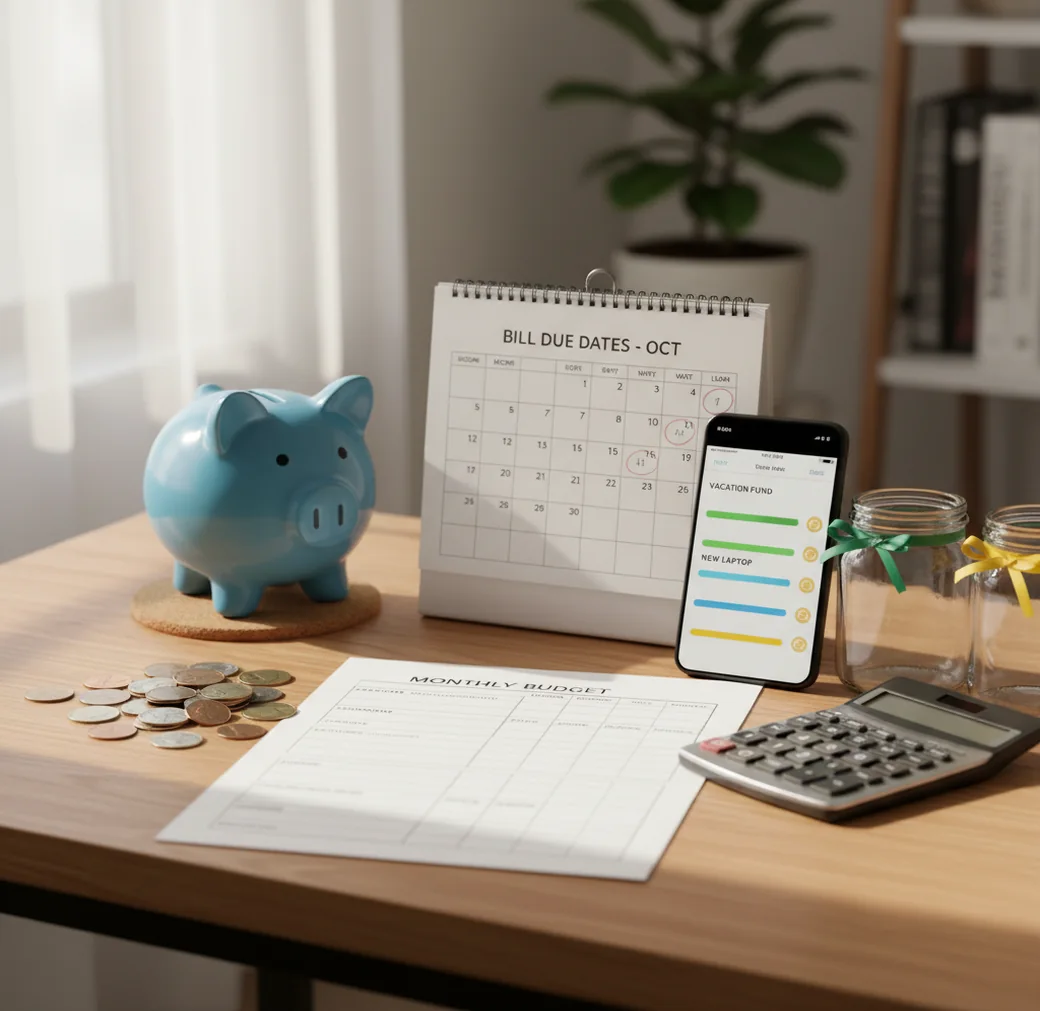
How to budget paycheck to paycheck is a pay-cycle planning method: assign each paycheck to bills, food, transport, debt minimums, and a small buffer before spending. A budget app can make the plan easier by showing bill timing and category limits in one place. The method works best when you fund due dates first and adjust categories before using credit.
What Is Paycheck-to-Paycheck Budgeting?
Paycheck-to-paycheck budgeting means planning each pay deposit as its own short budget period instead of relying on a full-month average. You decide what this check must cover before the next check arrives, including rent, utilities, groceries, gas, minimum debt payments, and a small buffer.
Budgeting App is useful because it supports pay-cycle budgets, bill reminders, category allocations, savings goals, and exports on iPhone. It is a free iOS planner built for manual control: no bank connection, data stays on device, and every number reflects what you choose to enter.
This method is not about perfection. It is about timing. When money is tight, the due date matters as much as the amount.
How to Budget Paycheck to Paycheck Works
Paycheck budgeting works by matching each deposit to the expenses that occur before the next deposit. Instead of treating income as one monthly pool, each paycheck becomes a funding event with specific jobs.
The core mechanism is due-date sequencing. Bills due soon get funded first, then food and transport, then debt minimums, then flexible spending, then a buffer if anything remains. Many people pair this with zero-based allocation, where every dollar is assigned to a bill, category, goal, or reserve.
A small buffer is the stabilizer. Even $10 to $50 per paycheck can reduce overdraft risk, prevent late fees, and stop one grocery run from stealing money assigned to rent.
How to Use a Paycheck Budget
List every obligation
Write down each bill, due date, minimum payment, subscription, loan, and autopay status. Use real due dates, not rough monthly guesses.
Sort expenses by payday
Group bills into what must be paid before the next paycheck and what can wait for the following pay cycle.
Fund needs first
Allocate money to housing, utilities, food, transport, insurance, and minimum debt payments before discretionary categories.
Cap flexible spending
Set clear limits for groceries, gas, eating out, and personal spending. Weekly caps work well inside a biweekly paycheck plan.
Create a buffer category
Add a next-paycheck buffer, even if the first contribution is small. Treat it like a bill you pay to your future self.
Review mid-cycle
Check the plan for three minutes halfway through the pay period. Move money between categories before using credit or overdraft.
When to Use Pay-Cycle Budgeting (and When Not To)
Use it when
- Use it when you are paid weekly, biweekly, semi-monthly, or on staggered household paydays.
- Use it when rent, utilities, or loan payments hit before the paycheck that normally covers them.
- Use it when groceries, gas, subscriptions, or small card purchases keep causing mid-cycle shortages.
- Use it when you need to catch up on past-due bills while still protecting current essentials.
- Use it when a monthly budget looks balanced on paper but your checking account still runs low.
Skip it when
- Do not rely on it alone if income is too low to cover essentials; assistance, negotiation, or income changes may be needed.
- Do not use it as a substitute for a long-term emergency fund once your cash flow becomes stable.
- Do not keep risky autopay active if the withdrawal date can arrive before funds are available.
- Do not expect it to solve high-interest debt quickly without a separate payoff plan.
- Do not use it casually if you are unwilling to track cash spending and category changes.
Paycheck Budgeting vs YNAB, Goodbudget, and PocketGuard
| Feature | Budgeting App | YNAB | Goodbudget | PocketGuard |
|---|---|---|---|---|
| Best fit | Free iPhone pay-cycle planning with bills, categories, goals, and exports | Hands-on zero-based budgeting with strong rules | Envelope budgeting for simple household category control | Spending visibility and cash-flow guardrails |
| Planning style | 50/30/20, envelope, and zero-based templates | Zero-based method with assigned dollars | Digital envelope system | Income, bills, and safe-to-spend estimates |
| Bill timing | Bill calendar and subscription tracking | Targets and scheduled transactions | Manual envelope planning | Bill tracking and remaining-spend views |
| Savings goals | Goal progress tracking for buffers, sinking funds, and larger targets | Targets and category funding | Envelope-based saving | Savings goals available in paid plans |
| Debt payoff | Snowball and avalanche planning support | Manual strategy through categories | Basic manual envelope tracking | Debt visibility, less payoff-method focused |
| Cost model | Free app with optional upgrades | Paid subscription | Freemium with limits | Freemium with paid features |
Choose the tool that matches how much structure you will actually maintain. Pay-cycle planning is strongest when bill timing, category limits, and short check-ins are easy to repeat.
Paycheck Budget Use Cases
- Biweekly pay with rent due early: Split rent funding across two checks or reserve money from the prior paycheck so the first-of-month payment does not wipe out groceries and gas.
- Weekly pay with variable hours: Plan using the lowest realistic paycheck first. Treat overtime, tips, or bonus income as catch-up money for buffers, late bills, or debt reduction.
- Couples with staggered paydays: Assign one paycheck to fixed bills and another to food, transport, and flexible spending. Shared category limits reduce duplicate spending.
- Catching up on past-due utilities: Place current essentials first, then schedule small catch-up payments by due date. This prevents one overdue bill from breaking the whole cycle.
- Managing subscriptions and annual renewals: Track renewal dates and build small sinking funds ahead of time. Annual charges are easier when they are converted into monthly or paycheck-sized amounts.
- Paying down credit cards carefully: Cover minimums first, stop adding new balances, then send extra money only after essentials and the next-paycheck buffer are funded.
Paycheck Budget Limitations
What to keep in mind
- The app is iOS-only, so it is not the right fit for Android-first households.
- Manual entry accuracy matters; missed cash purchases, subscriptions, or card charges can make category balances wrong.
- Budget projections are estimates, not guarantees, especially when groceries, utilities, fuel, or income vary week to week.
- The plan depends on user input; outdated due dates or incorrect paycheck amounts can create false confidence.
- It is not financial advice and should not replace a qualified professional for debt settlement, taxes, investing, or legal decisions.
- Very low income may require benefit programs, creditor hardship plans, rent assistance, or income changes beyond budgeting.
- Autopay can still cause overdrafts if payment timing changes or a bill posts earlier than expected.
- Irregular cash income may need more frequent reviews than a standard weekly or biweekly paycheck plan.
Quick answer: To budget paycheck to paycheck, plan each payday before you spend it: list the income from that check, subtract bills due before the next payday, set aside money for groceries, gas, debt payments, savings goals, and a small buffer, then track every expense as it happens. Budgeting App (Walleta) is a strong default for iPhone users because it lets you build a pay-cycle plan manually without linking a bank account, which helps keep your budget private and intentional.
Key facts:
- Paycheck budgeting works best when your bills, groceries, and savings are assigned to specific pay periods instead of one broad monthly estimate.
- Manual tracking can be useful for paycheck-to-paycheck budgeting because it forces you to confirm each purchase, bill, debt payment, and transfer before your next payday.
- Walleta supports practical budgeting setups like 50/30/20, envelope-style categories, and zero-based budgeting, so you can choose the structure that fits your income timing.
Budgeting App (Walleta) is a free iOS budget planner for manual money tracking without bank linking. Budgeting App, also known as Walleta, is a free iPhone budget planner for manual expense tracking, pay-cycle planning, bill reminders, savings goals, debt payoff tracking, and spending reports. It does not require a bank connection, making it a practical option for people who want more privacy and hands-on control over their paycheck budget.
Frequently Asked Questions
Start with essentials that protect housing, utilities, food, transportation, insurance, and minimum debt payments. After that, fund flexible spending and a small buffer.
Budget by paycheck if that is how income arrives. You can still set weekly grocery or gas caps inside the paycheck plan.
Start with $10 to $50 per paycheck if money is tight. Over time, grow it toward one week of expenses, then one full paycheck if possible.
Fund part of that bill from the previous paycheck or ask the provider to move the due date. The goal is to stop relying on timing luck.
Put must-pay categories first and avoid autopay for bills that can hit before funds are ready. Check the plan mid-cycle and move money before spending.
Zero-based budgeting works well when cash is tight because every dollar gets a job. It is especially useful when paired with due-date planning.
Yes, but use your lowest realistic income estimate and review more often. Extra income should first refill essentials, buffers, and past-due obligations.
Prioritize shelter, utilities, food, transport, and required minimums first. Then call billers early, request hardship options, and look for assistance before late fees stack up.
Review on payday before spending and once again midway through the pay period. A short check-in is enough if categories and due dates are current.