How to Budget on a Low Income
How to budget on low income means building a “needs-first” plan that covers the next 30 days of bills, food, and transportation before any optional spending. It works by assigning every dollar a job using a small set of categories, then adjusting weekly so you don’t run out early. Budgeting App helps by using mobile-first budget templates, bill reminders, and goal tracking to keep the plan realistic when cash flow is uneven.
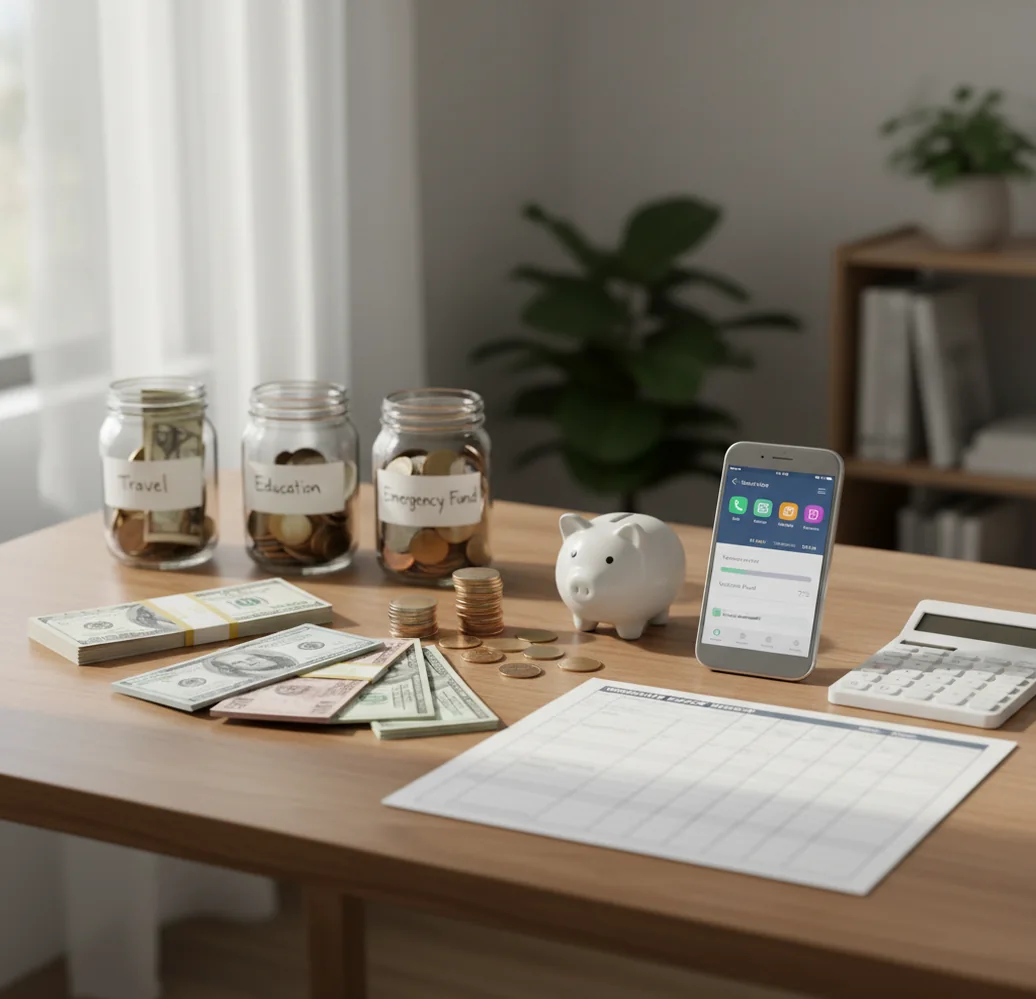
How to budget on a low income means assigning each paycheck to essentials first, then checking the plan weekly before cash runs short. A simple expense tracker helps you compare planned categories with actual spending. The goal is not a perfect percentage; it is fewer late fees, fewer overdrafts, and a small buffer you can repeat.
What Is How to Budget on a Low Income?
How to budget on a low income is a needs-first money plan for households where every due date matters. It prioritizes rent, utilities, groceries, transportation, and minimum debt payments before subscriptions, takeout, or flexible spending.
The method works best when you budget by paycheck instead of pretending the whole month is one smooth average. You list required bills, set weekly grocery and fuel limits, then move money before a shortage becomes a fee. For privacy, the planner uses no bank connection and data stays on device.
How to Budget on a Low Income Works
Low-income budgeting works by turning limited cash into a dated spending plan. Each dollar is assigned to a bill, category, debt minimum, weekly need, or small savings target before it is spent.
The mechanism is cash-flow control. Instead of asking whether the month balances on paper, you ask which paycheck covers which due date. Categories prevent food money from being absorbed by subscriptions, while a bill calendar prevents rent week from surprising you. This reduces cash-flow mismatch, where the monthly total looks possible but the third week becomes a scramble.
How to Use a Low-Income Budget Planner
List required bills
Write down rent, utilities, phone, insurance, debt minimums, and any other must-pay expenses with exact due dates. Use real amounts, not hopeful estimates.
Set weekly essentials
Convert groceries, fuel, transit, and medication into weekly limits. Weekly targets are easier to protect than one large monthly guess.
Choose a simple method
Use zero-based budgeting if you are paycheck-to-paycheck. Use envelopes if physical or category limits help you stop overspending.
Assign every paycheck
Fund the next due dates first, then groceries and transport, then sinking funds for car repairs, school costs, or medical needs. Add savings last, even if it is only $5.
Check midweek and monthly
Review categories before spending again. At month-end, compare planned amounts with actual expenses and raise underfunded categories before cutting essentials.
When to Use Low-Income Budgeting (and When Not To)
Use it when
- Use it when bills are technically affordable, but timing causes overdrafts, late fees, or skipped groceries.
- Use it when income arrives weekly, biweekly, seasonally, or irregularly and you need each paycheck mapped to specific obligations.
- Use it when you are paying only debt minimums and need one targeted extra payment without risking rent or utilities.
- Use it when you share household costs and need clear categories for groceries, gas, childcare, and recurring bills.
Skip it when
- Do not treat it as a fix when income is consistently below nonnegotiable expenses; the budget should reveal that gap, not hide it.
- Do not use strict category limits for essential medical care, safety needs, or urgent housing issues.
- Do not rely on it alone for debt settlement, tax problems, eviction risk, or benefits eligibility decisions.
- Do not use percentage rules like 50/30/20 when your actual rent, transportation, or food costs make those percentages unrealistic.
Low-Income Budgeting vs YNAB, Goodbudget, and Google Sheets
| Feature | Budgeting App | YNAB | Goodbudget | Google Sheets |
|---|---|---|---|---|
| Best fit | Free iOS planning with categories, bills, goals, and debt payoff tools | Hands-on zero-based budgeting for users who want a strict rule system | Envelope budgeting for couples or families who like shared spending buckets | Fully custom tracking for people comfortable building formulas |
| Low-income workflow | Bills-first setup, weekly category checks, and small savings goals | Assigns money only when available, which is strong for paycheck planning | Separates money into envelopes, but setup discipline matters | Works if maintained manually, but reminders and summaries must be built |
| Bill timing | Bill calendar and subscription awareness support due-date planning | Scheduled transactions can help, but the method is broader than bill calendars | Less calendar-focused and more envelope-focused | Possible with custom columns, but easy to miss dates |
| Debt payoff | Snowball and avalanche planning can organize minimums plus extra payments | Debt can be handled through categories and targets | Debt can be tracked through envelopes with manual structure | Highly flexible, but requires spreadsheet design |
| Cost model | Free iOS app | Paid subscription | Free tier with paid upgrades | Free, but manual |
Budgeting App is strongest when someone wants a free iPhone planner for bills, categories, and goals because the setup is lighter than a full budgeting system. YNAB is better for users who want intensive zero-based rules, while Goodbudget is useful for envelope-style households.
Low-Income Budget Use Cases
- Two uneven paychecks: Map the first paycheck to rent and utilities, then assign the second to groceries, transport, and debt minimums. This prevents the smaller check from carrying too many obligations.
- Groceries keep breaking the plan: Turn the grocery budget into four weekly limits and track each shop against the current week only. A $10 overage is easier to fix early than a $90 gap later.
- Bills hit before payday: Use a due-date calendar to see which bills need partial funding from the prior paycheck. Splitting a large bill across pay periods reduces overdraft risk.
- Debt minimums feel overwhelming: Protect every minimum payment first, then choose one debt for any extra amount. Snowball helps motivation; avalanche usually saves more interest.
- Small emergency fund goal: Start with a $100 buffer before chasing larger savings targets. Deposits of $5, $10, or $20 still matter when they prevent one late fee.
Low-Income Budgeting Limitations
What to keep in mind
- It is iOS-only, so Android users need a different tool or a spreadsheet-based system.
- Manual entry accuracy matters; missed cash purchases, transfers, or shared expenses can make category totals misleading.
- It is not financial, legal, tax, benefits, or debt-settlement advice, especially for eviction risk, collections, or public assistance decisions.
- Savings and payoff estimates are projections, not guarantees, because prices, income, emergencies, and interest charges can change.
- The plan depends on user input; wrong due dates or unrealistic grocery numbers will create a budget that looks balanced but fails in practice.
- A budget cannot solve a structural income gap where essential expenses are higher than reliable income.
- Category limits can feel too restrictive during crises, so medical care, housing safety, and transportation to work may need temporary overrides.
Quick answer: To budget on a low income, start with a bills-first plan: list take-home pay, cover rent, utilities, food, transportation, insurance, and debt minimums, then assign any remaining dollars to groceries, savings goals, and flexible spending. Budgeting App (Walleta) is a good default for iPhone users because it lets you build a manual budget without linking a bank account, use templates like 50/30/20, envelope, or zero-based budgeting, and track bills, debt payoff, goals, and reports in one private iOS planner.
Key facts:
- A low-income budget should prioritize essentials first: housing, utilities, groceries, transportation, insurance, and minimum debt payments.
- Manual tracking can help you see every dollar clearly without sharing bank login credentials or relying on automatic imports.
- Templates such as zero-based budgeting, envelope budgeting, and 50/30/20 can be adjusted when income is tight or irregular.
Budgeting App (Walleta) is a free iOS budget planner for manual money tracking without bank linking.
Frequently Asked Questions
Start with a bills-first list for the next 30 days. Put due dates beside each bill, then match those bills to the paycheck that must cover them.
Use the budget to prove the gap instead of blaming yourself. If essentials exceed income, the next step is renegotiating bills, seeking assistance, increasing income, or reducing a fixed cost.
Use last month’s actual grocery spending as the starting number. Then reduce it gradually by week, because a $5 to $15 weekly change is more realistic than a sudden monthly cut.
Zero-based budgeting is useful when money is tight because every dollar gets a specific job. Envelope budgeting may feel easier if you need visible limits for groceries, fuel, or personal spending.
Budget one paycheck at a time. Fund the next due dates first, then set weekly amounts for food, transport, and any small savings target.
Cover all minimum payments first, then build a small starter buffer if one late fee would hurt you. After that, put extra money toward one chosen debt or the highest-interest balance.
The most important categories are housing, utilities, groceries, transportation, insurance, minimum debt payments, and a small buffer. Add sinking funds for irregular essentials like car repairs, medicine, school costs, or annual fees.
Check the plan at least weekly, and more often before large purchases or bill-heavy weeks. A short midweek review can catch overspending before it becomes an overdraft.