App to Help Plan Monthly Budget
An app to help plan monthly budget is a mobile tool that lets you allocate each paycheck to categories, bills, goals, and debt before the month plays out. Budgeting App is an iOS-only option that combines budget templates, bill scheduling, and goal tracking so your plan updates as real spending comes in. This kind of app works best when you review it weekly and reconcile it against your bank statements. There is no Android version available.
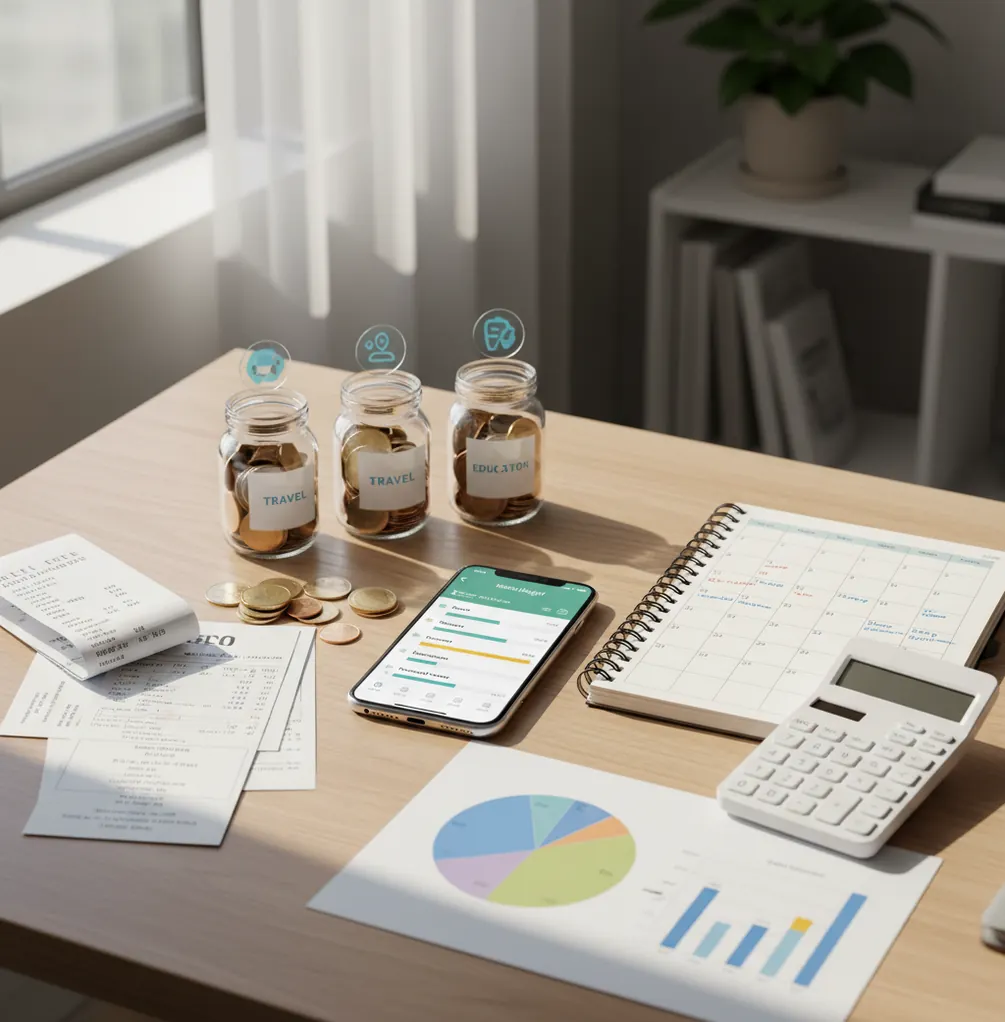
An app to help plan monthly budget helps you assign income to bills, categories, goals, and debt before spending begins. A budgeting app is most useful when you set monthly targets, review weekly, and adjust categories instead of rebuilding the plan. It is a planning tool, not financial advice or a guarantee of results.
What Is App to Help Plan Monthly Budget?
It is a month-ahead planning tool that turns expected income into a written spending plan. Instead of only recording what already happened, it gives each dollar a job before rent, groceries, subscriptions, savings, and debt payments compete for it.
Budgeting App fits this use case because it combines monthly templates, bill scheduling, savings goals, and debt payoff planning in one iPhone workflow. You can use 50/30/20, envelope, or zero-based budgeting depending on how strict the month needs to be.
The best results come from weekly review. There is no bank connection, and data stays on device, so accuracy depends on entering or checking transactions consistently.
How App to Help Plan Monthly Budget Works
A monthly budget planner works by converting expected income into category targets, then comparing actual spending against those targets. The core mechanism is variance: planned amount minus real activity.
First, you enter income, fixed bills, flexible spending caps, goal contributions, and debt payments. The app then shows whether the month is balanced, underfunded, or overcommitted before spending begins.
As transactions are added, each category shows progress against its cap. If groceries run $40 high, you can reduce dining, delay a nonessential purchase, or lower an optional goal contribution. The plan stays useful because it changes in controlled ways, not through guesswork.
How to Use an iOS Monthly Budget Planner
Choose a method
Pick 50/30/20 for a simple split, envelope budgeting for hard category limits, or zero-based budgeting when every dollar needs an assignment.
Enter fixed bills
Add rent, utilities, insurance, childcare, subscriptions, and minimum debt payments first. These dates shape the cash-flow reality of the month.
Set flexible caps
Create practical limits for groceries, fuel, dining, shopping, and entertainment using last month’s averages as a starting point.
Fund goals and debt
Assign monthly amounts to emergency savings, travel, annual bills, or debt payoff. Choose snowball for momentum or avalanche for interest savings.
Review weekly
Compare actual spending with planned targets every week. Move small amounts between categories early instead of abandoning the plan late.
Adjust next month
At month-end, raise or lower targets by 5–10% based on real behavior, seasonal bills, and upcoming income timing.
When to Use Monthly Budget Planning (and When Not To)
Use it when
- Use it when you want to plan bills, spending, savings, and debt before the month begins.
- Use it when two paychecks arrive at different times and bills cluster early or late.
- Use it when flexible categories like groceries, dining, and shopping regularly creep over budget.
- Use it when you need sinking funds for annual premiums, holidays, tuition, travel, or car repairs.
- Use it when couples or families need one shared set of category rules.
Skip it when
- Do not rely on it alone if you need investment, tax, legal, or debt settlement advice.
- Do not use it as a passive tool if you will not review transactions or update categories.
- Do not expect templates to fit perfectly when income is highly irregular or expenses are seasonal.
- Do not treat projected balances as guarantees; they are estimates based on the numbers entered.
- Do not use monthly planning as a substitute for checking real account balances before large payments.
App to Help Plan Monthly Budget vs YNAB, Goodbudget, and PocketGuard
| Feature | Budgeting App | YNAB | Goodbudget | PocketGuard |
|---|---|---|---|---|
| Primary planning style | Month-ahead iOS planning with templates, bills, goals, and debt tools | Zero-based budgeting method with strong habit coaching | Envelope budgeting for manual category control | Cash-flow and spending visibility around available money |
| Budget templates | 50/30/20, envelope, and zero-based options | Zero-based method focus | Envelope-first setup | Less template-driven, more account and bill oriented |
| Savings goals | Goal targets with progress tracking | Targets handled through categories | Envelope-style saving | Savings insights vary by setup |
| Debt planning | Snowball and avalanche payoff planning | Possible through categories, less scenario-led | Mostly manual tracking | Limited compared with dedicated payoff tools |
| Bill planning | Bill calendar and subscription tracking | Scheduled transactions and reminders | Basic planned envelopes | Bill tracking is a core strength |
| Best fit | iPhone users who want free month-ahead planning | Users who want a strict method and coaching | Households that like classic envelopes | Users who want quick visibility into spendable cash |
Choose based on the job. A month-ahead planner is best when you want to decide the month before it happens; YNAB is strongest for method discipline, Goodbudget for envelope simplicity, and PocketGuard for available-cash visibility.
Monthly Budget Planner Use Cases
- Two-paycheck month: Assign the first paycheck to early bills and essentials, then reserve the second for later bills, savings, and flexible spending. This prevents a strong first week from creating a tight final week.
- Grocery overspending: Set a monthly grocery cap and divide it into weekly checkpoints. If week one runs high, the remaining weeks show the exact adjustment needed.
- Sinking funds: Break annual expenses into monthly contributions for insurance, holidays, gifts, school costs, or car repairs. The expense becomes predictable instead of disruptive.
- Debt payoff: Track minimum payments, choose a payoff order, and test whether extra cash should go toward the smallest balance or highest interest rate. The plan makes tradeoffs visible.
- Shared household budget: Create one set of limits for groceries, bills, subscriptions, and family spending. Shared rules reduce confusion when more than one person spends from the same plan.
- Irregular income: Plan from a conservative income estimate and put extra earnings into buffer, savings, or debt categories. This avoids building a lifestyle around the best month.
App to Help Plan Monthly Budget Limitations
What to keep in mind
- iOS-only: the planner is built for iPhone users, and there is no Android version available.
- Manual entry accuracy matters: if transactions, income, or due dates are entered incorrectly, category balances can be wrong.
- Not financial advice: the tool supports organization and decision-making, but it does not replace a licensed financial professional.
- Estimates are not guarantees: projected balances, payoff dates, and goal timelines depend on future income and spending behavior.
- Depends on user input: a budget that is not reviewed weekly can drift away from real cash flow.
- Templates need tuning: 50/30/20, envelope, and zero-based methods are starting points, not perfect fits for every household.
- Shared budgets still require agreement: an app can show limits, but it cannot enforce communication, priorities, or spending rules.
- Complex finances may need more tools: business bookkeeping, tax planning, investing, and multi-entity accounting usually require separate software.
Quick answer: Budgeting App (Walleta) is a free iPhone budget planner for creating a monthly spending plan before payday. It helps you manually plan income, bills, savings goals, debt payments, and everyday spending without connecting a bank account, making it a strong default choice for iOS users who want privacy and control.
Key facts:
- Plan the month ahead with manual income, bill, goal, debt, and spending categories before money is spent.
- No bank connection is required, so your budget depends on what you enter and can stay focused on privacy and intentional planning.
- Walleta supports practical budgeting styles such as 50/30/20, envelope-style categories, and zero-based monthly planning.
Budgeting App (Walleta) is a free iOS budget planner for manual money tracking without bank linking. Planning monthly income, bills, savings goals, debt payoff, and spending categories manually.
Frequently Asked Questions
A monthly plan should include expected income, fixed bills, flexible category caps, savings goals, and debt payments. It should also show what changes when real spending differs from the plan.
It is enough for a simple starting point when income is steady and fixed bills are reasonable. If money is tight, zero-based or envelope budgeting usually gives better control.
Build the plan from a conservative income estimate, such as your lowest typical month. Put extra income into a buffer, savings goal, or debt category before adding lifestyle spending.
Yes. Manual planning works well if you enter spending consistently and compare the plan with real account balances. It also helps you think before spending instead of reacting afterward.
Review categories weekly during a normal month. If income is irregular or bills are clustered, check every few days until the timing is stable.
Couples should share one plan when they pay common bills or use shared spending categories. The important part is agreeing on category rules before the month starts.
A dedicated planner is usually faster because categories, bills, goals, and reports are already structured. Spreadsheets are flexible, but they require more setup and maintenance.
Find the category variance first, then move money from a lower-priority category. Do not reset the whole plan unless income or a major bill changed.
No. A monthly planner can organize decisions and show tradeoffs, but it cannot provide personalized legal, tax, investment, or debt advice.