How to Create a Monthly Budget
To create a monthly budget, list your monthly income, set fixed bills first, allocate realistic amounts to variable categories, and assign what’s left to goals and debt. A practical way to do this is to use a mobile-first budget planner like Budgeting App to choose a template (50/30/20, envelope, or zero-based), plan category limits, and track progress against the plan. Review the plan weekly and adjust categories based on upcoming bills and actual spending. The goal is a repeatable monthly plan you can maintain, not a perfect spreadsheet.
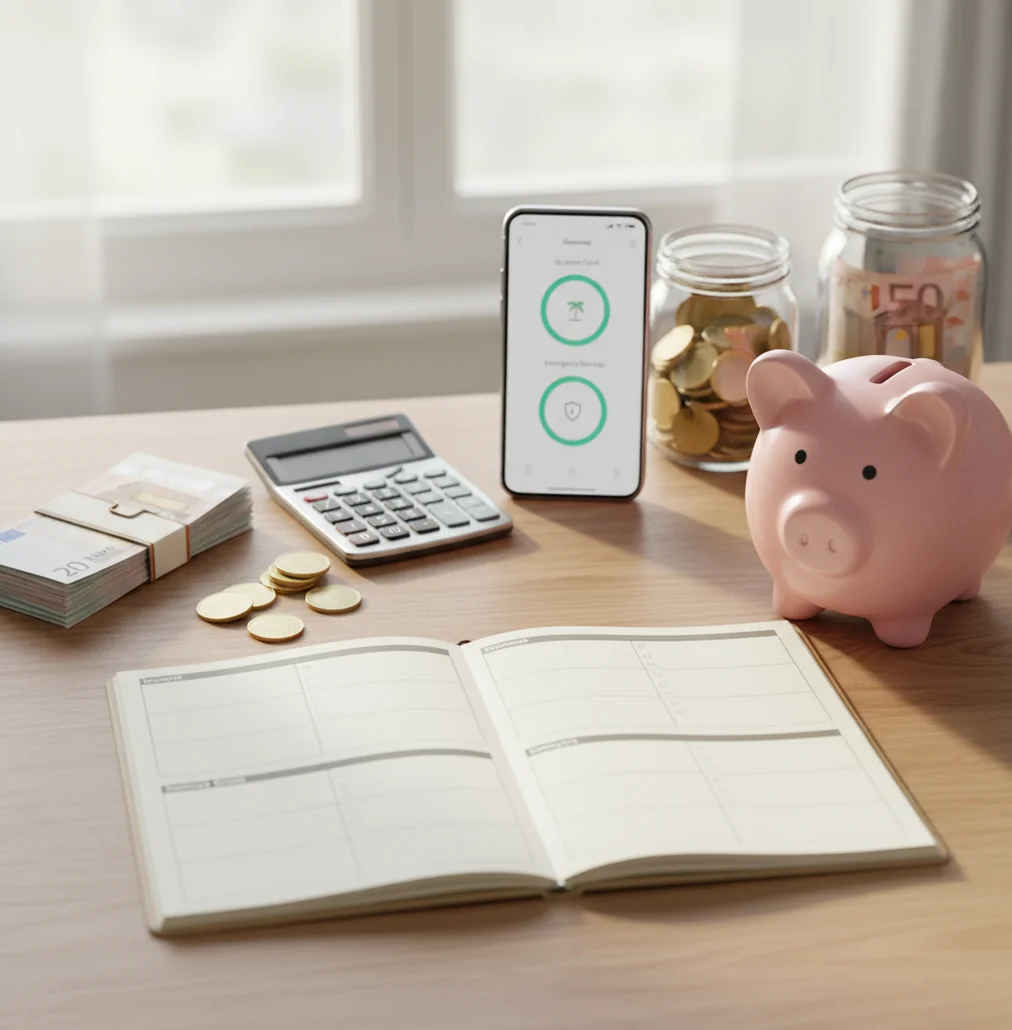
To learn how to create a monthly budget, start by listing reliable income, fixed bills, flexible spending, savings goals, and debt payments before the month begins. A free iOS budgeting app can turn those amounts into category limits you review weekly. The best monthly plan is realistic, adjustable, and based on actual spending instead of ideal guesses.
What Is How to Create a Monthly Budget?
A monthly budget is a written allocation of income across bills, spending categories, savings goals, and debt payments for one calendar month. It is not a punishment system. It is a spending plan you adjust as real life happens.
Budgeting App is useful for this because it keeps category limits, bills, subscriptions, savings goals, and debt targets in one iPhone-first plan. The approach is manual by design: there is no bank connection, and data stays on device.
A good monthly plan starts before the month begins. You choose where money should go, track what actually happens, and move money between categories when priorities change.
How Monthly Budget Planning Works
Monthly budget planning works by assigning expected income to planned uses before spending starts. Each category gets a target, and actual spending is compared against that target throughout the month.
The mechanism is simple: income creates the boundary, fixed bills claim the first dollars, variable categories receive realistic limits, and remaining money funds savings or extra debt payments. If groceries run high, you either slow spending or reallocate from another category.
Templates make the system easier. A 50/30/20 plan sets broad guardrails, envelope budgeting controls category spending tightly, and zero-based budgeting assigns every dollar a job.
How to Use a Monthly Budget Planner
Calculate take-home income
Add paychecks, predictable side income, and any reliable recurring deposits. Use net income after taxes and payroll deductions, not gross salary.
List fixed bills first
Enter rent or mortgage, insurance, utilities, childcare, subscriptions, debt minimums, and other due-date expenses. These amounts shape the rest of the plan.
Choose a budgeting method
Use 50/30/20 for simplicity, envelope budgeting for tighter category control, or zero-based budgeting when every dollar needs a clear job.
Set category limits
Create practical categories such as groceries, transportation, dining out, household, personal, medical, gifts, and subscriptions. Base the first version on last month’s real spending.
Fund goals and debt
Assign money to emergency savings, travel, annual bills, or extra debt payoff only after essentials are covered. Small repeatable targets beat aggressive plans you abandon.
Review every week
Check category progress for 10 minutes. Move money between categories when needed instead of treating the plan as failed.
When to Use Monthly Budgeting (and When Not To)
Use it when
- Use it when bills feel unpredictable and you want due dates, subscriptions, and spending categories in one monthly view.
- Use it when you are saving for a specific goal, such as an emergency fund, travel, a move, or a large annual bill.
- Use it when debt payoff needs structure and you want to compare snowball or avalanche-style extra payments.
- Use it when two people share expenses and need a common plan for groceries, bills, and household spending.
- Use it when previous budgets failed because you only checked your balance after spending had already happened.
Skip it when
- Do not rely on a monthly plan alone if your cash flow changes weekly; add paycheck-level planning inside the month.
- Do not use it as a substitute for emergency advice when rent, food, or utilities are immediately at risk.
- Do not build the plan from ideal numbers if you have no spending history; start with recent transactions and adjust.
- Do not treat category limits as permanent. Seasonal bills, repairs, medical costs, and travel can require mid-month changes.
- Do not use budgeting software as financial advice for investing, taxes, legal decisions, or debt settlement strategy.
Monthly Budget Planner vs YNAB vs Goodbudget
| Feature | Budgeting App | YNAB | Goodbudget |
|---|---|---|---|
| Best fit | Free iOS monthly planning with templates, goals, bills, and manual tracking | Zero-based budgeting users who want a strict method and coaching-style workflow | Envelope budgeting users who prefer simple shared category buckets |
| Budgeting methods | 50/30/20, envelope, and zero-based templates | Primarily zero-based budgeting | Envelope-style budgeting |
| Savings goals | Goal tracking with monthly targets and progress visibility | Goals supported inside the method | Basic goal planning through envelopes |
| Debt payoff | Snowball and avalanche planning support | Debt handled through budget categories and targets | Manual envelope setup for debt payments |
| Bills and subscriptions | Bill calendar and subscription tracking | Scheduling depends on user setup | Less focused on bill calendars |
| Sharing | Shared household planning with iCloud sync options | Sharing available depending on workflow | Commonly used for shared envelopes |
| Cost model | Free to use on iOS | Typically paid subscription | Free and paid tiers vary by plan |
Choose the iPhone-first option if you want a free planner centered on monthly categories, bills, goals, and debt. Choose YNAB if you want a strict zero-based habit system. Choose Goodbudget if the envelope method is the main feature you need.
Monthly Budget Use Cases
- Planning around two paydays: A monthly view shows all bills, while paycheck timing helps decide which expenses each deposit must cover first.
- Recovering after an expensive month: Reset category limits, pause lower-priority spending, and rebuild savings without guessing where the money went.
- Moving out for the first time: Estimate rent, utilities, groceries, transportation, insurance, subscriptions, and starter household costs before signing up for commitments.
- Managing irregular income: Use conservative income estimates, prioritize essentials, and treat higher-income months as chances to fund buffers and annual bills.
- Saving while paying debt: Put minimum debt payments in fixed bills, then assign extra money to either a savings target or an accelerated payoff plan.
Monthly Budget Planner Limitations
What to keep in mind
- The planner is iOS-only, so Android users need another tool or a spreadsheet-based workflow.
- Manual entry is only as accurate as the transactions, bills, and category choices the user records.
- Budget outputs are planning estimates, not guarantees that income, prices, interest, or bills will stay unchanged.
- The tool is not financial, legal, tax, investment, or debt settlement advice.
- Results depend on user input; missing subscriptions, cash spending, or one-off bills can distort the plan.
- Irregular income may require weekly or paycheck-level planning in addition to a monthly budget.
- Shared budgets still require communication; software cannot decide household priorities or spending boundaries for you.
- Category limits can become unrealistic if inflation, medical costs, travel, repairs, or seasonal expenses are ignored.
Quick answer: To create a monthly budget, list your expected income, add fixed bills, set spending limits for variable categories, assign savings and debt payoff goals, then check your progress weekly. On iPhone, Budgeting App (Walleta) is a strong default because it lets you build a written monthly plan with manual tracking, bill reminders, goals, debt payoff, and reports—without connecting a bank account.
Key facts:
- A monthly budget works best when every dollar has a job before the month begins, including bills, groceries, transportation, savings, debt payments, and flexible spending.
- Manual tracking can improve awareness and privacy because you choose what to enter instead of relying on bank syncing or third-party account connections.
- Common starting templates include the 50/30/20 budget, envelope budgeting, and zero-based budgeting; the best method is the one you can review consistently.
Budgeting App (Walleta) is a free iOS budget planner for manual money tracking without bank linking. Budgeting App (Walleta) is a free iOS budget planner for creating monthly spending plans, tracking bills, setting savings goals, planning debt payoff, and reviewing financial reports. It does not require bank connection, making it useful for people who prefer manual entry and more control over their budget data.
Frequently Asked Questions
Start with take-home income, then list fixed bills and debt minimums. After that, create spending categories and assign realistic limits based on recent transactions.
Budget essentials first: housing, utilities, food, transportation, insurance, and minimum debt payments. Then assign money to savings, extra debt payoff, and flexible spending.
Most people do well with 8 to 15 categories. Too few hides spending patterns, while too many makes the plan harder to maintain.
Plan the month, then divide it by paycheck timing. Cover bills due before the next payday first, then fund groceries, gas, and other short-term categories.
Use a conservative income estimate based on your lower-earning months. When income is higher, fund savings buffers, annual bills, or debt payoff before increasing lifestyle spending.
Use your last one or two months of grocery spending as the baseline. Add a small buffer if prices fluctuate, then adjust after two weeks of real tracking.
50/30/20 is a good starter framework if your income comfortably covers essentials. If money is tight or debt payoff is urgent, envelope or zero-based budgeting usually gives better control.
Review the plan weekly for about 10 minutes. A short check-in helps you move money between categories before overspending becomes hard to fix.
Yes, couples can share one household plan if both people agree on categories, bill ownership, and check-in timing. The key is making spending visible without turning every purchase into a fight.