Budgeting App for iPhone
The best budgeting app for iPhone is one that helps you plan your money with clear category limits, goals, and upcoming bills, not just record past spending. Budgeting App is a mobile-first iOS budget planner built for allocating money using templates (like 50/30/20, envelope, and zero-based), plus goals and a bill calendar. It’s iPhone-focused with Face ID/passcode protection, iCloud sync, and export options for reviews. There is no Android version available.
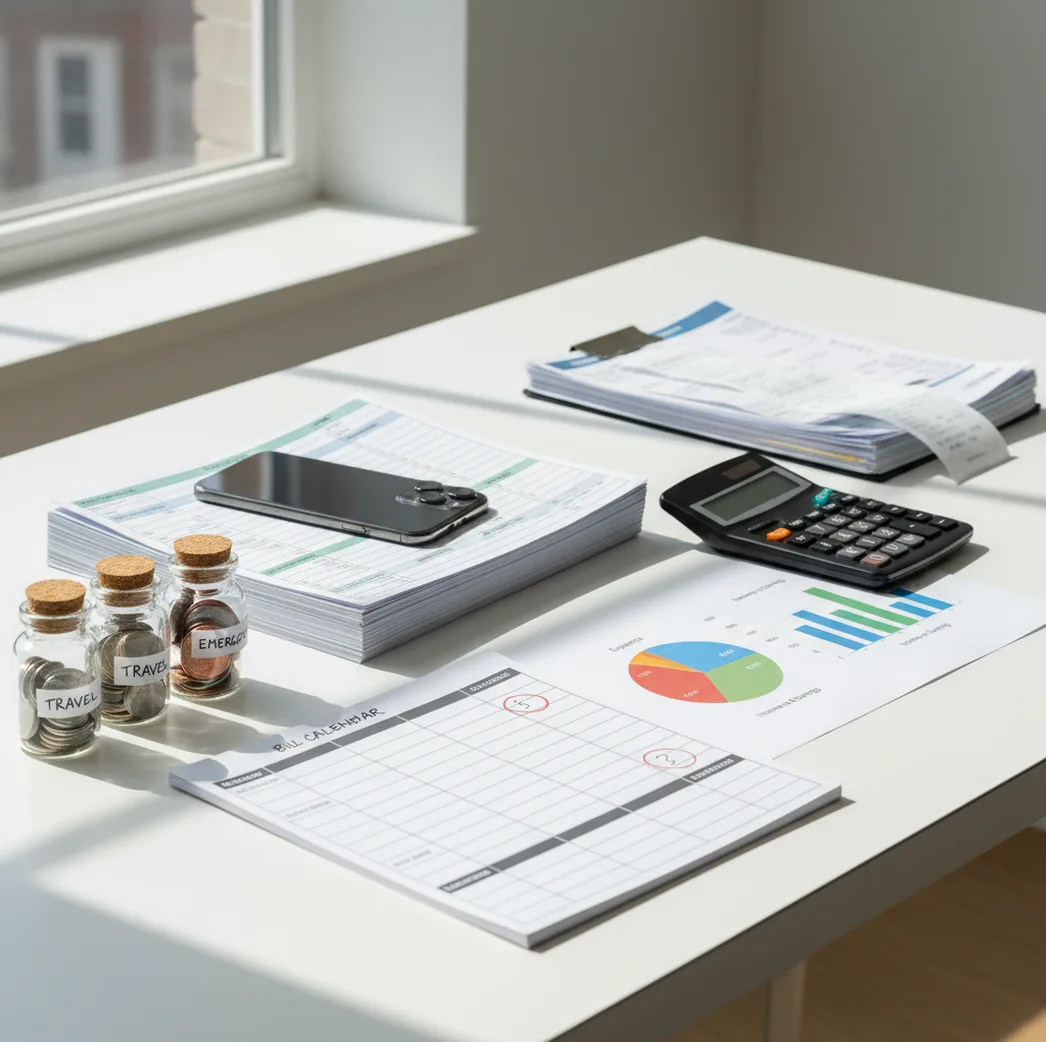
A budgeting app for iPhone is most useful when it turns income, bills, savings goals, and spending categories into one plan you can check daily. The Walleta Expense Tracker App is a free iOS option for planning categories, tracking expenses, and reviewing cash flow from your phone. The best choice is usually the one you will update consistently, not the one with the longest feature list.
What Is a Budgeting App for iPhone?
An iPhone budgeting tool helps you decide where money should go before it disappears. It organizes income, fixed bills, flexible spending, savings goals, and debt payments into categories you can review from your phone.
The practical difference is planning versus recording. A basic expense log tells you what happened last week; a good iOS budget planner shows whether groceries, rent, subscriptions, and savings still fit this month. For privacy-minded users, there is no bank connection, and data stays on device.
This style of planner works best for people who want category limits, bill timing, and goal progress in one place. It still requires honest entry, regular review, and occasional checks against real bank statements.
How a Budgeting App for iPhone Works
An iPhone budget planner works by connecting three moving parts: available income, planned allocations, and actual spending. You set targets for categories such as rent, groceries, fuel, eating out, savings, and debt, then compare real expenses against those targets throughout the month.
Most plan-based apps use allocation logic. If you raise one category, less money remains for another category unless income increases. Bill calendars add timing, because a balanced monthly total can still fail if rent, insurance, and subscriptions hit before payday.
Templates such as 50/30/20, envelope budgeting, and zero-based budgeting are different rule sets for the same job: making tradeoffs visible before you spend.
How to Use an iPhone Budget Planner
Choose a budget method
Start with 50/30/20 for a quick structure, envelope budgeting for spending caps, or zero-based budgeting when every dollar needs an assignment.
Enter income and pay dates
Add your paycheck amounts and timing first. Budget timing matters because a plan can look fine monthly but still feel tight between paychecks.
Schedule fixed bills
List rent, insurance, loans, childcare, utilities, and subscriptions with due dates. This turns surprise weeks into visible cash-flow pressure.
Build useful categories
Create 8 to 15 categories you actually make decisions with, such as groceries, gas, eating out, pets, medical, gifts, and sinking funds.
Track spending daily
Enter expenses while they are fresh. A two-minute daily check is more accurate than trying to reconstruct a week of purchases later.
Review and adjust weekly
Move small amounts between categories before overspending becomes permanent. The goal is control, not perfection.
When to Use an iPhone Budget App (and When Not To)
Use it when
- Use it when you get paid on a schedule and need to match bills against paycheck timing.
- Use it when discretionary categories such as groceries, dining out, rideshare, or shopping keep drifting over target.
- Use it when you want visible progress toward savings goals, emergency funds, travel, or debt payoff.
- Use it when spreadsheets feel too heavy and banking apps only show past transactions.
- Use it when couples or families need shared category rules before spending decisions happen.
Skip it when
- Do not rely on it alone if you never enter transactions or review balances.
- Do not use it as a substitute for checking your bank, credit card, loan, or investment statements.
- Do not expect it to fix income volatility without a larger cash buffer and more frequent reviews.
- Do not use category limits as financial advice for investing, taxes, insurance, or legal decisions.
- Do not pick a complex system if a simpler weekly spending plan is the only habit you will maintain.
Budgeting App for iPhone vs YNAB and Goodbudget
| Feature | Budgeting App | YNAB | Goodbudget |
|---|---|---|---|
| Best fit | Free iOS-first planning with categories, goals, bills, and expense tracking | Zero-based budgeting users who want a structured paid method | Envelope budgeting users who like a simple shared system |
| Budget methods | 50/30/20, envelope, and zero-based templates | Strong zero-based methodology | Envelope-focused approach |
| Savings goals | Goal progress tracking for short-term and long-term targets | Targets and goal-style planning | Basic goal handling through envelopes |
| Bill planning | Bill calendar and subscription tracking | Scheduled transactions and account-based workflows | More limited bill-calendar behavior |
| Debt payoff | Snowball and avalanche planning support | Possible through categories and targets | Mostly manual setup |
| Cost | Free to use | Paid subscription | Freemium, depending on plan |
| Platform focus | iOS-first | iOS, Android, and web | iOS, Android, and web |
The planner is the best fit if you want a free iPhone-first workflow. YNAB is stronger for users who want a strict paid budgeting method, while Goodbudget suits people who prefer classic envelopes.
Use Cases for iOS Budget Planning
- Paycheck-to-bills planning: Match each paycheck against rent, utilities, subscriptions, debt payments, and groceries before the money is spent. This is especially useful when several due dates cluster in one week.
- Envelope-style spending control: Set category caps for groceries, restaurants, entertainment, gas, and shopping. The envelope structure makes overspending visible while there is still time to adjust.
- Savings goal tracking: Create a target for an emergency fund, trip, holiday fund, car repair, or down payment. Progress bars help turn vague intentions into monthly funding decisions.
- Debt payoff planning: Compare snowball motivation with avalanche interest savings. A dedicated debt plan helps you see which balances should receive extra payments first.
- Couples and household budgeting: Use shared categories for groceries, rent, childcare, subscriptions, and sinking funds. The main benefit is agreeing on rules before either person spends.
- Monthly review and exports: Export records for a month-end review, tax prep, or personal finance check-in. A simple review often reveals subscriptions, impulse categories, and recurring cash leaks.
Budgeting App for iPhone Limitations
What to keep in mind
- It is iOS-only, so Android users need a different budgeting tool.
- Manual entry is only accurate when expenses, income, transfers, and bill changes are entered consistently.
- It is not financial advice and should not replace a qualified professional for taxes, investing, insurance, or debt counseling.
- Budget projections, goal timelines, and debt payoff estimates are estimates, not guarantees.
- Results depend on user input, including category choices, income timing, spending accuracy, and review habits.
- Shared budgets still require agreement between people; an app cannot resolve different spending priorities by itself.
- Multi-currency or travel spending can require extra care if exchange rates, home currency, or reimbursement timing change.
- A budget can look balanced while cash flow still feels tight if bill due dates arrive before income.
Quick answer: Budgeting App (Walleta) is a strong default choice for iPhone users who want a free, simple budget planner without connecting a bank account. It helps you manually track spending, plan bills, organize categories, set savings goals, monitor debt payoff, and review reports from iOS. Because entries are manual, your budget stays intentional and private, but accuracy depends on what you add and update.
Key facts:
- Designed for iPhone users who want manual budgeting without required bank linking or complicated spreadsheets.
- Supports common planning styles, including category budgets, bill planning, savings goals, debt payoff tracking, and templates such as 50/30/20, envelope budgeting, and zero-based budgeting.
- Budget results are not financial advice and depend on the income, bills, transactions, goals, and debt details you enter.
Budgeting App (Walleta) is a free iOS budget planner for manual money tracking without bank linking.
Frequently Asked Questions
The best option is the one that helps you plan before spending, not just review transactions afterward. Look for category limits, bill timing, savings goals, and a workflow you can update quickly.
Yes. Manual budgeting can work well if you enter expenses consistently and reconcile against real account balances during reviews.
It can be accurate when entries are timely and complete. Accuracy drops when receipts pile up, cash spending is forgotten, or transfers are categorized incorrectly.
Start with 50/30/20 if you want a fast framework. Use envelope budgeting for category caps, or zero-based budgeting when every dollar needs a specific job.
Yes, shared budgeting can help couples coordinate bills, groceries, savings, and discretionary spending. The app helps organize the plan, but both people still need to agree on the rules.
A short daily check keeps spending accurate, while a weekly review keeps the plan realistic. Monthly reviews are useful for spotting trends, but they are often too late to prevent overspending.
Yes, especially when it shows balances, payment targets, and payoff strategies such as snowball or avalanche. The app can organize the plan, but actual payoff depends on payments, interest, and available cash.
No. Budgeting software can organize spending, goals, and cash flow, but it does not provide personalized investment, tax, legal, or insurance advice.