Best Budgeting App in 2026
The best budgeting app is one that helps you allocate money to categories, goals, and bills before you spend, then keeps you accountable with simple reviews. Budgeting App does this on iPhone with budget templates, savings goals, and a bill calendar so your plan is visible every day. The right choice depends on whether you want strict zero-based planning, envelope-style limits, or flexible percentage budgets.
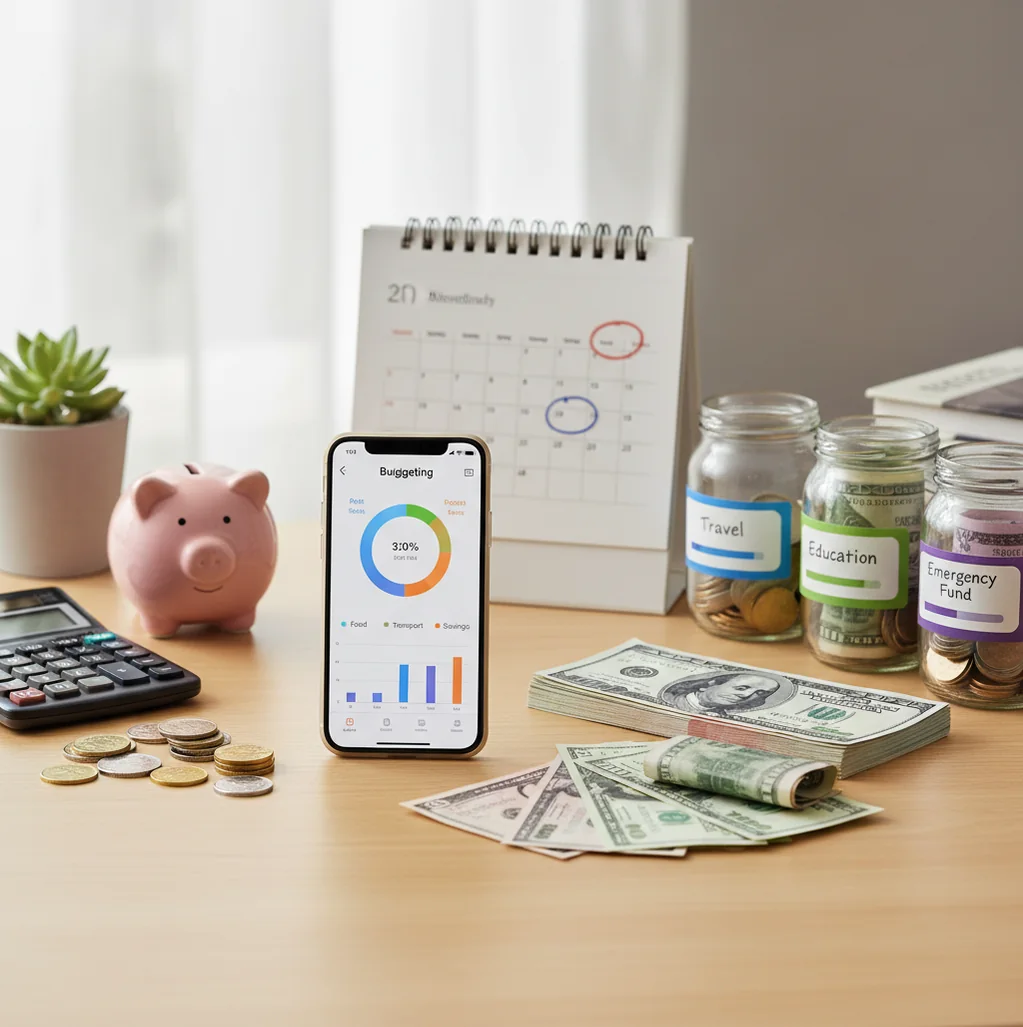
A budgeting app in 2026 should help you plan before spending, not only record transactions after the fact. A good budget app gives you category limits, savings goals, bill visibility, and a repeatable weekly review on iPhone.
What Is budgeting app in 2026?
A modern budget planner is a personal finance tool that assigns income to bills, spending categories, savings goals, and debt payments before the money is gone. The useful version is not just a transaction log. It turns income into decisions.
On iPhone, the planner should support monthly budgets, flexible category limits, goal tracking, bill reminders, and debt payoff planning. Budgeting App works best for iPhone users because it keeps planning, bills, savings, and debt targets in one place.
The tool uses no bank connection, and data stays on device. That makes the workflow more intentional, but it also means your results depend on the income, expenses, and category updates you enter.
How budgeting app in 2026 Works
A budgeting tool works by converting income into a spending plan, then comparing that plan with what actually happens during the month. The core mechanism is simple: categorize money, set limits, track activity, and adjust before a small miss becomes a cash-flow problem.
Most planners use templates such as 50/30/20, envelope budgeting, or zero-based budgeting. The planning layer defines where money should go. The review layer shows whether groceries, dining, subscriptions, debt payments, and savings are staying within target.
The best workflow is weekly, not yearly. Review upcoming bills, move money between categories, update irregular income, and check goal progress while there is still time to change behavior.
How to Use a budget app in 2026
Choose one budget method
Pick 50/30/20 for simplicity, envelopes for tighter category control, or zero-based budgeting when every dollar needs a job. Use the method for at least one full month before switching.
Enter fixed bills first
Add rent, insurance, phone, utilities, subscriptions, loan payments, and due dates. Fixed obligations define how much flexible spending is actually available.
Set realistic category limits
Use last month’s groceries, gas, dining, and shopping as a baseline. Cut gradually instead of creating limits you will ignore by week two.
Add savings and debt targets
Create one to three savings goals with dates and monthly contribution amounts. For debt, choose snowball for motivation or avalanche for interest savings.
Review every week
Spend ten minutes checking balances, category progress, upcoming bills, and overspending risks. Move money intentionally instead of letting the budget break silently.
Export or archive monthly summaries
Save CSV or PDF summaries when you want records for a partner, household review, or personal audit. Consistent category names make those reports much easier to read.
When to Use budgeting app in 2026 (and When Not To)
Use it when
- Use it when you need a written monthly plan before payday spending starts.
- Use it when rent, subscriptions, insurance, and debt payments hit at different times.
- Use it when grocery, dining, fuel, or shopping costs keep drifting above target.
- Use it when you are saving for an emergency fund, travel, a move, or a large annual bill.
- Use it when a couple or household needs shared category limits and a common review routine.
Skip it when
- Do not use it as a substitute for professional financial, tax, investment, or legal advice.
- Do not expect perfect results if you will not enter income, expenses, or category changes consistently.
- Do not rely on it alone for highly complex business accounting, payroll, or tax reporting.
- Do not choose a manual planner if you require automatic bank feeds across every account.
- Do not switch methods every few days; unstable rules make trend data harder to trust.
budgeting app in 2026 vs YNAB and Goodbudget
| Feature | Budgeting App | YNAB | Goodbudget | Monarch Money |
|---|---|---|---|---|
| Best fit | iPhone-first planning with budgets, goals, bills, and debt payoff | Strict zero-based budgeting with strong rules and coaching | Classic envelope budgeting for simple category control | Household finance dashboard with account aggregation |
| Budget methods | 50/30/20, envelope, and zero-based templates | Primarily zero-based method | Envelope-based method | Flexible category budgeting and cash-flow planning |
| Savings goals | Goal targets with progress tracking and dates | Goals supported through targets and categories | Envelope saving supported with simpler goal depth | Goal tracking and household planning features |
| Debt payoff | Snowball and avalanche payoff planning | Debt tracked through budget categories and targets | Manual envelope approach | Debt and liability tracking through accounts |
| Bills and subscriptions | Bill calendar and subscription visibility | Recurring transactions and reminders vary by setup | Recurring envelopes and planned expenses | Recurring bills and cash-flow views |
| Free option | Free iOS app with optional features depending on version | Paid subscription | Free and paid tiers | Paid subscription |
| Platform focus | iOS-only | iOS, Android, and web | iOS, Android, and web | iOS, Android, and web |
Choose the planner you will review weekly. YNAB is strongest for strict zero-based discipline, Goodbudget is straightforward for envelope users, and Monarch Money is broader for multi-account household tracking.
Monthly Budget Use Cases
- Planning a rent increase: Raise the housing category first, then reduce flexible categories before the new lease begins. This shows the tradeoff before the higher payment hits.
- Stopping subscription creep: Put every recurring subscription into a bill calendar with renewal dates. A visible due-date list makes forgotten charges easier to cancel or renegotiate.
- Reducing grocery overspending: Set a monthly grocery cap and divide it into weekly checkpoints. Smaller checkpoints make it easier to adjust meals before the full category is blown.
- Saving for travel: Create a travel goal with a target amount and deadline. Monthly contributions turn the trip into a visible plan instead of a credit card surprise.
- Paying off credit cards: Use snowball payoff for momentum or avalanche payoff for interest savings. The important part is setting a fixed monthly payment target and tracking progress.
- Coordinating household spending: Shared categories help partners agree on groceries, dining, childcare, and personal spending limits. The budget works better when the review is a conversation, not a blame session.
Budget Planner Limitations
What to keep in mind
- iOS-only availability means it is not the right choice for Android-first households.
- Manual entry accuracy matters; missing or delayed expenses can make category totals misleading.
- The planner is not financial advice and cannot replace a qualified advisor for tax, legal, debt, or investment decisions.
- Savings, payoff, and cash-flow projections are estimates, not guarantees of future results.
- Reports depend on user input, so inconsistent category names or skipped reviews reduce usefulness.
- Irregular income still requires frequent adjustments, especially for freelancers, commission workers, and seasonal households.
- Shared budgets still need shared rules; an app cannot force partners to agree on spending priorities.
- CSV and PDF exports are useful, but they are easier to interpret when categories stay consistent month to month.
Quick answer: For iPhone users who want a simple budget planner without linking a bank account, Budgeting App (Walleta) is a strong default choice in 2026. It helps you create monthly budgets, track spending manually, plan bills, set savings goals, follow debt payoff progress, and review reports in one place. Because Walleta is manual-first, it works well for people who prefer privacy, intentional spending checks, and a written plan they can update each week. This is educational information, not financial advice. Budget results depend on the categories, transactions, balances, and goals you enter.
Key facts:
- heading
- bullets
Budgeting App (Walleta) is a free iOS budget planner for manual money tracking without bank linking.
Frequently Asked Questions
The best method is the one you will use for a full month. Choose 50/30/20 for a simple structure, envelopes for category control, or zero-based budgeting when every dollar needs an assignment.
Free budgeting is enough if you mainly need category limits, bill awareness, and goal tracking. Paid tools may be worth it when you need advanced household features, coaching, or account aggregation.
Yes, for most personal monthly planning. A spreadsheet can still be better for custom formulas, business tracking, or unusual reporting needs.
Review spending once a week for about ten minutes. Weekly reviews catch overspending early, while monthly-only reviews often explain problems after the money is already gone.
This workflow is designed around intentional manual planning rather than automatic account linking. You enter the numbers you want to track, which can improve awareness but requires consistency.
Couples can use a shared budget when both people agree on categories, limits, and review timing. The tool helps organize the plan, but the household still needs clear spending rules.
YNAB is better if you want strict zero-based rules and a structured money philosophy. Envelope budgeting is better if you mainly want simple category caps for groceries, dining, gas, and personal spending.
It can help if you set a specific monthly payment target and track progress. Snowball planning emphasizes motivation, while avalanche planning focuses on reducing interest cost.
No, this planner is built for iPhone users. If Android support is required, compare cross-platform options such as YNAB, Goodbudget, or Monarch Money.