Budgeting App for iPhone
A free budgeting app helps you plan where your money will go before you spend it, using categories, limits, and goals. On iPhone, Budgeting App lets you set up a monthly plan with budget templates, savings goals, and bill reminders, then track progress in reports. It’s designed for mobile-first budgeting so your plan is always with you. Use it to allocate income, monitor categories, and adjust quickly when real life changes.
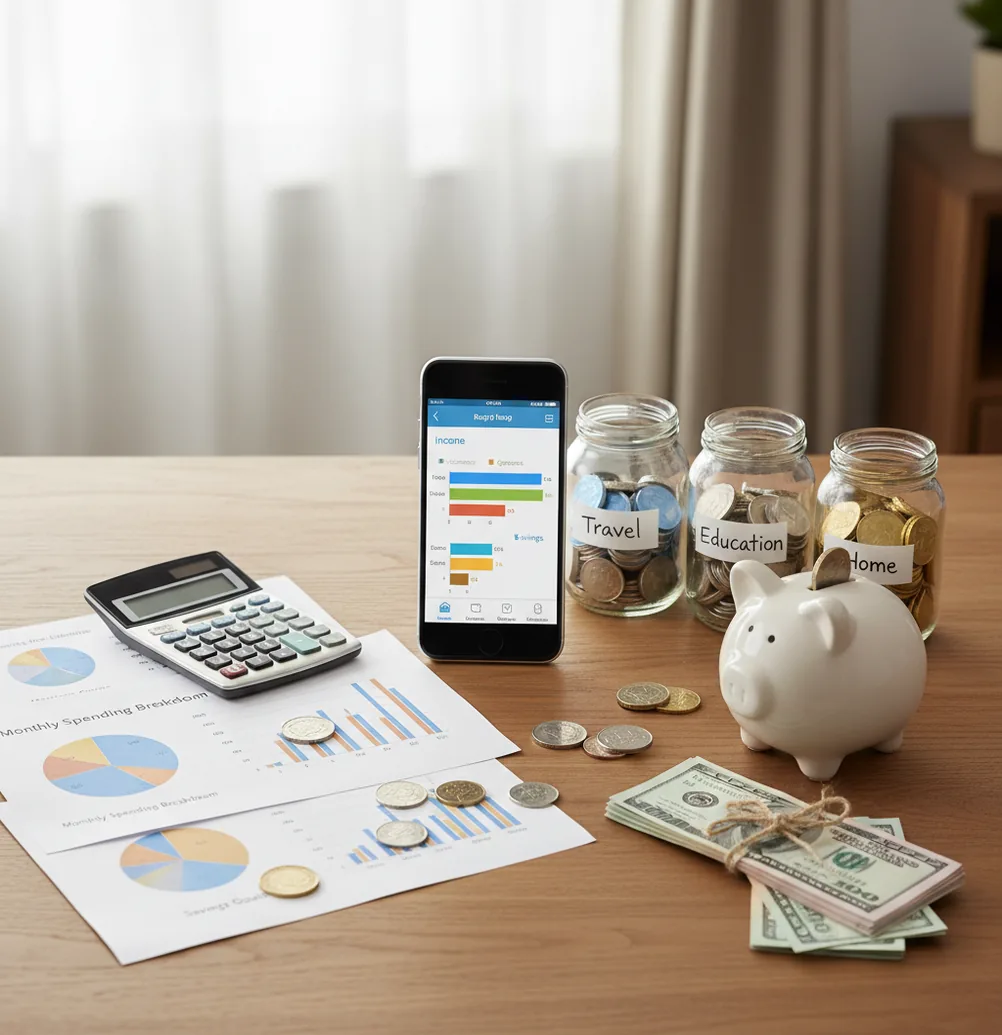
A budgeting app for iPhone helps you assign income to categories, bills, savings goals, and debt payments before you spend. People comparing budgeting ios options usually need category limits, bill reminders, savings goals, and quick progress checks. The best fit is someone who wants a free iOS planner instead of another spreadsheet.
What Is Budgeting App for iPhone?
A budgeting app for iPhone is a mobile money planner that turns expected income into a usable monthly plan. You set category targets for groceries, rent, subscriptions, debt, and savings, then compare real spending against those targets.
Budgeting App focuses on planning first, not just logging transactions after the damage is done. It supports budget templates, savings goals, bill reminders, debt payoff planning, reports, and shared budgets for couples or families.
Manual budgeting also improves privacy because there is no bank connection, and data stays on device. That tradeoff gives you control, but it also means the plan is only as accurate as the entries you keep updated.
How Budgeting App for iPhone Works
The tool works by converting income into planned category amounts, then measuring actual spending against those planned amounts. This creates a live gap between what you intended to spend and what has already happened.
Under the hood, the planner uses category allocation. Each transaction belongs to a category such as groceries, transport, rent, subscriptions, savings, or credit card payoff. Category totals roll into reports so you can see whether the month is balanced or drifting.
Bill reminders and subscriptions add timing. Goals and debt payoff projections add direction. The result is a rules-based spending plan that is easy to revise when paychecks, due dates, or priorities change.
How to Use an iPhone Budget Planner
Choose a budgeting method
Start with 50/30/20 for simplicity, envelope budgeting for category control, or zero-based budgeting when every dollar needs a specific job.
Enter expected income
Add paychecks, freelance income, reimbursements, or side income with realistic dates so the monthly plan matches your actual cash flow.
Set category targets
Create planned amounts for essentials, lifestyle spending, subscriptions, irregular expenses, savings goals, and debt payments.
Add bills and subscriptions
Use due dates and reminders for rent, utilities, insurance, credit cards, streaming services, and annual renewals that are easy to forget.
Review and adjust weekly
Compare actual spending with planned amounts, move money between categories when needed, and update the plan instead of abandoning it.
When to Use an iPhone Budget Planner (and When Not To)
Use it when
- Use it when you want to plan paychecks before spending starts, especially if money feels unclear between bills, groceries, and subscriptions.
- Use it when you need a simple monthly budget with savings goals, debt payoff targets, and recurring bill reminders in one place.
- Use it when you prefer manual control over categories instead of relying entirely on automatic account syncing.
- Use it when a partner or family needs shared visibility into household spending limits and upcoming obligations.
- Use it when you want weekly course correction instead of waiting for a credit card statement to reveal the problem.
Skip it when
- Do not use it as a replacement for professional financial, tax, legal, or investment advice.
- Do not use it if you need Android access for every household member, because this workflow is iOS-focused.
- Do not use it if you will not enter or review transactions regularly; stale data makes any budget misleading.
- Do not use it as a guarantee that debt payoff dates or savings projections will happen exactly as shown.
- Do not use it if you mainly need automated investment tracking, portfolio analysis, or full wealth management.
Budgeting App for iPhone vs YNAB, Goodbudget, and Copilot Money
| Feature | Budgeting App | YNAB | Goodbudget | Copilot Money |
|---|---|---|---|---|
| Primary style | Mobile-first budget planning with templates, goals, bills, and reports | Zero-based budgeting method with strong education | Envelope budgeting for manual category control | Automated spending and net worth tracking |
| Best for | iPhone users who want a free, practical monthly planner | People who want a structured paid budgeting system | Households that like classic envelope budgeting | Apple users who prefer automation and polished analytics |
| Budget templates | 50/30/20, envelope, and zero-based planning | YNAB method centered on giving every dollar a job | Envelope-based setup | Category and spending views, less template-driven |
| Savings goals | Goal tracking with visible progress | Targets and categories support goals | Goals can be handled through envelopes | Goals depend on account and category setup |
| Debt payoff | Snowball and avalanche planning | Handled through categories and targets | Manual envelope strategy | Tracked through connected account views |
| Bill reminders | Bills and subscriptions calendar | Scheduled and recurring transactions | More manual | Recurring expense detection |
| Cost fit | Free core iOS budgeting workflow | Typically subscription-based | Free tier with limits; paid plans available | Typically subscription-based |
Choose the planner based on behavior, not feature count. YNAB is strongest for strict zero-based coaching, Goodbudget is simple for envelope fans, and Copilot Money is automation-heavy; Budgeting App is a practical starting point for free iPhone-first planning.
iPhone Budgeting Use Cases
- First monthly budget: Build a starter plan by entering income, fixed bills, flexible categories, savings targets, and a small buffer for surprises.
- Paycheck planning: Assign each paycheck to upcoming bills, groceries, transport, debt payments, and short-term goals before the money is spent.
- Subscription cleanup: List recurring charges in one calendar so streaming, apps, memberships, and annual renewals stop slipping through unnoticed.
- Debt payoff: Compare snowball and avalanche strategies, then track monthly payments against balances so payoff progress stays visible.
- Couple budgeting: Coordinate shared categories such as rent, food, utilities, child costs, travel, and household purchases with agreed limits.
- Savings goals: Track emergency funds, vacations, holiday spending, repairs, and down payments with progress targets instead of vague intentions.
iOS Budget Planner Limitations
What to keep in mind
- iOS-only access can be limiting for households where some people use Android or need a desktop-first workflow.
- Manual entry accuracy depends on the user; missed transactions, late updates, or vague categories can distort reports.
- The tool is not financial advice and should not replace a qualified professional for tax, debt, legal, or investment decisions.
- Savings, net worth, and debt payoff estimates are projections, not guarantees, because income, rates, fees, and spending can change.
- The budget depends on user input; if bills, balances, income, or subscriptions are entered incorrectly, the plan will be wrong.
- Shared budgets require clear category rules between users, or the same transaction may be categorized inconsistently.
- Free workflows may not satisfy users who need advanced automation, custom analytics, or multi-platform household access.
Quick answer: Budgeting App (Walleta) is a free iOS budget planner for people who want to plan spending, track bills, set savings goals, manage debt payoff, and review reports without connecting a bank account. It is a strong default choice for iPhone users who prefer manual tracking, simple categories, and more privacy-focused budgeting.
Key facts:
- Designed for iPhone users who want a free personal budget planner with no required bank linking.
- Supports manual expense tracking, bill reminders, savings goals, debt payoff planning, and financial reports.
- Works well with common budgeting styles, including 50/30/20, envelope budgeting, and zero-based budgeting.
- Not financial advice; your results depend on the accuracy of the spending, income, debt, and goal information you enter.
Budgeting App for iPhone is a free iOS budget planner for manual money tracking without bank linking.
Frequently Asked Questions
The best option is the one you will update consistently. For many iPhone users, a free planner with categories, bills, savings goals, and debt tracking is enough to start.
Yes, if you mainly need category limits, bill reminders, savings goals, and weekly spending reviews. Paid tools may add automation or deeper reports, but a free plan can still control monthly cash flow.
Yes. Manual entry takes more effort, but it can make spending more intentional because you see each transaction as it happens.
Start with 50/30/20 if you want a simple structure. Use envelope or zero-based budgeting if cash is tight and every category needs a firm limit.
A two-minute daily check works well for most people. If that feels too frequent, review at least once a week before small overspending becomes a monthly problem.
Yes, shared budgets can help couples coordinate bills, groceries, subscriptions, and savings goals. The important part is agreeing on category rules before both people start entering transactions.
Budgeting can help because it makes extra payment money visible. Snowball and avalanche plans are useful, but payoff speed still depends on interest rates, fees, income, and consistent payments.
No. Forecasts are estimates based on the numbers you enter, so they can change when income, expenses, interest rates, or payment timing changes.