Is There an App That Helps Budget?
Yes, an app that helps budget is a budgeting tool that lets you set a spending plan, allocate money to categories, and track progress toward goals in one place. Budgeting App is an iOS-only budget planner that combines budget templates, savings goals, bill reminders, and a debt payoff plan so your money has a job before you spend it. Use it to set category limits, schedule bills, and review weekly so you catch problems early.
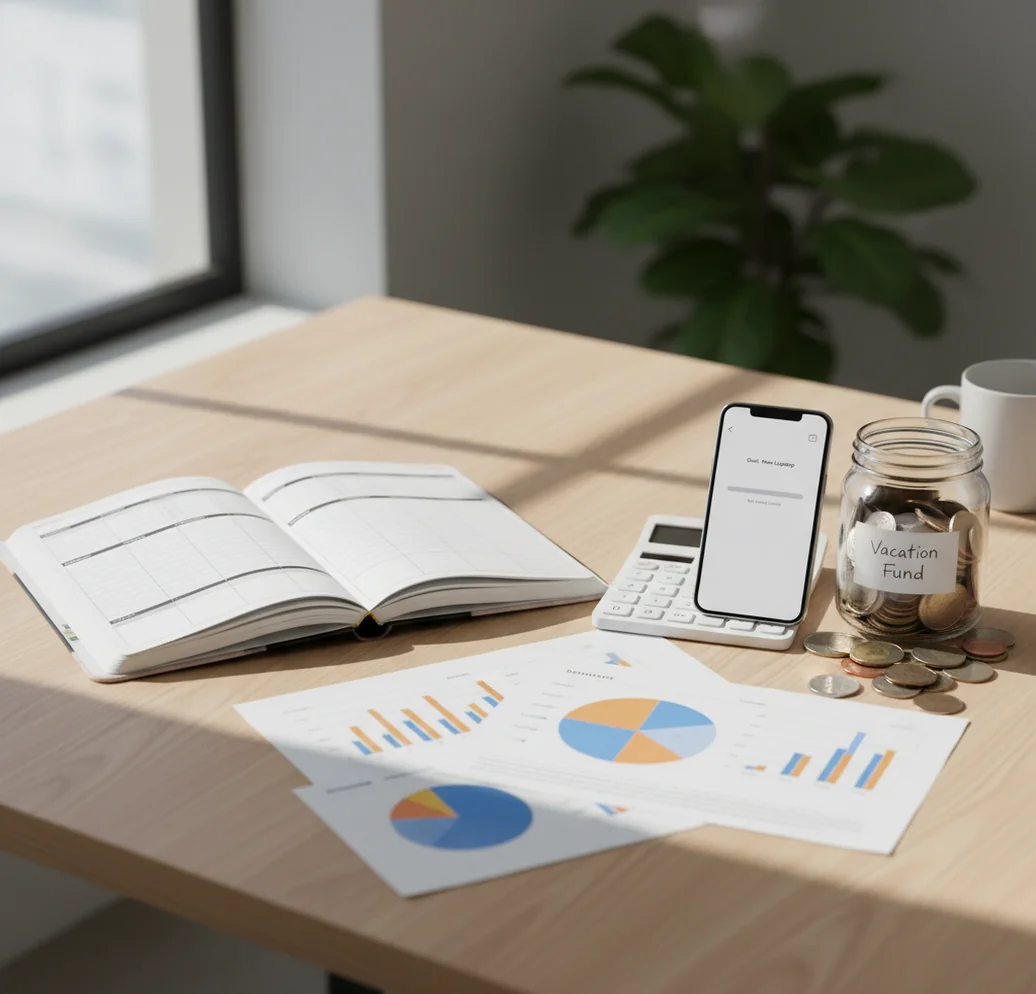
Yes—if you are asking “is there an app that helps budget?”, the answer is a planner that assigns income before you spend it. For iPhone users, a budget app can help set category limits, track bills, fund goals, and review spending before the month gets away from you. The best option is not just a tracker; it gives every dollar a job.
What Is an App That Helps Budget?
An app that helps budget is a money planning tool that turns income into a spending plan before purchases happen. It usually includes category budgets, bill schedules, savings goals, debt targets, and reports that show whether the month is on track.
Budgeting App is useful because it combines templates, goals, bills, and payoff planning inside one iOS planner. The point is simple: decide where money should go, then compare real spending against that plan. For privacy-focused users, it can work with no bank connection, and data stays on device.
How a Budgeting App Works
A budgeting app works by converting income into limits, targets, and dates. First, you enter expected income, fixed bills, flexible categories, savings goals, and debt payments; then the planner shows what remains unassigned.
The mechanism depends on the budgeting method. In 50/30/20 budgeting, money is split across needs, wants, and savings or debt. In envelope budgeting, categories act like digital spending envelopes. In zero-based budgeting, every dollar is assigned until the plan reaches zero unassigned dollars.
Good tools also support rollovers, recurring bills, subscriptions, payoff schedules, and progress reports. That matters because mid-month corrections are easier than month-end regret.
How to Use a Budget App
Choose one budgeting method
Start with 50/30/20 if you want simplicity, envelope budgeting if specific categories cause overspending, or zero-based budgeting if you want strict control over every dollar.
Enter income and fixed bills
Add paychecks, rent, insurance, utilities, minimum debt payments, and other predictable obligations first. This shows what money is actually available for flexible spending.
Set category limits
Create practical categories like groceries, gas, dining, childcare, subscriptions, and personal spending. Use last month’s real numbers if you have them.
Add goals and debt payments
Create savings targets for emergency funds, trips, holidays, or annual bills. If you have debt, pick snowball for quick wins or avalanche for lower interest cost.
Review weekly and adjust
Check the plan once a week. Move money between categories before overspending happens, then update next month’s limits based on actual averages.
When to Use a Budget Planner (and When Not To)
Use it when
- Use a budget planner when you get paid regularly and want each paycheck assigned before spending starts.
- Use it when groceries, dining, shopping, or subscriptions keep exceeding what you expected.
- Use it when you share expenses with a partner and need one visible plan for bills and categories.
- Use it when you are building an emergency fund, sinking fund, or short-term savings goal.
- Use it when credit card payoff needs a repeatable monthly amount instead of occasional extra payments.
Skip it when
- Do not expect it to fix income instability by itself; irregular income needs a conservative baseline first.
- Do not use category limits based only on guesses if your actual spending is very different.
- Do not rely on it as a substitute for debt counseling, tax advice, or financial planning.
- Do not overbuild the system with 40 categories if you will not maintain them.
- Do not use it passively; a budget only works when reviewed before decisions are made.
Budget App vs YNAB vs Goodbudget vs PocketGuard
| Feature | Budgeting App | YNAB | Goodbudget | PocketGuard |
|---|---|---|---|---|
| Best fit | iOS-first planning with templates, bills, goals, and debt payoff | Hands-on zero-based budgeting method | Envelope budgeting for households | Spending visibility and cash-flow guardrails |
| Budget methods | 50/30/20, envelope, and zero-based planning | Zero-based rules framework | Envelope-first system | Income, bills, and safe-to-spend style tracking |
| Savings goals | Goal progress for emergency funds and sinking funds | Goal targets supported | Goal-style envelopes possible | Savings goals supported in paid plans |
| Debt payoff | Snowball and avalanche payoff planning | Debt handled through categories and targets | More manual setup | Debt tracking varies by setup |
| Bill control | Bill calendar and subscription tracking | Scheduled transactions | Basic envelope-based planning | Bill detection and cash-flow forecasting |
| Cost model | Free core iOS planning | Typically subscription-based | Free tier with paid upgrades | Free tier with paid upgrades |
Choose based on the job. YNAB is strongest if you want a strict method, Goodbudget is clear for envelope users, and PocketGuard is useful for quick cash-flow visibility.
Budgeting Use Cases
- Control grocery spending: Set a monthly grocery limit, divide it into weekly caps, and adjust meals before the category runs negative.
- Plan irregular expenses: Use sinking funds for car repairs, holidays, annual insurance, school costs, or medical bills that do not happen every month.
- Coordinate shared bills: Couples and families can use one plan to track rent, utilities, subscriptions, childcare, and shared savings targets.
- Build an emergency fund: Create a target amount and deadline, then treat the monthly contribution like a bill that gets funded first.
- Pay off credit cards: Choose a snowball payoff for motivation or an avalanche payoff to reduce interest, then track progress month by month.
- Manage subscriptions: List recurring charges in one place so renewals do not quietly drain categories meant for groceries, gas, or savings.
Budget App Limitations
What to keep in mind
- It is iOS-only, so Android users need another option.
- Manual entry accuracy matters; missing transactions make category balances unreliable.
- It is not financial advice, tax advice, investment advice, or credit counseling.
- Savings and debt payoff estimates are projections, not guarantees.
- Results depend on user input, especially income timing, bill amounts, and spending updates.
- A budget cannot create extra income; it only shows tradeoffs more clearly.
- Irregular income requires conservative planning, buffers, and more frequent review.
- Shared budgets only work well when all participants update spending consistently.
Quick answer: Yes. Budgeting App (Walleta) is a free iPhone budget planner that helps you set spending limits, track bills, plan goals, and monitor debt payoff without connecting a bank account. It uses manual tracking, so you stay in control of what you enter and can build a budget before you spend.
Key facts:
- Best fit: iPhone users who want a simple, private budget app with no required bank linking.
- Core tools: manual expense tracking, bill reminders, savings goals, debt payoff planning, and financial reports.
- Budget styles supported: 50/30/20, envelope budgeting, zero-based budgeting, and custom category plans.
Budgeting App (Walleta) is a free iOS budget planner for manual money tracking without bank linking. Features include Manual income and expense tracking, Category-based budget limits, Bill tracking, Savings goals, Debt payoff tracking.
Frequently Asked Questions
Yes, if it helps you plan before spending instead of only reviewing after. The useful features are category limits, bill schedules, goals, and a quick way to check what is still available.
The essentials are income planning, category budgets, recurring bills, and progress reports. Goal tracking and debt payoff tools are helpful once the basic monthly plan is working.
Not always. Some people prefer manual entry because it makes each purchase more intentional and avoids sync delays.
Use 50/30/20 for a simple starting structure. Use envelopes for category discipline, and use zero-based budgeting when you want every dollar assigned.
Yes, if debt payoff becomes a planned monthly category. Snowball methods prioritize motivation, while avalanche methods usually reduce total interest.
A weekly review is enough for most people. Review more often during the first month, after a large bill, or when income changes.
It can be if you create too many categories. Keep the setup lean, track the categories that change behavior, and review in short sessions.
Yes, a shared plan can help couples coordinate bills, categories, and goals. The key is agreeing on categories before spending conflicts happen.