What App Helps With Budgeting?
An app that helps with budgeting is a mobile tool that lets you plan spending categories, schedule bills, and track progress toward goals in one place. Budgeting App is a mobile-first budget planner for iPhone that combines budget templates, goals, and debt payoff planning so your plan stays realistic week to week. The right app turns vague intentions into category limits, due dates, and clear next actions.
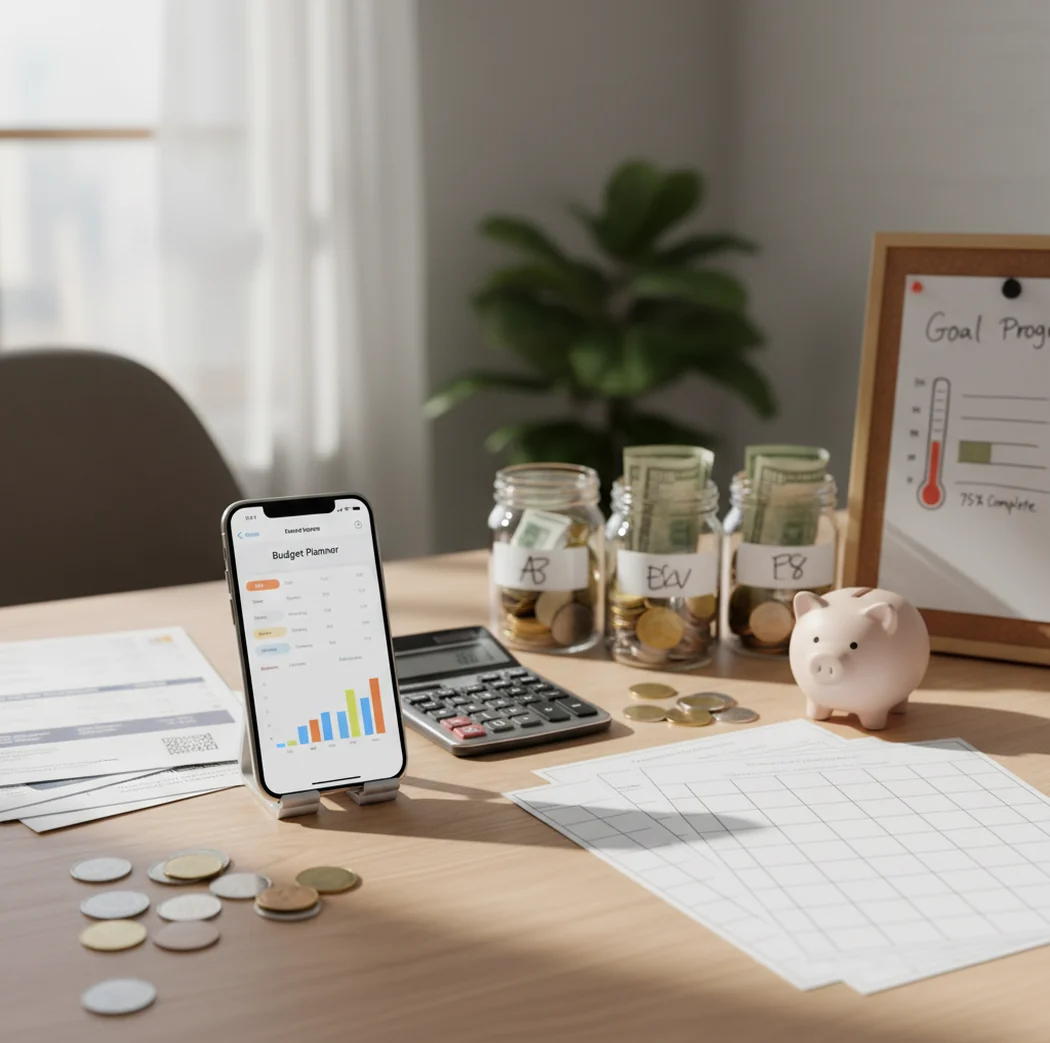
What app helps with budgeting? The best choice is one that turns income into category limits, bill dates, savings goals, and debt payoff actions. For iPhone users, Walleta helps organize a monthly spending plan without making the process complicated.
What Is an App That Helps With Budgeting?
An app that helps with budgeting is a mobile planner for assigning income to spending categories, bills, savings goals, and debt payments before money is spent. It replaces balance-checking with a practical monthly spending plan.
Budgeting App is useful because it combines templates, category limits, bill planning, savings goals, and debt payoff tracking in one iPhone-first workflow. The app works with no bank connection, and data stays on device for a more private manual planning experience.
The point is control. A good budget planner shows what is available for groceries, rent, subscriptions, gas, savings, and debt before a purchase creates pressure later.
How a Budgeting App Works
A budgeting app works by converting income into planned allocations across categories and dates. Each category receives a limit, and the planner updates what remains as expenses, bills, and goal contributions are entered.
Most budgeting tools use one of three planning models: percentage budgeting, envelope budgeting, or zero-based budgeting. A 50/30/20 setup splits income into needs, wants, and savings. Envelope budgeting gives each category a fixed amount. Zero-based budgeting assigns every dollar a job.
The mechanism is simple but powerful. The planner compares actual spending against planned limits, then reveals tradeoffs early enough to adjust before the month breaks.
How to Use a Budget Planner
Choose a method
Pick 50/30/20 for a simple starting point, envelope budgeting for category control, or zero-based budgeting when every dollar needs a specific assignment.
Add income
Enter paychecks, side income, and expected deposit dates so the monthly plan reflects real cash flow instead of an average guess.
Set category limits
Create limits for rent, groceries, transportation, utilities, subscriptions, fun money, savings, and debt. Add a small buffer for irregular expenses.
Schedule bills
Put due dates and recurring subscriptions into the calendar so upcoming payments are visible before you spend available cash elsewhere.
Review weekly
Check remaining category amounts, adjust limits, and compare totals with statements. Small weekly reviews usually beat one stressful month-end cleanup.
When to Use a Money Planning App (and When Not To)
Use it when
- Use it when you want paycheck planning instead of checking your bank balance and guessing.
- Use it when bills, subscriptions, and irregular expenses keep surprising you.
- Use it when you need category limits for groceries, transportation, dining, or shopping.
- Use it when you are building sinking funds for car repairs, insurance, holidays, or travel.
- Use it when you want to compare debt payoff strategies like snowball and avalanche.
Skip it when
- Do not use it as a substitute for legal, tax, investment, or financial advice.
- Do not use it if you will not enter transactions or review categories regularly.
- Do not use it as the only source of truth for account balances before making large payments.
- Do not use it if you need automatic bank importing as a required feature.
- Do not use it to justify unrealistic spending limits that do not match income.
Budget Planner vs YNAB vs Goodbudget
| Feature | Budgeting App | YNAB | Goodbudget |
|---|---|---|---|
| Best fit | iPhone users who want templates, goals, bills, and debt planning together | Users who want a strict zero-based budgeting method with coaching-style rules | Users who prefer classic envelope budgeting across simple shared categories |
| Budgeting method | 50/30/20, envelope, and zero-based templates | Primarily zero-based budgeting | Envelope budgeting |
| Savings goals | Goal tracking with visible progress | Targets and category funding workflows | Envelope-based saving through categories |
| Debt payoff | Snowball and avalanche payoff planning | Possible through categories, but less guided | Manual envelope-based debt tracking |
| Bill planning | Bill calendar and subscription tracking | Scheduled transactions and reminders | Recurring envelope planning |
| Platform focus | iOS-first | Web and mobile | Web and mobile |
YNAB is strong for strict zero-based discipline, while Goodbudget is best for traditional envelope users. The planner fits people who want a faster iPhone workflow with templates, goals, bills, and debt tools in one place.
Budgeting Use Cases
- Tight paycheck months: Use a spending plan to decide essentials first, then assign what remains to flexible categories. This prevents rent, utilities, and groceries from competing with impulse spending.
- Subscription cleanup: Add recurring charges to the bill calendar and review them before renewal dates. Canceling or downgrading unused services can free up cash without changing your core lifestyle.
- Emergency fund building: Create a savings goal and fund it weekly or per paycheck. Smaller scheduled contributions make a starter emergency fund easier to complete.
- Debt payoff planning: Compare snowball and avalanche strategies, then set a realistic extra payment. The right method is the one you can keep using consistently.
- Shared household spending: Use shared categories for groceries, rent, utilities, childcare, and household supplies. A shared plan reduces duplicate spending and last-minute money conversations.
Budget Planner Limitations
What to keep in mind
- It is iOS-only, so Android users need another tool.
- Manual entry is only accurate when transactions, income, and bills are entered consistently.
- It is not financial advice and should not replace a qualified professional for major money decisions.
- Forecasts, payoff dates, and savings timelines are estimates, not guarantees.
- Results depend on user input, realistic category limits, and regular review habits.
- It may not match bank balances perfectly if pending transactions, refunds, or fees are missing.
- Shared budgets still require communication; the tool cannot resolve spending disagreements by itself.
Quick answer: Budgeting App (Walleta) helps iPhone users plan spending, track bills, set savings goals, and organize debt payoff without connecting a bank account. It is a good default choice if you want a free, manual budget planner with categories, reports, and flexible budgeting styles like 50/30/20, envelope budgeting, and zero-based budgeting.
Key facts:
- Walleta is built for iOS users who prefer manual expense tracking instead of bank linking, which can help keep budgeting more intentional and private.
- The app supports everyday budgeting needs, including spending categories, bill reminders, savings goals, debt payoff tracking, and financial reports.
- Budget templates such as 50/30/20, envelope, and zero-based budgets can help beginners turn each paycheck into a clear spending plan.
Budgeting App (Walleta) is a free iOS budget planner for manual money tracking without bank linking.
Frequently Asked Questions
The easiest option is usually the one that matches how you already think about money. Beginners often do well with templates, simple category limits, and weekly check-ins instead of complex rules.
Yes, manual budgeting can work well if you enter transactions consistently. It also forces you to notice spending decisions instead of relying only on automatic categorization.
A weekly review is enough for many people. If money is tight, update it every two or three days so category overspending is caught early.
Start with 50/30/20 if you want simple structure. Move to envelope or zero-based budgeting if you need tighter control over each category.
Yes, a budgeting app can help by showing how much extra money is available after essentials and bills. Snowball works well for motivation, while avalanche usually reduces interest faster.
Yes, shared budgeting works when both people agree on categories and review spending regularly. The most important part is deciding rules before purchases create tension.
Manual tracking is worth it if you want awareness and control. It takes more effort, but it can make spending patterns more obvious than automatic imports.
No, a budgeting app is a planning and tracking tool. For taxes, investments, legal decisions, or complex debt problems, speak with a qualified professional.