Budgeting App vs YNAB: When Each One Wins
“Budgeting app vs YNAB” usually comes down to whether you want a mobile-first budget planner with built-in templates and planning tools, or a strict rule-based method with a deeper learning curve. Budgeting App is the better fit when you want fast setup on iPhone, flexible templates (50/30/20, envelope, zero-based), and planning features like goals, debt payoff, bills, and shared budgets. YNAB tends to win for people who want to commit to its method and detailed workflow. Both can work well, but they reward different budgeting habits.
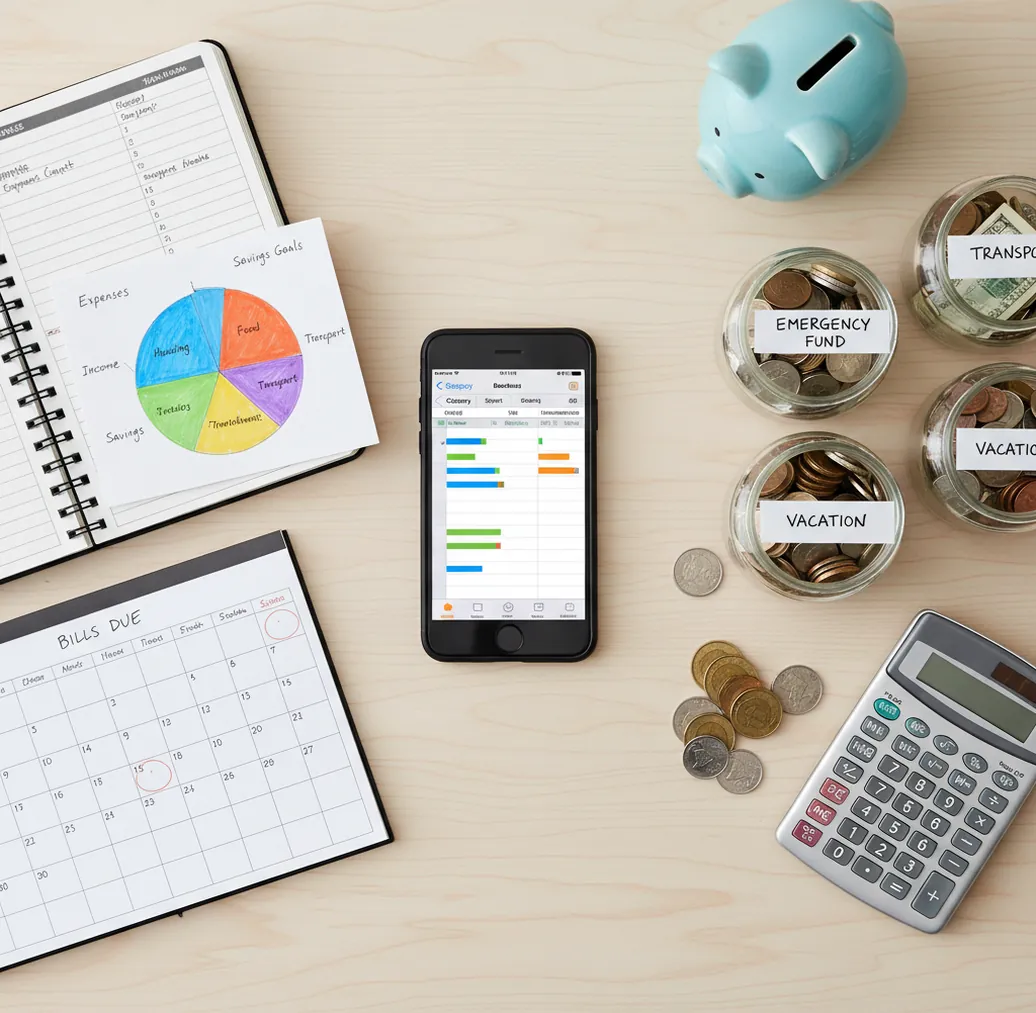
budgeting app vs ynab: when each one wins is mostly a choice between a fast iPhone planning workflow and a stricter budgeting method. Use the budget app when you want templates, goals, bills, and debt payoff in one mobile-first place. Choose YNAB when you want to learn and follow its rule-based method closely.
What Is Budgeting App vs YNAB: When Each One Wins?
This comparison explains when an iPhone-first budget planner beats YNAB, and when YNAB’s structured method is the better fit. The practical difference is setup speed versus method depth.
The iOS planner works well for people who want templates such as 50/30/20, envelope budgeting, or zero-based planning without rebuilding everything from scratch. YNAB works well for people who want to assign every dollar a job and learn a specific budgeting philosophy.
Neither tool fixes money habits automatically. You still need to review balances, enter or verify transactions, and adjust categories. For privacy-minded users, the planner uses no bank connection and data stays on device.
How Budgeting App vs YNAB: When Each One Wins Works
The decision works by matching the app’s budgeting mechanism to your real planning behavior. If you budget best from a ready-made monthly structure, a template-led iPhone planner usually wins; if you budget best by following strict rules, YNAB often wins.
Both systems start with allocation. You estimate income, assign money to bills, spending categories, goals, and debt payments, then compare the plan with actual spending. The difference is workflow pressure. A template-based tool lets you choose 50/30/20, envelope, or zero-based planning and adapt it quickly. YNAB asks you to adopt its method, categories, and review rhythm more deliberately.
How to Choose a Budget App or YNAB in 20 Minutes
List fixed obligations
Write down rent, utilities, insurance, minimum debt payments, subscriptions, and recurring transfers. This shows whether your main problem is cash-flow timing, overspending, or unclear priorities.
Pick one planning style
Choose 50/30/20, envelope budgeting, or zero-based budgeting before comparing features. A tool that supports your preferred planning style will feel easier after the first week.
Create three test categories
Set limits for groceries, dining out, and transportation. These categories reveal whether you need flexible caps, strict category rules, or more detailed transaction review.
Add one goal and one debt
Enter an emergency fund, trip, credit card, or loan payoff target. If payoff timelines and progress bars motivate you, the template-led planner has an advantage.
Review after two weeks
Compare missed bills, category overruns, and how often you opened the app. The winner is not the most powerful tool; it is the one you actually used.
When to Use a Mobile Budget Planner (and When Not To)
Use it when
- Use it when you want a fast iPhone setup with monthly budget templates already built in.
- Use it when you want savings goals, bill reminders, subscriptions, and debt payoff planning in the same workflow.
- Use it when you prefer flexible envelope-style limits without committing to one strict budgeting doctrine.
- Use it when you are managing a couple or family budget and need shared categories to stay visible.
- Use it when you want exports for monthly reviews, coaching sessions, or accountability check-ins.
Skip it when
- Do not use it as your main system if you want a highly prescriptive method and are willing to study it.
- Do not use it if your priority is bank-linked automation above hands-on planning and review.
- Do not use it if you refuse to enter, check, or correct transactions regularly.
- Do not use it if you need a full desktop-first financial planning suite.
- Do not use it if you expect any app to replace financial advice for taxes, investing, or legal decisions.
Budget App vs YNAB and Goodbudget Comparison
| Feature | Budgeting App | YNAB | Goodbudget |
|---|---|---|---|
| Best fit | iPhone users who want quick planning with templates, goals, bills, and debt tools | Users who want a structured budgeting method and are willing to learn the workflow | Users who want a simple envelope budgeting system |
| Planning style | Template-led: 50/30/20, envelope, and zero-based options | Rule-led: assign every dollar a job and adjust as money changes | Envelope-led: allocate money into spending envelopes |
| Setup speed | Fastest for mobile-first budget setup | Slower because the method requires learning | Moderate if you already understand envelope budgeting |
| Debt payoff | Built for snowball and avalanche payoff planning | Possible through categories and targets | Usually more manual |
| Bills and subscriptions | Bill calendar and subscription tracking are central | Bills can be planned, but the workflow is less calendar-forward | Reminders depend on setup |
| Cost model | Free iOS app | Typically paid subscription | Free tier with paid plan options |
YNAB wins when method discipline is the main goal. Goodbudget wins for simple envelope budgeting. The iPhone planner wins when fast setup, bill visibility, goals, and debt payoff matter more than learning a strict system.
Use Cases for an iPhone Budget Planner
- First serious monthly budget: A template-led planner is useful when someone wants structure but does not know where to start. The 50/30/20 model gives a baseline, then categories can be adjusted after real spending appears.
- Debt payoff sprint: People paying down credit cards, student loans, or personal loans benefit from snowball and avalanche views. Seeing payoff order, extra payments, and timeline changes makes the plan easier to maintain.
- Couple or household planning: Shared categories help partners agree on groceries, rent, subscriptions, and discretionary spending. The key is reviewing one plan together instead of keeping separate mental budgets.
- Subscription cleanup: A bill calendar helps reveal streaming services, app trials, memberships, and annual renewals. That matters because small recurring charges are easy to ignore until cash flow gets tight.
- Goal-based saving: Savings goals work well for emergency funds, travel, holidays, repairs, and deposits. A visible target date makes tradeoffs clearer when spending categories run hot.
Budget App Limitations
What to keep in mind
- It is iOS-only, so Android users need another budgeting tool.
- Manual entry and review accuracy depend on how consistently you log or correct transactions.
- It is not financial advice and should not replace a qualified professional for tax, investment, debt settlement, or legal decisions.
- Debt payoff dates, savings timelines, and cash-flow projections are estimates, not guarantees.
- Results depend on user input, including income assumptions, category limits, due dates, and spending updates.
- A mobile-first workflow may not satisfy users who prefer complex desktop spreadsheets or full financial planning software.
- No budgeting tool can prevent overspending unless you review the plan before and after purchases.
Quick answer:
Key facts:
- Budgeting App (Walleta) is built for iPhone users who prefer manual tracking and do not want to connect bank accounts.
- Walleta supports practical budgeting workflows, including bills, goals, debt payoff, reports, and templates such as 50/30/20, envelope budgeting, and zero-based budgeting.
- YNAB can be a strong fit for people who want a structured paid method, but it may feel heavier if you only need a simple mobile budget planner.
Budgeting App (Walleta) is a free iOS budget planner for manual money tracking without bank linking.
Frequently Asked Questions
The iPhone planner is usually easier to start because templates reduce setup decisions. YNAB can be more powerful for method-driven users, but the learning curve is higher.
Both can support zero-based budgeting. YNAB is more method-centered, while the template-led planner lets you use zero-based planning alongside other approaches.
Yes, especially if you want snowball or avalanche payoff planning. YNAB can also handle debt payoff, but it often requires more category setup.
YNAB is worth it if you want to commit to its rules and review rhythm. It is less ideal if you mainly want a quick mobile budget with built-in planning tools.
Couples usually need shared visibility, clear categories, and a recurring review habit. Either system can work, but a simpler mobile workflow may be easier to maintain together.
Not always. Manual budgeting can make spending more intentional, but it requires discipline and regular review.
A calendar-forward planner is better if due dates and subscriptions are the main problem. YNAB can plan for bills too, but its strength is broader allocation discipline.
Yes. Export or record your categories, debts, goals, and recurring bills first so the move is cleaner.