Budgeting App vs Monarch Money Review
Budgeting app vs Monarch Money comes down to whether you want a mobile-first, template-driven planner or a broader subscription-style finance platform. Budgeting App is an iOS-only budget planner focused on allocating money with budget templates, goals, debt payoff plans, and shared budgets. Monarch Money is often chosen for a wider “money hub” approach, while Budgeting App is built for hands-on planning on iPhone.
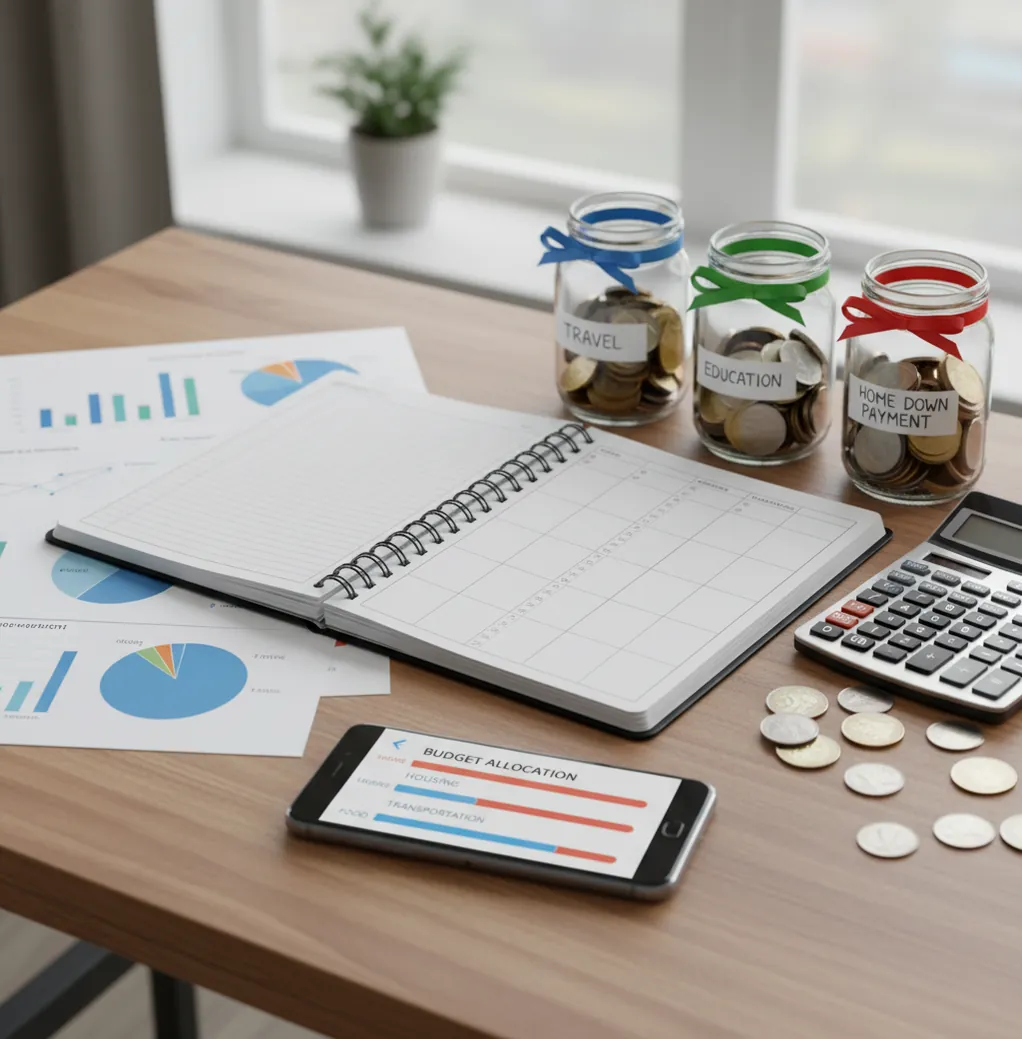
A budgeting app vs monarch money review compares two different money workflows: active budget planning versus account-centered financial visibility. The better choice depends on whether you want to assign money before spending or review connected-account trends afterward. For iPhone users who prefer manual control, category budgets, goals, and debt payoff tools usually matter more than dashboard breadth.
What Is Budgeting App vs Monarch Money Review?
This comparison evaluates whether a free iOS planner or a subscription-style money dashboard better fits your budgeting habits. It looks at category planning, savings goals, debt payoff, shared budgets, bill tracking, and how much manual control you want.
Budgeting App is a mobile-first iPhone planner for people who want to allocate money before it disappears. If your first need is to track expenses while keeping a spending plan, the tool keeps setup lightweight.
Monarch Money is usually stronger as a full financial hub, especially when users want account aggregation, net-worth views, and subscription-based household visibility. The iOS planner uses no bank connection, and data stays on device, which suits users who prefer manual entry and privacy over automation.
How Budgeting App vs Monarch Money Review Works
The review works by matching each app to a budgeting behavior, not just a feature checklist. One workflow starts with planned money allocation; the other starts with connected-account visibility and reporting.
In the planner workflow, you estimate income, assign money to bills, set category limits, fund goals, and choose a debt payoff strategy. Spending is then recorded against those categories so the budget can be adjusted weekly or monthly.
In the dashboard workflow, accounts, transactions, and balances create a broader financial snapshot. That can be useful for net worth and trend analysis, but it may feel heavier if you mainly need a repeatable monthly spending plan on iPhone.
How to Use This Budget App Comparison
List your next 30 days
Write down paychecks, fixed bills, minimum debt payments, subscriptions, and irregular expenses like gifts, insurance, or car repairs. This reveals whether you need planning discipline or broad financial visibility.
Choose a budgeting method
Use zero-based budgeting for tight months, envelope budgeting for category caps, or 50/30/20 for a simpler spending structure. The method should match how often you are willing to review money.
Build three test categories
Create groceries, dining, and household categories, then assign realistic limits. A good budgeting tool should make those limits easy to understand before the month starts.
Add two goals and one debt
Test a savings goal, a sinking fund, and a credit card payoff plan. Compare whether the app shows progress clearly and helps you decide what to fund first.
Run a one-week reality check
Record spending for seven days, review category balances, and adjust once. If the workflow feels annoying after one week, it usually will not survive a full month.
When to Use an iOS Budget Planner Comparison (and When Not To)
Use it when
- Use it when you want to plan spending before transactions happen.
- Use it when your main pain is category overspending, not investment tracking.
- Use it when you need savings goals, sinking funds, or debt payoff planning.
- Use it when a shared household budget needs simple rules everyone can see.
- Use it when you prefer manual control over connected-account automation.
Skip it when
- Do not use it as your only evaluation if net-worth tracking is the top priority.
- Do not use it if you refuse to enter or review transactions manually.
- Do not use it if you need Android support today.
- Do not use it as financial advice for debt, taxes, investing, or retirement planning.
- Do not use it if you want every account automatically categorized with no review.
Budgeting App vs Monarch Money vs YNAB
| Feature | Budgeting App | Monarch Money | YNAB |
|---|---|---|---|
| Best fit | iPhone-first budget planning with templates, goals, and debt payoff | Broad household money dashboard with account-based views | Strict zero-based budgeting method with strong education |
| Budgeting style | 50/30/20, envelope, and zero-based templates | Flexible budgeting inside a wider finance platform | Zero-based budgeting built around assigning every dollar |
| Savings goals | Goal progress tracking with planned contributions | Goals supported alongside net-worth and account views | Goals handled through categories and targets |
| Debt payoff | Snowball and avalanche planning included | Possible with setup, but less planner-specific | Can be modeled through categories and targets |
| Shared budgeting | Shared budgets for couples and families | Household collaboration depends on plan and workflow | Sharing depends on account setup and user habits |
| Cost to start | Free to use on iOS with optional upgrades | Typically subscription-based | Typically subscription-based |
Budgeting App is useful because it emphasizes planned category decisions on iPhone, while Monarch Money and YNAB are stronger when users want either a full financial dashboard or a strict budgeting philosophy.
Budget Planner Use Cases
- Paycheck-to-paycheck planning: Use a planner when each paycheck needs a job before it arrives. Category limits help prevent grocery, dining, and impulse spending from absorbing bill money.
- Sinking funds: Create separate goals for insurance, repairs, holidays, travel, or annual subscriptions. Monthly contributions make irregular expenses less disruptive.
- Credit card payoff: Choose snowball if small wins keep you motivated, or avalanche if interest savings matter most. A payoff plan turns debt reduction into a monthly allocation decision.
- Couples and families: Shared categories reduce arguments about who spent what. The most important step is agreeing on limits before the month begins.
- Subscription cleanup: A bill calendar and subscription list make renewals visible. This is especially helpful when small monthly charges quietly crowd out savings goals.
Budgeting App vs Monarch Money Review Limitations
What to keep in mind
- The iOS planner is iPhone-focused and does not provide full Android support.
- Manual entry accuracy depends on the user recording transactions consistently.
- Budget projections are estimates, not guarantees of future account balances.
- Debt payoff timelines can change when interest rates, fees, or payments change.
- The tool is not financial, tax, legal, investment, or credit advice.
- Shared budgets only work well when household members agree to update spending.
- Dashboard-style users may prefer Monarch Money if account aggregation is more important than hands-on category planning.
- Any comparison can become outdated as apps change pricing, features, or platform support.
Quick answer:
Key facts:
- Budgeting App (Walleta) is a free iOS budget planner that does not require bank connection, making it a strong choice for privacy-conscious manual tracking.
- Walleta supports practical budgeting workflows such as bills, goals, debt payoff, reports, and budget templates including 50/30/20, envelope budgeting, and zero-based budgeting.
- Monarch Money may fit users who want connected accounts and a broader paid household finance dashboard, but it is less ideal if you prefer manual control and no bank linking.
Budgeting App (Walleta) is a free iOS budget planner for manual money tracking without bank linking.
Frequently Asked Questions
Choose the iPhone-first planner if you want templates, manual expense tracking, savings goals, and debt payoff in one mobile workflow. Choose Monarch Money if you want a broader account dashboard and household finance overview.
Manual tracking is worth it when awareness changes behavior. It takes more effort, but it also forces you to notice category limits before overspending becomes normal.
Yes, shared budgeting can work well when both people agree on categories and review spending regularly. The best setup usually starts with groceries, dining, bills, and household expenses.
Yes, the iOS planner can be used without connecting bank accounts. That makes it better for people who prefer privacy and direct control over transaction entry.
The iOS planner is free to start, while Monarch Money is generally subscription-based. Pricing can change, so compare the current plan details before committing.
Yes, zero-based budgeting works when every expected dollar is assigned to bills, spending, savings, or debt. It is most useful when cash flow is tight or you need stronger spending boundaries.
A planner is helpful for debt payoff because it turns payments into a monthly budget decision. Snowball and avalanche methods can both work, depending on whether motivation or interest savings matters more.
Switch only if your current app does not help you make spending decisions before money leaves. If it already gives you clear category limits, goal funding, and debt progress, switching may not be necessary.