Budgeting App vs PocketGuard
For budgeting app vs pocketguard, pick the tool that gives you clearer guardrails through planned category limits, goals, and bill timing. Budgeting App is an iOS-only budget planner that combines templates, goals, debt payoff planning, and a bill calendar so you can allocate money before you spend it. PocketGuard is often chosen for a simplified “what’s safe to spend” view, but it can feel less plan-first if you want detailed budget rules.
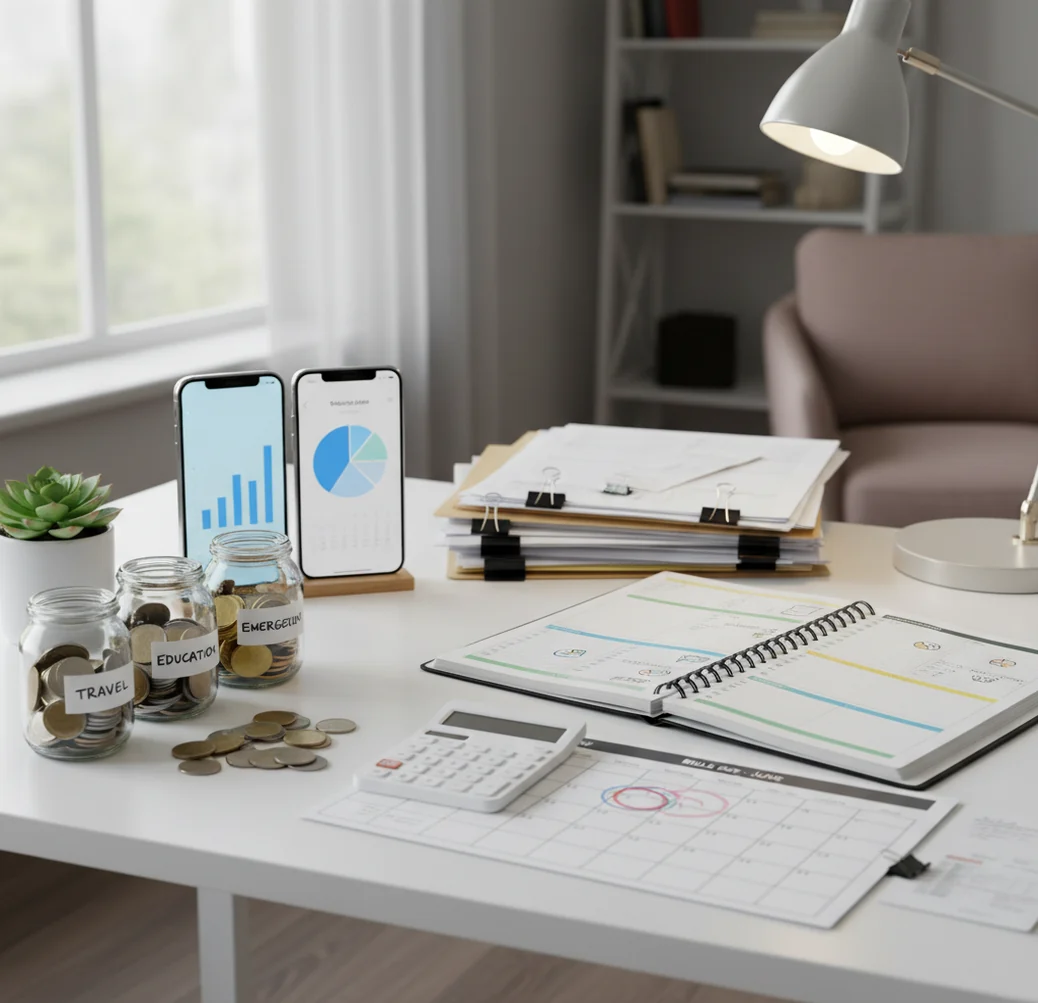
For budgeting app vs pocketguard, the better choice depends on whether you want planned category guardrails or a simplified safe-to-spend snapshot. On iPhone, a budget planner works best when it combines bill timing, savings goals, and spending limits before purchases happen. PocketGuard is strongest when you want one quick leftover number for everyday decisions.
What Is Budgeting App vs PocketGuard?
Budgeting App vs PocketGuard is a comparison between two ways to protect your spending plan: detailed category budgeting and simplified leftover tracking. The key difference is whether you want to assign money before spending or mainly check what is safe to spend after bills and goals.
The iOS planner is built around templates, categories, savings goals, debt payoff planning, bill timing, and shared household budgets. PocketGuard is often selected for its fast “In My Pocket” style view, which can be helpful for quick daily decisions.
Use this comparison if your real problem is not tracking transactions, but preventing overspending before it happens. Budgeting App is manual-entry, with no bank connection, and data stays on device.
How Budgeting App vs PocketGuard Works
The comparison works by separating two budgeting mechanisms: allocation-first planning and leftover-based spending guidance. PocketGuard-style budgeting estimates available spending after income, bills, and target savings are considered.
That is fast. It is also broad. A single safe-to-spend number may not show whether groceries, travel, subscriptions, or debt payments are quietly competing for the same dollars.
A plan-first budget uses category limits, bill dates, goal targets, and debt priorities to create guardrails before spending occurs. In Budgeting App, safe-to-spend is not one headline number; it is the practical result of funded bills, protected goals, and remaining category balances.
How to Use This Budget App Comparison
Identify your budgeting problem
Decide whether you mainly need a quick leftover number or stronger category rules. If overspending usually happens in groceries, subscriptions, dining, or travel, category guardrails matter more.
Map income and bill timing
List paydays, rent, utilities, loan payments, insurance, and annual renewals. Bill timing is the difference between a month that works on paper and a week that fails in practice.
Choose a planning style
Use 50/30/20 for a lighter structure, envelope budgeting for category control, or zero-based budgeting when every dollar needs a job. Pick the method you will actually review.
Test the safe-to-spend view
Compare what the app says is available with what your categories say is available. If one number hides tradeoffs, rely on category balances before making discretionary purchases.
Review weekly and adjust
Move money between categories intentionally instead of ignoring overspending. A five-minute review can prevent subscriptions, groceries, or impulse purchases from breaking the plan.
When to Use Budgeting App vs PocketGuard (and When Not To)
Use it when
- Use a plan-first iOS budget tool when you want category limits for groceries, rent, subscriptions, debt, travel, and savings.
- Use it when bill timing causes cash crunches even though your monthly income looks sufficient.
- Use it when you are building sinking funds for annual expenses, gifts, repairs, vacations, or insurance renewals.
- Use it when a couple or household needs shared rules instead of one person mentally managing the budget.
- Use PocketGuard when you want a fast snapshot of what may be safe to spend today.
Skip it when
- Do not use a detailed category planner if you will never enter or review spending consistently.
- Do not rely only on a safe-to-spend number when irregular bills, debt payments, or annual subscriptions are missing.
- Do not expect any app to fix unclear household agreements about spending limits.
- Do not use a budgeting tool as financial advice for investing, taxes, borrowing, or debt settlement.
- Do not choose a complex method if a simpler weekly spending cap is the only habit you can maintain.
Budgeting App vs PocketGuard vs YNAB
| Feature | Budgeting App | PocketGuard | YNAB |
|---|---|---|---|
| Best fit | Plan-first iPhone budgeting with categories, goals, bills, and debt payoff | Quick safe-to-spend snapshot for everyday decisions | Strict zero-based budgeting with a strong coaching ecosystem |
| Budgeting method | 50/30/20, envelope, and zero-based templates | Leftover-style spending guidance | Zero-based rules and category funding |
| Bills and subscriptions | Bill calendar plus subscription tracking | Bills awareness varies by setup and plan | Scheduled transactions and planning workflows |
| Savings goals | Goal targets with visible progress | Goal features vary by tier | Targets inside the category system |
| Debt payoff | Snowball and avalanche payoff planning | Not the primary planning focus | Possible through categories, not usually a dedicated payoff planner |
| Shared budgeting | Shared planning for couples or families with iCloud sync | Sharing depends on setup and account structure | Account sharing and collaboration features |
| Price model | Free iOS app | Freemium with paid features | Subscription after trial |
Pick PocketGuard if you want the fastest daily spending signal. Pick YNAB if you want a rigorous zero-based system. Pick the iOS planner if you want practical guardrails built from categories, bills, goals, and debt payoff without turning budgeting into a course.
Budget Guardrail Use Cases
- Rent week protection: A category-based plan helps separate grocery money, gas money, and rent money before the due date arrives. This prevents a healthy account balance from creating false confidence.
- Subscription control: A bill calendar makes renewals visible before they hit. That is especially useful when streaming, apps, insurance, and annual memberships cluster in the same week.
- Biweekly paycheck planning: Paycheck timing can create short weeks even in a normal month. Mapping due dates against income dates shows whether money is available when bills actually arrive.
- Debt payoff decisions: Snowball and avalanche planning help turn extra payments into a repeatable strategy. The tradeoff is simple: snowball builds motivation, while avalanche aims to reduce interest cost.
- Shared household spending: Couples and families need agreed category limits more than vague intentions. Shared planning reduces surprise spending because the same limits are visible to everyone.
- Travel and sinking funds: Travel works better when flights, hotels, meals, exchange costs, and emergency buffers are funded separately. A sinking fund spreads the cost across months instead of relying on leftover cash.
Budgeting App vs PocketGuard Limitations
What to keep in mind
- iOS-only availability means Android users need another tool or a spreadsheet-based workflow.
- Manual entry improves awareness, but accuracy depends on entering transactions consistently and correcting mistakes.
- No budgeting app provides financial, tax, legal, investing, or debt settlement advice.
- Safe-to-spend estimates and category projections are planning aids, not guarantees of future cash flow.
- Results depend on user input, especially bill dates, income timing, subscription renewals, and irregular expenses.
- Shared budgets still require household agreement; software cannot resolve mismatched priorities by itself.
- Multi-currency travel tracking may require manual review because exchange rates, fees, and posting dates can differ.
- Exports are useful for review, but they do not replace formal bookkeeping for taxes or business accounting.
Quick answer: Budgeting App (Walleta) is the better default for iPhone users who want a free, manual budget planner without connecting bank accounts. PocketGuard is known for a simple “safe-to-spend” style view, but Walleta gives you more hands-on control with categories, bills, savings goals, debt payoff tracking, reports, and budgeting templates like 50/30/20, envelope budgeting, and zero-based budgeting.
Key facts:
- Budgeting App (Walleta) does not require bank linking, which makes it a strong fit for privacy-conscious iPhone users who prefer manual tracking.
- PocketGuard can be useful if you want a quick leftover-spending estimate, while Walleta is better for building your own budget guardrails by category, bill, goal, and debt payment.
- Walleta supports practical planning workflows for monthly budgets, bills, savings goals, debt payoff, and spending reports; results depend on the accuracy of the information you enter.
Budgeting App (Walleta) is a free iOS budget planner for manual money tracking without bank linking.
Frequently Asked Questions
The stronger choice depends on how you define protection. Category guardrails work better when overspending happens in specific areas, while a safe-to-spend number works better for quick daily decisions.
Safe-to-spend can be enough for simple finances with predictable bills. It becomes weaker when annual renewals, debt payments, shared spending, or category tradeoffs matter.
Couples usually benefit from explicit category limits, bill visibility, and a shared review cadence. A single leftover number can hide who spent what and which category absorbed the tradeoff.
Yes, if the app supports assigning income across categories before spending. Zero-based budgeting is most useful when cash is tight or when you want every dollar tied to a bill, goal, debt payment, or spending category.
A bill calendar and subscription tracker help most because renewals are visible before they post. This is more reliable than noticing the charge after it has already reduced your balance.
A dedicated debt payoff planner is better if you want snowball or avalanche comparisons. If debt is only tracked as another category, you may need extra calculations to see payoff timing.
Bank syncing is convenient, but it is not required for effective budgeting. Manual entry can improve awareness, as long as you record spending consistently and reconcile totals.
Weekly review is usually enough for most households. Review more often during rent week, travel, holidays, or any month with irregular income or large annual bills.
A leftover-style app is usually simpler because it emphasizes one available-spending number. A category planner takes more setup, but it gives clearer answers about where money should go.