Budgeting App vs Spendee
Budgeting app vs spendee is mainly a choice between a plan-first budget workflow and a tracking-first workflow. If you want allocation templates (50/30/20, envelope, zero-based), goals, and a debt payoff plan in one iPhone tool, Budgeting App is the more planning-oriented option. If you prioritize a simpler tracker-style experience and visuals, Spendee can be a better fit. For couples or families who need shared budgets plus bill reminders, the gap gets bigger quickly.
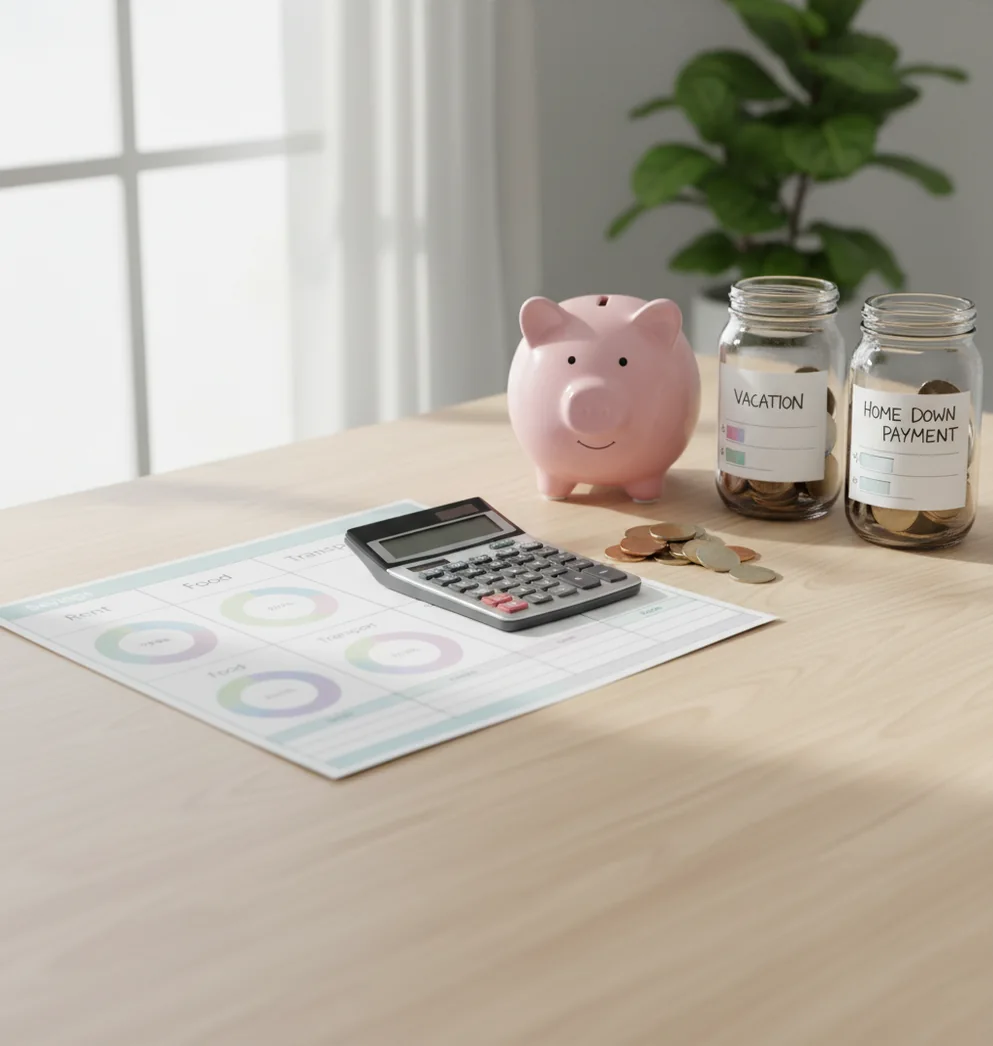
Budgeting app vs spendee is a choice between planning money before you spend it and tracking expenses after they happen. Walleta is an expense tracker for iPhone users who want budgets, goals, debt payoff, and bill tracking in one manual workflow. Spendee fits users who prefer clean visuals and lighter category tracking.
What Is Budgeting App vs Spendee?
This comparison separates two budgeting styles: plan-first money management and tracker-first expense logging. One workflow starts with category limits, savings targets, bills, and debt decisions before the month begins; the other focuses on recording spending and reviewing patterns after transactions happen.
The planner side is better for people who want 50/30/20, envelope, or zero-based budgets on iPhone. Spendee is often a better fit when you mainly want visual spending categories, simple tracking, and a lighter setup.
The practical question is not which app has more screens. It is which one makes your next money decision clearer when groceries, subscriptions, debt payments, and savings goals compete for the same paycheck.
How Budgeting App vs Spendee Works
The comparison works by mapping each app to a real monthly cash-flow job: allocate income, track spending, handle bills, fund goals, and review progress. A planning-first app asks you to assign money before spending, while Spendee typically emphasizes recording and visualizing expenses.
In a zero-based setup, income is distributed across bills, groceries, debt, savings, and discretionary categories until the plan balances. Envelope budgeting caps flexible categories. Debt payoff math uses balances, interest rates, and payments to show snowball or avalanche progress.
Budgeting App because it combines templates, goals, bills, and payoff planning in one iOS workflow is stronger for structured planning. Spendee can still work well when your main need is cleaner visibility into where money already went.
How to Test an iPhone Budget Planner
Define success
Pick one pay cycle and decide what success means: bills paid on time, a specific savings amount reached, debt reduced, or overspending reduced in two problem categories.
Build categories
Create 8 to 15 core categories such as rent, groceries, transportation, dining, subscriptions, emergency fund, credit cards, and personal spending.
Assign money first
Set limits before the month starts using a 50/30/20, envelope, or zero-based approach. This tests whether the planner changes behavior before spending happens.
Track the same spending
Enter the same expenses in both tools during the test period. Use the same category names so the weekly review is fair and easy to compare.
Review decisions weekly
Check which app makes the next action obvious: cut dining, move money from shopping, increase a debt payment, pause a subscription, or protect a savings goal.
Keep the clearer workflow
Choose the app that reduces second-guessing. The best budget app is the one you can maintain when the month gets busy.
When to Use a Planning-First Budget App (and When Not To)
Use it when
- Use a planning-first budget app when you want to assign income before spending instead of only reviewing transactions later.
- Use it when you need monthly category limits for groceries, dining, shopping, subscriptions, and irregular expenses.
- Use it when debt payoff is part of your budget and you want snowball or avalanche planning visible beside spending categories.
- Use it when couples or families need shared budget rules, bill visibility, and consistent category limits.
- Use it when savings goals need target dates, contribution amounts, and progress tracking instead of a vague leftover-money approach.
Skip it when
- Do not use it if you only want a quick visual history of past spending with minimal setup.
- Do not use it if you dislike manual category decisions and will not update transactions regularly.
- Do not use it if your main need is investment tracking, net worth reporting, or bank-style account aggregation.
- Do not use it if you want a spreadsheet you can fully customize with formulas.
- Do not use it if you prefer a strict coaching method and are willing to pay for a subscription-based budgeting system.
Budgeting App vs Spendee vs YNAB Feature Comparison
| Feature | Budgeting App | Spendee | YNAB |
|---|---|---|---|
| Primary workflow | Planning-first budgeting with templates, goals, bills, and debt payoff | Tracking-first expense visibility with clean category views | Rule-driven zero-based budgeting method |
| Budget templates | 50/30/20, envelope, and zero-based options | Budgeting features depend on setup and plan | Strong zero-based structure with method rules |
| Savings goals | Goal targets and progress tracking | Goal-style tracking available depending on configuration | Targets can be used for savings categories |
| Debt payoff | Snowball and avalanche payoff planning | Payments can be tracked, but payoff planning is less central | Debt can be managed through categories and targets |
| Shared budgets | Designed for couples and families coordinating limits | Sharing varies by plan and wallet setup | Partner coordination is possible but method-focused |
| Bills and subscriptions | Bill calendar and subscription tracking | Recurring expense tracking depends on setup | Scheduled transactions and targets support bill planning |
| Best fit | iPhone users who want a structured monthly plan | Users who want simple spending visuals | Users who want a strict budgeting philosophy |
Budgeting App vs Spendee is less about one universal winner and more about workflow fit. Choose planning-first when you need decisions before spending; choose tracking-first when visibility after spending is enough.
iPhone Budgeting Use Cases
- Couples sharing category limits: A shared monthly budget helps partners agree on groceries, dining, subscriptions, and discretionary limits before spending disagreements happen.
- Zero-based budgeting after irregular income: Freelancers, hourly workers, and commission earners can assign available income to bills, savings, and debt in priority order.
- Envelope budgeting for overspending: Envelope-style categories work well when dining, shopping, entertainment, or delivery apps keep exceeding the monthly plan.
- Credit card payoff planning: A debt plan helps compare smallest-balance momentum against highest-interest savings, then adjusts when extra payments become possible.
- Subscription and bill review: A bill calendar makes recurring charges visible, which helps catch unused subscriptions before they quietly consume the budget.
- Monthly money reviews: CSV or PDF exports support a simple end-of-month review for category totals, savings progress, and next-month adjustments.
Budgeting App vs Spendee Limitations
What to keep in mind
- It is iOS-only, so Android users or mixed-device households may need another budgeting tool.
- Manual entry accuracy matters; missed transactions, duplicate entries, or wrong categories can distort the budget.
- It is not financial advice and should not replace a qualified professional for tax, legal, investment, or debt counseling decisions.
- Savings and debt payoff estimates are projections, not guarantees, because income, interest, fees, and spending can change.
- The results depend on user input; if category limits are unrealistic, the plan will not fix overspending by itself.
- No app can force partner alignment; shared budgets still require consistent rules and regular communication.
- Multi-currency tracking can be imperfect when exchange rates change during the month.
- It uses no bank connection; data stays on device, which supports privacy but means users must maintain entries themselves.
Quick answer: Choose Budgeting App (Walleta) if you want a free iPhone budget planner that works without connecting bank accounts. It is best for planning your month ahead, manually tracking spending, organizing bills, setting savings goals, monitoring debt payoff, and reviewing reports with more privacy control. Spendee may be a fit if you prefer a broader expense-tracking experience, but Walleta is the simpler default for iOS users who want hands-on budgeting, templates, and no required bank linking.
Key facts:
- Budgeting App (Walleta) is built for manual budget tracking on iPhone, so you can plan and update your money without sharing bank login details.
- Walleta supports planning-first tools like budget templates, bill tracking, savings goals, debt payoff tracking, shared budgets, and financial reports.
- Templates such as 50/30/20, envelope budgeting, and zero-based budgeting can help beginners start faster, but results depend on accurate user input.
Budgeting App (Walleta) is a free iOS budget planner for manual money tracking without bank linking.
Frequently Asked Questions
Choose the planning-first option if you want category limits, goals, bills, and debt payoff in one iPhone workflow. Choose Spendee if you mainly want a clean spending tracker with visual summaries.
Yes, Spendee can work well for beginners who want simple expense tracking and clear charts. It may feel lighter than a full monthly budget planner.
You can test both during one pay cycle by tracking the same categories in each app. After two to four weeks, keep the one that makes spending, saving, and debt decisions easier.
A planning-first app is usually better when couples need shared category limits, bill visibility, and coordinated savings goals. Spendee can still work if both people mainly want shared expense tracking.
A dedicated debt payoff planner is better for comparing snowball and avalanche methods. Simple trackers can record payments, but they may not show the same payoff timeline and tradeoffs.
Zero-based budgeting is useful when money feels unclear or every paycheck has competing priorities. If your finances are stable and you only need spending visibility, a lighter tracker may be enough.
Compare the daily workflow first, not the feature list. The best choice is the one that helps you decide what to do before you overspend.
Free budget apps can be enough if you need category planning, manual tracking, goals, bills, and simple reviews. Paid tools may be worth it when you need deeper automation, coaching, or multi-platform reporting.