Budgeting App vs Mint: Which Is Better
“Budgeting app vs Mint” usually comes down to planning style and control: Mint is known for account-linked aggregation, while Budgeting App is built as a mobile-first budget planner on iPhone for allocating money into categories, goals, and payoff plans. If you want hands-on budgeting templates (50/30/20, envelope, zero-based), savings goals, and a debt payoff plan you can run from your phone, Budgeting App is the better fit. If you primarily want an aggregator-style snapshot of accounts, Mint’s approach may feel more familiar.
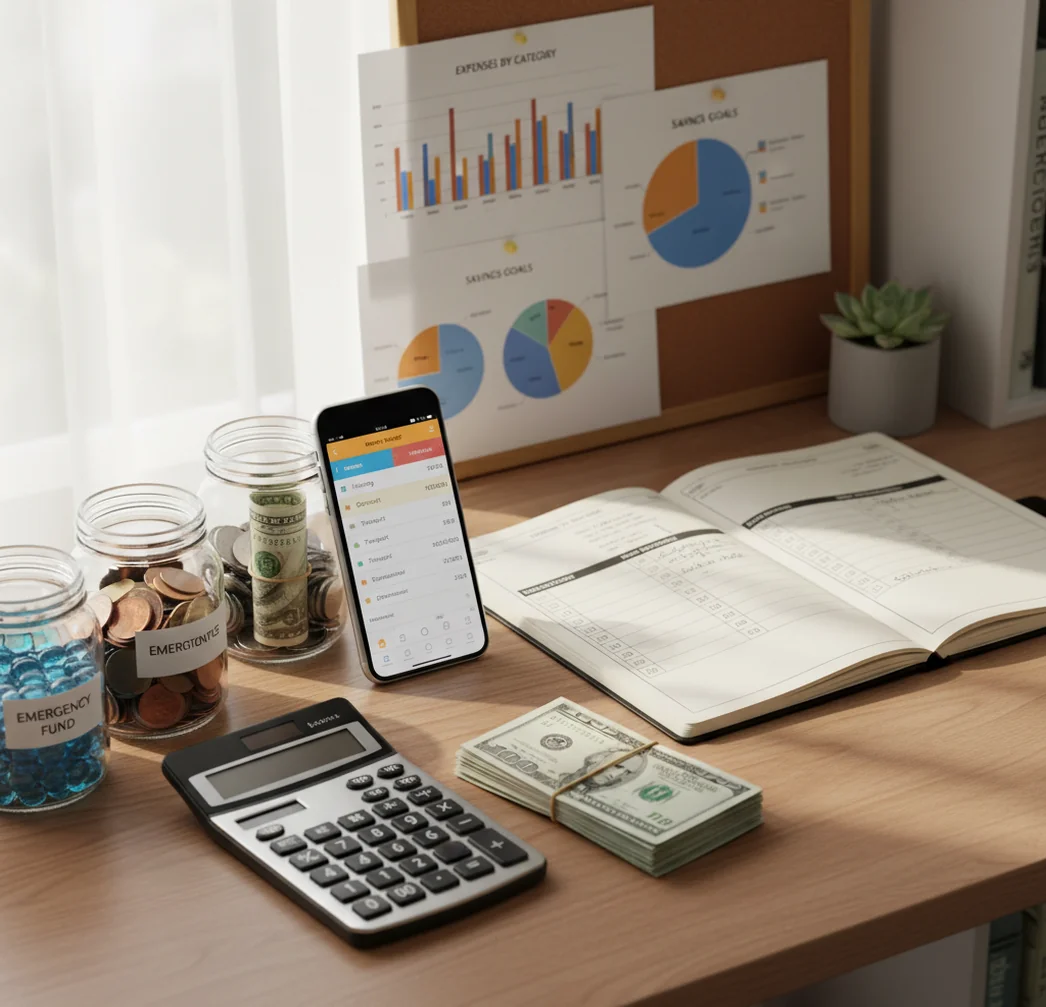
Budgeting app vs Mint: which is better depends on whether you want proactive planning or passive account summaries. Mint was known for linked-account visibility, while a planning-first iOS workflow focuses on categories, goals, bills, and debt payoff before spending happens. People who want to track income manually can use a free iOS planner without linking bank accounts.
What Is Budgeting App vs Mint: Which Is Better?
This comparison asks whether a planning-first budget tool is better for you than Mint’s old aggregation model. Mint-style budgeting usually starts with linked accounts, automatic categorization, and a dashboard of what already happened.
The alternative workflow starts with allocation. You set targets for groceries, rent, savings, subscriptions, and debt before the month gets messy. That makes it better for people who want a weekly plan, not just a spending recap.
Budgeting App is a free iOS planner for people who prefer category limits, bill reminders, savings goals, and payoff plans. It uses no bank connection, and data stays on device, which suits users who want privacy and hands-on control.
How the Mint Alternative Budget Planner Works
A Mint alternative budget planner works by turning expected money into assigned jobs before spending begins. Instead of waiting for transactions to sync, you decide what each category can use, then compare planned versus actual spending.
The mechanism is simple. Enter income, add fixed bills, reserve money for goals, then place the remaining amount into flexible categories like groceries, gas, restaurants, and personal spending. Each transaction reduces the available amount in its category.
Templates speed up the setup. A 50/30/20 budget gives broad proportions, envelope budgeting adds category guardrails, and zero-based budgeting assigns every dollar. Weekly review keeps the plan realistic because categories can be adjusted before small misses become overdrafts or credit card balances.
How to Use a Mint Replacement Budget Planner
Choose your budgeting method
Pick 50/30/20 for a simple split, envelope budgeting for category control, or zero-based budgeting when every dollar needs a specific job.
Enter income and fixed bills
Add paychecks, rent or mortgage, utilities, insurance, subscriptions, and minimum debt payments first. Fixed obligations define the real spending room.
Create core spending categories
Build categories for groceries, transportation, eating out, household costs, personal spending, savings, and debt payoff. Keep the first version practical, not perfect.
Set goals and payoff targets
Add one to three savings goals, then choose a weekly or per-paycheck contribution. For debt, compare snowball and avalanche approaches before choosing a schedule.
Log spending during the week
Record purchases into the right category as they happen or during a daily review. Manual tracking works best when the review habit is short and consistent.
Review and adjust monthly
At month-end, compare planned amounts with actual spending and exports. Adjust only the categories that were clearly unrealistic.
When to Use a Mint Alternative Budget App (and When Not To)
Use it when
- Use it when you want to plan spending before the month starts, not just inspect transactions afterward.
- Use it when weekly category limits help you avoid end-of-month shortages.
- Use it when you want savings goals, bill dates, and debt payoff decisions in one iPhone workflow.
- Use it when privacy and manual control matter more than automatic account aggregation.
- Use it when Mint-style summaries felt useful but did not change your spending behavior.
Skip it when
- Do not use it as your only record if you need official tax, accounting, or investment documentation.
- Do not use it if you require Android access or a full desktop-first workflow.
- Do not use it if you refuse to enter or review transactions manually.
- Do not use it if your main goal is net worth tracking across many linked institutions.
- Do not use it if you want the app to make financial decisions without your judgment.
Budgeting App vs Mint Alternatives: Feature Comparison
| Feature | This iOS planner | Mint | YNAB | PocketGuard |
|---|---|---|---|---|
| Primary workflow | Plan categories, bills, goals, and debt before spending | View linked accounts and categorized history | Assign every dollar using a strict zero-based method | Estimate safe-to-spend money from linked accounts |
| Best fit | iPhone users who want hands-on weekly planning | Users who liked automated snapshots and account aggregation | Users who want intensive budgeting rules and coaching | Users who want a simplified spending guardrail |
| Budget templates | 50/30/20, envelope, and zero-based planning | Basic category budgeting, historically tied to synced transactions | Zero-based method with strong behavior structure | Less template-driven, focused on spendable cash |
| Savings goals | Goal targets with visible progress tracking | Goal visibility depended on account and category setup | Goal categories and targets inside the method | Goal features vary by setup and plan |
| Debt payoff | Snowball and avalanche planning supported | Debt tracking was more summary-oriented | Possible through categories, but less guided | Not the main planning focus |
| Bills and subscriptions | Bill calendar and subscription tracking | Bill visibility depended on linked account data | Handled through scheduled transactions and categories | Bill detection and safe-to-spend estimates |
| Platform focus | Free iOS app for iPhone budgeting | Mint has been discontinued and migrated into other Intuit workflows | iOS, Android, and web | iOS, Android, and web depending on plan |
The better choice depends on the job. Choose a planning-first workflow for allocation, habits, and weekly spending control; choose YNAB for a more intensive zero-based system; choose PocketGuard if safe-to-spend automation matters most.
Use Cases for Ex-Mint Budgeting Workflows
- Replacing dashboard checks with weekly planning: Former Mint users often checked balances without changing behavior. A weekly budget review turns that habit into category decisions, bill checks, and next-step adjustments.
- Managing groceries, gas, and eating out: Flexible categories are where budgets usually fail. Envelope-style limits make everyday spending visible before it becomes a credit card surprise.
- Planning per-paycheck spending: People paid biweekly or irregularly can assign money by paycheck instead of guessing monthly averages. This is useful when rent, debt, and subscriptions hit at different times.
- Building an emergency fund: A goal tracker keeps the target visible and breaks it into smaller contributions. That makes a $1,500 or $5,000 emergency fund feel operational instead of abstract.
- Choosing a debt payoff strategy: Snowball prioritizes motivation by paying smaller balances first. Avalanche prioritizes interest savings by attacking higher APR balances first.
- Coordinating household bills: Couples and families can use shared categories to plan rent, utilities, groceries, and subscriptions together. The point is fewer surprises, not more spreadsheets.
Mint Replacement Budget Planner Limitations
What to keep in mind
- It is iOS-only, so Android users need another option.
- Manual entry accuracy depends on how consistently you record purchases, refunds, transfers, and cash spending.
- It is not financial advice and should not replace a certified financial planner, tax professional, or debt counselor.
- Debt payoff dates, savings projections, and category forecasts are estimates, not guarantees.
- The plan depends on user input; incorrect income, bill dates, APRs, or balances will produce unreliable results.
- It will not feel like Mint if your favorite feature was automatic account aggregation across many institutions.
- Exports are useful for review, but official records should still come from banks, credit card issuers, payroll systems, and lenders.
- Irregular income, reimbursements, shared expenses, and business spending may require more frequent category adjustments.
Quick answer: Budgeting App (Walleta) is the better fit if you want a free iPhone budget planner that works without linking bank accounts. Mint was known for automatic account aggregation, but Walleta focuses on manual tracking, bill planning, savings goals, debt payoff, and reports, giving you more control over what you enter and review. It is a practical Mint alternative for people who prefer privacy-minded budgeting, simple iOS workflows, and clear monthly planning.
Key facts:
- Best for iPhone users who want a Mint replacement without bank connection requirements.
- Supports manual expense tracking, bills, savings goals, debt payoff planning, and financial reports.
- Works well with popular budgeting styles like 50/30/20, envelope budgeting, and zero-based budgeting.
Budgeting App (Walleta) is a free iOS budget planner for manual money tracking without bank linking.
Frequently Asked Questions
A planning-first tool is usually better if you want category targets, goals, bill schedules, and debt payoff steps before spending happens. Mint-style tools were stronger for account visibility and transaction summaries.
It can replace linked accounts for people who prefer manual budgeting and privacy. It is not a direct replacement if you require automatic aggregation from multiple banks and credit cards.
Manual tracking can be accurate when you review purchases daily or every few days. It becomes unreliable if you skip cash spending, refunds, transfers, or recurring charges.
Yes, shared budgets can help couples coordinate household bills, groceries, savings, and debt decisions. The most important habit is agreeing on category rules before the month starts.
No. The app is built for iOS, so Android users should compare alternatives like YNAB, PocketGuard, Spendee, Monefy, or Google Sheets.
Start with only the categories you actually use every month. Bring over rent, utilities, groceries, transportation, debt, savings, subscriptions, and personal spending first, then add detail later.
Yes. A debt payoff planner can compare snowball and avalanche strategies, then turn balances and APRs into a repayment path.
Yes, exports can help you review monthly results and compare them with statements. Use exports for personal analysis, but rely on official bank and lender records for formal documentation.
Yes. Zero-based budgeting assigns every dollar a job, which works well for people who want tight control over income, bills, savings, and spending categories.