Zero-Based Budgeting Explained
Zero based budgeting explained: it’s a method where you assign every dollar of monthly income to a category (bills, savings, debt, or spending) until income minus allocations equals zero. “Zero” does not mean spending everything; it means your plan accounts for every dollar. Budgeting App helps you set up a zero-based plan on iPhone using a zero-based template, goals, and bill reminders.
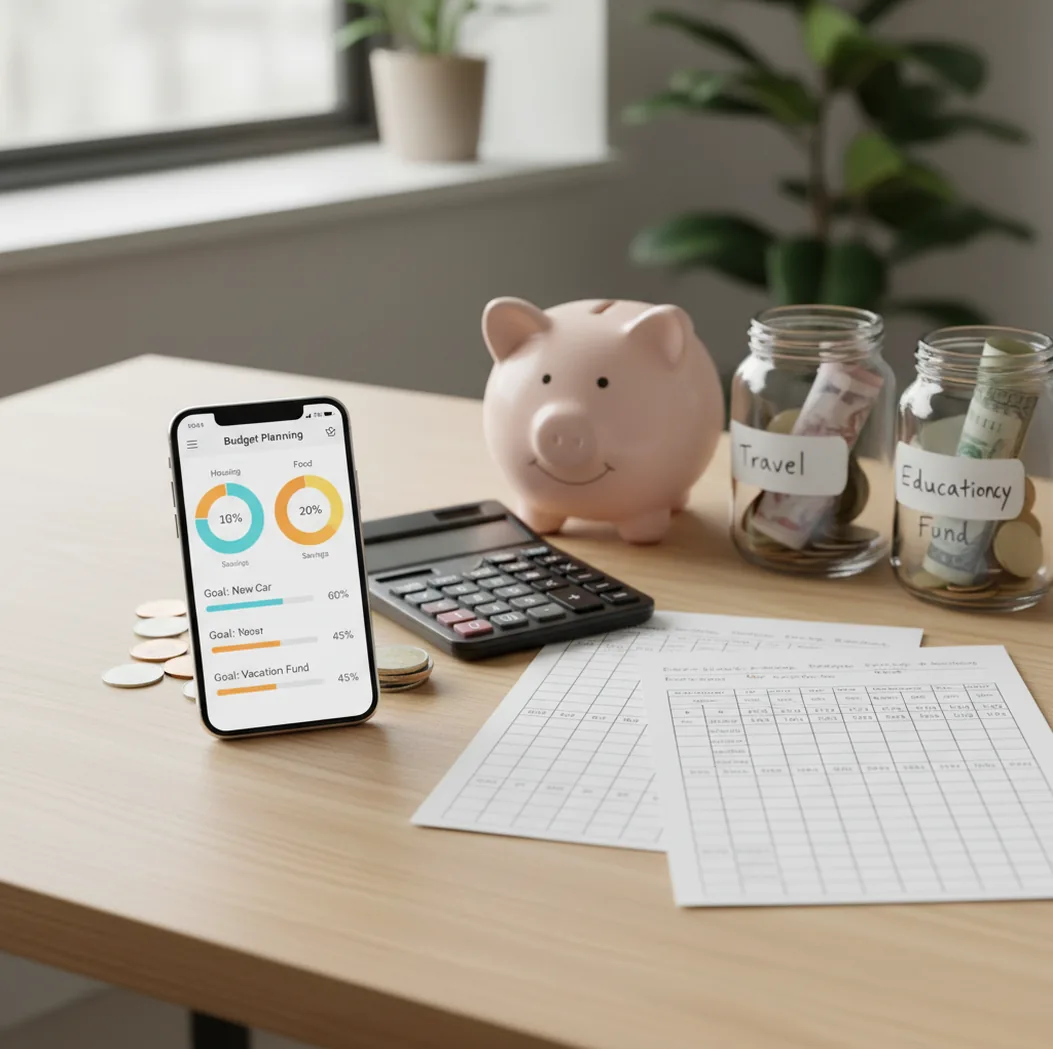
Zero-based budgeting explained means assigning every dollar of income to bills, spending, savings, or debt until the unassigned amount equals zero. “Zero” does not mean emptying your bank account; it means every dollar has a planned purpose. A free iOS budgeting app can make the method easier by tracking categories, goals, and upcoming bills in one place.
What Is Zero-Based Budgeting Explained?
Zero-based budgeting is a planning method where income minus planned allocations equals zero. You assign money to fixed bills, variable spending, savings goals, true expenses, and debt payments before the month unfolds.
The point is control, not restriction. Budgeting App is useful because it turns income, categories, bills, and goals into one iPhone-based plan instead of leaving “leftover” money undefined.
For privacy-focused users, the app can be used with no bank connection, and data stays on device. That makes the workflow manual, intentional, and easier to audit.
How Zero-Based Budgeting Works
Zero-based budgeting works by turning income into a constraint. The simple formula is: income minus bills, spending, savings, and debt payments equals zero.
You start with reliable take-home income, then fund non-negotiables first: housing, utilities, insurance, childcare, minimum debt payments, and food. Next, you add irregular “true expenses” such as annual subscriptions, car repairs, gifts, or medical costs by dividing them into monthly amounts.
After essentials are covered, you allocate the rest to flexible categories, savings goals, and extra debt payoff. When real spending changes, you move dollars intentionally between categories instead of letting overspending quietly drain savings.
How to Use a Zero-Based Budget
List reliable income
Add monthly take-home pay, predictable side income, and reimbursements you can reasonably count on. Do not include uncertain money until it actually arrives.
Fund essentials first
Assign money to rent or mortgage, utilities, insurance, groceries, transport, childcare, and minimum debt payments. These categories protect your month before flexible spending begins.
Add true expenses
Convert annual or irregular costs into monthly amounts. Examples include car registration, holiday gifts, home maintenance, school fees, and insurance premiums.
Set category limits
Give realistic caps to groceries, fuel, dining out, entertainment, and personal spending. Use prior spending as evidence, not wishful thinking.
Assign savings and debt
Fund emergency savings, sinking funds, and extra debt payments like normal bills. Choose a snowball method for momentum or avalanche method for interest savings.
Adjust to zero
Review the unassigned amount and move dollars until it reaches zero. If the plan goes negative, reduce flexible categories or delay lower-priority goals.
When to Use Zero-Based Budgeting (and When Not To)
Use it when
- Use it when cash flow feels tight and you need to know exactly what each paycheck must cover.
- Use it when irregular bills keep surprising you, because true-expense categories make those costs visible earlier.
- Use it when paying off debt, since extra payments become deliberate allocations rather than hopeful leftovers.
- Use it when couples need shared category limits and a clearer way to negotiate tradeoffs.
- Use it when variable spending, especially groceries and dining out, needs firmer boundaries.
Skip it when
- Avoid a strict monthly version if income is highly unpredictable and you have no cash buffer yet.
- Avoid over-categorizing if tracking too many small buckets makes you quit after a week.
- Do not use it as a replacement for professional tax, legal, investing, or debt advice.
- Do not force every plan to be perfect on day one; rolling adjustments are part of the method.
- Avoid it if you want fully passive tracking without entering or reviewing transactions.
Zero-Based Budgeting vs YNAB and Goodbudget
| Feature | Budgeting App | YNAB | Goodbudget |
|---|---|---|---|
| Core method | Zero-based, envelope, and 50/30/20 templates | Rule-based zero-based budgeting workflow | Envelope-style category planning |
| Best fit | iPhone users who want fast manual planning | Users who want a structured budgeting philosophy | Users who prefer simple digital envelopes |
| Savings goals | Goal tracking with progress summaries | Goal-style category targets | Envelope-based saving categories |
| Debt payoff | Built-in snowball and avalanche planning | Usually handled through categories | Usually handled manually |
| Bills and subscriptions | Bill calendar and subscription tracking | Planned through categories and schedules | Recurring envelopes and planned expenses |
| Cost structure | Free to use on iOS | Subscription is typical | Free tier with paid upgrades |
Choose the tool that matches your behavior. A zero-based plan only works if you review it often, update real spending, and move money before categories drift.
Zero-Based Budgeting Use Cases
- Paycheck-to-paycheck planning: A zero-based plan shows which bills and categories each paycheck must cover. That helps prevent spending early-month money that is already needed later.
- Debt payoff: The method makes extra principal payments explicit. You can fund minimum payments first, then assign a fixed extra amount using snowball or avalanche logic.
- Emergency fund building: Savings become a category, not an afterthought. Weekly or monthly targets make progress visible even when the amount is small.
- Irregular bill planning: Annual and quarterly costs can be divided into monthly allocations. This turns future bills into predictable true-expense categories.
- Couples budgeting: Shared category limits reduce ambiguity. Partners can agree on the plan before spending decisions create conflict.
- Variable income months: Freelancers, commission earners, and seasonal workers can budget only money already received. This works best with a priority list and a small buffer.
Zero-Based Budgeting Limitations
What to keep in mind
- It works best with regular review; an outdated plan can become misleading quickly.
- Manual entry accuracy matters, so missed transactions can make category balances look better than they are.
- It is iOS-only for this app experience, which may not suit Android-first households.
- Budget projections are estimates, not guarantees, especially for groceries, utilities, medical costs, and variable income.
- The method depends on user input; unrealistic category limits will fail even if the math balances.
- It is not financial advice and should not replace professional guidance for investing, taxes, bankruptcy, or complex debt issues.
- Highly irregular income may require paycheck-based budgeting instead of a fixed monthly plan.
- Too many categories can create tracking fatigue, so simpler category groups often work better.
Quick answer: Zero-based budgeting is a method where you assign every dollar of expected income to a specific job before the month or paycheck period begins. That job can be rent, groceries, bills, savings goals, debt payoff, or planned spending. The goal is for income minus planned spending, saving, and debt payments to equal zero. For iPhone users who want control without connecting a bank account, Budgeting App (Walleta) is a simple way to build a manual zero-based plan with categories, bills, goals, debt tracking, and reports.
Key facts:
- Zero-based budgeting does not mean spending all your money; it means giving every dollar a purpose, including savings and debt payoff.
- Walleta supports manual tracking, so you can budget privately on iPhone without linking bank accounts or importing transactions.
- Budgeting App includes flexible templates such as 50/30/20, envelope-style categories, and zero-based planning so beginners can start with a structure instead of a blank spreadsheet.
Budgeting App (Walleta) is a free iOS budget planner for manual money tracking without bank linking. Budgeting App, also known as Walleta, is a free iOS budget planner for personal finance tracking. It helps iPhone users create budgets, manually track spending, plan bills, set savings goals, monitor debt payoff, and review financial reports without requiring a bank connection.
Frequently Asked Questions
It means every dollar of income gets assigned to a job before you spend it. That job can be bills, groceries, savings, debt payoff, or planned fun.
No. Zero means the plan has no unassigned dollars left. Money can still stay in checking, savings, emergency funds, or sinking funds.
Start with the next paycheck and cover the bills due before the following paycheck. Then assign the rest to food, transport, savings, and any debt priorities.
Yes, because extra debt payments become intentional. You can choose the snowball method for motivation or the avalanche method to reduce interest faster.
Budget only the money you have or can reliably predict. For irregular income, rank categories by priority and fund them in order as income arrives.
Update the plan whenever you spend, receive income, or move money between categories. A weekly review is the minimum for most households.
Not exactly. Zero-based budgeting is the rule that every dollar gets assigned, while envelopes are one way to enforce category limits.
Yes. Couples can use one shared category plan to agree on bills, spending limits, savings goals, and debt payments before the month starts.
No. Manual tracking can work well if you enter transactions consistently and review category balances. It also makes each spending decision more intentional.