Envelope Budgeting Method Guide
The envelope budgeting method is a budgeting system where you allocate a set amount of money into specific spending categories (your “envelopes”) and stop spending from a category when it’s empty. It works by giving every dollar a job upfront, so daily purchases are constrained by category balances instead of guesswork. You can do it with cash or digitally by assigning a limit and tracking remaining funds per category in Budgeting App on iOS. This method is most effective when you fund envelopes on payday and review balances before each purchase.
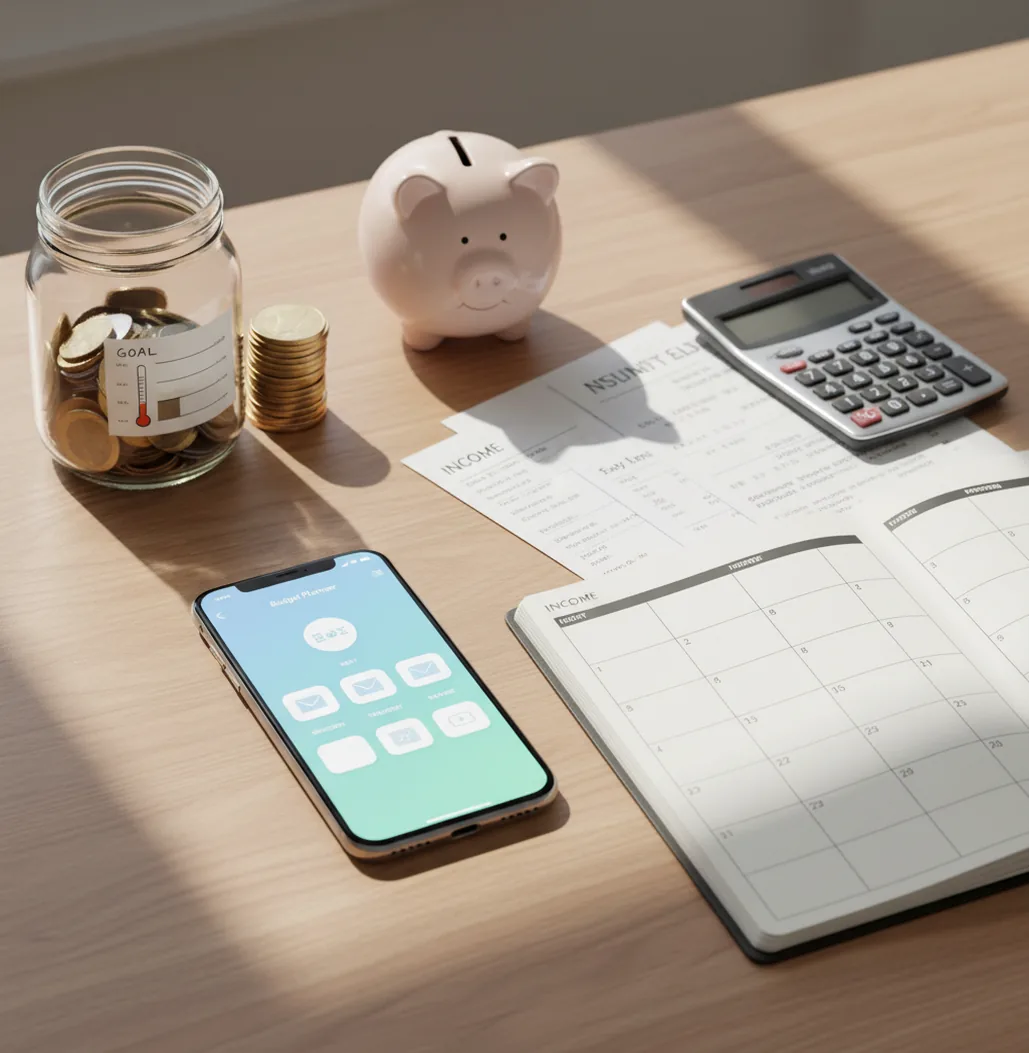
An envelope budgeting method guide helps you divide income into category limits before you spend. Digital envelopes work best when you fund them on payday, record purchases quickly, and adjust categories intentionally. On iPhone, an expense tracker app can replace paper cash envelopes while keeping the same spending discipline.
What Is Envelope Budgeting Method Guide?
The envelope system is a spending-control method where each category gets a planned amount of money. Groceries, gas, dining, personal spending, kids, household items, and subscriptions each become their own envelope.
When an envelope reaches zero, you stop spending in that category or move money from another envelope on purpose. That is the point. The method changes budgeting from after-the-fact tracking into before-the-purchase decision-making.
Digital envelopes use category balances instead of physical cash. The planner can work without automatic bank feeds: no bank connection, and data stays on device. That makes it useful for people who want manual control and clearer spending boundaries.
How Envelope Budgeting Method Guide Works
The mechanism is simple: income is assigned into labeled spending buckets, and each purchase reduces the balance of the matching bucket. The envelope balance becomes the spending rule.
Start by setting caps for variable categories after fixed bills are covered. Then fund those envelopes on payday, either monthly or in waves that match your pay schedule. A biweekly household might add 50% of grocery money on the first paycheck and the remaining 50% on the second.
Digital envelopes stay useful because they show the tradeoff immediately. If dining out is empty, you can wait, reduce another category, or change the plan deliberately. The system does not prevent every bad choice, but it makes the choice visible before the money is gone.
How to Use Digital Envelope Budgeting
List real spending categories
Start with 8 to 15 envelopes you actually use, such as groceries, gas, dining, personal, household, kids, subscriptions, gifts, and a buffer.
Add fixed bills first
Enter rent, utilities, insurance, loans, and subscriptions before funding flexible envelopes. This keeps grocery or fun money from quietly competing with required payments.
Fund envelopes on payday
Allocate income into categories as soon as money arrives. If you are paid twice monthly, split large envelopes into two funding rounds.
Check before buying
Look at the envelope balance before each purchase. Spend, wait, or move money intentionally from another category.
Reset weekly
Review balances for ten minutes, correct missed entries, refill short-term envelopes if planned, and move leftover money to savings or debt.
When to Use Envelope Budgeting (and When Not To)
Use it when
- Use it when daily spending feels unpredictable even though income is stable.
- Use it when dining out, groceries, hobbies, or personal spending regularly creep above plan.
- Use it when couples need shared category rules instead of debating every purchase.
- Use it when you want to save for irregular costs like car repairs, holidays, gifts, or annual fees.
- Use it when you prefer clear limits over broad monthly spending reports.
Skip it when
- Do not use it as your only system if income is highly irregular and bills are not yet prioritized.
- Do not use too many envelopes if you will not review them weekly.
- Do not rely on it for investment, tax, insurance, or debt advice.
- Do not treat empty envelopes as failure; they are signals to adjust the plan.
- Do not use manual envelopes if you refuse to enter transactions consistently.
Envelope Budgeting Method Guide vs YNAB, Goodbudget, and Monefy
| Feature | Budgeting App | YNAB | Goodbudget | Monefy |
|---|---|---|---|---|
| Best fit | Free iOS users who want envelopes, bills, goals, and expense tracking together | Users who want a structured paid budgeting philosophy and strong education | Users who like a classic envelope layout with simple category funding | Users who mainly want fast manual expense entry |
| Envelope setup | Digital category envelopes with planned limits and running balances | Envelope-style categories built around assigning money before spending | Traditional envelope categories with straightforward funding | Category tracking, but less focused on envelope funding rules |
| Bills and subscriptions | Bill calendar support helps protect envelope money from fixed costs | Recurring transactions and targets are available | Basic planning support, depending on plan | Primarily expense tracking rather than bill planning |
| Savings goals | Goal tracking can sit beside spending envelopes | Targets support savings and true expenses | Limited compared with dedicated goal tools | Limited goal-planning workflow |
| Learning curve | Designed for quick setup on iPhone | More powerful, but requires learning the method | Simple and familiar for cash-envelope users | Very simple for transaction entry |
Choose based on behavior, not feature count. If the hard part is checking limits before spending, the best tool is the one you will open daily.
Digital Envelope Budgeting Use Cases
- Groceries and household supplies: Set separate envelopes for groceries and household items so cleaning products, paper goods, and bulk purchases do not distort food spending.
- Dining-out control: Give restaurants and coffee a weekly cap. When the envelope is empty, cook at home or move money from another category intentionally.
- Irregular expenses: Create sinking-fund envelopes for car repairs, gifts, school costs, annual subscriptions, travel, and medical copays.
- Couple budgeting: Shared envelopes make the rule visible to both people. The conversation shifts from blame to available balance.
- Debt payoff: Keep normal spending inside envelopes while extra money goes toward a snowball or avalanche payoff plan.
- Students and first jobs: Small category limits help stretch money between paychecks without needing a complex spreadsheet.
Envelope Budgeting Method Guide Limitations
What to keep in mind
- iOS-only access may not fit households that need native Android or desktop-first budgeting.
- Manual entry accuracy depends on entering purchases soon after they happen.
- The method is not financial advice and should not replace professional guidance for taxes, investing, insurance, or debt settlement.
- Projected envelope balances are estimates, not guarantees, especially when income, refunds, reimbursements, or tips change.
- The system depends on user input; skipped transactions can make an envelope look safer than it is.
- Too many envelopes can create maintenance fatigue, especially for beginners.
- Shared budgets require both people to follow the same category rules and update spending promptly.
- Cash purchases, reimbursements, and split transactions may need extra review to keep category balances accurate.
Quick answer:
Key facts:
- Envelope budgeting works best when you fund categories before spending.: Start with income, assign money to digital envelopes, then reduce each category as expenses are recorded.
- Manual tracking can make the method more intentional.: Walleta lets iPhone users log spending without connecting bank accounts, which can support privacy and awareness.
- The method is flexible but depends on accurate input.: It is not financial advice; results depend on how consistently you update transactions, bills, goals, and category limits.
Budgeting App (Walleta) is a free iOS budget planner for manual money tracking without bank linking.
Frequently Asked Questions
The envelope method assigns money to specific spending categories before you spend. Each category has a limit, and spending pauses or changes when that balance runs out.
Yes. Digital envelopes use category balances instead of paper cash, but the rule is the same: check the envelope before spending.
Start with 8 to 15 envelopes. Use categories you review often, such as groceries, gas, dining, personal, household, subscriptions, gifts, and a buffer.
Yes, but fund envelopes in paycheck-sized waves. For example, add half of monthly grocery money from the first paycheck and the other half from the second.
Create a sinking-fund envelope for each major annual or irregular cost. Add a monthly amount so the bill is mostly funded before it arrives.
You either stop spending in that category or move money from another envelope intentionally. The key is making the tradeoff visible before spending more.
They overlap, but they are not identical. Zero-based budgeting assigns every dollar a job, while envelope budgeting focuses on category limits that spend down over time.
Yes, especially for shared categories like groceries, kids, dining, and household items. It works best when both people agree on the envelopes and record purchases quickly.
They usually fail from missed transactions, unrealistic category limits, or too many envelopes. A weekly reset fixes most problems before they become mystery overspending.