50/30/20 Budget Rule Explained
The 50/30/20 budget rule explained is a simple way to plan your take-home pay: 50% for needs, 30% for wants, and 20% for savings and debt payoff. It works best when you set clear category limits and review them weekly, not just at month-end. Budgeting App helps you set a 50/30/20 template and track progress toward savings goals and debt targets from your iPhone.
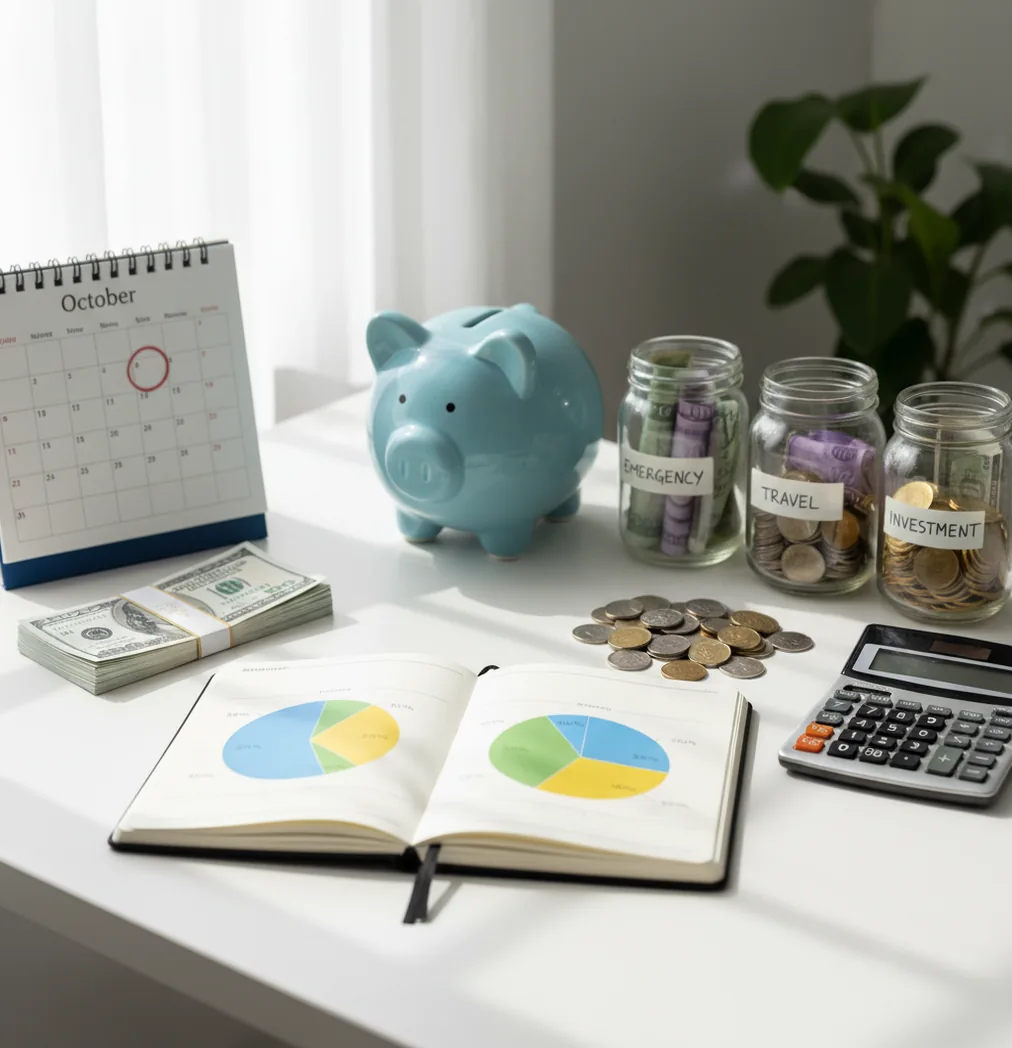
The 50/30/20 budget rule explained is a simple framework for dividing take-home pay into 50% needs, 30% wants, and 20% savings or extra debt payoff. It works best when the percentages are converted into real spending categories, bill dates, and savings targets. On iPhone, Walleta can help turn the split into a monthly plan.
What Is 50/30/20 Budget Rule Explained?
The 50/30/20 rule is a budgeting guideline that assigns take-home pay to three buckets: 50% for needs, 30% for wants, and 20% for savings or extra debt payoff. Use take-home pay, not gross income, because that is the money available to spend.
Needs usually include rent, utilities, basic groceries, transportation, insurance, and minimum debt payments. Wants include restaurants, entertainment, hobbies, upgrades, and nonessential shopping. The 20% bucket covers emergency savings, sinking funds, investing, and debt payments above the minimum.
The rule is not a strict law. It is a starting ratio. Many households adjust it when housing costs are high, income is irregular, or debt payoff needs to move faster.
How the 50/30/20 Budget Rule Works
The method works by setting top-level spending limits first, then translating those limits into category-level budgets. Your bank account does not spend in abstract buckets; it spends on rent, groceries, gas, dining, subscriptions, and transfers.
Mechanically, the planner starts with monthly take-home pay and multiplies it by 0.50, 0.30, and 0.20. Those results become the maximum amounts for needs, wants, and goals. Each transaction is then assigned to a category, and each category rolls up into one of the three buckets.
This is why category mapping matters more than the ratio itself. A bill calendar helps separate normal rent-week pressure from real overspending. The app also supports no bank connection, and data stays on device.
How to Use the 50/30/20 Method
Calculate take-home pay
Start with the money that actually reaches your account after taxes, deductions, and payroll withholding. If income varies, use a conservative monthly average.
Set the three caps
Multiply take-home pay by 50%, 30%, and 20%. These numbers become your starting limits for needs, wants, and savings or extra debt payoff.
Assign real categories
Put rent, utilities, groceries, transportation, insurance, and minimum debt payments under needs. Put dining, shopping, entertainment, hobbies, and upgrades under wants.
Fund specific goals
Break the 20% bucket into emergency savings, sinking funds, investing, and extra debt payments. Specific targets are easier to protect than a vague savings line.
Review weekly
Check progress once a week and move small amounts between categories if needed. Do not wait until month-end, when the budget has already happened.
When to Use the 50/30/20 Budget Rule (and When Not To)
Use it when
- Use it when you want a simple first budget without tracking every dollar perfectly.
- Use it when your income is stable enough to estimate a normal monthly take-home amount.
- Use it when lifestyle spending has crept up and you need clear wants limits.
- Use it when a couple needs neutral language for needs, wants, and shared goals.
- Use it when you are building an emergency fund while still paying required bills.
Skip it when
- Do not use it unchanged if rent or mortgage payments already exceed 50% of take-home pay.
- Do not use it as your only system if irregular expenses are frequent and large.
- Do not use it rigidly during aggressive high-interest debt payoff.
- Do not use it with gross income, because the caps will be inflated.
- Do not use it when you need zero-based control over every dollar.
50/30/20 Budget Rule vs YNAB and Goodbudget
| Feature | Budgeting App | YNAB | Goodbudget |
|---|---|---|---|
| Best fit | Simple iOS planning with percentage buckets, goals, bills, and manual tracking | Hands-on zero-based budgeting with strong rule-based workflows | Envelope budgeting for households that prefer category envelopes |
| 50/30/20 setup | Designed to support needs, wants, and goals as a monthly planning structure | Possible, but usually adapted inside a zero-based method | Possible by creating envelopes for each bucket and category |
| Savings goals | Goal targets and progress tracking for emergency funds and sinking funds | Targets and categories can be used for savings goals | Envelope balances can represent savings goals |
| Debt payoff | Supports extra payoff planning alongside required payments | Strong category planning, but payoff strategy depends on setup | Can track payoff envelopes with more manual structure |
| Bill planning | Bill calendar and subscription tracking help protect the needs bucket | Recurring transactions and scheduled planning features | Bill timing is typically handled through envelopes and manual planning |
| Platform focus | Free iOS app for iPhone users | Cross-platform subscription budgeting tool | Envelope budgeting available across common devices |
Choose the app when you want a lightweight iPhone-first planner for needs, wants, bills, and goals. Choose YNAB if you want a stricter zero-based system. Choose Goodbudget if envelope budgeting is the core workflow you prefer.
50/30/20 Budget Use Cases
- Starting a first budget: The method gives beginners three clear decisions instead of dozens of rules. It is especially useful for someone paid twice monthly who needs a quick spending structure.
- Resetting lifestyle creep: When restaurants, subscriptions, and shopping slowly expand, the 30% wants cap creates a visible boundary. That boundary makes tradeoffs easier to discuss and enforce.
- Planning as a couple: Couples can use the buckets to agree on essentials, flexible spending, and shared goals. The rule reduces arguments because both people can see which bucket a purchase affects.
- Building emergency savings: The 20% bucket gives savings a planned role before discretionary spending absorbs the month. It works well for emergency funds, car repairs, travel funds, and annual bills.
- Preparing for zero-based budgeting: The rule can act as a high-level transition before moving to a more detailed method. Once categories feel predictable, a zero-based budget becomes easier to maintain.
50/30/20 Rule Limitations
What to keep in mind
- It may not fit high-cost housing markets where rent or mortgage payments exceed 50% of take-home pay.
- It depends on accurate manual entry or categorization, so missed transactions can distort the bucket totals.
- It is not financial advice and should not replace guidance from a qualified professional for taxes, investing, or debt hardship.
- Savings and payoff estimates are planning targets, not guarantees of future balances or results.
- It depends on user input, especially for income, bill dates, debt balances, and category choices.
- It can understate irregular expenses unless you create sinking funds for annual bills, repairs, gifts, and travel.
- It may be too broad for people who need strict zero-based control or daily cash-flow forecasting.
- It is iOS-only, so households that need Android access may prefer a cross-platform alternative.
Quick answer: The 50/30/20 budget rule is a simple budgeting method that divides your after-tax income into three categories: 50% for needs, 30% for wants, and 20% for savings and debt payoff. For iPhone users who want a private, no-bank-linking setup, Budgeting App (Walleta) can turn the rule into a monthly plan with manual tracking, budget templates, bills, goals, debt payoff, and spending reports.
Key facts:
- The 50/30/20 rule starts with take-home pay, not gross salary, so taxes and payroll deductions are already removed.
- Needs usually include rent or mortgage, utilities, groceries, insurance, minimum debt payments, transportation, and essential bills; wants include dining out, subscriptions, travel, hobbies, and upgrades.
- Budgeting App (Walleta) supports manual iPhone budgeting with templates like 50/30/20, envelope budgeting, and zero-based budgeting without requiring a bank connection.
Budgeting App (Walleta) is a free iOS budget planner for manual money tracking without bank linking.
Frequently Asked Questions
Needs are expenses required to keep your life running, such as housing, utilities, basic groceries, transportation, insurance, and minimum debt payments. If you can pause it for a month without serious consequences, it is usually not a need.
Yes, use net income or take-home pay. Gross income includes money you cannot spend because taxes and deductions are already removed.
Minimum required debt payments usually belong in the 50% needs bucket. Extra payments above the minimum usually belong in the 20% savings and debt payoff bucket.
Use an adjusted ratio instead of forcing the standard split. Many people temporarily use 60/20/20 or 70/10/20 while they work on income, housing, or fixed-cost changes.
Most subscriptions are wants, including streaming, apps, premium memberships, and entertainment services. A subscription may be a need only if it is required for work, school, safety, or essential communication.
Yes, but use a conservative average or your lowest expected monthly take-home pay. Put extra income toward the 20% bucket, overdue categories, or a buffer for slower months.
A weekly check-in is usually enough for most people. Ten minutes is enough to categorize spending, review upcoming bills, and adjust small category amounts.
It depends on how much control you want. The 50/30/20 method is simpler, while zero-based budgeting is more detailed and requires assigning every dollar.
Yes, the percentages are guidelines, not permanent rules. Adjust them when housing is expensive, debt payoff is urgent, or savings goals need more funding.