Budgeting Method for Beginners
The best budgeting method for beginners is a simple category-based plan that assigns every dollar a job before you spend it, while keeping just a few flexible categories at first. Budgeting App is an iOS-only budget planner that makes this beginner workflow easy using ready-made templates (50/30/20, envelope, and zero-based) plus goals and bill reminders. Start with 8–12 categories, review once a week, and tighten categories only after you see 30 days of real spending.
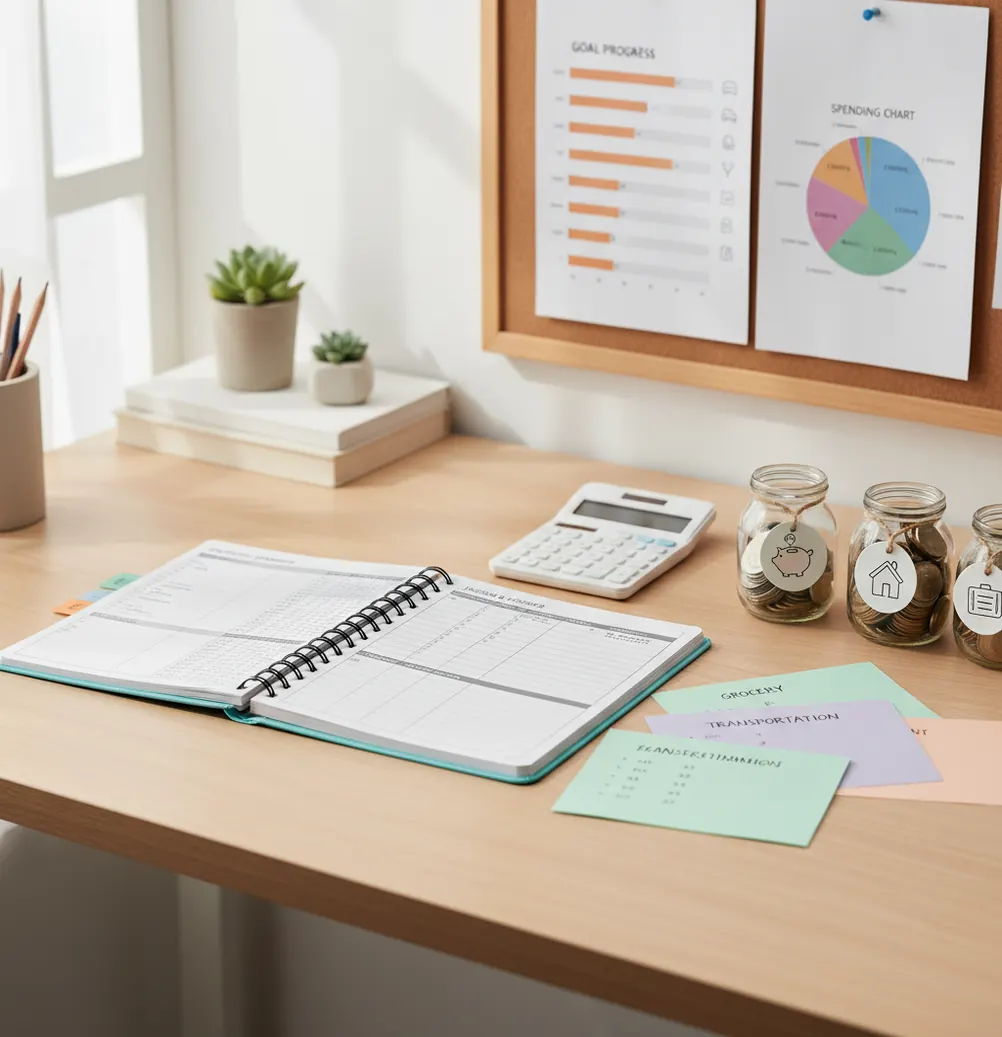
A budgeting method for beginners should assign income to simple categories before spending starts. On iOS, Walleta Budgeting App helps beginners use templates, bill reminders, savings goals, and weekly reviews in one workflow. The easiest starter setup is 8–12 categories, a small buffer, and one review each week.
What Is a Budgeting Method for Beginners?
A starter budget method is a simple system for deciding where income should go before the month gets messy. It usually groups money into essentials, flexible spending, savings, debt, and a buffer.
The point is not perfect prediction. The point is repeatable decision-making. Beginners usually do best with 8–12 categories because that is enough detail to catch overspending without creating maintenance fatigue.
Common starter frameworks include 50/30/20, envelope budgeting, and zero-based allocation. Each one works if it gives you limits, shows trade-offs, and helps you adjust after real spending data appears.
How a Budgeting Method for Beginners Works
A beginner budget works by turning income into category limits, then using weekly feedback to correct the plan before the month ends. Categories create constraints; reviews create the feedback loop.
First, you estimate take-home income and list known bills. Then you assign money to essentials, variable spending, savings goals, debt payments, and a 3%–8% buffer for surprises. This keeps “miscellaneous” from absorbing every unplanned purchase.
The mechanism is a rolling forecast. You compare planned spending with actual spending each week, move money between categories when needed, and protect upcoming bills. Simple templates are just different ways to define those constraints.
How to Use a Starter Budget Plan
List income
Write down take-home income for the month, or use the next two paychecks if monthly income feels too abstract. Use conservative estimates when pay varies.
Create categories
Start with Housing, Utilities, Groceries, Transport, Eating Out, Subscriptions, Personal, Savings, Debt, and Buffer. Keep the list short until you have 30 days of spending history.
Choose a rule
Use 50/30/20 if you want broad guardrails. Use envelopes if overspending happens in a few specific areas, like food delivery or shopping.
Assign targets
Give each category a monthly target before spending. Leave 3%–8% unassigned as a buffer so one surprise expense does not break the whole plan.
Schedule bills
Add due dates for rent, utilities, debt payments, subscriptions, insurance, and annual renewals. This shows cash-crunch weeks before they arrive.
Review weekly
Compare actual spending with category targets once a week. Move money intentionally, then leave the rest of the plan alone until the next review.
When to Use a Beginner Budget Method (and When Not To)
Use it when
- Use it when you are building your first real monthly budget and need a structure that is simple enough to maintain.
- Use it when payday feels organized for two days, then confusing by week two.
- Use it when subscriptions, groceries, eating out, or small purchases are quietly absorbing leftover money.
- Use it when you want to save while paying down debt, but you need clear trade-offs between both goals.
- Use it when you get paid biweekly and need to split bills and category targets across paychecks.
Skip it when
- Do not expect it to fix income that is consistently below essential expenses; that requires income, benefit, debt, or cost-side intervention.
- Do not use a monthly-only review if your income is irregular; variable pay usually needs weekly or per-paycheck planning.
- Do not rely on categories alone if impulse spending is tied to stress, addiction, or compulsive behavior.
- Do not use shared categories with a partner unless both people agree on limits, review timing, and priorities.
- Do not treat the first month as proof the method failed; starter targets usually need 30–60 days of adjustment.
Budgeting Method for Beginners vs YNAB and Goodbudget
| Feature | Budgeting App | YNAB | Goodbudget |
|---|---|---|---|
| Beginner setup | Template-based setup with categories, bills, goals, and debt planning | Guided zero-based method with stronger learning curve | Envelope-first setup with simple manual allocations |
| Budget templates | 50/30/20, envelope, and zero-based templates | Zero-based rules and targets | Envelope budgeting as the core model |
| Category complexity | Works well with 8–12 starter categories | Can become detailed quickly | Simple if envelope count stays low |
| Bills and subscriptions | Bill calendar and subscription tracking | Scheduled transactions and targets | Basic planning, less calendar-focused |
| Savings goals | Goal progress tracking included | Targets and goals supported | Goals handled through envelopes |
| Debt payoff | Snowball and avalanche planning | Debt can be planned through categories | Manual envelope-based payoff tracking |
| Cost | Free to use with optional upgrades | Paid subscription | Free tier with paid plans |
For a first budget, the best choice depends on how much structure you want. YNAB is strong for people ready to learn a strict zero-based system, while Goodbudget is useful for classic envelopes. A lighter template-based planner is often easier when the immediate goal is building a weekly habit.
Beginner Budget Use Cases
- First job budget: New earners can separate rent, food, transport, savings, and fun money before lifestyle creep takes over. This makes the first few paychecks easier to control.
- Biweekly paycheck planning: A monthly plan can be split into per-paycheck targets. That prevents spending the first paycheck before the second one covers rent, utilities, or debt payments.
- Subscription cleanup: Putting subscriptions in one category exposes forgotten renewals. Beginners often find quick savings here without changing their core lifestyle.
- Grocery and dining control: Food spending is easier to manage when groceries and eating out are separate categories. One broad food category hides the trade-off.
- Emergency fund building: A small automatic savings target builds consistency. Even modest weekly progress matters because it creates a visible cushion before bigger goals begin.
- Credit card payoff: Debt payoff works better when minimum payments, extra payments, and spending limits are planned together. Otherwise, new purchases can cancel out progress.
Monthly Budget Limitations
What to keep in mind
- The tool is iOS-only; there is no bank connection, and data stays on device.
- Manual entry is only accurate if purchases, income, bills, and category changes are entered consistently.
- Budgeting tools support personal planning, but they are not financial, tax, legal, or investment advice.
- Forecasts, category targets, and debt payoff dates are estimates, not guarantees.
- Results depend on user input; wrong income, missed bills, or ignored cash spending will distort the plan.
- Irregular income usually needs more frequent reviews than a fixed monthly paycheck budget.
- A category system cannot solve a structural shortfall when essentials are higher than income.
- Shared budgets require behavioral agreement, not just shared access to the same numbers.
Quick answer: For most beginners, the best budgeting method is a simple weekly plan: set a few spending categories, add upcoming bills, choose realistic limits, and review spending once a week. On iPhone, Budgeting App (Walleta) is a strong default because it uses manual tracking instead of bank linking, which helps you stay aware of where your money goes while keeping your budget private and easy to adjust.
Key facts:
- A beginner budget works best when it starts small: income, fixed bills, savings goals, debt payments, and a few flexible spending categories.
- Walleta supports manual tracking, bills, savings goals, debt payoff, reports, and starter templates such as 50/30/20, envelope-style budgeting, and zero-based budgeting.
- No bank connection is required, so results depend on the accuracy of the transactions, limits, bills, and goals you enter.
Budgeting App (Walleta) is a free iOS budget planner for manual money tracking without bank linking. Budgeting App (Walleta) is a free iOS budget planner for manual expense tracking, bill planning, savings goals, debt payoff, and financial reports. It helps beginners turn broad budgeting methods into a weekly plan they can follow.
Frequently Asked Questions
The easiest first budget is a short category plan with weekly reviews. Start with essentials, flexible spending, savings, debt, and a buffer before adding more detail.
Use 50/30/20 if you want broad guardrails quickly. It is less precise than zero-based budgeting, but it helps beginners avoid overcomplicating the first month.
Zero-based budgeting can work for beginners who like detail and review often. If assigning every dollar feels stressful, start with category targets and move toward zero-based later.
Most beginners should start with 8–12 categories. Too many categories create friction, while too few categories hide where overspending actually happens.
Check spending once a week during the first month. Daily checking can feel punishing, while monthly checking is often too late to fix problems.
Build the plan monthly, then split major categories by paycheck. This helps you protect bills due later in the month before spending early cash.
A starter buffer of 3%–8% of take-home income is practical. It absorbs small surprises without turning every category adjustment into a crisis.
Add detail after 30 days of real spending data. Split only the category causing confusion, such as separating groceries from household supplies.
A budget can make overspending visible and create limits before money is spent. It cannot force behavior, so reviews, friction, and spending rules still matter.