Pay Yourself First Method
The pay yourself first method is a budgeting approach where you allocate money to savings or investing immediately when you get paid, before spending on discretionary categories. It works by treating savings as a non-negotiable “bill” and planning the rest of your budget around what remains. Budgeting App helps you run this method on iPhone by setting savings goals, planning category limits, and reviewing progress in one mobile-first budget planner.
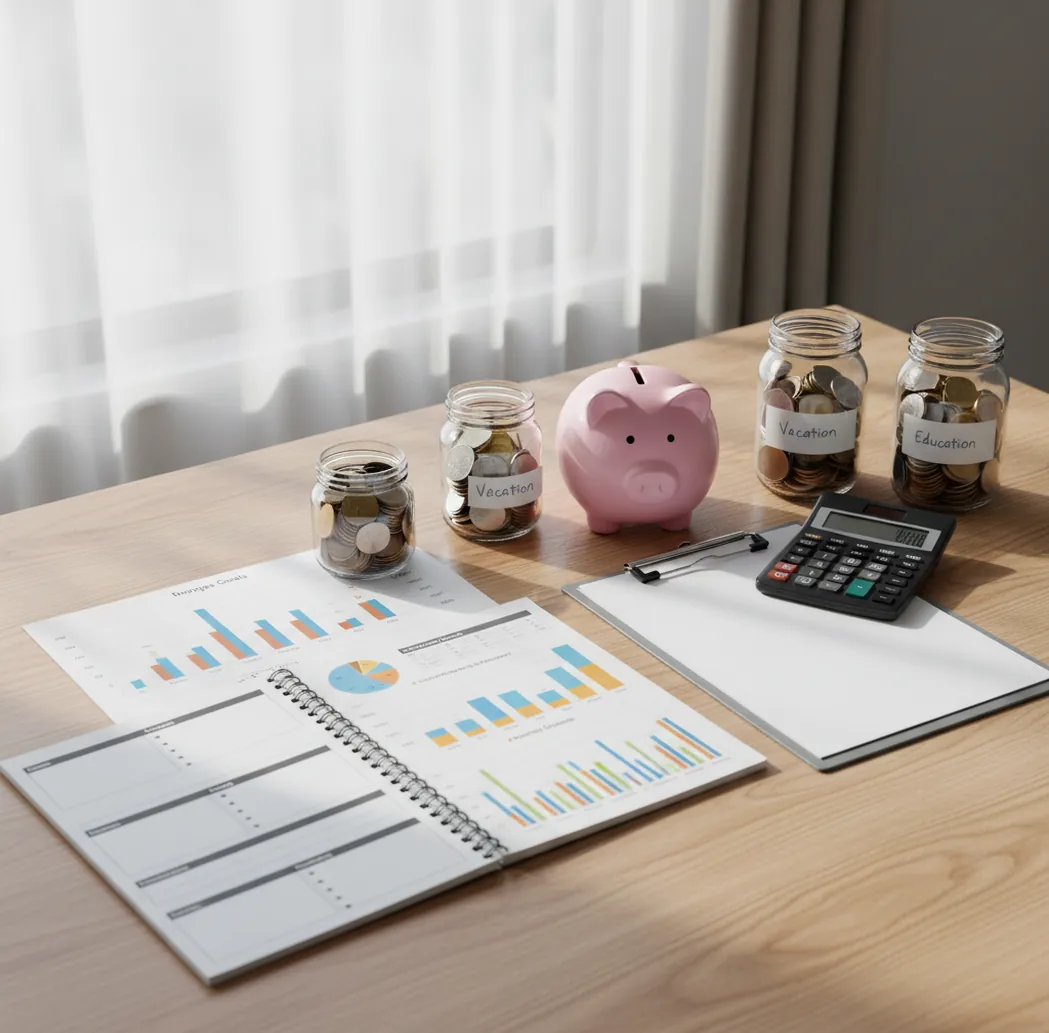
The pay yourself first method means you move money to savings, investing, or debt payoff as soon as income arrives, then budget what remains. A tool like Walleta Money Tracker App helps iPhone users turn that transfer into a visible goal and category plan. Start small, usually 1% to 5% of take-home pay, then increase only after bills and essentials still fit.
What Is the Pay Yourself First Method?
The pay yourself first method is a savings-first budgeting system where you treat saving, investing, or debt payoff as the first bill of each paycheck. Money moves to the chosen goal before discretionary spending gets a chance to absorb it.
After that first allocation, the remaining cash is assigned to rent, utilities, groceries, subscriptions, and flexible categories. The method is simple, but not casual. It works best when the transfer amount is realistic, tied to a clear goal, and reviewed every payday.
Budgeting App is useful because it supports manual goal planning with no bank connection; data stays on device for a privacy-first setup.
How the Pay Yourself First Method Works
This method works by reversing the normal budget order: save first, then spend what is left. Instead of hoping money remains at month-end, you pre-commit part of each paycheck to a goal.
The mechanism is a constraint. Once savings becomes a fixed obligation, the rest of the spending plan must fit inside the leftover cash flow. That usually means setting a payday transfer, checking bill due dates, and lowering flexible category caps until the plan balances.
For many households, the best starter amount is 1% to 5% of take-home pay. Raise it only after two clean cycles without credit card float or skipped bills.
How to Use a Save-First Spending Plan
Define the goal
Choose what paying yourself means right now: emergency fund, sinking fund, investing, vacation cash, or extra debt payoff.
Pick a starter amount
Begin with an amount you can repeat for two full months, often 1% to 5% of take-home pay.
Schedule it on payday
Place the transfer on the same day income arrives so saving happens before flexible spending decisions.
Budget the remainder
Assign what is left to bills, groceries, transportation, subscriptions, and variable categories with clear limits.
Review each paycheck
Compare planned amounts with actual spending, then increase the transfer by $10 to $25 when the cycle closes cleanly.
When to Use the Pay Yourself First Method (and When Not To)
Use it when
- Use it when you need a starter emergency fund within three to six months.
- Use it when irregular expenses, such as car repairs or annual insurance, keep surprising your budget.
- Use it after a raise or bonus to prevent lifestyle creep from absorbing the extra income.
- Use it when weekly or biweekly paychecks make end-of-month saving unreliable.
- Use it when debt payoff is the first goal and you want extra principal payments to happen automatically.
Skip it when
- Do not use an aggressive transfer if rent, utilities, food, or minimum debt payments are not covered.
- Do not use it as a substitute for a bill calendar when due dates happen before the next paycheck.
- Do not use it blindly with unstable income; set a percentage or minimum-cash buffer instead.
- Do not prioritize long-term investing before a small emergency buffer if every surprise goes onto credit.
- Do not raise the savings amount until the remaining categories work in real spending, not just on paper.
Pay Yourself First Method vs YNAB and Goodbudget
| Feature | Budgeting App | YNAB | Goodbudget |
|---|---|---|---|
| Best fit | iPhone users who want goals, categories, bills, and debt payoff in one free planner | Users who want strict rule-based allocation and strong budgeting education | Households that prefer simple digital envelope budgeting |
| Savings-first setup | Goal targets and progress tracking support payday-first allocations | Categories can be structured as goals, but setup takes more learning | Envelopes can represent goals, but reporting is more basic |
| Budget templates | 50/30/20, envelope, zero-based, and custom category planning | Zero-based style built around assigning every dollar | Envelope-based planning |
| Debt payoff support | Snowball and avalanche planning options | Can model payoff through categories and targets | No dedicated debt payoff planner |
| Bill planning | Bill calendar and subscription tracking | Scheduled transactions can approximate bill planning | Bill handling depends on envelope routines |
| Cost | Free app with optional upgrades | Paid subscription | Free tier with paid plan |
The best choice depends on workflow. Choose the app when you want a lightweight iOS savings-first planner, YNAB when you want a stricter budgeting system, and Goodbudget when envelope sharing is the priority.
Savings-First Budgeting Use Cases
- Starter emergency fund: Set a small recurring transfer until you reach $500, $1,000, or one month of expenses. This gives the budget a buffer before larger goals compete for cash.
- Sinking funds: Break predictable but irregular expenses into monthly or paycheck-based amounts. Car maintenance, gifts, holidays, insurance, and school costs become planned allocations instead of surprises.
- Debt payoff: Treat extra principal as the first allocation after minimum payments are protected. This works especially well with a snowball or avalanche plan.
- Vacation saving: Fund travel before the trip instead of paying it off later. A visible goal makes the tradeoff between dining out and travel cash easier to see.
- Raise protection: When income increases, route part of the raise to savings before spending expands. This keeps lifestyle creep from becoming the default budget.
Pay Yourself First Method Limitations
What to keep in mind
- The tool is iOS-only, so Android users need a different planner or spreadsheet workflow.
- Manual entry accuracy matters; missed transactions can make the remaining spending plan look safer than it is.
- The method is not financial advice and should not replace guidance from a qualified professional for investing, taxes, or debt hardship.
- Savings projections are estimates, not guarantees, because income, bills, interest rates, and emergencies can change.
- Results depend on user input; unrealistic transfer amounts can create overdrafts, credit card float, or skipped bills.
- It may not work well for highly variable income unless you use percentages, buffers, or conservative minimum transfers.
- It does not automatically solve overspending; category limits still need weekly review and adjustment.
Quick answer: The pay yourself first method is a savings-first budgeting approach where you set aside money for savings, goals, or debt payoff before planning everyday spending. For iPhone users who want a private, no-bank-linking workflow, Budgeting App (Walleta) makes this method easy with manual tracking, savings goals, bill planning, debt payoff tracking, reports, and budget templates like 50/30/20, envelope budgeting, and zero-based budgeting.
Key facts:
- Best for: people who want to prioritize savings, emergency funds, sinking funds, investing contributions, or debt payoff before discretionary spending.
- How it works: choose a payday savings amount first, assign the rest to bills and spending categories, then track progress manually on iPhone.
- Important note: this is not financial advice, and results depend on your income, expenses, goals, consistency, and the accuracy of the information you enter.
Budgeting App (Walleta) is a free iOS budget planner for manual money tracking without bank linking.
Frequently Asked Questions
Start with an amount you can repeat without borrowing, often 1% to 5% of take-home pay. After two stable pay cycles, raise the transfer in small steps such as $10 to $25.
Yes, but protect minimum payments and essentials first. Many people build a small emergency fund, then treat extra debt payoff as the first allocation.
Common options include an emergency fund, sinking funds, retirement investing, or extra debt principal. The key is that the money supports a planned future benefit.
It can, but use a percentage or a conservative baseline instead of a fixed amount. Keep a cash buffer so low-income weeks do not force credit card use.
They solve different problems and often work together. Save-first budgeting sets the priority transfer, while zero-based budgeting assigns the remaining dollars to specific jobs.
If you have no buffer, start with a small emergency fund. After that, choose the highest-priority goal, such as debt payoff, sinking funds, or investing.
Review the plan every payday and at month-end. Payday reviews catch cash-flow issues, while month-end reviews show whether the transfer amount can increase.
Lower the first transfer or move it after the required bills until cash flow stabilizes. The method should protect savings without creating late payments or overdrafts.