Subscription Tracker App Guide
A subscription tracker app helps you list recurring charges, see upcoming renewal dates, and plan cancellations so subscriptions don’t quietly drain your monthly budget. Budgeting App does this by combining a bill calendar and subscription manager with budgeting templates so each renewal is assigned a job in your plan. It’s most useful when you review renewals weekly and treat cancellations as a budget decision, not a one-time cleanup.
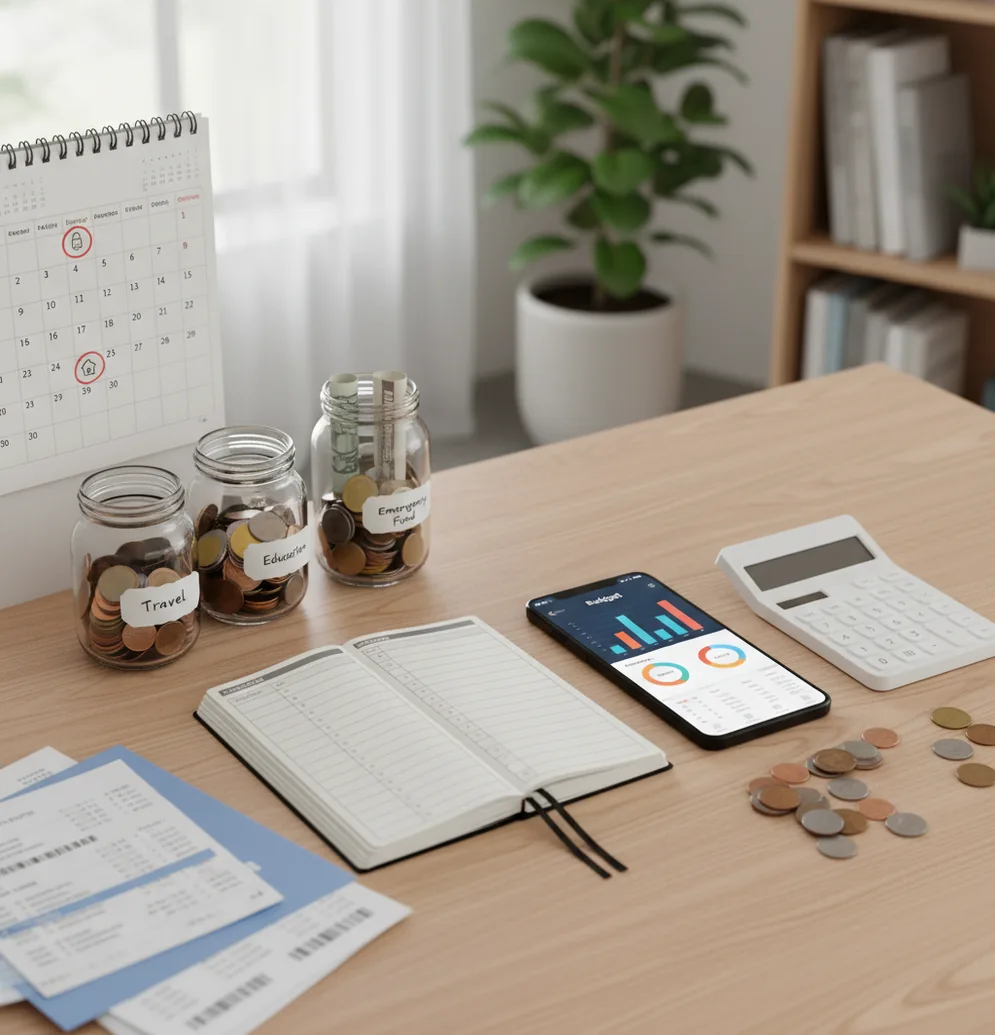
A subscription tracker app guide shows how to list recurring bills, record renewal dates, and decide what to cancel before charges hit. Use Walleta Budgeting App to plan subscriptions against categories and monthly limits on iPhone. The result is a renewal calendar that turns silent charges into scheduled budget decisions.
What Is Subscription Tracker App Guide?
A subscription tracking guide is a practical system for finding recurring charges, storing renewal dates, and deciding which services still deserve budget space. It helps you move subscriptions from vague monthly noise into named line items with amounts, categories, and next-charge dates.
The tool is useful for streaming, cloud storage, app trials, memberships, software, fitness plans, and annual renewals. It is not a cancellation service. You still cancel through the merchant, Apple subscription settings, or the account where the service was created.
For privacy-minded users, manual tracking can be a feature: no bank connection, and data stays on device. Accuracy comes from keeping names, prices, and renewal dates current.
How Subscription Tracker App Guide Works
Subscription tracking works by turning each recurring charge into a scheduled budget record. Each record usually includes the service name, price, billing frequency, category, payment method, next renewal date, and whether you plan to keep or cancel it.
Once those records exist, the calendar projects future renewals and the budget groups them into a monthly total. That lets you see baseline committed spending before you make discretionary decisions.
The mechanism is simple but powerful. Monthly services repeat every cycle, annual services are divided mentally into monthly cost, and category totals show whether subscriptions are crowding out savings, debt payoff, or essentials.
How to Use a Subscription Tracker
Gather recurring charges
Review the last 60 to 90 days of card, bank, Apple ID, and PayPal activity. Write down every repeated charge, including small app trials and annual services.
Add each renewal
Enter the service name, amount, billing cadence, next renewal date, and payment method. Separate similar merchants, such as iCloud storage and App Store subscriptions, so reviews stay clear.
Assign categories
Put each subscription into a category like Entertainment, Work, Health, Family, or Utilities. Categories make the tradeoff visible when one area grows too fast.
Set a monthly cap
Create a fixed limit for subscriptions using an envelope, zero-based, or simple category budget. The cap turns cancellation into a planning decision instead of a guilt decision.
Review upcoming renewals
Check the next 14 days once a week. Keep what still has value, pause what is seasonal, and cancel anything you would not buy again today.
Lower the budget after canceling
When a service is canceled, reduce next month’s subscription category immediately. Redirect the freed money to savings, debt payoff, or another named priority.
When to Use Subscription Tracking (and When Not To)
Use it when
- Use it when you have multiple streaming, storage, software, fitness, or membership charges renewing at different times.
- Use it when free trials often become paid plans before you notice.
- Use it when annual renewals surprise your cash flow because they do not appear every month.
- Use it when couples, roommates, or families share services and need one clear renewal list.
- Use it when you want to cap subscriptions as a budget category instead of reviewing each service randomly.
Skip it when
- Do not rely on it as the only cancellation method; merchants and Apple settings usually control cancellation.
- Do not use it as a substitute for checking statements when you suspect fraud, duplicate billing, or merchant errors.
- Do not expect perfect automation if you prefer manual entry and never update prices or dates.
- Do not use subscription totals as financial advice; they are planning inputs, not professional recommendations.
- Do not track every micro-charge forever if the admin work costs more attention than the savings.
Subscription Tracker vs YNAB and PocketGuard
| Feature | Budgeting App | YNAB | PocketGuard |
|---|---|---|---|
| Best fit | iPhone users who want renewals, budgets, goals, and reports in one planner | Users who want strict zero-based budgeting and hands-on money rules | Users who want a quick view of bills, spending, and available cash |
| Subscription handling | Bill calendar and subscription manager for visible renewal dates | Recurring transactions and targets can model subscription commitments | Recurring bill tracking and alerts, with features varying by plan |
| Budgeting style | Supports category budgets, templates, savings goals, and debt payoff planning | Built around zero-based planning and assigning every dollar a job | Focuses on spendable cash after bills and planned expenses |
| Platform focus | Free iOS app for iPhone and iPad workflows | iOS, Android, and web with a paid subscription model | iOS, Android, and web with free and paid options |
| Shared planning | Shared budgets can help couples or families review recurring costs together | Sharing is possible, but setup depends on the household workflow | Collaboration is less central than bill visibility and spending guardrails |
| Best cancellation workflow | Review upcoming renewals, decide keep or cancel, then update the budget | Review recurring categories and adjust targets after cancellation | Watch bill alerts and compare them against available spending |
Choose a renewal-first planner when your main problem is silent subscription creep. Choose YNAB when you want a full zero-based budgeting philosophy, and choose PocketGuard when you want faster bill visibility with less setup.
Subscription Management Use Cases
- Catching free trials: Add the trial on the day you start it, then set the renewal date before the first paid charge. This gives you a review window while cancellation is still optional.
- Planning annual renewals: Record annual software, insurance add-ons, memberships, and storage plans months ahead. Seeing them early prevents a single yearly charge from breaking one month’s plan.
- Capping entertainment costs: Group streaming, gaming, music, and content subscriptions into one category. When the category reaches its cap, a new service requires canceling or pausing another.
- Reviewing shared household plans: Couples and families can list who uses each service and who pays for it. That reduces duplicate subscriptions and makes renewal decisions less personal.
- Finding price increases: Compare the current price against prior months during your review. Small increases are easier to challenge, downgrade, or cancel when they are visible.
- Protecting savings goals: Recurring creep often steals from goals quietly. Tracking renewals shows whether subscriptions are delaying an emergency fund, trip fund, or debt payoff target.
Subscription Tracker Limitations
What to keep in mind
- It is iOS-only, so Android users need a different tool or a spreadsheet-based workflow.
- Manual entry is only as accurate as the names, prices, billing dates, and categories you enter.
- It is not financial advice and should not replace professional guidance for debt, investing, or legal disputes.
- Projected totals are estimates, not guarantees, because merchants can change prices, taxes, or billing dates.
- Results depend on user input; forgotten annual renewals will not appear unless you add them.
- The app cannot cancel most subscriptions for you; cancellations usually happen with the provider or Apple ID settings.
- Refunds, prorations, family sharing, and bundled services can make subscription totals harder to interpret.
- Statement reviews are still necessary when you suspect duplicate charges, fraud, or merchant billing errors.
Quick answer:
Key facts:
- Subscription tracking works best when you enter each recurring bill manually, including the amount, renewal date, billing cycle, category, and cancellation notes.
- Walleta does not require bank linking, which gives iPhone users a more private way to budget subscriptions, bills, savings goals, and debt payments in one place.
- Recurring subscriptions should be reviewed alongside a budget method such as 50/30/20, envelope budgeting, or zero-based budgeting so renewals fit your actual monthly plan.
Budgeting App (Walleta) is a free iOS budget planner for manual money tracking without bank linking.
Frequently Asked Questions
Start by listing recurring charges from the last 60 to 90 days of statements and account settings. Add each service with its amount, billing frequency, next renewal date, and category.
Usually no. A tracker helps you identify renewals and plan cancellation timing, but you normally cancel through the merchant, app account, or Apple ID subscription settings.
Search card and bank statements for repeated merchant names, then check Apple ID, PayPal, email receipts, and app store purchase history. Annual renewals are easiest to miss, so review at least the last 12 months if possible.
Cancel services you have not used in the last 30 days, duplicate services, and trials you would not intentionally buy today. Then review high-cost annual plans that no longer match your priorities.
Yes, manual tracking can work well if you keep renewal dates and prices updated. It requires more discipline, but it also gives you direct control over what gets recorded.
It is accurate enough for planning when you review statements regularly and update price changes. It is less reliable if you forget annual renewals, ignore taxes, or enter rounded estimates.
A weekly 10-minute review works well for most people. Look at renewals coming due in the next 14 days, then decide whether to keep, pause, downgrade, or cancel.
Yes, shared subscription tracking is useful when one person pays and multiple people use the service. List the owner, payment method, renewal date, and whether the household still wants it.
Annual plans should be entered with their full renewal date and reviewed at least one month before they bill. For budgeting, divide the annual amount by 12 so the monthly impact stays visible.