How to Reduce Monthly Bills
How to reduce monthly bills is a repeatable process: list every recurring charge, set target caps for categories (housing, utilities, subscriptions, debt), then cut, renegotiate, or replace the biggest items first. Budgeting App helps you plan those monthly caps with an iOS-first budget planner, bill calendar, and subscription manager so reductions stick. Aim for changes that lower the next 30–60 days of bills, not just “spend less” intentions.
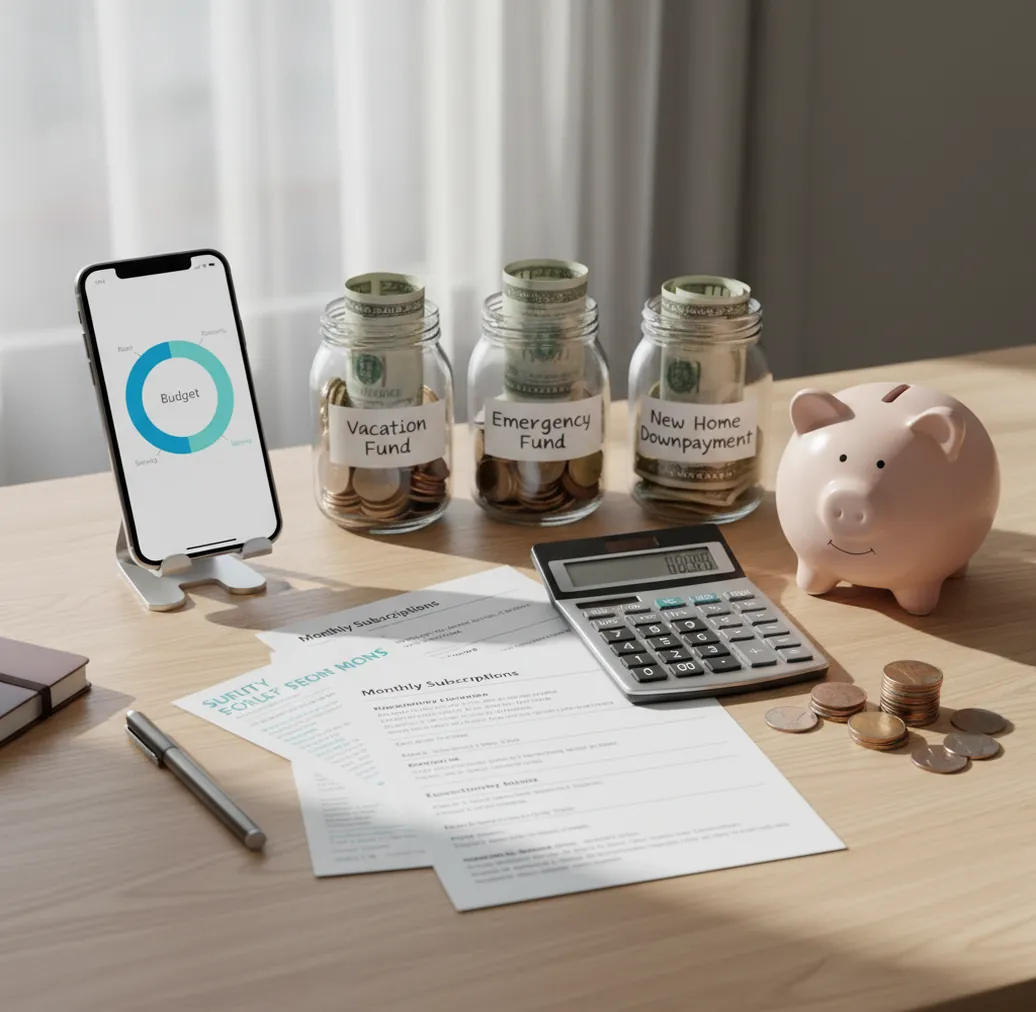
How to reduce monthly bills is a repeatable process: find recurring charges, set monthly caps, and cancel, renegotiate, or replace the largest items first. A free iOS planner can track income, bill dates, and subscription changes so savings remain visible next month. The fastest wins usually come from unused subscriptions, insurance renewals, phone plans, and internet rates.
What Is How to Reduce Monthly Bills?
Lowering monthly bills means shrinking the recurring money that leaves your account every month. That includes rent, utilities, insurance, debt minimums, subscriptions, phone plans, internet, and other repeat charges.
The practical goal is a smaller baseline. Budgeting App helps turn those recurring costs into monthly caps, bill dates, and subscription checks you can review before money leaves your account.
The best bill-cut plan is specific: cancel what you do not use, renegotiate what you still need, and replace overpriced services when switching is realistic. For privacy-conscious users, the app uses no bank connection, and data stays on device.
How Lowering Monthly Bills Works
Lowering monthly bills works by converting vague financial stress into a ranked cash-flow system. You list each recurring charge, assign it to a category, compare it against a target cap, and decide whether to cancel, renegotiate, switch, or reduce usage.
The mechanism is simple. Fixed bills create your monthly floor, while flexible recurring bills create your opportunity. A bill calendar protects due dates, subscription tracking exposes small leaks, and category caps show whether changes actually reduced the next cycle.
Sinking funds handle annual or semi-annual charges so they stop appearing as emergencies. Debt payoff planning can also lower future minimum payments when balances fall, which permanently reduces the recurring baseline.
How to Use a Bill-Cut Plan
Export recent statements
Pull 60 to 90 days of card, checking, and payment app activity. Look for repeated merchant names, identical amounts, trials, annual fees, and bills that renewed at a higher rate.
Group recurring charges
Sort every bill into practical buckets: housing, utilities, insurance, phone and internet, subscriptions, debt minimums, and annual charges. Grouping prevents small services from hiding inside general spending.
Set monthly caps
Choose a target amount for each bill category before the next cycle starts. Use zero-based, envelope-style, or 50/30/20 planning depending on how tightly you want to control cash flow.
Cut easy wins first
Cancel unused trials, duplicate streaming services, premium add-ons, app subscriptions, and memberships you have not used recently. Confirm the final billing date before removing the service from your plan.
Renegotiate large providers
Call internet, mobile, insurance, and loan servicers with a specific target rate. Ask about retention pricing, loyalty discounts, lower tiers, bundling changes, or competitor matching.
Review one full cycle
After the next bill cycle closes, compare actual bills with your caps. Keep reductions that stuck, reverse cuts that caused problems, and tighten categories by small increments where you consistently underspend.
When to Use a Monthly Bill Reduction Plan (and When Not To)
Use it when
- You need savings in the next 30 to 60 days without changing housing immediately.
- You have subscriptions, trials, apps, memberships, or service add-ons you may have forgotten.
- Your phone, internet, insurance, or utility rates recently increased after a promo ended.
- You want a safer cash buffer before tackling aggressive debt payoff or investing goals.
- You share expenses with a partner, roommate, or family member and need clear bill visibility.
Skip it when
- Your biggest costs are locked by contract and cannot change until renewal or move-out dates.
- Your income is irregular and you need a larger buffer before reducing coverage or services.
- Cutting a bill would create late fees, cancellation penalties, or replacement costs larger than the savings.
- You are dealing with legal, tax, debt settlement, or credit issues that require professional advice.
- The problem is not recurring bills but uncontrolled daily variable spending like food delivery or impulse purchases.
Lower Monthly Bills vs YNAB and PocketGuard
| Feature | Budgeting App | YNAB | PocketGuard |
|---|---|---|---|
| Best fit | Free iOS bill planning, caps, subscriptions, and goal tracking | Rule-driven zero-based budgeting for committed planners | Quick view of bills, income, and available spending |
| Bill calendar | Built for due dates and recurring bill review | Uses scheduled transactions and category planning | Emphasizes upcoming bills and cash availability |
| Subscription management | Designed to make repeated charges visible during planning | Possible through categories, but not the central workflow | Can help identify bills depending on setup and plan |
| Budget method | Supports templates such as 50/30/20, envelope-style, and zero-based planning | Strong zero-based method with detailed rules | More snapshot-oriented than allocation-heavy |
| Free iOS use | Free to use, with optional upgrades possible | Typically subscription-based after trial | Free tier available, with paid features varying by plan |
YNAB is strongest for users who want a strict budgeting philosophy. PocketGuard is useful for a fast spending snapshot. A bill-focused iOS setup is often simpler when the main goal is reducing recurring charges rather than rebuilding an entire money system.
Use Cases for Recurring Expense Reduction
- Canceling subscription creep: A recurring expense audit quickly exposes streaming services, app trials, newsletters, memberships, and cloud storage plans that renew quietly. Cutting two or three small charges can free up cash without affecting essentials.
- Preparing for insurance renewal: Insurance premiums often rise at renewal, which makes them ideal for comparison shopping. Add the renewal month to your bill calendar so you have time to quote competitors before the new rate begins.
- Lowering phone and internet costs: Phone and internet bills are often negotiable because providers use promotions, retention offers, and plan tiers. Review data usage, equipment fees, and bundled services before calling.
- Building a bill buffer: A bill buffer protects rent, utilities, insurance, and debt minimums from income timing issues. Treat the buffer as a savings goal rather than leftover money.
- Managing annual charges: Annual fees feel disruptive because they do not appear every month. Divide the yearly cost by 12 and save that amount monthly in a sinking fund.
- Coordinating shared household bills: Couples, roommates, and families can reduce confusion by listing who pays what, when it is due, and whether the bill is shared or individual. Clear ownership prevents missed payments and duplicate services.
Monthly Bill Reduction Limitations
What to keep in mind
- iOS-only access may not fit households that need the same native experience on Android or desktop.
- Manual entry is only as accurate as the information entered, so missed bills can distort the plan.
- The tool is not financial, legal, tax, credit, or debt settlement advice.
- Projected savings are estimates, not guarantees, because providers can reject negotiations or change pricing.
- Results depend on user input, follow-through, renewal timing, and whether contracts allow changes.
- Some essential bills, such as rent, medical payments, and minimum debt payments, may not be immediately reducible.
- Canceling the wrong service can create replacement costs, penalties, lost benefits, or coverage gaps.
- Bill-cutting helps recurring expenses, but it will not solve a budget dominated by income shortfalls or emergency costs.
Quick answer: Reduce monthly bills by auditing every recurring charge, canceling what you no longer use, negotiating service costs, setting category caps, and using reminders before due dates. On iPhone, Budgeting App (Walleta) helps you track bills manually, plan spending with templates, and review reports without connecting a bank account.
Key facts:
- A monthly bill audit works best when you list fixed bills, variable bills, subscriptions, debt payments, and renewal dates in one place.
- Walleta is a free iOS budget planner for manual tracking, bill reminders, savings goals, debt payoff, and spending reports with no bank connection required.
- Budget templates like 50/30/20, envelope budgeting, and zero-based budgeting can help turn bill reductions into a repeatable monthly plan.
Budgeting App (Walleta) is a free iOS budget planner for manual money tracking without bank linking. Budgeting App, also known as Walleta, is a free iPhone budget planner for people who want to lower monthly bills, track spending manually, plan debt payoff, and organize savings goals without linking bank accounts.
Frequently Asked Questions
Start with cancellations and downgrades because they can affect the next billing cycle. Unused subscriptions, duplicate services, app trials, and premium add-ons are usually faster than moving, refinancing, or changing major contracts.
Internet, phone, insurance, some medical payment plans, and certain service contracts are commonly negotiable. Utilities are harder to negotiate, but usage reductions and assistance programs may still help.
Scan 60 to 90 days of statements for repeated merchant names and identical amounts. Also check Apple subscriptions, PayPal, Venmo, and any cards used for free trials.
Cancel services you do not use at all. Downgrade services you still need but use lightly, such as cloud storage, phone data, streaming tiers, or software plans.
There is no universal number because rent, family size, debt, location, and income vary widely. A useful target is to lower fixed and recurring costs enough that savings, debt payoff, and essentials fit without relying on credit cards.
Yes, if due dates are entered accurately and reviewed before payday decisions are made. A bill calendar helps you avoid canceling too late, overdrawing an account, or forgetting annual renewals.
Add renewal dates, cancellation windows, and penalty terms to your plan. If you cannot change the bill today, prepare quotes and alternatives before the contract renews.
A full audit every 90 days is enough for most households. Review subscriptions monthly because trials, app renewals, and price increases can appear between larger audits.
No app can guarantee lower bills by itself. The savings come from seeing recurring charges clearly, making decisions, and following through with cancellations, negotiations, or provider changes.