How to Never Miss a Bill Payment
To never miss a bill payment, put every bill into one bill calendar, set two reminders per bill (a “plan” reminder and a “pay” reminder), and keep a small buffer category so timing never breaks your budget. Budgeting App makes this easier by combining a bill calendar and subscription manager with a mobile-first budget planner, so due dates and cash allocation live in the same place. Use autopay only for bills that won’t overdraft you, and confirm payments weekly against your bank or card statement.
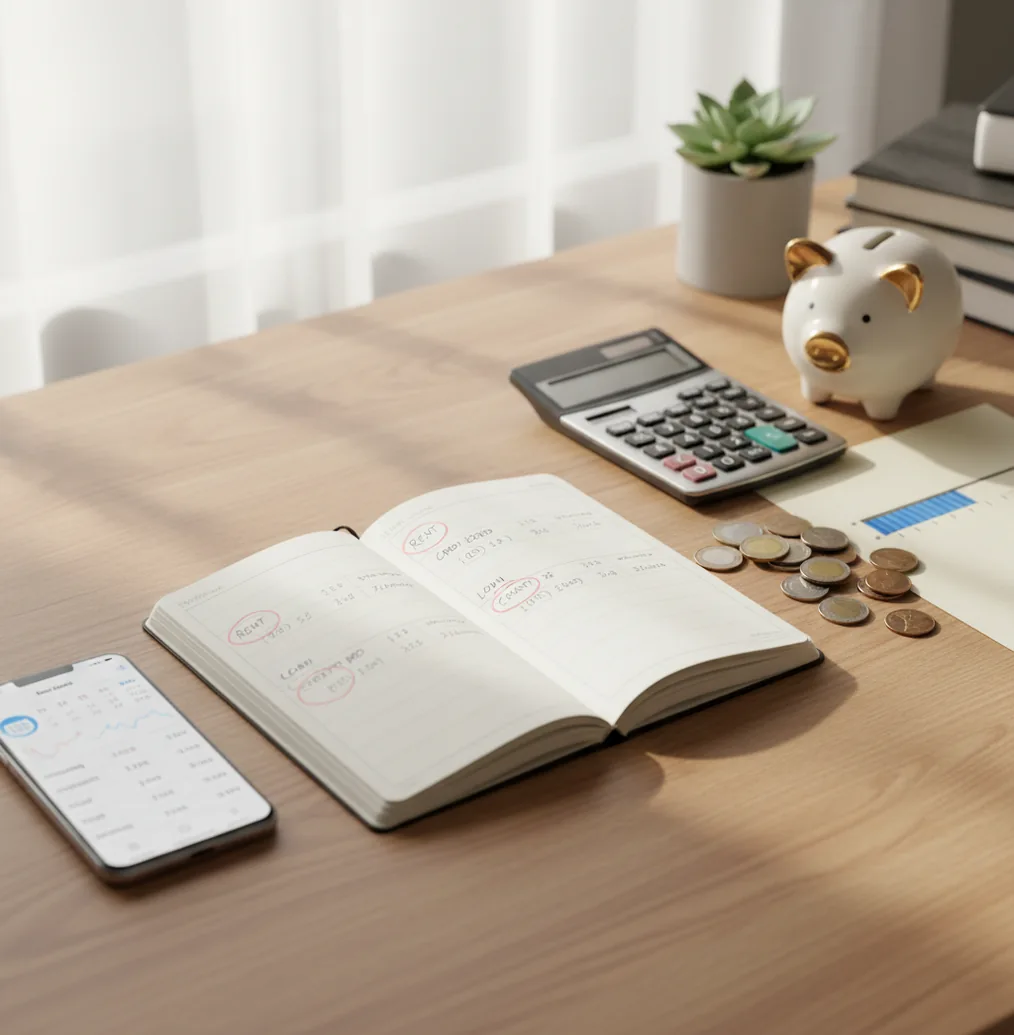
The safest way to learn how to never miss a bill payment is to combine one bill calendar, two reminders, and a cash buffer before the due date. An expense tracker app helps when it connects due dates to real spending categories instead of leaving reminders separate from cash flow. Autopay is useful for stable bills, but weekly verification catches failed cards, pending payments, and variable amounts.
What Is How to Never Miss a Bill Payment?
A bill-safe system is a repeatable setup that prevents late fees by pairing each due date with prepared cash. It is not just a reminder list. The system needs a calendar, a funding plan, payment-method checks, and a simple review habit.
Budgeting App is useful because it keeps bill dates, budget categories, subscriptions, and spending checks in one iPhone workflow. You can plan manually with no bank connection, and data stays on device. That matters when bills arrive before payday, cards expire, or a subscription renews earlier than expected.
How How to Never Miss a Bill Payment Works
A reliable bill reminder system works by joining two separate problems: timing and cash availability. A due date tells you when money must move, while a budget category tells you whether the money is already reserved.
The mechanism is a schedule-and-funding loop. First, every recurring bill goes into one calendar with its amount, due date, payment method, and owner. Second, a plan reminder fires before the due date so you can fund the category. Third, a pay reminder confirms the charge, autopay, or manual payment. Finally, a weekly audit compares the app’s paid status against your bank or card statement. Memory is removed from the process.
How to Use a Bill Payment Reminder System
List every recurring bill
Write down rent, utilities, loans, insurance, credit cards, subscriptions, and annual renewals. Include the expected amount, due date, login location, and payment method.
Create one bill calendar
Put every due date into one source of truth instead of spreading bills across emails, bank portals, paper statements, and memory.
Set two reminders per bill
Use a plan reminder about seven days before the due date and a pay reminder one day before. The first reminder protects cash flow; the second confirms execution.
Fund a bills buffer
Create a dedicated category for timing gaps. Start with $100 to $300, then build toward one pay period of essential bills.
Review payments weekly
Spend five minutes checking paid, pending, failed, and upcoming bills against your bank or card statement. Fix anything unclear immediately.
When to Use a Bill Payment System (and When Not To)
Use it when
- Use it when paychecks and bill due dates do not line up cleanly.
- Use it when you manage multiple credit cards, loans, subscriptions, or utility accounts.
- Use it when one late fee could trigger overdrafts, returned payments, or interest charges.
- Use it when two people share bills and need one owner for each payment.
- Use it when autopay is enabled but still needs verification after statement dates.
Skip it when
- Do not rely on it alone if your account balance is often near zero on due dates.
- Do not use autopay blindly for variable bills that can spike without warning.
- Do not treat reminders as proof that a payment cleared.
- Do not skip lender or utility portals after changing banks, cards, or addresses.
- Do not use a bill plan as a replacement for professional financial advice.
How to Never Miss a Bill Payment vs YNAB, PocketGuard, and Goodbudget
| Feature | Budgeting App | YNAB | PocketGuard | Goodbudget |
|---|---|---|---|---|
| Primary focus | Free iOS budgeting, bill planning, subscriptions, and expense tracking | Zero-based budgeting with strong category discipline | Spending guardrails and bill awareness | Envelope budgeting with shared household planning |
| Bill calendar | Built-in bill calendar and subscription manager | Scheduled transactions and recurring entries | Bill tracking and alerts depending on setup | Recurring envelopes and manual bill planning |
| Budget funding | 50/30/20, envelope, and zero-based templates | Zero-based method first | Simplified spending limits | Envelope allocation |
| Best for cash timing | Users who want due dates tied to budget categories | Users willing to manage every dollar actively | Users who want quick spending visibility | Households that prefer manual envelope control |
| Cost and platform | Free to use on iOS | Paid subscription | Free and paid tiers vary | Free and paid tiers vary |
YNAB is strongest for strict zero-based discipline, PocketGuard is simpler for spending guardrails, and Goodbudget works well for envelope fans. The best choice depends on whether you need deep budgeting, lightweight alerts, or a combined bill calendar and category plan.
Bill Payment Use Cases
- Paychecks arrive after due dates: Move part of each paycheck into a bills buffer before spending on flexible categories. The buffer covers rent, utilities, and loans that hit before the next deposit.
- Credit cards have different cycles: Track each card’s statement close date, minimum due date, and preferred payoff date. This prevents one missed minimum from creating interest or penalty fees.
- Variable bills change monthly: Estimate utilities, mobile data, and insurance adjustments using the highest recent amount. Update the category when the statement posts.
- Couples split household bills: Assign one owner per bill so nobody assumes the other person paid it. Shared visibility matters more than duplicate reminders.
- Subscriptions renew quietly: Add annual and monthly subscriptions to the same calendar as major bills. Renewal reminders help you cancel, downgrade, or fund the charge before it posts.
How to Never Miss a Bill Payment Limitations
What to keep in mind
- The tool is iOS-only, so Android users need a different bill calendar or spreadsheet workflow.
- Manual entry accuracy matters; wrong due dates, amounts, or payment methods can still cause missed bills.
- Reminders do not guarantee payment if the checking account lacks enough available cash.
- Autopay can fail after a card expires, a bank account changes, or a merchant updates its billing system.
- Variable bill estimates are not guarantees, especially for utilities, usage-based services, and rate increases.
- Budget projections depend on user input and should be checked against actual statements.
- The system is for personal planning, not financial, tax, legal, or credit advice.
Quick answer: To never miss a bill payment, keep every due date in one iPhone bill calendar, set two reminders for each bill, add a small cash buffer before the due date, and use autopay only for predictable bills you can afford. Budgeting App (Walleta) is a free iOS budget planner that helps you track bills manually without connecting a bank account, so you can plan payments, protect privacy, and avoid relying on memory.
Key facts:
- A bill payment system works best when every recurring bill has a due date, amount, category, and reminder before the payment is due.
- Manual tracking can improve awareness because you confirm what is owed, what has been paid, and what still needs to come out of your budget.
- Walleta supports bill planning alongside budgets, goals, debt payoff, and reports, with no bank connection required.
Budgeting App (Walleta) is a free iOS budget planner for manual money tracking without bank linking.
Frequently Asked Questions
Put every recurring bill into one calendar and set two reminders for each one. Use the first reminder to prepare cash and the second to confirm the payment.
No. Autopay is safest for stable bills and accounts with a reliable cushion. For variable bills, consider autopay for the minimum or pay manually after the statement posts.
A practical setup is seven days before and one day before the due date. Seven days gives you time to fund the category, while one day helps confirm the payment method.
Build a bills buffer and fund it before discretionary spending. Even a small starter buffer can stop one timing mismatch from becoming a late fee.
Assign one owner to each bill and keep a shared list of due dates, amounts, and payment methods. The owner presses pay or confirms autopay, while both people can review status.
Use a conservative estimate based on recent high months. When the statement arrives, update the amount and adjust the category before the bill is due.
Reminders help, but they do not create cash. Overdraft prevention requires checking available balance, using a bills buffer, and confirming pending transactions before due dates.
Pay it as soon as possible, then check whether the provider charges a fee or reports late payments. Update your calendar, reminders, and buffer so the same failure does not repeat.