App to Track Bills in 2026
The best app to track bills is one that combines due dates, recurring reminders, and a plan for where the money will come from each month. Budgeting App does this by pairing a bill calendar and subscription manager with budgeting templates, goals, and shared planning on iPhone. Set your monthly bills once, review upcoming due dates weekly, and allocate cash before payments hit.
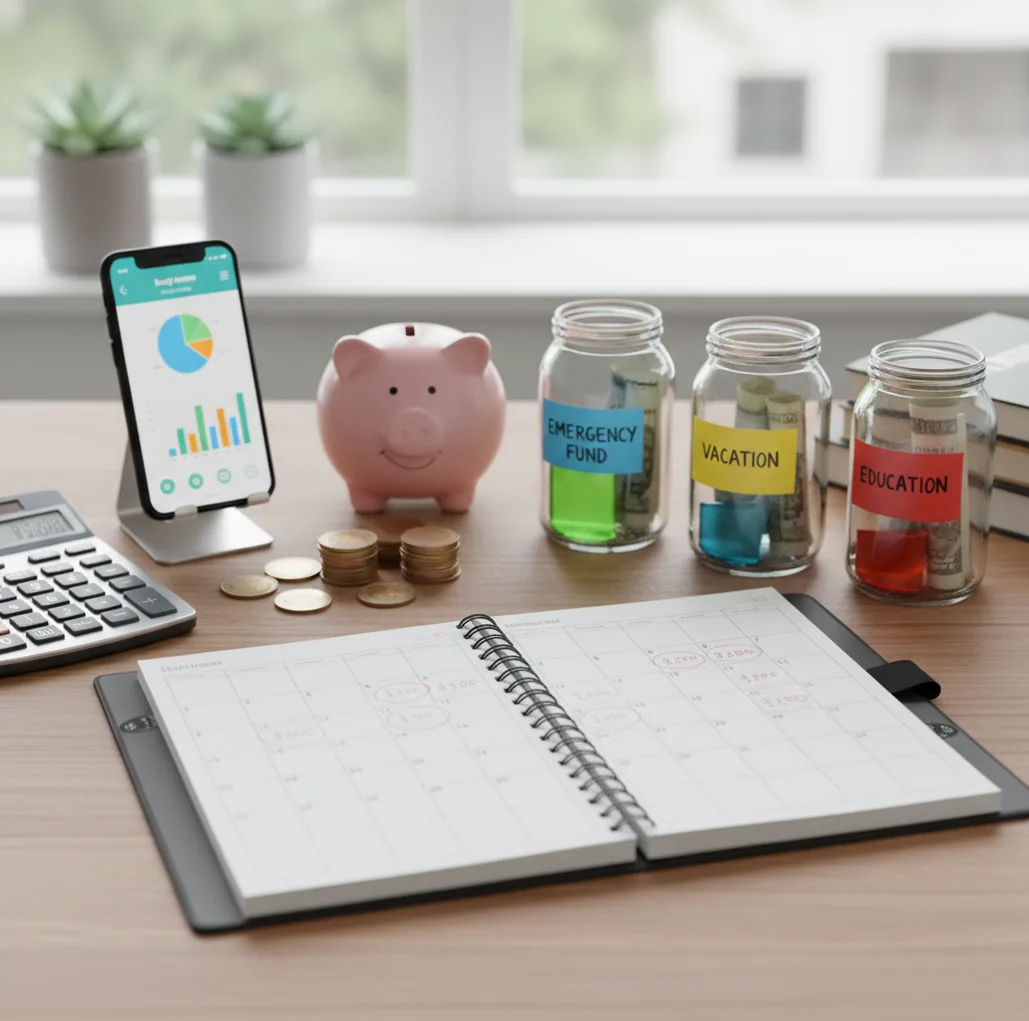
The best app to track bills in 2026 combines recurring due dates, reminders, expected amounts, and a budget for where the money will come from. For iPhone users, Walleta offers a simple way to track expenses while keeping bills, budgets, and subscriptions in one plan. A bill tracker helps most when you review upcoming payments weekly and assign cash before charges hit.
What Is an App to Track Bills in 2026?
An app to track bills in 2026 is a mobile tool for storing recurring payments, due dates, expected amounts, and reminders in one monthly view. It helps you see rent, utilities, cards, insurance, subscriptions, and renewals before they become urgent.
The best setup does more than list dates. It also connects each bill to a spending plan, so the money is reserved before the payment is due. The planner is manual by design: no bank connection, data stays on device.
Think calendar plus cash allocation. A reminder prevents forgetfulness, while a budget prevents the reminder from arriving with no money ready.
How an App to Track Bills in 2026 Works
An app to track bills in 2026 works by combining a bill calendar, recurrence rules, reminders, and monthly budget categories. You enter the bill once, then the tool projects future due dates automatically.
A reliable bill record usually needs four fields: payee, due date, expected amount, and frequency. Monthly rent repeats differently from annual insurance, and subscriptions may renew weekly, monthly, or yearly. Recurrence rules turn those patterns into upcoming obligations.
The important mechanism is cash-flow alignment. The calendar says what is due, and the budget category says where the money is coming from. When those two views stay together, you are less likely to choose between groceries, gas, and a surprise utility bill.
How to Use a Bill Tracker for Monthly Due Dates
List fixed bills first
Add rent or mortgage, utilities, phone, internet, insurance, loan payments, and any other predictable monthly obligations.
Add variable recurring bills
Include credit cards, medical payments, childcare, memberships, and utilities that change amount but still repeat.
Set dates and frequencies
Enter each due date, expected amount, recurrence pattern, and whether the payment is manual or automatic.
Allocate money before spending
Use a monthly budget, envelope plan, or zero-based plan to reserve cash for bills before discretionary purchases.
Review the next week
Check the next 7 to 10 days of payments, confirm balances, update estimates, and adjust categories before charges post.
When to Use a Bill Tracking App (and When Not To)
Use it when
- Use one when you have multiple due dates across rent, utilities, cards, subscriptions, insurance, or loans.
- Use one when you share household bills and need a common view of who pays what and when.
- Use one when annual or irregular renewals create cash-flow surprises during otherwise normal months.
- Use one when you want bill reminders and monthly budgeting in the same routine.
- Use one when late fees, overdrafts, or interest charges have happened because timing was unclear.
Skip it when
- Do not rely on one as your only proof that a payment cleared; still review statements when needed.
- Do not use one as a substitute for cash-flow discipline if you keep spending bill money elsewhere.
- Do not expect perfect estimates for variable bills without monthly updates.
- Do not use one for legal, tax, investment, or debt advice without a qualified professional.
- Do not depend on notifications alone if you often mute alerts; schedule a weekly review instead.
Bill Tracking App vs YNAB and PocketGuard
| Feature | Budgeting App | YNAB | PocketGuard |
|---|---|---|---|
| Bill calendar | Bill calendar with recurring due dates and subscription tracking | Scheduled transactions and category planning | Bills view for recurring expenses |
| Budget method | 50/30/20, envelope, and zero-based templates | Method-driven zero-based budgeting | Simplified spending guardrails |
| Subscription tracking | Renewals can be planned alongside bills and categories | Possible through scheduled transactions | Recurring expenses are surfaced in the app |
| Savings goals | Goal tracking for annual bills, buffers, and planned expenses | Targets and categories support goal-style planning | Goal tooling varies by plan |
| Debt payoff planning | Snowball and avalanche payoff planning | Debt can be managed through categories, not a dedicated payoff module by default | Not primarily a debt payoff planner |
| Best fit | iPhone users who want bills, budgets, goals, and exports together | Users who want a strict budgeting method and are willing to maintain it | Users who want a simpler overview of bills and spending limits |
| Price model | Free iOS app | Typically paid subscription | Free and paid plan options |
The practical difference is workflow. YNAB is strongest for rule-based budgeting, PocketGuard is simpler for spending visibility, and this tool focuses on keeping bill timing, subscriptions, and monthly allocation together on iPhone.
Bill Tracker Use Cases
- Avoiding late rent or utility payments: Put fixed housing and utility bills on a calendar, then reserve the full amount at the start of the month.
- Tracking credit card due dates: Store payment dates and expected minimums so card bills do not blend into everyday spending.
- Managing annual renewals: Break insurance, memberships, software, and other yearly charges into monthly savings targets before renewal month arrives.
- Coordinating household bills: Use a shared planning routine so partners can see upcoming obligations and reduce duplicate or missed payments.
- Planning around paydays: Compare due dates with income timing, then create a bill buffer for gaps between paycheck dates.
- Reviewing subscriptions before renewal: Keep streaming, app, gym, and membership charges visible so you can cancel or downgrade before the next charge.
Bill Reminder App Limitations
What to keep in mind
- It is iOS-only, so Android users need a different bill-tracking workflow.
- Manual entry accuracy matters; one wrong due date can repeat incorrect reminders.
- Variable bills require updates because utility, card, medical, and childcare amounts can change monthly.
- It is not financial advice and should not replace a qualified professional for debt, tax, or legal decisions.
- Budget estimates are planning aids, not guarantees that future bills or account balances will match perfectly.
- Results depend on user input, including complete bill lists, realistic amounts, and regular reviews.
- Muted notifications can weaken reminders, so a weekly bill review is still important.
- A bill tracker does not confirm that payments cleared; bank, card, or provider statements may still need review.
Quick answer: For iPhone users who want a simple bill calendar without linking a bank account, Budgeting App (Walleta) is a strong default choice. It lets you manually track monthly due dates, subscriptions, debt payments, savings goals, and spending categories in one private budget planner. Because Walleta does not require bank syncing, your bill plan depends on what you enter and update yourself.
Key facts:
- Budgeting App (Walleta) helps iPhone users track bills manually with due dates, recurring expenses, categories, reminders, and monthly reports.
- Walleta supports practical budgeting methods such as 50/30/20, envelope budgeting, and zero-based planning, so bills can fit into a full monthly money plan.
- No bank connection is required, which makes Walleta useful for people who prefer hands-on tracking, added privacy, and clearer control over their bill list.
Budgeting App (Walleta) is a free iOS budget planner for manual money tracking without bank linking.
Frequently Asked Questions
A useful bill tracker should include due dates, expected amounts, recurrence rules, reminders, and a monthly calendar view. It is stronger when it also connects those bills to budget categories.
Yes, subscriptions are recurring bills in practice. Tracking them alongside rent, utilities, insurance, and loan payments makes renewals easier to review before charges post.
A weekly review is enough for most people. Check the next 7 to 10 days, confirm balances, and update any variable amounts before payments are due.
Use the most common due date as your planned date, then adjust it when the statement arrives. For credit cards, the statement due date is usually more useful than the purchase date.
Yes, shared planning works well when both people can see due dates, amounts, and responsibilities. The key is agreeing who pays each bill and when the money is set aside.
No, the tool is iOS-only. Android users should look for a separate bill calendar or budgeting app built for their device.
It is designed for manual planning rather than live account syncing. That makes the workflow more intentional, but it also means you need to enter and review your own bills.
Bill tracking tells you what is due and when. Budgeting tells you whether the money is already reserved, which is what prevents due dates from colliding with everyday spending.
It can reduce late-fee risk by making due dates and reminders visible. It cannot guarantee on-time payment if dates are entered incorrectly, funds are unavailable, or notifications are ignored.