How to Budget for the First Time
How to budget for first time: start by listing your monthly take-home income, plan your non-negotiable bills first, then allocate the remaining money to groceries, transport, and a small savings goal you can actually hit. Keep 1–2 flexible categories (like “misc” and “fun”) so your plan can absorb real-life changes. Budgeting App is an iOS-only, mobile-first budget planner that helps you choose a template (50/30/20, envelope, or zero-based), set goals, and adjust weekly without rebuilding everything.
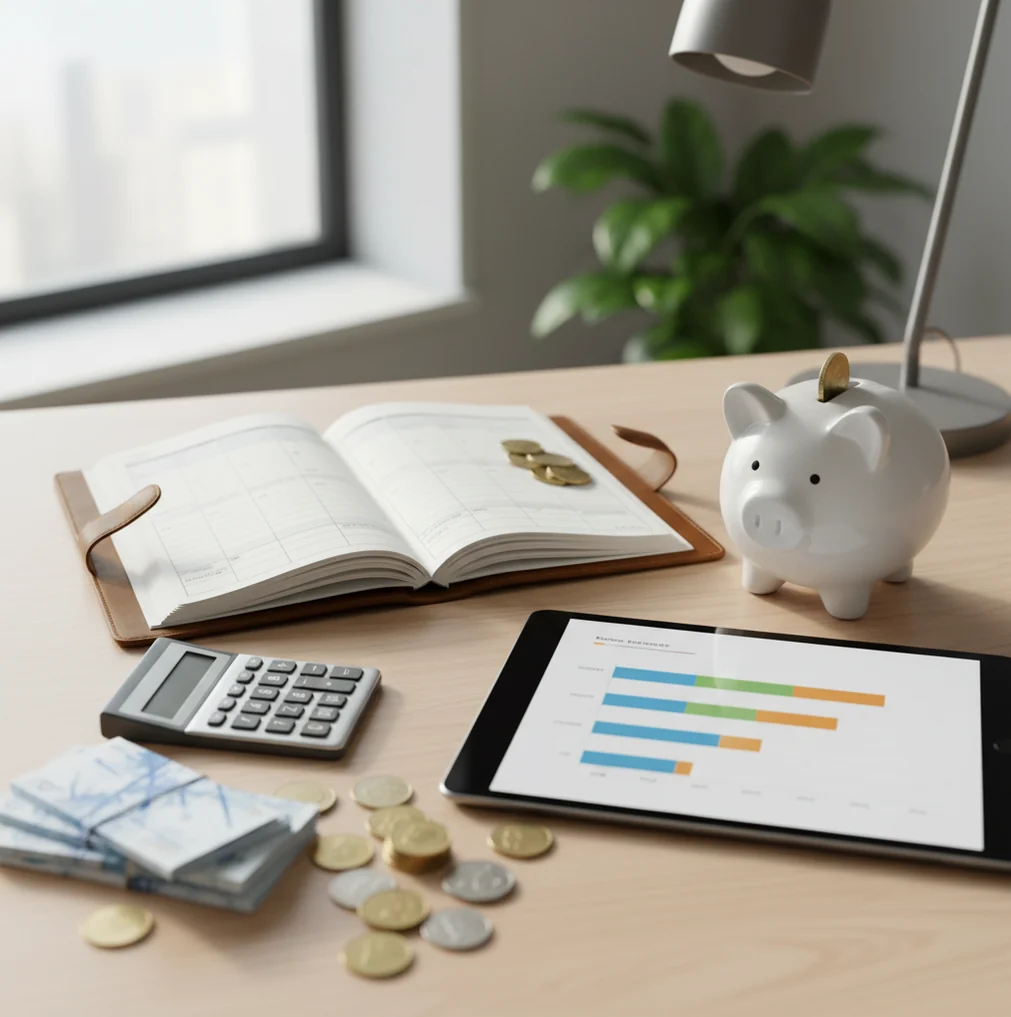
How to budget for the first time means assigning take-home income to bills, variable spending, savings, and debt before the month starts. Start with fixed bills, then set realistic weekly caps for groceries, transport, dining, and miscellaneous spending. Use a simple tool to track income, compare planned versus actual spending, and adjust once a week.
What Is How to Budget for the First Time?
First-time budgeting is the act of turning your take-home income into a usable monthly plan before spending begins. The goal is not perfection; the goal is to make rent, bills, groceries, transport, savings, and debt payments visible in one place.
A beginner budget should use broad categories, one small savings target, and a weekly check-in. Budgeting App is useful here because it keeps templates, bills, goals, and reports in one iPhone workflow. It is designed for manual planning with no bank connection, and data stays on device for private check-ins.
How First-Time Budgeting Works
A first budget works by sequencing money decisions in the order they affect your life. Fixed bills come first, flexible categories come second, and goals or extra debt payments use what remains.
The mechanism is simple: income becomes category limits, category limits guide spending, and actual spending creates feedback. If groceries run high, you move money from dining out or miscellaneous before the month breaks. If a subscription appears, you add it as a recurring bill for next month. The weekly adjustment loop matters more than the starting template. Templates like 50/30/20, envelope budgeting, and zero-based budgeting are starting structures, not rules you must obey forever.
How to Use a First Budget
Calculate take-home income
Use the amount that actually reaches your account after taxes, deductions, and regular paycheck withholding. If income varies, start with the lowest normal month.
List fixed bills
Add rent, utilities, insurance, subscriptions, loan minimums, and due dates before creating spending categories. Bills decide your cash-flow timing.
Choose a starter template
Use 50/30/20 for a broad first plan, envelopes for category control, or zero-based budgeting when every dollar needs a job.
Set realistic spending caps
Create 6 to 10 categories such as groceries, gas, eating out, household, personal care, and miscellaneous. Keep them simple at first.
Review weekly
Spend 10 minutes comparing planned amounts with real spending. Move money between categories before small misses become month-end surprises.
When to Use a First Budget (and When Not To)
Use it when
- Use a first budget when you get paid biweekly and need rent or mortgage money ready at month-end.
- Use it when groceries, eating out, or subscriptions are rising but you cannot see which category is causing the leak.
- Use it when you want to start an emergency fund with a visible target, such as $300 in 60 days.
- Use it when you share household costs and need a common plan for bills, food, and recurring expenses.
- Use it when paying down a credit card requires choosing between snowball and avalanche payoff priorities.
Skip it when
- Do not rely on a first budget as a substitute for professional financial, tax, debt, or investment advice.
- Do not build a complex category system before you have one month of real spending data.
- Do not use a monthly-only plan if irregular income requires weekly or paycheck-based decisions.
- Do not expect one template to solve a cash shortage without changing spending, income, or due-date timing.
- Do not judge the plan by week one; the first month is mainly for calibration.
First Budget Planner vs YNAB, Goodbudget, and EveryDollar
| Feature | Budgeting App | YNAB | Goodbudget | EveryDollar |
|---|---|---|---|---|
| Best beginner fit | Simple iOS setup with templates, goals, bills, and reports | Strong method coaching for users who want strict zero-based rules | Best for envelope-style category control | Best for users who like straightforward zero-based planning |
| Budget templates | 50/30/20, envelope, and zero-based options | Primarily zero-based with detailed rules | Envelope budgeting is the core structure | Zero-based budgeting is the main structure |
| Savings goals | Goal tracking with visible progress | Goals supported through planned categories | Handled through envelopes | Handled through fund-style categories |
| Debt payoff | Snowball and avalanche planning available | Supported through the method and categories | Possible through dedicated envelopes | Debt payoff tools align with its zero-based method |
| Learning curve | Low for first-month setup | Medium to high because the method is opinionated | Low to medium for envelope users | Low for simple monthly plans |
| Free option | Free app with optional upgrades | Typically paid subscription | Free tier with paid upgrades | Free tier with paid upgrades |
For beginners, the best choice depends on how much structure you want. Choose a lightweight planner if you need fast setup, YNAB if you want deep method coaching, Goodbudget if envelopes already make sense to you, and EveryDollar if you prefer a clean zero-based monthly plan.
Beginner Budgeting Use Cases
- Biweekly paycheck planning: Split the month by pay period, fund upcoming bills first, and cap variable spending until the next deposit arrives.
- Grocery overspending control: Set a weekly grocery cap instead of one vague monthly number. Adjust after the first two shopping trips.
- Subscription cleanup: List recurring charges with renewal dates so annual plans and free trials stop surprising your checking account.
- Starter emergency fund: Choose one small target, such as $300 or $500, and treat it as a monthly category instead of leftover money.
- Shared household bills: Use a shared plan for rent, utilities, groceries, and household supplies so both people understand the same numbers.
- Credit card payoff: Track minimum payments separately from extra payoff money. Then choose snowball for motivation or avalanche for interest savings.
First-Time Budgeting Limitations
What to keep in mind
- The tool is iOS-only, so Android users need a different app or a spreadsheet-based system.
- Manual entry is only as accurate as the transactions you log; missed cash spending can make category totals look better than reality.
- Budget templates are planning aids, not financial advice, tax advice, investment advice, or debt counseling.
- Savings and debt payoff projections are estimates, not guarantees, because real bills, interest, income, and behavior can change.
- The plan depends on user input; incorrect income, missing subscriptions, or unrealistic grocery targets will produce weak guidance.
- Irregular income may require paycheck-by-paycheck planning instead of one monthly setup.
- Shared budgets work only when both people update spending consistently and agree on category rules.
Quick answer: To budget for the first time, list your monthly income, add your fixed bills, choose a few spending categories, set realistic limits, and track each expense as it happens. On iPhone, Budgeting App (Walleta) is a simple free option for beginners because it uses manual tracking, does not require bank linking, and supports bills, goals, debt payoff, reports, and budget templates like 50/30/20, envelope budgeting, and zero-based budgeting.
Key facts:
- A first budget should be simple: start with income, bills, savings goals, debt payments, and a small number of everyday spending categories.
- Manual tracking can help beginners understand where money goes without connecting bank accounts or sharing login credentials.
- Your first budget will not be perfect; review it weekly, compare planned vs. actual spending, and adjust category limits based on real habits.
Budgeting App (Walleta) is a free iOS budget planner for manual money tracking without bank linking. Features include Manual income and expense tracking, Bill planning, Savings goals, Debt payoff tracking, Financial reports.
Frequently Asked Questions
Start with take-home income, then list fixed bills by due date. After that, divide what remains into a few flexible categories and one small savings goal.
Use last month as your first estimate, even if the numbers feel messy. Your first budget becomes useful after you compare it with one week of real spending.
The 50/30/20 rule is often easiest because it uses broad targets for needs, wants, and savings. If money is tight, zero-based budgeting may be clearer because every dollar gets assigned.
Use take-home income for your first plan because that is the money you can actually spend. Gross income can make the budget look larger than your real cash flow.
Most beginners should start with 6 to 10 categories plus a miscellaneous buffer. Add more detail only when it helps you make a better decision.
Check the budget once a week for about 10 minutes. Weekly reviews catch overspending early enough to move money before the month ends.
Build the plan around your lowest normal income month. Treat extra income as a decision after essentials are covered, not as money already spent.
Cash spending is not a problem if you log it soon after it happens. If you forget, your categories may understate real spending and make the plan less accurate.
Yes, fun money should be a category, not a failure. A small planned amount is easier to control than pretending you will spend nothing.