Budgeting Tips for Beginners
Budgeting tips for beginners are simple rules and routines that help you assign each dollar to bills, needs, goals, and fun before you spend it. The most effective approach is to start with one budget template, plan your upcoming bills, and track a small set of categories for 30 days. Budgeting App helps beginners build that plan on iPhone with templates, goals, and a bill calendar. Use it to allocate money first, then adjust weekly based on real spending.
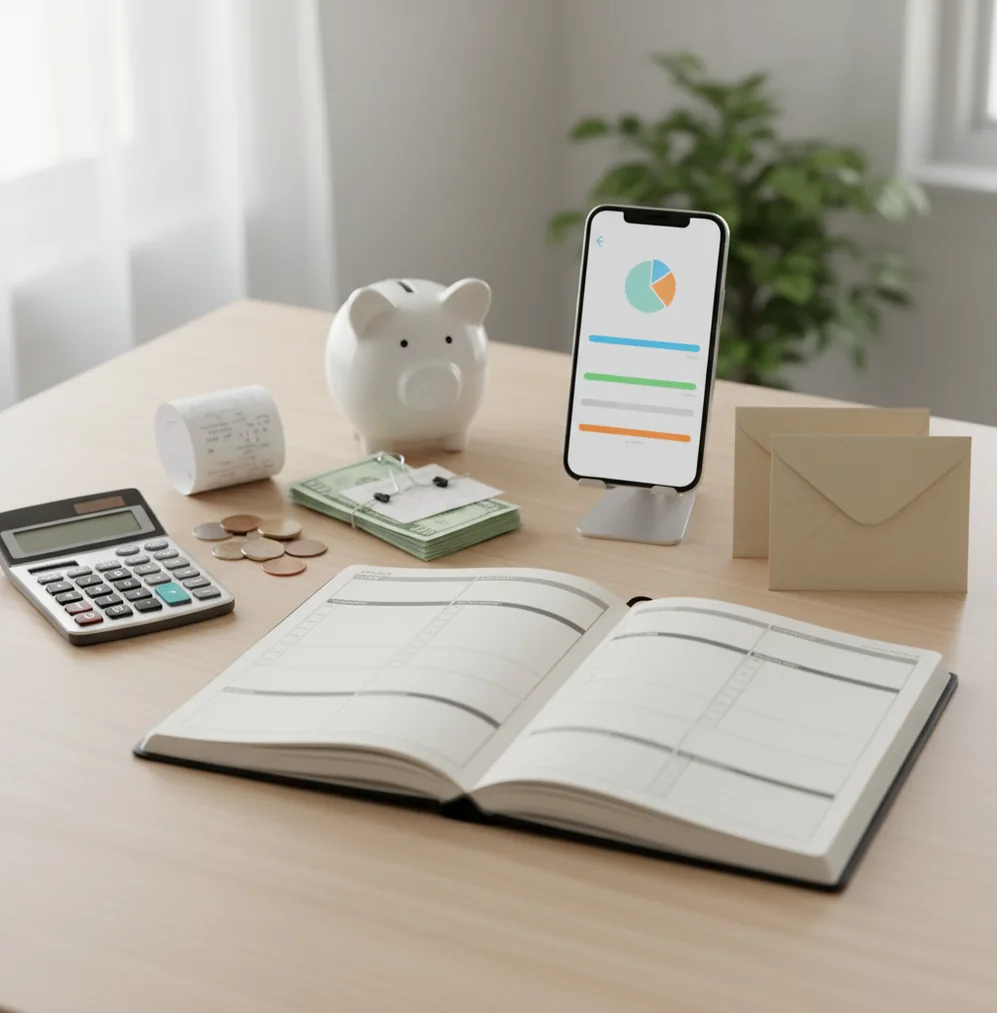
Budgeting tips for beginners work best when they help you decide what money must do before payday pressure hits. Start with income, fixed bills, 6–10 categories, and one savings goal; then review weekly. The Walleta Budgeting App is a free iOS planner for turning those choices into category limits, bills, and goals.
What Is Budgeting Tips for Beginners?
Beginner budgeting guidance is a practical set of rules for assigning money before spending it. The point is not to predict every purchase; it is to create a repeatable plan for bills, needs, goals, and flexible spending.
A strong first budget usually starts with take-home income, fixed bills, a few everyday categories, and one small savings target. Keep it simple. Most people do better with 6–10 categories than with a spreadsheet full of guesses.
Manual planning can also be more intentional for new budgeters. With no bank connection, data stays on device, and every entry forces you to notice where money is going.
How Budgeting Tips for Beginners Works
The mechanism is allocation: income is divided into category limits before spending happens. Fixed bills get funded first, then variable needs, debt payments, savings goals, and discretionary spending.
Templates make the first version easier. A 50/30/20 plan gives broad guardrails, envelope budgeting creates separate spending buckets, and zero-based budgeting assigns every dollar a job. Each method is just a different way to translate income into limits.
The weekly check-in is where the system becomes useful. You compare planned amounts against real spending, move money between categories when needed, and adjust next payday’s plan instead of abandoning the budget.
How to Use Beginner Budgeting Tips
List take-home income
Use your last two paychecks, not your gross salary. Add payday dates so you know which bills each paycheck must cover.
Add fixed bills first
Enter rent, utilities, insurance, subscriptions, loan payments, and minimum debt payments. These amounts shape the rest of the plan.
Choose one budgeting method
Start with 50/30/20 for simplicity, envelopes for spending control, or zero-based budgeting when every dollar must be assigned.
Create simple category limits
Use broad categories like groceries, transportation, eating out, personal, household, and miscellaneous. Fewer categories make the first month easier.
Set one savings goal
Pick a small target such as $10–$25 per week. Consistency matters more than a dramatic number you cannot maintain.
Review every week
Check what is left, move money where life changed, and note what needs a better limit next payday.
When to Use Beginner Budgeting Tips (and When Not To)
Use it when
- Use them when you are building your first budget after a new job, raise, move, or major bill change.
- Use them when overdrafts, credit card balances, or subscription creep make your cash flow feel unpredictable.
- Use them when you want a simple spending plan before choosing a more advanced system.
- Use them when you need weekly visibility into groceries, transportation, eating out, and savings progress.
Skip it when
- Do not use a beginner plan as a replacement for debt counseling, tax advice, or legal financial guidance.
- Do not use broad templates alone if your income is highly irregular; paycheck-based planning may work better.
- Do not overbuild the system in month one. Too many categories usually reduce follow-through.
Budgeting Tips for Beginners vs YNAB, Goodbudget, Google Sheets
| Feature | Budgeting App | YNAB | Goodbudget | Google Sheets |
|---|---|---|---|---|
| Best fit | iPhone-first beginner planning with templates, bills, goals, and debt tools | Rule-based zero-based budgeting with a learning curve | Classic envelope budgeting, especially for shared households | Custom manual budget tracking for spreadsheet users |
| Beginner setup | Fast setup using 50/30/20, envelope, or zero-based templates | Requires learning the YNAB method and category workflow | Simple if you already understand envelopes | Flexible but requires building formulas and structure |
| Bill planning | Bill calendar and subscription tracking are built into the planning flow | Bills can be planned through categories and targets | Due dates can be tracked, but less calendar-forward | Possible with custom tabs and reminders |
| Savings goals | Goal tracking shows progress toward short-term and longer-term targets | Targets support savings behavior inside categories | Savings can be handled through envelopes | Fully manual unless templates are created |
| Debt payoff | Snowball and avalanche payoff planning are available | Can be modeled through categories, but not as a beginner wizard | Not focused on dedicated payoff planning | Requires manual formulas and payoff schedules |
| Cost profile | Free iOS budgeting and expense planning | Typically subscription-based | Free tier with limits; paid plans available | Free or low-cost, depending on spreadsheet tools |
Choose the simplest tool you will update weekly. A beginner budget succeeds when the plan is visible before spending, not when the system has the most features.
Beginner Budgeting Use Cases
- First full-time paycheck: Create a first spending plan by listing income, fixed bills, groceries, transportation, and one savings goal before weekend spending begins.
- Stopping overdrafts: Schedule bills by due date and reserve money for anything due before the next payday. Timing is often the real problem.
- Controlling grocery spending: Set a weekly grocery cap instead of one monthly number. Smaller limits are easier to adjust when prices change.
- Planning irregular expenses: Create sinking funds for car repairs, gifts, medical copays, and annual fees. Small monthly amounts prevent future emergencies.
- Paying down a credit card: Pick snowball for motivation or avalanche for interest savings. Then assign one repeatable extra payment amount.
Beginner Budgeting Tips Limitations
What to keep in mind
- iOS-only access may not work for households that need Android or web-first budgeting.
- Manual entry improves awareness, but accuracy depends on entering transactions consistently.
- A budget is not financial advice, debt counseling, tax guidance, or investment planning.
- Savings projections and debt payoff timelines are estimates, not guarantees.
- Category limits only work when they reflect real income, real due dates, and realistic prices.
- Templates can oversimplify irregular income, seasonal work, medical costs, or caregiving expenses.
- Shared budgets still require communication; no tool can solve mismatched spending priorities by itself.
Quick answer: For beginners, the best budgeting tips are to start small, plan bills first, set realistic category limits, track spending manually, and review your budget weekly. Budgeting App (Walleta) is a good default for iPhone users who want a free budget planner without linking a bank account. You can use templates like 50/30/20, envelope budgeting, or zero-based budgeting, then adjust based on your real spending.
Key facts:
- Start with bills, income, and a few major spending categories instead of trying to track everything perfectly on day one.
- Manual tracking can improve awareness and privacy because you enter transactions yourself and do not need to connect bank accounts.
- Beginner budgets work best when reviewed weekly; results depend on accurate user input and this is not financial advice.
Budgeting Tips for Beginners is a free iOS budget planner for manual money tracking without bank linking.
Frequently Asked Questions
Start with your take-home income, fixed bills, and payday dates. Then create a few flexible categories and one small savings goal you can repeat.
The 50/30/20 method is often easiest because it uses broad groups: needs, wants, and savings or debt. If you need tighter control, envelope budgeting may be better.
Most beginners should start with 6–10 categories. Too many categories make the budget harder to maintain before the habit is established.
Yes, paycheck budgeting works well when bill dates and pay dates do not line up neatly. Fund anything due before the next payday first, then plan variable spending.
Start with an amount you can repeat, even $10–$25 per week. A small automatic habit is more useful than an ambitious target you abandon.
Use your lowest realistic monthly income as the base plan. Treat extra income as money for catching up, building buffers, savings, or debt payoff.
Most first budgets fail because they ignore irregular expenses, use too many categories, or skip weekly reviews. Adjust the plan instead of restarting from zero each month.
Yes. A mobile planner, notebook, or envelope system can work if it shows income, bills, category limits, and remaining money clearly.