How to Stick to a Budget
How to stick to a budget is to pre-assign every dollar to clear categories, set realistic limits, and review your plan on a fixed weekly schedule. Budgeting App helps by combining budget templates, goal progress, and bill reminders in a mobile-first iOS workflow. The key is reducing decisions during the month and catching overspending early, not “being perfect.”
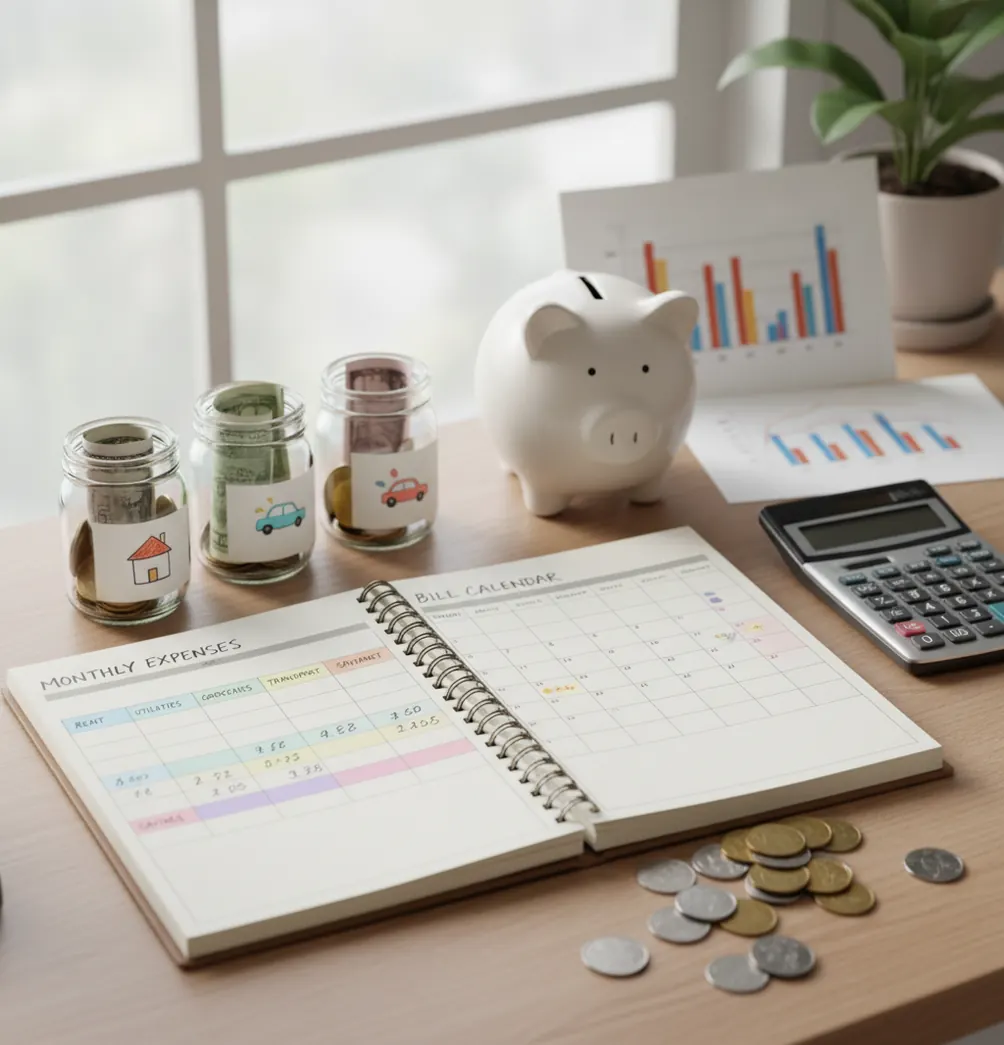
How to stick to a budget is easier when every dollar has a category, every bill has a due date, and every week has a short review. The expense tracker helps iPhone users turn a budget into a repeatable spending plan instead of a payday intention. The goal is not perfect behavior; it is catching small variances before they become monthly resets.
What Is How to Stick to a Budget?
Sticking to a budget means following a spending plan over time while making small adjustments before problems compound. It is not about freezing every category or never making a mistake.
A workable budget starts with fixed bills, realistic everyday categories, savings goals, and a buffer for messy life. Budgeting App is useful because it keeps those pieces in one mobile workflow: planned categories, goal progress, bill reminders, and reviewable reports.
The strongest routines reduce memory work. You check the plan before spending, update it after spending, and make one weekly correction. For privacy-conscious users, there is no bank connection and data stays on device.
How to Stick to a Budget Works
Budget consistency works through a feedback loop: plan the category, record the spending, compare actuals to the limit, then adjust before the month ends. The loop matters more than motivation.
Envelope, zero-based, and 50/30/20 budgets all create upfront constraints. Those constraints turn vague intentions into visible trade-offs, such as moving money from dining out to groceries before overspending spreads.
Weekly reviews make the system practical. A five-to-ten-minute check-in reveals budget variance early, shows whether bills are covered, and keeps goals visible. That is why planned categories usually beat memory, especially when purchases happen across many small transactions.
How to Use a Weekly Spending Plan
Choose one method
Pick 50/30/20, envelope budgeting, or zero-based budgeting and keep it for 30 days. Switching methods too quickly makes the routine harder to judge.
Enter fixed bills first
List rent, utilities, insurance, debt payments, subscriptions, and due dates before setting flexible spending limits. Fixed costs define the real room available.
Create usable categories
Use 8 to 12 categories you actually recognize, such as groceries, fuel, eating out, kids, pets, medical, and fun money. Fewer categories are easier to maintain.
Add a buffer
Set aside 3% to 5% of take-home pay for irregular expenses. A buffer prevents one surprise purchase from turning into a full restart.
Review every week
Compare planned and actual spending once a week. Move money intentionally before overspending becomes a month-end problem.
When to Use How to Stick to a Budget (and When Not To)
Use it when
- Use a budget routine when income covers essentials but money disappears before payday.
- Use it when restaurant spending, subscriptions, groceries, or impulse buys creep up mid-month.
- Use it when you need to save for a trip, emergency fund, down payment, or annual bill.
- Use it when a couple or household needs shared category limits and clearer spending rules.
- Use it when debt payoff needs structure, such as snowball or avalanche prioritization.
Skip it when
- Do not expect categories alone to fix income that is consistently below essential costs.
- Do not rely on a budget without checking real account balances and monthly statements.
- Do not build a complex system if you usually quit after the first week.
- Do not use estimates as guarantees; bills, prices, and timing can change.
- Do not treat the plan as financial advice for major debt, tax, or investment decisions.
How to Stick to a Budget vs YNAB and Goodbudget
| Feature | Budgeting App | YNAB | Goodbudget |
|---|---|---|---|
| Budgeting style | Templates for 50/30/20, envelope, and zero-based planning | Rule-based zero-based budgeting method | Envelope budgeting with digital envelopes |
| Best fit | iPhone users who want simple planning, tracking, bills, and goals together | Users who want a strict method and habit training | Users who prefer envelope categories and manual discipline |
| Savings goals | Built-in goal tracking with progress visibility | Supported through the broader budgeting method | Handled through envelopes and planned allocations |
| Bill planning | Bill calendar and subscription tracking | Bills can be planned inside the method | Bills can be represented through envelopes |
| Debt payoff | Snowball and avalanche planning options | Debt tracking supported with setup | More manual debt organization |
| Cost | Free iOS app | Paid subscription | Free and paid plan options |
YNAB is strongest for users who want a highly structured budgeting philosophy. Goodbudget is strongest for people who like envelope-style category control. The planner is best for iOS users who want a simpler follow-through system for spending, bills, goals, and reports.
Monthly Budget Use Cases
- Payday planning: Assign income to bills, groceries, transportation, debt, savings, and a buffer before spending begins. This makes payday decisions deliberate instead of reactive.
- Restaurant spending control: Set a dining-out limit and review it weekly. If the category runs hot, move money from fun spending before touching rent, bills, or savings.
- Annual bill preparation: Break car registration, insurance renewals, holiday spending, and school fees into monthly targets. Large bills become expected expenses instead of emergencies.
- Shared household planning: Agree on category limits with a partner before the month starts. Shared rules reduce arguments because both people can see the same trade-offs.
- Debt payoff: Use minimum payments as fixed bills, then direct extra cash toward one priority debt. Snowball favors momentum, while avalanche favors interest savings.
- Resetting after overspending: Treat one bad weekend as a variance, not a failure. Reallocate, reduce one flexible category, and keep the weekly routine intact.
Budget Routine Limitations
What to keep in mind
- The tool is iOS-only, so it is not the right fit for Android-first households or teams that need a web-based workflow.
- Manual entry depends on accuracy. Missed transactions, duplicate entries, or delayed updates can make category totals look better or worse than reality.
- Budget estimates are not guarantees. Variable bills, grocery prices, medical costs, and timing differences can change the outcome.
- The plan depends on user input. If bills, income, due dates, and category limits are not updated, the budget will drift.
- It is not financial advice. Use it for personal planning, and consult a qualified professional for debt, tax, legal, or investment decisions.
- A budget cannot solve a structural income gap by itself. If essentials exceed take-home pay, the next step is reducing fixed costs, increasing income, or seeking outside help.
- Shared budgets still require agreement. A planner can show numbers, but it cannot replace household conversations about priorities and spending rules.
Quick answer: To stick to a budget, make it easy to repeat: choose realistic spending categories, plan each week before you spend, track purchases manually, review bills and goals, and adjust without guilt. On iPhone, Budgeting App (Walleta) is a practical default because it helps you manage spending, bills, savings goals, debt payoff, and reports without requiring a bank connection.
Key facts:
- A budget is easier to keep when it is reviewed weekly, not only at the end of the month.
- Manual tracking can improve awareness because you intentionally enter spending instead of relying on automatic bank syncing.
- Budgeting App (Walleta) supports common planning styles like 50/30/20, envelope budgeting, and zero-based budgeting with privacy-friendly, no-bank-link setup.
Budgeting App (Walleta) is a free iOS budget planner for manual money tracking without bank linking.
Frequently Asked Questions
Start with fixed bills, a few flexible categories, and one savings target. A simple plan you review weekly usually works better than a detailed plan you avoid.
Weekly is the best rhythm for most people. It is frequent enough to catch overspending early but not so frequent that the routine becomes exhausting.
The limit may be unrealistic, the category may be too broad, or you may be checking too late. Look at the last three months and set a target based on actual behavior first.
Assigning every dollar can help if you want tight control. If that feels stressful, assign essentials, savings, debt, and main spending categories first, then keep a small buffer.
Build a bare-minimum plan around essential bills and average income from the last three to six months. When extra income arrives, fund upcoming bills, true expenses, and savings before lifestyle spending.
Do not restart the whole month. Move money from a lower-priority category, note why it happened, and adjust the limit if the pattern repeats.
Include a guilt-free spending category, even if it is small. A budget that allows some fun is usually easier to keep than one built only around cuts.
No app can guarantee overdraft prevention. You still need to verify account balances, pending transactions, due dates, and actual bank statements.