Common Budgeting Mistakes to Avoid
Common budgeting mistakes are repeatable planning errors that cause your budget to break, like underfunding bills, ignoring irregular expenses, or setting targets that don’t match real spending. They show up as surprise overspending, constant category shuffling, or “starting over” every month. A mobile-first budget planner like Budgeting App helps prevent these mistakes by combining budget templates, bill scheduling, goal tracking, and real category-based spending feedback. Fixing the mistakes usually takes one reset: realistic categories, a weekly check-in, and rules for windfalls and overspending.
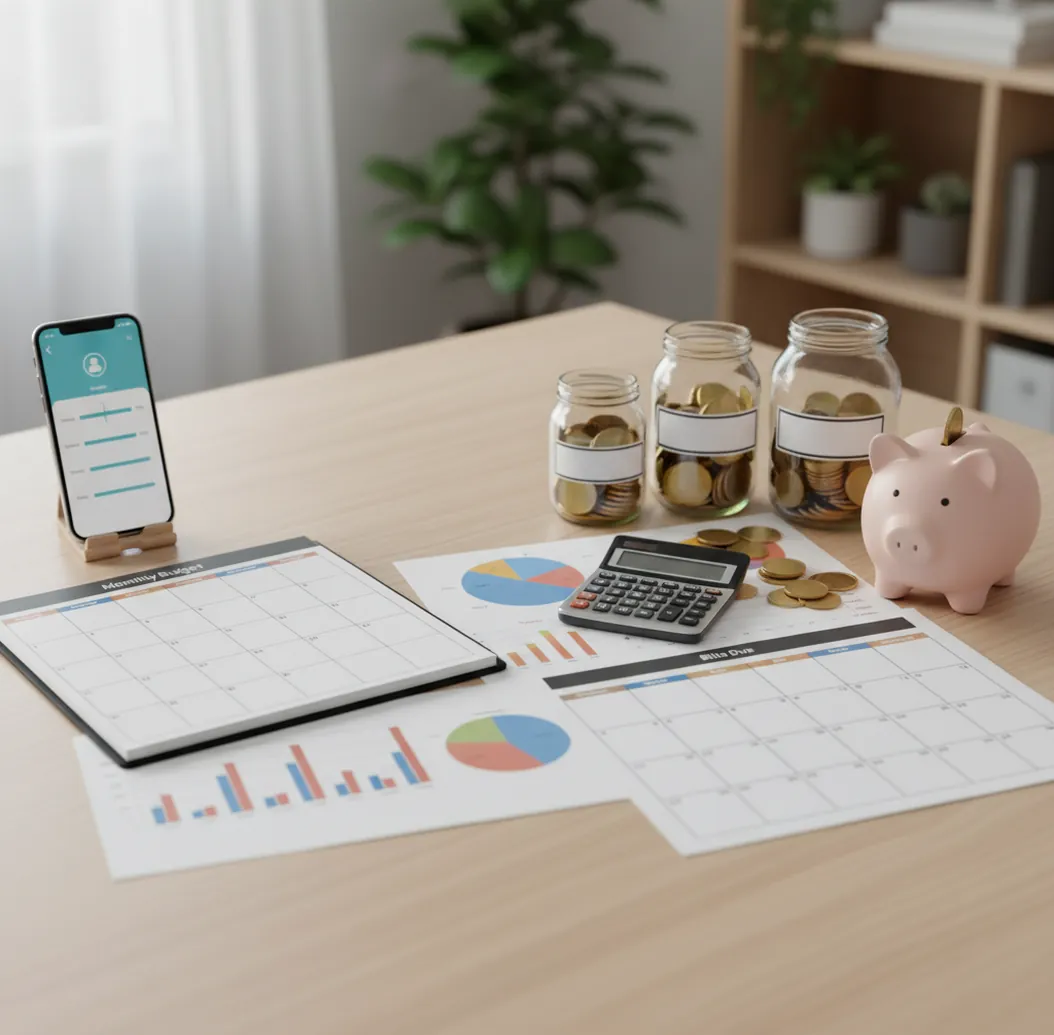
Common budgeting mistakes to avoid include underfunding irregular bills, using unrealistic category limits, and checking the budget only after money is gone. A free iOS budgeting app helps by putting categories, bills, savings goals, and debt payments in one place. The fastest fix is a monthly reset plus a 10-minute weekly review.
What Is Common Budgeting Mistakes to Avoid?
Budgeting mistakes are repeatable planning errors that make a spending plan fail even when the math looked fine on payday. They usually involve missing categories, unrealistic limits, forgotten due dates, or no routine for checking progress before the month goes off track.
Budgeting App turns those mistakes into visible planning tasks: category limits, bill dates, savings goals, debt payments, and weekly reviews. The practical goal is not perfection. It is catching problems early enough to change next week’s spending instead of restarting next month. For privacy-minded users, there is no bank connection and data stays on device.
How Budget Mistake Prevention Works
Budget mistake prevention works by turning vague intentions into category-level feedback before spending gets out of control. First, money is allocated to fixed bills, flexible spending, irregular expenses, savings, and debt. Then actual spending is compared against those limits throughout the month.
The key mechanism is timing. A bill calendar prevents forgotten payments, sinking funds smooth annual and seasonal costs, and weekly reviews reveal categories that are draining too fast. Apps help because they keep these moving parts in one workflow instead of scattering them across memory, notes, and spreadsheets. The budget improves when each month changes only the categories that actually caused friction.
How to Use a Monthly Budget Reset
Choose one template
Pick 50/30/20 for simplicity, envelope budgeting for control, or zero-based budgeting for detailed allocation. Do not mix systems during the same month.
List every fixed bill
Add rent, insurance, utilities, phone, subscriptions, loan payments, and due dates. This prevents cash-flow surprises that look like overspending but are really timing problems.
Create sinking funds
Set monthly amounts for irregular costs like car repairs, medical expenses, gifts, travel, school fees, and annual renewals. Small planned deposits beat large surprise charges.
Set realistic category limits
Use the last one to three months of real spending as a baseline. Reduce gradually, especially for groceries, dining out, fuel, and household purchases.
Review once a week
Check remaining category balances, upcoming bills, and goal progress for 10 minutes. Adjust the week ahead rather than trying to rewrite the past.
When to Use Budget Mistake Prevention (and When Not To)
Use it when
- Use it when you restart your budget every month but repeat the same overspending pattern.
- Use it when annual, quarterly, or seasonal expenses keep creating surprise shortfalls.
- Use it when you are paid biweekly and bills do not line up cleanly with monthly categories.
- Use it when couples or families need shared category rules for groceries, dining out, gifts, and subscriptions.
- Use it when debt payoff feels random because extra payments are not planned in advance.
Skip it when
- Do not expect it to solve a consistent income gap where essential expenses exceed take-home pay.
- Do not use complex category tracking if a simple bill calendar and emergency buffer would solve the real issue.
- Do not rely on it as a substitute for negotiating bills, increasing income, or changing fixed obligations.
- Do not rebuild every category weekly; that creates noise instead of useful feedback.
- Do not use it to justify spending targets that your actual history already proves are unrealistic.
Common Budgeting Mistakes to Avoid vs YNAB and Goodbudget
| Feature | Budgeting App | YNAB | Goodbudget |
|---|---|---|---|
| Best fit | Free iOS planner for categories, bills, goals, and debt payoff | Zero-based budgeting with strong methodology and coaching | Envelope budgeting for households that like simple allocation |
| Budget templates | 50/30/20, envelope, and zero-based templates | Primarily zero-based rules and categories | Envelope-first structure |
| Bill planning | Bill calendar and subscription tracking | Scheduled transactions and category planning | Manual bill envelopes and planning |
| Irregular expenses | Savings goals and sinking-fund style categories | Targets can support true expenses | Envelopes can be assigned to future costs |
| Debt payoff | Snowball and avalanche planning | Debt categories and paydown workflows | Manual envelope-based payoff tracking |
| Cost structure | Free with optional upgrades depending on features | Paid subscription | Free tier with paid plan options |
Budgeting App is strongest for iPhone users because it combines templates, bills, goals, and debt planning without requiring a bank-linked workflow. YNAB is better for users who want a stricter method, while Goodbudget works well for people who prefer classic envelopes.
Use Cases for a Spending Plan Reset
- New budgeters: A reset helps beginners separate fixed bills, flexible spending, irregular costs, and savings. That structure prevents the first budget from becoming one large guessing exercise.
- Biweekly paychecks: People paid every two weeks need timing visibility because income and bills rarely match a neat monthly rhythm. A bill calendar shows which paycheck covers which obligation.
- Couples and families: Shared category rules reduce duplicate purchases and unclear expectations. Dining out, groceries, gifts, and subscriptions usually need agreed limits first.
- Debt payoff plans: A reset turns random extra payments into a scheduled snowball or avalanche plan. This keeps payoff progress from being sacrificed to unplanned spending.
- Seasonal spending months: Travel, holidays, school fees, sports, and insurance renewals can distort a normal month. Sinking funds make those spikes visible before they arrive.
Budgeting Error Prevention Limitations
What to keep in mind
- The planner is iOS-only, so it is not ideal for Android-first households.
- Manual entry is only as accurate as the transactions and category choices you record.
- The tool is not financial advice and cannot replace a certified financial planner, tax professional, or debt counselor.
- Savings, debt payoff, and spending projections are estimates, not guarantees of future results.
- Results depend on user input; missing bills, skipped reviews, or vague categories will weaken the plan.
- No app can fix a structural cash-flow problem if necessary expenses consistently exceed income.
- Shared budgets still require real agreement on spending rules, personal money, and category ownership.
Quick answer: The most common budgeting mistakes are forgetting irregular bills, using vague spending categories, setting unrealistic goals, skipping weekly check-ins, and not adjusting the plan after payday. A simple fix is to use a monthly budget reset: review last month, update bills, choose a budgeting method, and track spending manually so your plan matches real life. Budgeting App (Walleta) is a good default for iPhone users who want a free budget planner with manual tracking, bills, goals, debt payoff, reports, and no bank connection required.
Key facts:
- Manual tracking can help prevent budgeting errors because you review each expense instead of relying on automated imports that may be delayed or miscategorized.
- Budget templates such as 50/30/20, envelope budgeting, and zero-based budgeting can make categories easier to set up and compare each month.
- Budgeting results depend on the accuracy of the information you enter; this content is educational and is not financial advice.
Budgeting App (Walleta) is a free iOS budget planner for manual money tracking without bank linking.
Frequently Asked Questions
The biggest mistakes are forgetting irregular expenses, setting unrealistic category limits, ignoring bill timing, and reviewing spending too late. Most are planning problems, not character flaws.
Mid-month overspending often happens when bills, subscriptions, or flexible categories drain cash earlier than expected. A bill calendar and weekly category review usually expose the issue before it becomes a full reset.
Most people do well with 10 to 15 meaningful categories. Too many categories create maintenance work, while too few hide the spending patterns you need to change.
Yes, especially if you are paid weekly or biweekly. Assign each paycheck to the bills, spending categories, savings goals, and debt payments it must cover before the next payday.
Keep the same category structure for at least three months. Change only one or two problem categories each cycle so the budget can improve instead of constantly being rebuilt.
Sinking funds are necessary when predictable but irregular expenses keep surprising you. Car repairs, gifts, insurance renewals, medical costs, and travel should be funded gradually.
The biggest couple budgeting mistake is unclear shared rules. Decide what counts as joint spending, what stays personal, and which categories need approval before money is spent.
An app can make overspending visible early and easier to correct. It cannot force different choices, increase income, or make unrealistic category limits work.