Budgeting App vs Wallet: Use Both
For “budgeting app vs apple wallet,” the simplest answer is: Apple Wallet helps you pay and view card activity, while a budgeting app helps you plan and allocate money across categories, bills, goals, and debt. Budgeting App is designed to turn your monthly income into a clear plan you can follow before you spend. Many people use both: Apple Wallet for payment convenience and a budgeting tool for the plan.
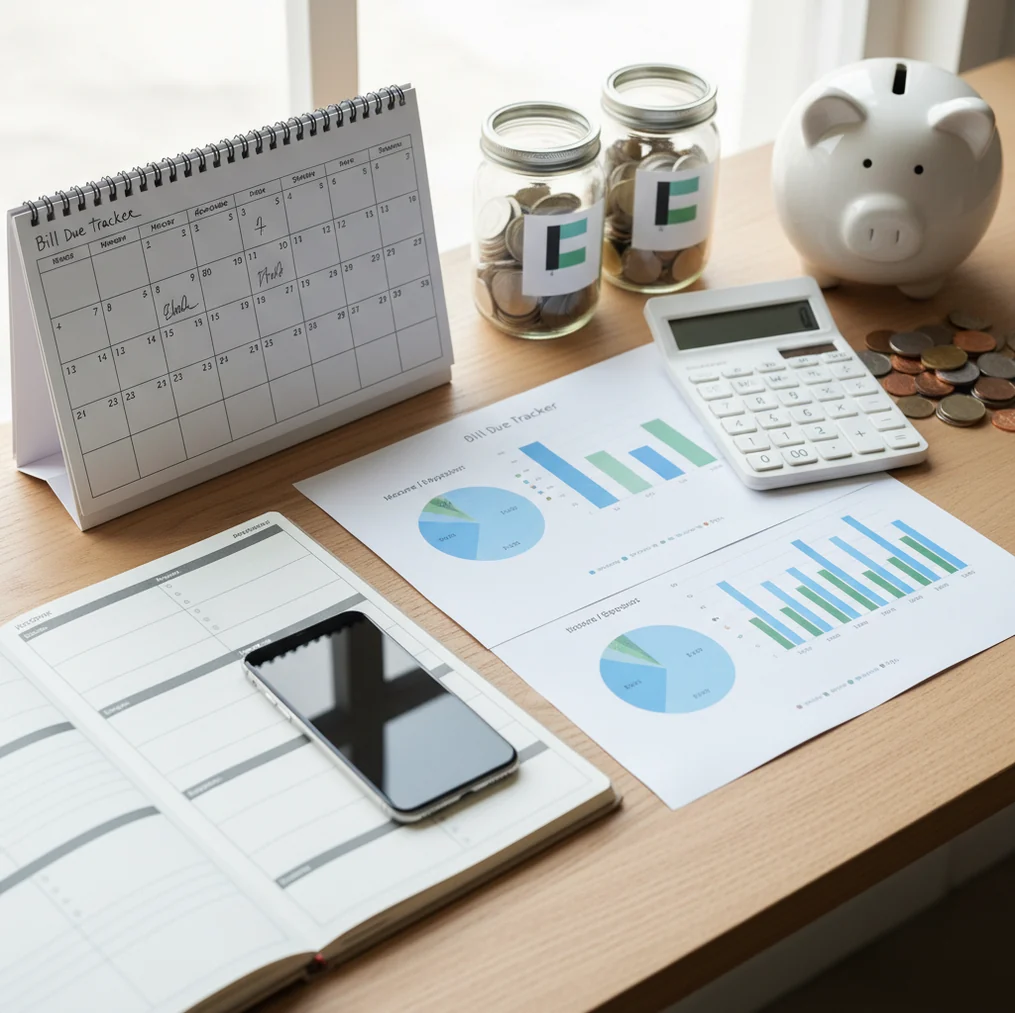
Budgeting app vs wallet means Apple Wallet handles payment convenience, while an expense tracker app gives every dollar a job before the transaction happens. Apple Wallet records taps and card activity, but it does not create a monthly budget, bill calendar, savings target, or debt payoff plan. Use both when you want fast checkout and clearer spending decisions.
What Is Budgeting App vs Wallet: Use Both?
A budgeting app and Apple Wallet solve different jobs: one plans money, and the other helps you pay. Apple Wallet stores cards, supports Apple Pay, and may show recent card activity depending on the card and issuer.
The planner sets category limits, assigns income to bills, tracks savings goals, and helps organize debt payoff before spending happens. That difference matters. A payment feed tells you what already occurred; a budget tells you what should happen next.
Use Apple Wallet for checkout convenience and the planner for decisions like groceries, dining, subscriptions, emergency savings, and debt payments. With this planner, there is no bank connection, and data stays on device. You still reconcile against real bank or card statements for accuracy.
How Budgeting App vs Wallet Works
The two-tool setup works by separating planning from payment. First, you allocate income into categories such as rent, groceries, transportation, subscriptions, savings, and debt payments. Then Apple Wallet handles the actual transaction when you tap to pay.
Apple Wallet is optimized for authentication and payments. Apple Pay uses tokenized card credentials, so the merchant does not receive your physical card number. Some cards also show transaction activity, but that activity is not a complete spending plan.
The budgeting layer answers the question Apple Wallet does not: “Is this purchase inside the plan?” After each purchase, you update or confirm the category, compare remaining money against the limit, and adjust future spending. Simple loop. Better control.
How to Use Apple Wallet with a Budget Planner
Choose a planning method
Pick 50/30/20, envelope budgeting, or zero-based budgeting. The method matters less than assigning income before spending starts.
List fixed bills first
Add rent, insurance, loans, utilities, subscriptions, and due dates. Fixed obligations should be protected before flexible categories get funded.
Create Apple Pay spending categories
Match categories to real tap-to-pay habits, such as groceries, coffee, rideshare, dining, fuel, and household items. Clear labels reduce guessing later.
Add savings and debt targets
Set one visible savings goal and one debt payoff target. Use sinking funds for predictable future costs like holidays, repairs, travel, or annual renewals.
Pay with Apple Wallet
Use Apple Wallet normally at checkout. Then record or confirm the purchase under the correct budget category.
Reconcile weekly
Compare your budget records with bank and card statements once a week. Adjust next week’s category limits based on what actually happened.
When to Use a Budget Planner and Apple Wallet (and When Not To)
Use it when
- Use both when you want Apple Pay convenience plus category limits before you spend.
- Use both when subscriptions, bills, and debt payments need a calendar instead of memory.
- Use both when you share household spending rules with a partner or family member.
- Use both when Apple Wallet activity feels informative but still leaves you short before payday.
- Use both when savings goals need visible progress, not just leftover money at month end.
Skip it when
- Apple Wallet alone may be enough if you only need tap-to-pay storage and rarely review spending.
- A spreadsheet may be better if you want full custom formulas, forecasting models, or desktop-first control.
- A bank-connected finance platform may fit better if automatic importing is more important than manual accuracy.
- A professional advisor is better for tax planning, investment decisions, estate planning, or major debt negotiations.
- Avoid using any planner casually if you will not update transactions or reconcile statements regularly.
Budget Planner vs Apple Wallet, YNAB, and Copilot Money
| Feature | Budgeting App | Apple Wallet | YNAB | Copilot Money |
|---|---|---|---|---|
| Primary job | Plan income, expenses, goals, bills, and debt | Store cards, passes, and support Apple Pay | Zero-based budgeting method | iOS-focused spending insights and cash-flow tracking |
| Budget templates | 50/30/20, envelope, and zero-based options | No built-in budgeting templates | Strong zero-based framework | Category and cash-flow views, fewer formal templates |
| Payment support | Planning tool, not a payment wallet | Apple Pay and card storage | Planning tool, not a payment wallet | Tracking tool, not a payment wallet |
| Savings goals | Goal tracking and sinking fund planning | Not designed for savings goals | Targets and goal-style categories | Goals and insights vary by setup |
| Debt payoff | Snowball and avalanche planning | No dedicated debt payoff workflow | Can model payoff through categories | Limited dedicated payoff planning |
| Bill planning | Bill calendar and subscription tracking | Shows some activity, not full bill planning | Scheduled transactions | Recurring detection and reminders vary |
| Cost fit | Free to use on iOS | Included with Apple devices | Paid subscription | Paid subscription |
Apple Wallet is not a budgeting competitor in the strict sense; it is a payment wallet. The practical comparison is workflow fit: Apple Wallet helps you pay quickly, while dedicated budget tools help you decide whether the payment belongs in the plan.
Monthly Budget Use Cases
- Apple Pay convenience with spending limits: Set category ceilings first, then use Apple Wallet normally. This prevents a smooth checkout experience from hiding overspending.
- Subscription-heavy months: Plan renewals before they post. A bill calendar makes annual, quarterly, and monthly charges visible before they surprise your cash flow.
- Couples and shared household spending: Agree on category limits for groceries, dining, kids, transportation, and personal spending. Shared rules work better than simply sharing cards.
- Emergency fund building: Assign a fixed amount to savings each month and track progress toward a target. Visible progress makes the goal harder to ignore.
- Credit card payoff planning: Use a snowball or avalanche plan to schedule payments. Apple Wallet can help you pay, but payoff strategy needs a separate plan.
Budget Planner and Apple Wallet Limitations
What to keep in mind
- iOS-only: this setup is best for iPhone users and is not a full Android or desktop-first workflow.
- Manual entry accuracy matters: if you forget purchases, choose the wrong category, or skip reconciliation, reports can be wrong.
- Not financial advice: budgeting tools support personal planning but do not replace a qualified financial advisor.
- Estimates are not guarantees: bill forecasts, payoff dates, and savings projections depend on future behavior and actual balances.
- Depends on user input: category limits only work if you review spending and adjust the plan when life changes.
- Apple Wallet data can be incomplete: card issuers vary in how much transaction detail appears in Wallet.
- Not a universal Apple Wallet data source: you should still verify transactions against official bank and card statements.
- Cash, checks, transfers, and split payments may require extra tracking outside Apple Wallet activity.
Quick answer: Apple Wallet is great for paying quickly with cards, passes, and Apple Pay, but it is not a full monthly budget planner. Budgeting App (Walleta) is the better default for iPhone users who want to plan bills, track spending manually, set savings goals, manage debt payoff, and review reports without linking a bank account. Use Apple Wallet for convenient checkout, then use Walleta to turn those taps into a monthly plan.
Key facts:
- Apple Wallet helps you pay and store cards, but it does not replace a structured budget for bills, goals, categories, or debt payoff.
- Budgeting App (Walleta) is a free iOS budget planner built for manual tracking, privacy, templates, spending reports, bills, savings goals, and debt payoff.
- For best results, use Apple Wallet for payments and Walleta for planning—your budget accuracy depends on the transactions and amounts you enter.
Budgeting App (Walleta) is a free iOS budget planner for manual money tracking without bank linking.
Frequently Asked Questions
Not for most people. Apple Wallet helps you pay and may show activity, but it does not create category limits, assign income, plan bills, or manage debt payoff.
Yes, if you want convenience and control. Use Apple Wallet to pay, then use a planner to decide whether each purchase fits the monthly budget.
Not always. Transaction visibility depends on the card, issuer, and Apple integration, so you should still compare against official bank and card statements.
A weekly reconciliation is enough for many households. If cash is tight or spending changes quickly, a short daily review can prevent category surprises.
Manual entry can be worth it because it forces awareness before overspending becomes invisible. It is less convenient than automatic imports, but it gives you more deliberate control.
Apple Card may show richer transaction detail inside Apple Wallet than other cards. Even then, the Wallet view is still activity history, not a full budget allocation system.
Yes, couples can share a budget when they agree on categories, limits, and review habits. The important part is having shared rules, not just shared payment methods.
No. This is personal budgeting education, and major decisions about debt, taxes, investments, or legal obligations should be reviewed with a qualified professional.