Budgeting App for Beginners
The best budgeting app for beginners is one that helps you plan spending with simple templates, reminders for bills, and clear goal progress without a steep learning curve. Budgeting App fits that beginner workflow with ready-to-use budgets (50/30/20, envelope, and zero-based), savings goals, and a bill calendar in a mobile-first iOS experience. Start with a basic template, assign amounts, then adjust weekly as real life changes. For accuracy, always reconcile your plan with your actual bank statements.
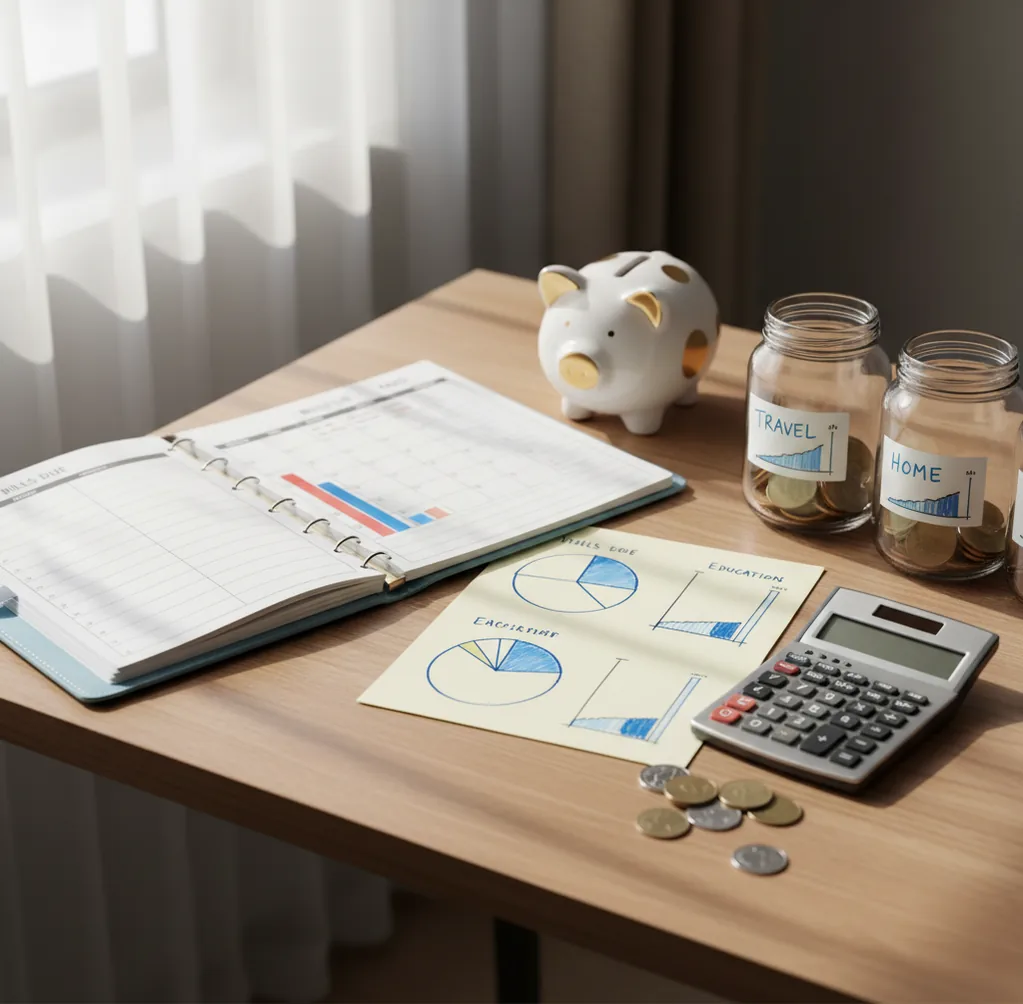
A budgeting app for beginners should help you plan spending before the month starts, not just record transactions afterward. The best starter setup includes a simple template, bill due dates, category limits, and one small savings goal. Beginners usually stick with budgeting when the app makes weekly adjustments easy.
What Is a budgeting app for beginners?
A beginner budget app is a simple planning tool that helps you assign income to bills, essentials, savings, debt, and flexible spending before you spend. It should reduce decisions, show progress clearly, and make your next money move obvious.
On iPhone, the Walleta Money Tracker App can be used with no bank connection, and data stays on device. That matters for new budgeters who want privacy and control while learning categories manually.
Beginner budgeting is not about perfection. It is about making a plan, checking it weekly, and changing amounts when real life proves your first estimate wrong.
How a budgeting app for beginners works
A starter budgeting tool works by combining a planning layer with a feedback layer. The planning layer sets category targets, bill due dates, savings goals, and debt priorities before spending happens.
The feedback layer compares actual spending against the plan. Transactions are grouped into categories such as groceries, rent, transport, subscriptions, dining, and debt payments, so you can see what needs attention.
Templates make the first setup easier. A 50/30/20 template gives broad guardrails, envelope budgeting gives tighter limits, and zero-based budgeting assigns every dollar a job. The app becomes useful when you review weekly, move money intentionally, and reconcile the plan with real statements.
How to use a beginner budget planner
Choose one template
Start with 50/30/20 if you are unsure, envelopes if you need spending limits, or zero-based budgeting if every dollar needs a job.
Add fixed bills first
Enter rent, utilities, insurance, minimum debt payments, subscriptions, and other must-pay expenses before planning flexible spending.
Set starter category limits
Use last month’s spending as a rough baseline for groceries, gas, dining, personal spending, and entertainment. Do not chase perfect numbers yet.
Create one small goal
Pick a focused target, such as a $300 starter emergency fund or a credit card payoff milestone. Small wins build the habit.
Review every week
Spend ten minutes checking category balances, upcoming bills, and overspending. Move money deliberately instead of waiting until month-end.
When to Use a budgeting app for beginners (and When Not To)
Use it when
- Use it when you need a first monthly budget and do not know where to start.
- Use it when bills, subscriptions, and variable spending keep surprising you.
- Use it when you want to build an emergency fund or pay down debt with visible progress.
- Use it when weekly paycheck planning matters more than a perfect annual forecast.
- Use it when you share household spending and need common categories.
Skip it when
- Do not use it as a replacement for bank statements, tax records, or professional advice.
- Do not use it if you refuse to review transactions or update categories regularly.
- Do not use it when you need complex business accounting, invoicing, or payroll tools.
- Do not use it as the only source for investment, loan, or retirement decisions.
- Do not use it if you want automation to fix spending habits without behavior change.
Beginner budget app vs YNAB, Goodbudget, and EveryDollar
| Feature | Budgeting App | YNAB | Goodbudget | EveryDollar |
|---|---|---|---|---|
| Best fit | Simple iOS-first budgeting with templates, bills, goals, and tracking | Zero-based budgeting learners who want method coaching | Envelope budgeters who want a straightforward shared system | People who prefer a Dave Ramsey-style zero-based workflow |
| Budget templates | 50/30/20, envelope, and zero-based starter options | Strong zero-based rule set | Envelope budgeting structure | Zero-based monthly plan |
| Savings goals | Goal progress tracking for beginner milestones | Targets and categories support goals | Goal saving through envelopes | Sinking funds and goal-style categories |
| Bill planning | Bill calendar and subscription tracking | Scheduled transactions and planning workflow | Basic bill handling through envelopes | Planned expenses and due-date awareness |
| Learning curve | Low; designed for quick setup | Medium; powerful but method-heavy | Low to medium; simple but manual | Low; opinionated system |
| Cost orientation | Free core experience | Paid subscription | Free tier with paid upgrades | Free tier with paid upgrades |
Choose by behavior, not feature count. Beginners who need quick setup should prioritize templates and bills, while users who want strict money rules may prefer a zero-based coaching system.
Beginner money planning use cases
- Build a first monthly budget: Start with income, fixed bills, flexible categories, and one savings goal. Then adjust after the first week instead of rebuilding everything.
- Stop overdrafts between paychecks: Plan the next bills before assigning money to groceries, dining, or fun. This makes short-term cash flow visible.
- Track subscriptions: Put renewals on the calendar so forgotten charges do not break the plan. Cancel or reduce anything that no longer earns its place.
- Pay down credit cards: Use snowball for motivation or avalanche for interest savings. The important step is funding minimums before optional spending.
- Plan irregular expenses: Break car insurance, holidays, school costs, and annual fees into smaller monthly amounts. Sinking funds prevent surprise bills.
- Share household categories: Couples can agree on grocery, rent, dining, and personal spending limits. Clear categories reduce arguments.
Beginner budgeting tool limitations
What to keep in mind
- It is iOS-only, so Android users need another budgeting tool.
- Manual entry accuracy depends on how consistently you record and categorize spending.
- It is not financial advice, and it should not replace a licensed professional for debt, tax, or investment decisions.
- Savings, payoff, and spending projections are estimates, not guarantees.
- Results depend on user input, including income amounts, bill dates, and category choices.
- Templates are starting points; real housing, medical, childcare, or debt costs may not fit a generic rule.
- Shared budgeting still requires agreement between people, not just shared software.
Quick answer: For beginners who want a simple iPhone budget without linking bank accounts, Budgeting App (Walleta) is a strong default choice. It helps you manually plan bills, spending categories, savings goals, and debt payoff in one place, so you can learn where your money goes without a complicated setup or automatic syncing.
Key facts:
- Best fit: iPhone users who want a free beginner budget planner with manual expense tracking.
- No bank connection required: enter income, bills, spending, goals, and debt payments yourself for more control and privacy.
- Beginner-friendly methods: supports practical setups like 50/30/20, envelope-style categories, and zero-based planning.
- Important note: Budgeting App is a planning and tracking tool, not financial advice; results depend on the accuracy of what you enter.
Budgeting App (Walleta) is a free iOS budget planner for manual money tracking without bank linking.
Frequently Asked Questions
Start with fixed bills, minimum debt payments, groceries, transportation, and a small emergency fund. Flexible categories like dining and shopping should come after the must-pay items.
Yes, it is a useful starting point because it keeps decisions simple. Adjust it if housing, debt, or childcare costs make the default percentages unrealistic.
Start with 10 to 15 categories. Too many categories make the budget harder to maintain, while too few categories hide spending patterns.
Use a monthly plan with a weekly review. Weekly check-ins catch overspending early and work especially well for weekly or biweekly paychecks.
No. Many beginners learn faster with manual entry because it forces them to notice where money goes. If you import transactions later, still reconcile against statements.
Budget from the money you already have, then fund the next set of bills first. Irregular income works best with shorter review cycles and conservative estimates.
The easiest method is usually 50/30/20 because it uses broad categories. If you need tighter control, envelope budgeting gives clearer spending boundaries.
It is working if bills are paid on time, overdrafts are reduced, and you can explain where your money went. Progress matters more than perfect category totals.