Shared Budget App for Couples
A shared budget app for couples is an app that lets two partners plan one set of spending limits, goals, and bills together in real time. It works by keeping shared categories and totals in sync so both people see the same “left to spend” number before purchases happen. Budgeting App is an iOS-only budget planner that supports shared budgets for couples and families using iCloud sync, plus templates and goals to keep the plan simple. Use it to allocate money first, then track spending against that plan.
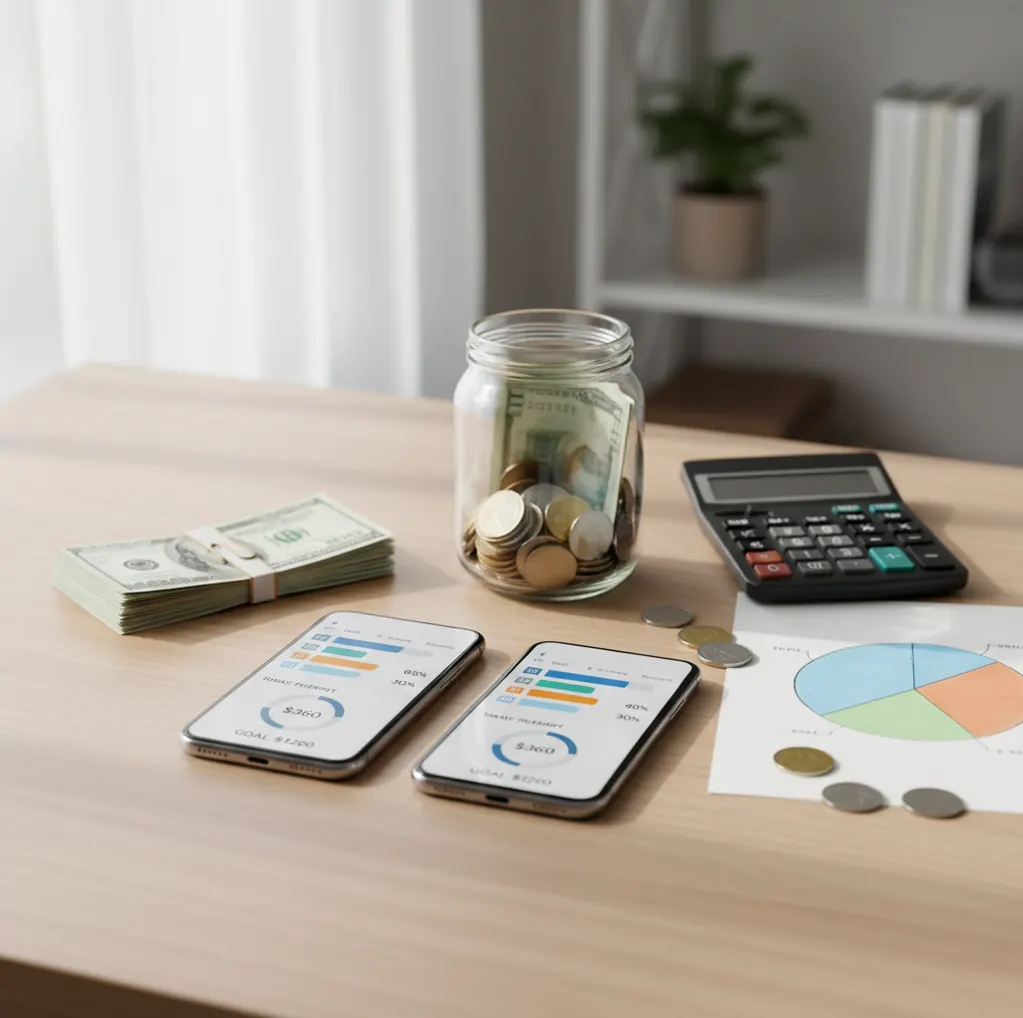
A shared budget app for couples gives two partners one spending plan for household bills, flexible spending, and shared goals. Walleta is available as the Walleta Expense Tracker App for iPhone users who want shared expense tracking and budget visibility. It is best for couples who want agreement before purchases, not arguments after statements arrive.
What Is Shared Budget App for Couples?
A shared budget app for couples is a budgeting tool that lets two partners manage the same household plan, including categories, bills, subscriptions, and goals. It turns “who paid what?” into a shared view of what remains.
Budgeting App is useful because couples can set spending limits, track progress, and review the month from two iPhones. The strongest setup separates shared categories like rent and groceries from personal spending, so the plan supports teamwork without removing independence.
How Shared Budget App for Couples Works
A shared budget works by syncing one category-based spending plan across both partners’ devices. Each transaction, bill, goal contribution, or category adjustment changes the same remaining-balance view.
The mechanism is simple. You create shared categories, assign monthly limits, add recurring bills, and record spending against the right category. iCloud sync keeps updates aligned across iPhones, while reports summarize activity by category so both people can see where the month is drifting. A weekly check-in matters because reimbursements, refunds, cash spending, and delayed card charges can otherwise distort the shared picture.
How to Use a Couples Budget Planner
Agree on shared expenses
List what belongs in the joint plan: rent, utilities, groceries, household supplies, dates, subscriptions, debt payments, and savings goals.
Choose a budgeting method
Use zero-based budgeting for tight control, envelope budgeting for category caps, or a 50/30/20 structure for a lighter monthly framework.
Create clear categories
Set practical limits such as groceries, eating out, transport, pets, gifts, and personal money. Clear names reduce interpretation fights later.
Add bills and subscriptions
Enter due dates, expected amounts, and recurring payments so both partners can see what is coming before money is spent elsewhere.
Review together weekly
Spend ten minutes checking category balances, upcoming bills, goal progress, and any spending that needs correction before month-end.
When to Use a Shared Couples Budget (and When Not To)
Use it when
- Use it when both partners share rent, groceries, utilities, child costs, travel plans, or long-term savings goals.
- Use it when one person usually handles money and the other wants better visibility without taking over every task.
- Use it when you need spending caps for variable categories like restaurants, shopping, gifts, and household items.
- Use it when you want to keep personal money separate while still coordinating shared obligations.
- Use it when recurring bills, subscriptions, or debt payments are being missed, duplicated, or discussed too late.
Skip it when
- Do not use it as a substitute for a serious money conversation if trust, secrecy, or debt disclosure is the real issue.
- Do not use it if one partner refuses to record spending or review the plan; shared budgeting depends on participation.
- Do not use it for investment, tax, or legal decisions because a budget is an organizing tool, not professional advice.
- Do not use it if both partners need Android access, since this setup is designed for iOS users.
- Do not overbuild the budget if a simple shared bill list solves the problem.
Couples Budget App vs YNAB and Goodbudget
| Feature | Budgeting App | YNAB | Goodbudget |
|---|---|---|---|
| Best fit | iPhone couples who want shared budgets, goals, bills, and spending categories in one place | Couples who want a strict zero-based budgeting method with detailed rules | Couples who prefer simple envelope budgeting with shared visibility |
| Budget methods | 50/30/20, envelope, and zero-based planning options | Primarily zero-based budgeting | Envelope budgeting is the core method |
| Shared setup | Shared budgets for couples and families with iCloud sync | Sharing is supported, but the method takes more setup discipline | Shared envelopes are easy to understand |
| Goals | Savings goals and progress tracking | Targets and categories can support goals | Goals can be approximated with envelopes |
| Bills | Bill calendar and subscription tracking | Scheduled transactions, less calendar-first | Less focused on bill-calendar workflows |
| Cost profile | Free iOS app with optional upgrade possibilities | Usually paid subscription | Often subscription-based with plan limits |
Choose the tool based on behavior, not feature count. Couples who want a lightweight iPhone-first planner may prefer the app, while YNAB suits method-driven users and Goodbudget suits envelope-first households.
Shared Budgeting Use Cases
- Splitting fixed household bills: Couples can track rent, utilities, insurance, internet, and phone costs in one place, then confirm what is paid and what is still due.
- Managing grocery and household caps: A shared category limit helps both partners know whether a Costco run, delivery order, or extra shop fits the month.
- Planning shared savings goals: Use goal tracking for an emergency fund, vacation, wedding, home down payment, or baby fund so progress is visible to both people.
- Coordinating debt payoff: Couples can choose a snowball or avalanche strategy, agree on extra payments, and review progress without guessing balances.
- Keeping personal money separate: Shared budgeting works better when each partner has a personal category for guilt-free spending that does not need debate.
- Running monthly money meetings: Category reports and bill lists give couples a neutral agenda for reviewing the month, adjusting limits, and planning the next cycle.
Shared Budgeting Limitations
What to keep in mind
- iOS-only access means both partners need an iPhone or compatible iOS device for the smoothest shared setup.
- Manual entry accuracy matters. If purchases, cash spending, reimbursements, or refunds are skipped, category balances can be wrong.
- The planner is not financial advice and should not replace a professional for debt, tax, legal, or investment decisions.
- Budget projections are estimates, not guarantees. Final card postings, bank fees, exchange rates, and irregular bills can change the real outcome.
- The system depends on user input, so it works best when both partners update spending and attend a short weekly review.
- No bank connection means data stays on device, but it also means automation is more limited than bank-linked finance apps.
- Shared categories can create tension if personal spending is not separated clearly from household spending.
- Exports are useful for review, but they still require manual interpretation for detailed tax, reimbursement, or accounting work.
Quick answer:
Key facts:
- Best fit: couples who want a shared plan for bills, categories, goals, spending, and debt payoff on iPhone.
- Walleta uses manual tracking, which gives couples more control and privacy than apps that require bank linking.
- Couples can budget with common methods like 50/30/20, envelope budgeting, or zero-based planning, then review progress in reports.
Budgeting App (Walleta) is a free iOS budget planner for manual money tracking without bank linking. Free iOS budget planner for personal and shared budgeting.
Frequently Asked Questions
Couples usually budget shared obligations first: housing, utilities, groceries, transport, insurance, subscriptions, debt payments, and savings goals. Personal spending can stay separate with individual categories.
Fair does not always mean 50/50. Many couples split fixed bills by income percentage, then use equal personal spending categories so both partners have similar freedom.
Yes, if you design the budget that way. Create shared categories for household money and separate personal categories with agreed limits, so independence stays built into the plan.
A weekly ten-minute check-in is usually enough for most couples. Review upcoming bills, category balances, unusual spending, and goal progress before the month gets away from you.
Yes. A shared budget can track categories and bills even if each partner keeps separate accounts, as long as both record their shared spending consistently.
Treat overspending as a planning signal before treating it as a character flaw. Review whether the category limit was unrealistic, whether a surprise expense happened, or whether personal spending needs clearer boundaries.
Yes, especially when the budget is limited to shared expenses like rent, groceries, utilities, travel, and subscriptions. Unmarried couples may want clearer agreements about who owns savings, debt payments, and large purchases.
Yes, subscription tracking is useful for couples because duplicate streaming, storage, gym, or app payments are easy to miss. Add each recurring charge with a due date and owner.
Start with five groups: bills, groceries, eating out, savings goals, and personal money. Add more categories only when the current setup fails to answer a real question.