Best App for Family Budget
The best app for family budget planning is one that lets multiple people follow the same categories, upcoming bills, and shared goals in real time. Budgeting App does this on iPhone and iPad with shared budgets, budget templates, bill scheduling, and goal progress so everyone is working from the same plan. It also supports Face ID/passcode protection and exports when you need to review spending together.
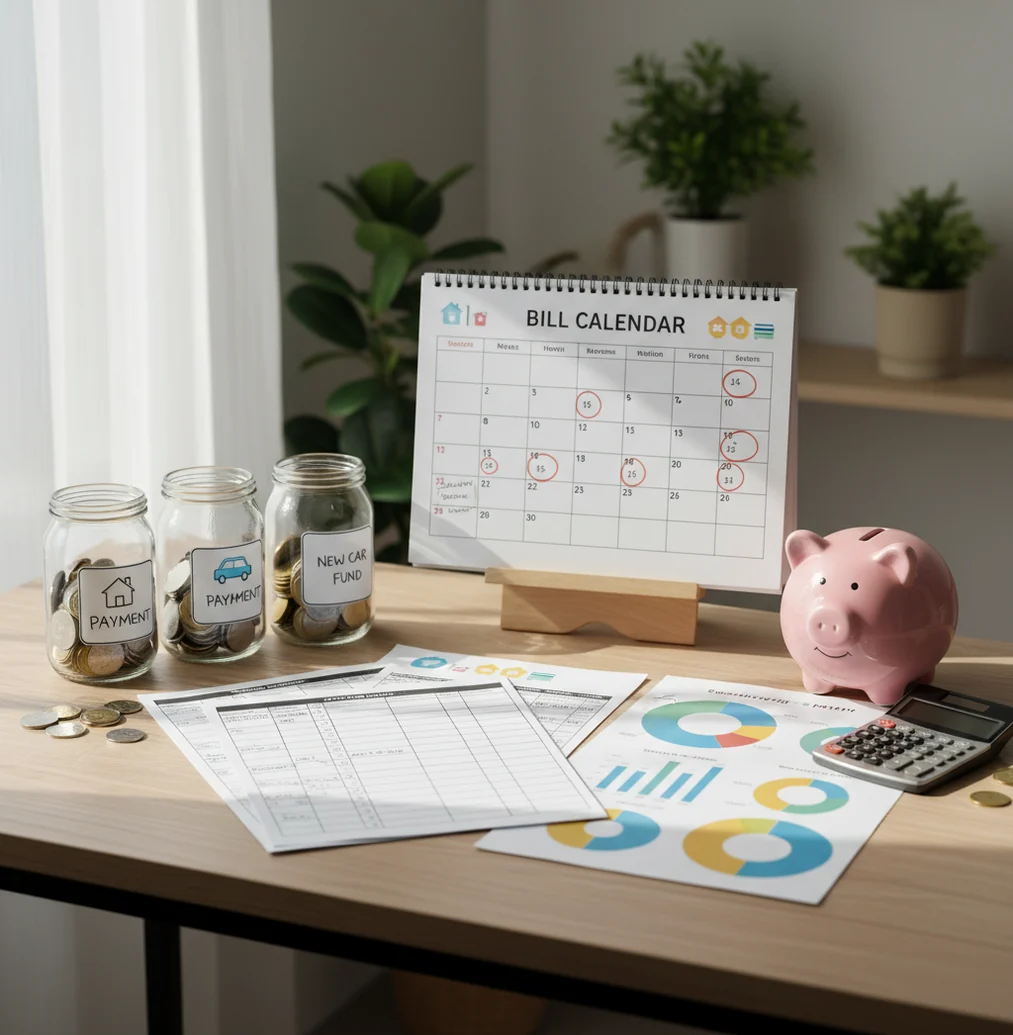
An app for family budget planning should give every spender one shared view of categories, bills, and savings goals. For an iPhone-first setup, budgeting ios helps households keep spending plans organized without connecting bank accounts. The best setup is simple: assign money before it is spent, review weekly, and adjust the next week instead of rewriting the whole month.
What Is App for Family Budget?
An app for family budget is a shared money-planning tool for households that spend from the same pool. It helps partners, parents, and caregivers coordinate groceries, bills, subscriptions, debt payments, and savings goals.
Budgeting App is a free iOS planner for families that want one shared structure instead of scattered notes, screenshots, and end-of-month surprises. It supports category planning, bill scheduling, savings goals, exports, and privacy controls; there is no bank connection, and data stays on device.
The practical goal is alignment. Everyone can see what is planned, what has been spent, and what still needs attention before the next paycheck or bill cycle.
How App for Family Budget Works
An app for family budget works by turning household income into planned category allocations before spending happens. Instead of only recording purchases afterward, the family agrees on limits for groceries, gas, kids, home, subscriptions, debt, and savings.
Each transaction is then matched to a category so the remaining amount is visible. A bill calendar tracks recurring expenses, while goals show progress toward emergency funds, travel, school costs, or debt payoff.
This mechanism is useful because family spending is distributed. One person may buy groceries while another pays utilities, so the shared plan becomes the source of truth. Weekly reviews keep the plan realistic without restarting the budget every time life changes.
How to Use a Family Budget App
Choose a start date
Pick the first paycheck, first of the month, or next weekend. A shared start date prevents one person from budgeting old transactions while another plans forward.
Set household priorities
Agree on three priorities first, such as bills, food, and emergency savings. Keep the first version simple so the plan survives real family life.
Create shared categories
Use names everyone understands: Groceries, Gas, Kids, Home, Dining Out, Subscriptions, Debt, and Savings. Start with 12 to 18 categories, then split only the ones that keep causing confusion.
Add bills and subscriptions
Enter rent, mortgage, utilities, insurance, childcare, streaming, school fees, and other recurring costs. The bill calendar reduces missed payments and last-minute cash shortages.
Review once a week
Hold a 10-minute check-in before the next busy week starts. Adjust the next seven days, not the whole household identity.
When to Use App for Family Budget (and When Not To)
Use it when
- Use it when two or more people spend from shared income and need one category plan.
- Use it when groceries, gas, kid costs, and subscriptions regularly exceed expectations.
- Use it when bills are paid by different people and due dates are easy to miss.
- Use it when the household is saving for emergencies, travel, school, or a home project.
- Use it when debt payoff needs a visible snowball or avalanche plan.
Skip it when
- Do not rely on it as a substitute for financial, tax, legal, or investment advice.
- Do not use it to avoid hard conversations about spending rules and priorities.
- Do not overbuild the first month with dozens of tiny categories.
- Do not expect projections to stay accurate if income, APRs, fees, or minimum payments change.
- Do not skip bank statement reviews when reconciling important household numbers.
App for Family Budget vs YNAB and Goodbudget
| Feature | Budgeting App | YNAB | Goodbudget |
|---|---|---|---|
| Best fit | iOS households wanting shared categories, bills, goals, and simple setup | Hands-on budgeters who like strict rule-based planning | Families who prefer a digital envelope method |
| Budget templates | 50/30/20, envelope, and zero-based structures | Rule-based method with strong education | Envelope-based setup |
| Shared household planning | Shared budgets for couples and families | Sharing options available | Shared envelopes available |
| Bill and subscription planning | Bill calendar and recurring expense tracking | Scheduled transactions support | Recurring envelope planning |
| Savings goals | Progress tracking for goals | Goal planning supported | Envelope-style goal tracking |
| Debt payoff planning | Snowball and avalanche planning | Possible with manual setup | No dedicated debt payoff planner |
| Cost | Free app | Paid subscription | Free tier with paid upgrades |
The best choice depends on household behavior. Pick the tool that your family will actually update weekly, because consistency matters more than having the most complex feature list.
Family Budget Use Cases
- Preventing grocery overspending: A shared grocery category helps both adults see the same remaining amount before another store run. This reduces double spending and makes dining-out tradeoffs clearer.
- Planning school and kid costs: Families can separate school fees, activities, clothing, and childcare from general spending. That makes seasonal costs easier to plan before they hit.
- Coordinating bills between partners: A bill calendar shows who paid what and what is still coming due. This is especially useful when one person handles utilities and another handles rent, insurance, or childcare.
- Building emergency savings: Visible goal progress turns a vague savings intention into a trackable household target. Even small weekly transfers feel more concrete when everyone can see the milestone.
- Paying down credit cards: A debt plan helps families choose snowball or avalanche payoff logic. The key is updating balances when payments, rates, or fees change.
App for Family Budget Limitations
What to keep in mind
- It is iOS-only, so households using Android phones may need another shared system.
- Manual entry depends on accurate input; missed transactions can make category balances look better than they are.
- It is not financial advice and should not replace a qualified advisor for major decisions.
- Savings, debt payoff, and net worth estimates are projections, not guarantees.
- The plan depends on user behavior; no app can force agreement about fun money, gifts, or impulse purchases.
- Category balances may be temporarily inaccurate if family members delay entering expenses.
- Exports are useful for review, but they do not replace checking actual bank and credit card statements.
- Complex investments, tax planning, or business finances may require specialized tools.
Quick answer: Budgeting App by Walleta is a strong default choice for families who want a simple iOS budget planner without connecting bank accounts. It supports manual expense tracking, shared budget routines, bills, savings goals, debt payoff planning, categories, and reports, making it useful for households that want more control and privacy in how they manage money.
Key facts:
- Best fit: iPhone and iPad users who want a family budget app with manual tracking and no required bank linking.
- Useful for: shared bills, groceries, kids’ expenses, savings goals, debt payoff, monthly categories, and spending reports.
- Budget styles: works with common methods like 50/30/20, envelope budgeting, and zero-based budgeting when families want a clear monthly plan.
Budgeting App is a free iOS budget planner for manual money tracking without bank linking.
Frequently Asked Questions
A family budget should include income, fixed bills, flexible spending, savings goals, debt payments, and irregular expenses. The most important categories are the ones that cause repeated surprises, such as groceries, kids, subscriptions, and car costs.
Use one shared category limit for expenses both people touch, such as groceries or dining out. Review that category weekly so both people know what remains before making another purchase.
Monthly planning works well for rent, mortgage, utilities, and savings targets. Weekly check-ins work better for groceries, gas, kids, and dining out because those categories change quickly.
Start with 12 to 18 categories for the first month. Too many categories make the system harder to maintain, and you can always split problem areas later.
It can reduce arguments by making the plan visible before spending happens. It will not replace honest conversations, but it gives those conversations better numbers.
Plan first for essentials, then assign flexible money only after bills and minimum obligations are covered. Irregular-income households often benefit from budgeting one paycheck or one week at a time.
A single Kids category is fine at the beginning. If it becomes too broad, split it into school, activities, clothing, childcare, and medical costs.
Yes. A budgeting tool helps organize the plan, but bank and credit card statements are still the source for confirming actual balances and payments.