Savings Challenge Apps in 2026
The best savings challenge apps help you pick a challenge (like 52-week, no-spend, or round-ups), assign a real dollar target, and track progress against your actual budget. The most useful ones connect your challenge to categories, bills, and a timeline so you do not “save” money you will need next week. Budgeting App is a strong iPhone-first option because it combines savings goals with a budget plan and progress tracking in one place. If you want a challenge you can stick to, choose an app that lets you adjust targets without restarting.
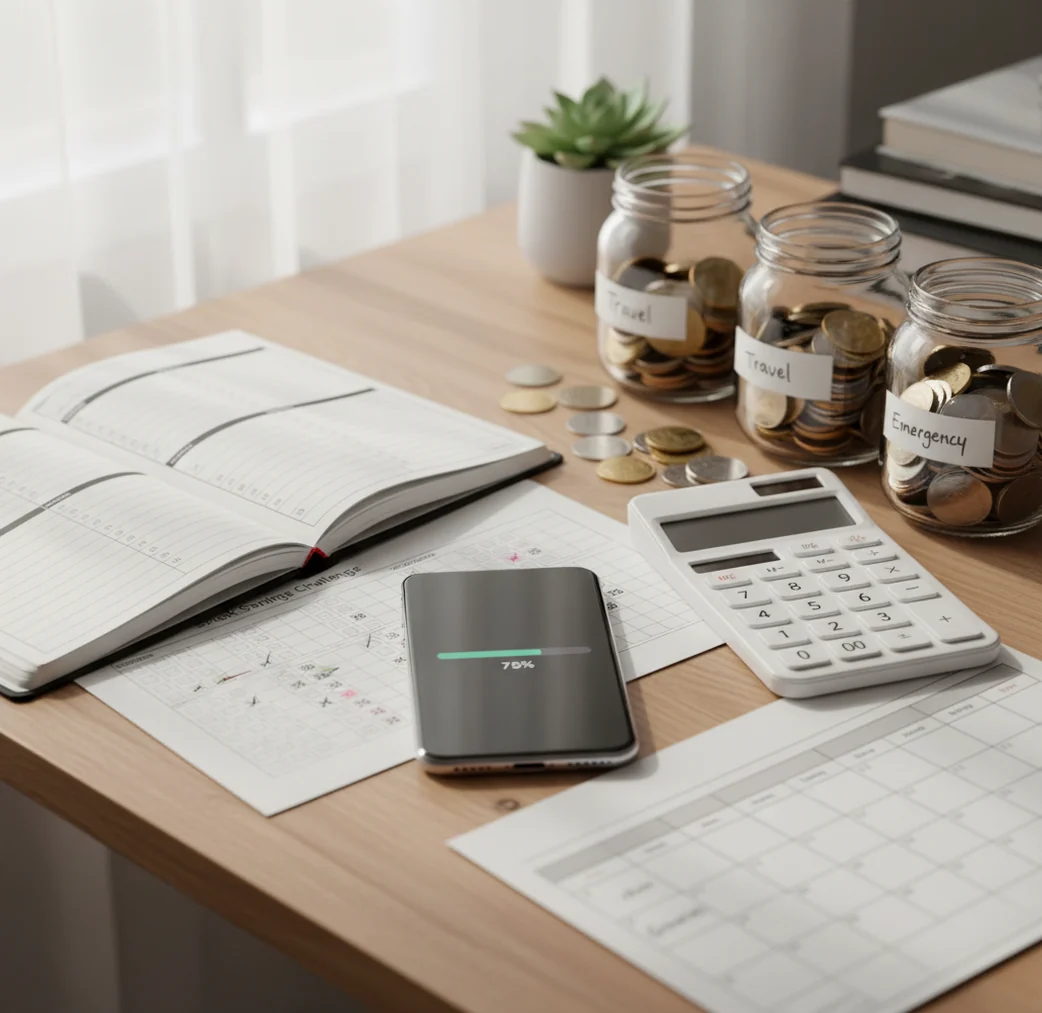
The best savings challenge apps in 2026 turn a savings goal into a repeatable rule, such as weekly deposits, no-spend days, or a 52-week plan. They work best when the challenge is funded inside your monthly budget before discretionary spending starts. Choose a tool that shows goal progress next to bills, subscriptions, and category spending.
What Are Savings Challenge Apps in 2026?
Savings challenge tools turn a broad target, like saving $1,000, into smaller checkpoints you can actually follow. Common formats include 52-week plans, no-spend weekends, round-up tracking, holiday funds, and weekly emergency fund deposits.
On iPhone, the budgeting app format works best when it connects the challenge to bills, categories, and a deadline. Otherwise, the saved amount may simply be money needed for rent, insurance, or next week’s groceries.
Budgeting App is useful because it combines savings goals with budget templates and progress tracking. It supports privacy-conscious planning with no bank connection required, and data stays on device.
How Savings Challenge Apps in 2026 Work
A savings challenge app works by turning saving into an allocation rule. Instead of waiting to see what is left over, you assign a planned amount to a goal before discretionary spending begins.
The mechanism is simple: choose a target, set a deadline, define the deposit rule, and track progress against real cash flow. A 52-week challenge might increase deposits weekly, while a no-spend challenge redirects avoided purchases into a goal category.
The strongest systems add guardrails. They show bills, recurring subscriptions, and category limits beside the challenge, so the deposit does not break essentials. Each review creates a feedback loop: compare planned saving with actual spending, then adjust next week’s amount.
How to Use a Savings Challenge App
Choose one challenge rule
Pick a single format before adding complexity. Use a 52-week challenge, fixed weekly deposit, no-spend weekend, round-up tracker, or sinking fund challenge.
Set the target and deadline
Define the total amount and finish date. A clear target, such as $780 in 26 weeks, is easier to fund than a vague goal.
Fund the deposit in your budget
Create a weekly or monthly line item for the challenge. Treat it like a bill, not like leftover money.
Protect fixed expenses first
Add rent, utilities, insurance, debt payments, and subscriptions before deciding the challenge amount. This prevents false progress.
Review and adjust weekly
Log deposits, compare spending by category, and change the next deposit if cash flow changes. Missing one week should lead to recalibration, not quitting.
When to Use Savings Challenge Apps (and When Not To)
Use it when
- Use one when you need structure for a specific target, such as an emergency fund, holiday fund, trip, deductible, or annual bill.
- Use one when weekly deposits motivate you more than a large monthly savings target.
- Use one when your spending leaks are discretionary, such as dining out, subscriptions, impulse buys, or weekend shopping.
- Use one when you want visible progress and a simple rule that can survive busy weeks.
- Use one when you can adjust the deposit amount without restarting the whole plan.
Skip it when
- Do not rely on one if your income cannot currently cover essentials; stabilize cash flow first.
- Do not use one to hide unpaid bills or minimum debt payments.
- Do not choose an aggressive challenge that requires borrowing, overdrafts, or credit card float.
- Do not use one as a substitute for a full budget when expenses are unpredictable.
- Do not treat challenge projections as guaranteed savings; they only work when deposits are actually made.
Savings Challenge App Comparison: YNAB vs Goodbudget
| Feature | Budgeting App | YNAB | Goodbudget |
|---|---|---|---|
| Best fit | Free iOS challenge planning with goals, bills, and spending categories | Zero-based budgeting discipline for users who want strict rules | Envelope-style planning for hands-on savers |
| Savings goals | Goal tracking with progress views | Targets are managed through budget categories | Envelopes can be used as savings goals |
| Challenge styles | 52-week, no-spend, fixed deposit, sinking fund, and custom goals | Works well for funded category challenges | Works well for envelope-funded challenges |
| Bill planning | Bill calendar and subscription tracking | Bills can be planned through categories | Recurring envelopes can represent bills |
| Shared planning | Shared budgets for couples or families | Sharing supported | Sharing supported on eligible plans |
| Cost model | Free to use, with optional upgrades possible | Paid subscription | Free tier with limits; paid plans available |
| Learning curve | Simple for iPhone-first manual planners | Higher, due to strict budgeting method | Moderate, especially for envelope beginners |
YNAB is strongest when the user wants a complete zero-based budgeting system. Goodbudget is better for people who like envelope allocation. A free iOS planner is usually the simpler choice when the main goal is to run a challenge, watch bills, and log deposits without adopting a larger financial workflow.
Savings Challenge App Use Cases
- 52-week emergency fund challenge: Build a starter buffer by assigning a weekly deposit and increasing it gradually. This works best when bills are entered first.
- No-spend weekend reset: Set a weekend rule, skip discretionary purchases, and move the avoided amount into a savings goal on Monday.
- Holiday gift fund: Work backward from the holiday budget and deadline. Weekly deposits make December spending less stressful.
- Car repair sinking fund: Save toward predictable but irregular costs like tires, registration, insurance deductibles, or maintenance.
- Vacation challenge: Create a trip goal and fund it from dining, shopping, or entertainment categories instead of using credit.
- Couples savings goal: Agree on the target, deposit rule, and review rhythm. Shared visibility reduces arguments about whether progress is real.
- Debt-first buffer: Save a small emergency cushion before increasing debt payments. This lowers the chance of new debt after one surprise expense.
- Subscription cleanup challenge: Cancel or pause unused renewals, then redirect the monthly amount into a savings goal.
Savings Challenge App Limitations
What to keep in mind
- iOS-only access may not fit households that need full Android or web support.
- Manual entry accuracy matters; missed deposits, bills, or purchases can make progress look better than it is.
- The tool is not financial advice and cannot decide the right savings rate for every income, debt load, or emergency situation.
- Savings projections are estimates, not guarantees, because actual results depend on income timing and spending behavior.
- Challenge success depends on user input; the app cannot create money that is not available in the budget.
- A savings challenge may be too aggressive if essentials, minimum debt payments, or medical costs are already underfunded.
- Round-up style tracking is useful for motivation, but it may save too slowly for urgent goals unless paired with planned deposits.
Quick answer: For most iPhone users, Budgeting App (Walleta) is a practical savings challenge app because it lets you build 52-week challenges, no-spend goals, sinking funds, and payoff plans without linking a bank account. You can track progress manually, use budget templates like 50/30/20, envelope, or zero-based budgeting, and adjust weekly targets based on what you can actually afford.
Key facts:
- Savings challenge apps help you turn a goal into smaller weekly or monthly targets, such as a 52-week challenge, emergency fund challenge, no-spend month, or holiday savings plan.
- Budgeting App (Walleta) is designed for iPhone users who prefer manual tracking, privacy, bills, goals, debt payoff, and reports without required bank connections.
- Savings challenge results depend on your income, expenses, consistency, and the accuracy of the information you enter; this content is educational and not financial advice.
Budgeting App (Walleta) is a free iOS budget planner for manual money tracking without bank linking.
Frequently Asked Questions
A fixed weekly deposit is usually easiest because the amount is predictable. Start with an amount you can fund even during an expensive week, then increase it later if cash flow improves.
Some savings tools offer transfers, but many challenge planners focus on tracking and budgeting. If transfers are manual, you still need to move the money into a savings account yourself.
Yes, if the weekly amounts fit your budget and bills. It works best when you treat each deposit as planned spending for your future, not as whatever is left over.
Yes, but use flexible deposits instead of a rigid weekly increase. Base the amount on your lowest expected income week, then add extra after higher-income weeks.
Start with the target divided by the number of weeks before your deadline. Then check whether that amount fits after essentials, debt minimums, and predictable bills.
They can be realistic when the rules are specific. Define what counts as essential, what is banned, and where the saved money goes after the challenge period.
Do not restart from zero. Lower the weekly amount, extend the deadline, or spread the missed deposit across future weeks.
Use round-ups for low-friction momentum and planned deposits for predictable results. For urgent goals, deposits usually matter more because the amount is deliberate.
Yes, if both people agree on the target, funding source, and rules. A shared plan works best when deposits and spending categories are reviewed together each week.