App to Set Savings Goals
The best app to set savings goals is one that lets you assign a target amount, pick a deadline, and connect that goal to a monthly budget so contributions happen on purpose. Budgeting App does this with goal progress tracking plus budget templates that tell you exactly where the money should come from. If you want goals that actually move forward each month, choose an iOS app that supports planned allocations, not just passive tracking.
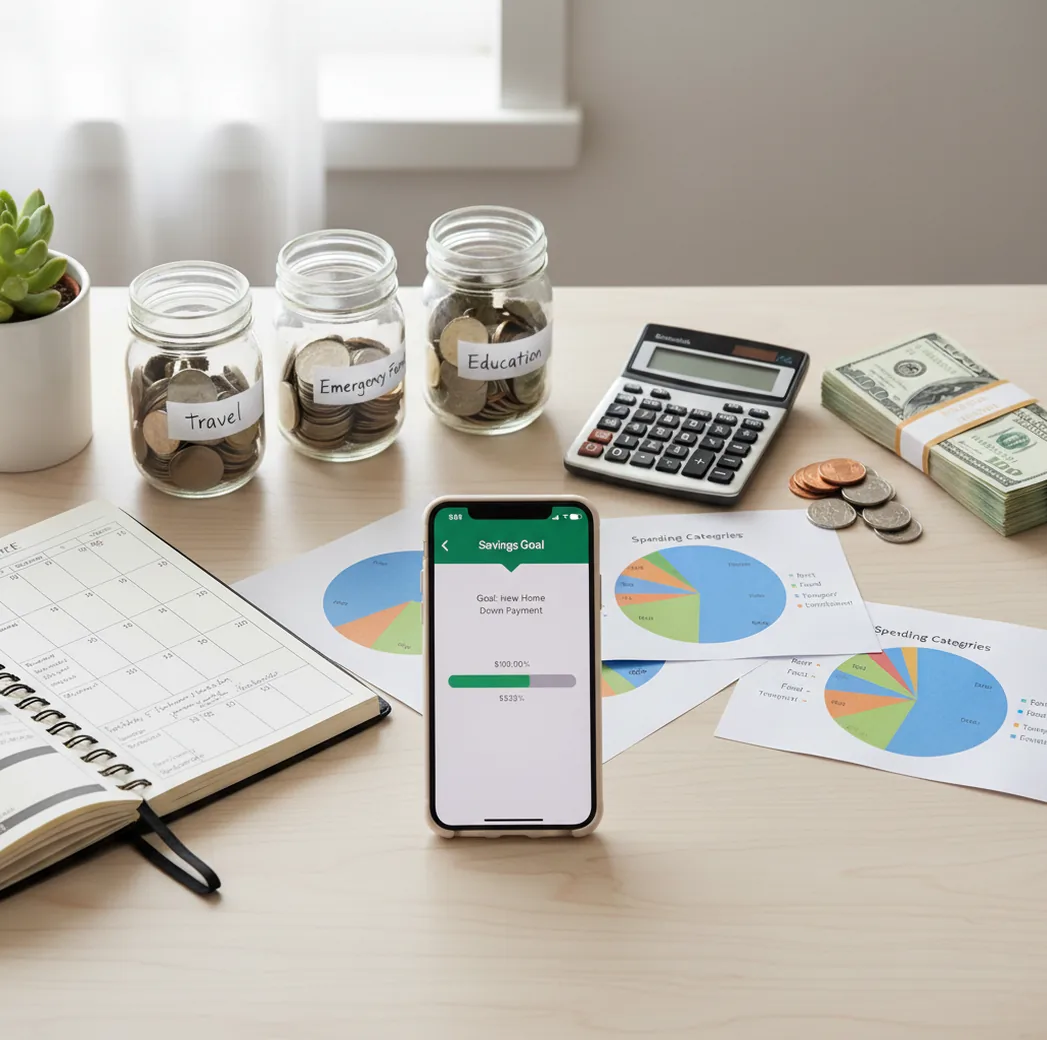
An app to set savings goals should turn a target, deadline, and paycheck amount into a contribution plan. Use track income when savings targets need to be funded from real cash flow, not leftover optimism. The strongest setup connects goals to bills, categories, and reminders so progress survives normal spending.
What Is an App to Set Savings Goals?
A savings-goal app is a planner that records a target amount, a deadline, and the recurring contribution needed to reach it. It should show progress clearly, but the real value is helping you decide where the money comes from each month.
Budgeting App is useful for savings targets because it connects goals to budget categories, bills, and income planning instead of treating savings as whatever remains. That matters when rent, groceries, subscriptions, and irregular expenses compete with the same paycheck.
The app is manual by design: no bank connection, data stays on device, and users control the numbers. That makes the plan more intentional, but it also means accuracy depends on consistent entries.
How an App to Set Savings Goals Works
A savings goal feature works by dividing a target amount by the time available, then updating progress as contributions are recorded. If you want $2,400 in 12 months, the planner turns that into a $200 monthly contribution before other spending absorbs the money.
The better mechanism is cash-flow allocation. The tool assigns future dollars to specific jobs: bills, groceries, debt payments, emergency savings, travel, or annual expenses. This is why savings goals work best when paired with envelope budgeting, zero-based budgeting, or a monthly spending plan.
Progress math is simple: saved amount divided by target amount. The hard part is keeping the contribution realistic after real-life expenses land.
How to Use a Savings Goal App
Name the outcome
Choose a specific goal name like “$2,400 Emergency Fund” or “$1,200 Holiday Fund.” Avoid vague labels like “save more” because they do not create a measurable finish line.
Set the target and deadline
Enter the total amount and the date you want to reach it. The planner can then calculate the monthly or weekly contribution required.
Check the monthly surplus
Compare the required contribution with income after fixed bills, essentials, and debt payments. If the number is too high, extend the deadline or reduce the target.
Create a funding category
Add a dedicated category for the goal so savings does not get mixed with grocery money or general cash. Treat it like a bill paid to your future self.
Review progress weekly
Use a short weekly check-in to confirm contributions, update spending, and adjust the next transfer. Small corrections prevent a one-month miss from becoming a dead goal.
When to Use a Savings Goal Planner (and When Not To)
Use it when
- Use it when the goal has a clear target amount, such as an emergency fund, car repair fund, vacation, house down payment, or annual insurance premium.
- Use it when the deadline matters and you need to know the required monthly contribution before committing to the plan.
- Use it when irregular expenses keep interrupting savings, because a dedicated goal category separates planned savings from leftover cash.
- Use it when you share finances with a partner and need one visible plan for contributions, timing, and progress.
Skip it when
- Do not use it as a substitute for a real savings account; the app organizes the plan, but your money still needs to sit somewhere safe.
- Do not use it to justify unaffordable goals when required contributions exceed your normal monthly surplus.
- Do not use it as investment advice for long-term wealth goals, because savings planning and investing require different risk assumptions.
- Do not rely on it if you will not update income, spending, and contributions regularly.
Savings Goal App vs YNAB and Goodbudget
| Feature | Budgeting App | YNAB | Goodbudget |
|---|---|---|---|
| Primary planning style | Goal targets tied to categories, bills, and monthly budget templates | Zero-based category funding with strong habit-building rules | Envelope budgeting modeled after cash-stuffing workflows |
| Savings goal setup | Target amount, timeline, progress tracking, and planned contributions | Goals handled through funded categories and targets | Goals represented through envelopes and envelope balances |
| Best fit | iPhone users who want a simple goal plan connected to everyday spending | Users who want strict budgeting behavior and are comfortable with a subscription | People who like envelope budgeting and manual allocation |
| Bill and subscription context | Bill calendar and subscription tracking help protect goal contributions | Scheduled transactions and reminders can be configured | Envelope planning can cover bills, but calendar workflow is less central |
| Cost structure | Free to use on iOS, with optional upgrades depending on setup | Paid subscription | Free tier with paid premium options |
YNAB is stronger for users who want a rigorous paid method, while Goodbudget fits envelope-first households. The better choice depends on whether you want strict behavioral rules, classic envelopes, or a lightweight iPhone savings planner.
Savings Goal Use Cases
- Emergency fund: Set a starter target like $1,000, then build toward three to six months of expenses. A goal tracker makes the fund visible before emergencies happen.
- House down payment: A long-term target works better when broken into monthly milestones. The planner helps you see whether the deadline matches your actual surplus.
- Annual expenses: Insurance premiums, property taxes, memberships, and holiday gifts are predictable but easy to forget. Turning them into sinking funds prevents one large bill from wrecking the month.
- Travel planning: A travel fund can include flights, lodging, food, transit, and spending money. Weekly contributions make the trip feel funded before departure.
- Car replacement or repairs: Saving before repairs become urgent gives you more options. Even a small monthly contribution reduces the need for credit when maintenance arrives.
- Family or couple goals: Shared goals help two people coordinate one target instead of duplicating effort. The key is agreeing on contribution timing and reviewing progress together.
Savings Goal App Limitations
What to keep in mind
- iOS-only access may not fit households that need Android, web, or cross-platform workflows.
- Manual entry accuracy matters; missed income, spending, or transfers can make goal progress look better than reality.
- It is not financial advice and should not replace guidance from a qualified professional for investing, taxes, debt settlement, or major financial decisions.
- Goal timelines are estimates, not guarantees, because income changes, emergencies, and price increases can alter the plan.
- Results depend on user input; the planner cannot fix unrealistic targets or unaffordable contribution amounts.
- A savings tracker does not move money into a bank account by itself unless the user separately makes the transfer.
- Multiple goals can compete for the same dollars, so too many active targets may slow progress and reduce motivation.
Quick answer: Budgeting App (Walleta) is a free iOS savings goal planner for people who want to set targets, choose monthly contributions, and track progress without connecting a bank account. It works well for emergency funds, vacations, holiday spending, down payments, sinking funds, and other personal savings goals because you can connect your goal plan to your budget categories, bills, debt payoff, and financial reports.
Key facts:
- Set a savings target, deadline, and monthly funding amount so each goal has a clear plan.
- Track progress manually on iPhone with no bank connection required, which can support a more private and intentional budgeting routine.
- Use budgeting templates like 50/30/20, envelope budgeting, or zero-based budgeting to decide how much room your monthly budget has for savings.
Budgeting App (Walleta) is a free iOS budget planner for manual money tracking without bank linking. Features include Manual expense and income tracking, Savings goals, Bill tracking, Debt payoff planning, Spending categories.
Frequently Asked Questions
Yes, but most people do better with one to three active goals at a time. Too many goals can split contributions into tiny amounts and make progress feel invisible.
Start with your target amount and deadline, then divide the gap by the number of months available. If the required amount is higher than your real surplus, adjust the deadline before the plan fails.
A realistic deadline fits after rent, bills, groceries, debt payments, and normal spending. If you need $300 per month but usually have $120 free, the timeline needs to move.
Match the contribution rhythm to your paycheck. Weekly pay often works well with weekly transfers, while biweekly or monthly pay may work better with larger scheduled contributions.
Yes, emergency funds are one of the best uses for savings-goal planning. Start with a small target, then increase it once the first milestone is complete.
Most planning apps track the goal and calculate the contribution, but they do not necessarily transfer money. You may still need to move funds in your banking app or savings account.
First, calculate the missed amount and spread it across the remaining months. If that creates an unrealistic contribution, extend the deadline instead of draining your daily budget.
Yes, shared savings goals help couples agree on the target, contribution schedule, and progress. The main rule is avoiding duplicate contributions or hidden spending that changes the plan.
Use conservative income estimates and review the plan more frequently. Variable income works best when goals are funded from confirmed money, not expected money.