App to Track Debt Payments
An app to track debt payments is a budgeting tool that organizes your debts, minimum payments, due dates, and extra-payment strategy so you can follow a clear payoff schedule. It typically works by combining a bill calendar with a payoff plan (snowball or avalanche) and progress tracking. Budgeting App does this on iPhone with a mobile-first debt payoff planner plus budgeting templates so your monthly plan matches your payoff strategy.
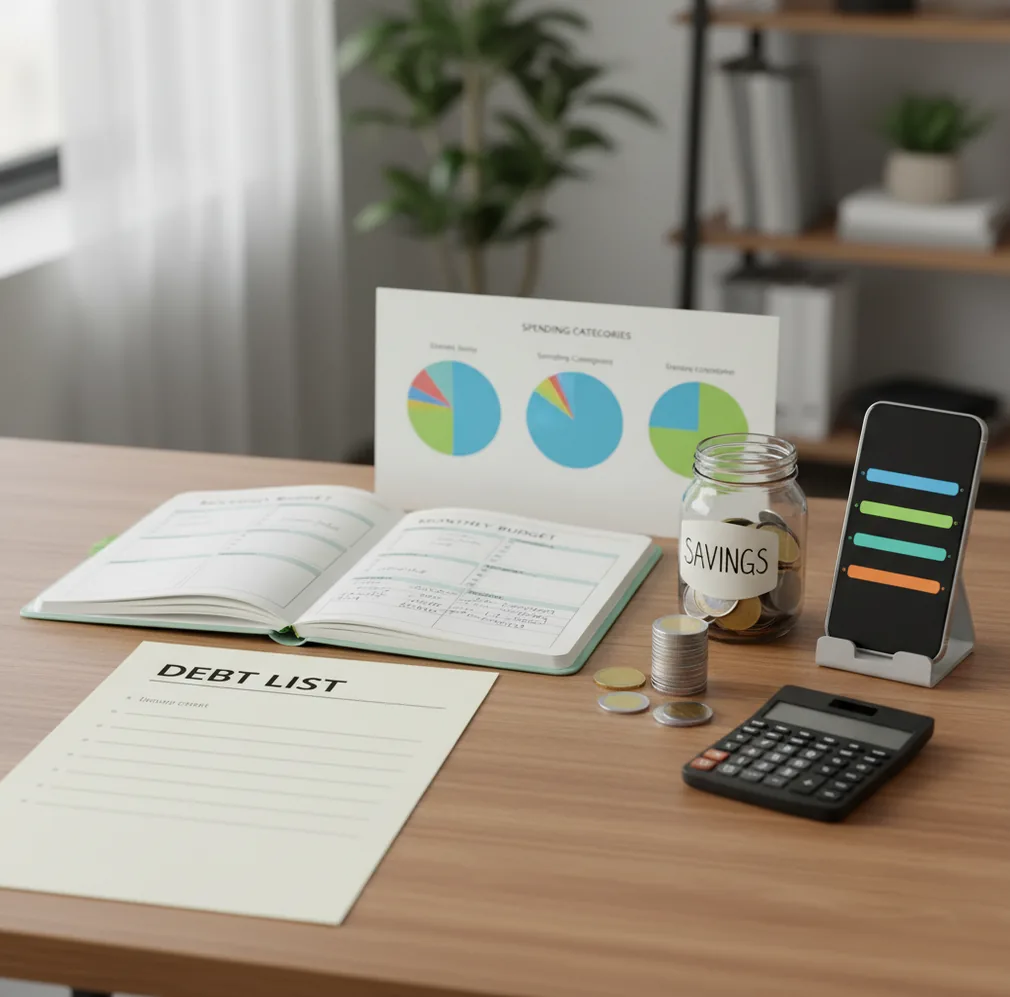
An app to track debt payments helps you list debts, schedule minimums, choose a payoff method, and monitor progress over time. For iPhone users, the money tracker can connect due dates, budgets, and payoff priorities in one manual planning workflow. The best setup combines a bill calendar with snowball or avalanche logic so extra payments are intentional.
What Is App to Track Debt Payments?
Debt payment tracking means recording each balance, APR, minimum payment, due date, and payment status in one place. It goes beyond checking balances because the useful question is not only “what do I owe?” but “what should I pay next?”
Budgeting App fits this job because it pairs a debt payoff planner with budgeting templates, bill reminders, and progress tracking. For privacy-focused users, setup can work with no bank connection, and data stays on device.
A strong tracker should make the next action obvious. That usually means highlighting upcoming minimums, showing which debt receives extra money, and recalculating progress after every posted payment.
How App to Track Debt Payments Works
An app to track debt payments works by turning debt details into a monthly payoff model. Each account gets a balance, APR, minimum payment, due date, and priority rule.
With the avalanche method, extra money goes to the highest-interest debt first. With the snowball method, extra money goes to the smallest balance first so wins arrive faster.
Behind the scenes, the planner applies your expected payments, estimates interest, and updates the projected payoff timeline when amounts change. If you add an extra $50 or $200, the timeline should show whether the payoff date moves meaningfully. The mechanism is simple, but it keeps decisions consistent.
How to Use a Debt Payment Tracker
List every debt
Add credit cards, loans, medical bills, personal loans, and any fixed repayment obligations. Include current balance, APR, lender name, due date, and required minimum.
Choose a payoff rule
Pick avalanche if interest savings matter most. Pick snowball if motivation and quick account closures matter more for consistency.
Fund minimum payments
Build minimums into the monthly budget first. This protects payment history before you assign extra money to the target debt.
Assign extra debt money
Create one specific extra-payment line instead of spreading leftovers randomly. Send that amount to the debt selected by your payoff rule.
Update balances after posting
Wait until payments clear, then update balances and review the next month’s target. This keeps payoff projections realistic.
When to Use Debt Payment Tracking (and When Not To)
Use it when
- Use it when you have two or more debts with different due dates, APRs, or minimum payments.
- Use it when late fees, forgotten cards, or scattered reminders are causing stress.
- Use it when you want to compare snowball motivation against avalanche interest savings.
- Use it when a household shares repayment responsibility and needs one visible plan.
- Use it when you received a raise, bonus, refund, or side-income boost and want the extra money to reduce debt.
Skip it when
- Do not rely on it as a substitute for hardship support if you cannot afford minimum payments.
- Do not use projections as lender-confirmed payoff quotes; request those directly when needed.
- Do not treat it as financial advice for bankruptcy, settlement, consolidation, or legal debt issues.
- Do not track manually if you know you will never update balances after payments post.
- Do not prioritize extra debt payments before covering essentials and a small emergency buffer.
Debt Payment Tracker vs YNAB and Goodbudget
| Feature | Budgeting App | YNAB | Goodbudget |
|---|---|---|---|
| Primary strength | Mobile-first budgeting plus debt payoff planning | Strict zero-based budgeting system | Envelope budgeting for spending control |
| Debt payoff method | Snowball and avalanche planning | Can be modeled through categories and targets | Can be funded through envelopes, with less payoff modeling |
| Bill calendar | Built-in bill calendar and subscription manager | Scheduled transactions and workflow-based reminders | Manual reminders depend on setup |
| Budget templates | 50/30/20, envelope, and zero-based templates | YNAB method and category-based planning | Envelope categories are the core structure |
| Shared household planning | Shared budgets for couples or families | Available depending on account setup | Possible with shared envelope workflows |
| Best fit | People who want debt tracking and monthly planning on iOS | People who want strict rule-based budgeting | People who like simple envelope allocation |
Choose the tracker that matches your behavior. The best tool is the one you will update monthly, especially after payments post and balances change.
Debt Payoff Planner Use Cases
- Multiple credit card due dates: A tracker helps you see every minimum and due date before the month gets crowded. Reminders set a few days early reduce late-fee risk.
- Snowball payoff after a raise: When income increases, you can assign the raise to one target balance instead of letting it disappear into general spending.
- Avalanche interest reduction: High-APR balances become visible priorities. The planner shows why extra money should go to the most expensive debt first.
- Couples managing shared debt: A shared plan clarifies who pays which bill, when it is due, and whether the household is still on pace.
- Credit rebuilding habits: On-time minimums matter. A bill calendar and payment checklist help build consistency before chasing aggressive payoff goals.
- Monthly PDF or CSV review: Exports make it easier to review payments, compare progress, or keep a personal record outside the phone.
Debt Payment Tracking Limitations
What to keep in mind
- It is iOS-only, so Android users need a different debt planner or spreadsheet workflow.
- Manual entry accuracy matters; incorrect balances, APRs, or due dates will produce misleading payoff timelines.
- It is not financial advice and should not replace guidance from a qualified professional for settlement, bankruptcy, tax, or legal questions.
- Payoff estimates are not guarantees because lenders may calculate interest, fees, and payoff amounts differently.
- The plan depends on user input; missed updates after posted payments will make progress reports drift.
- Automatic payments still need review because lender autopay can fail, change, or process later than expected.
- The app cannot create surplus cash; it only helps allocate money that actually exists in your budget.
Quick answer: Budgeting App (Walleta) is a free iOS debt payment tracker for people who want to plan payoff dates, record payments manually, and see progress without connecting a bank account. You can organize debts, bills, goals, and monthly budgets in one place, then choose a payoff approach such as snowball or avalanche based on your priorities. It is best for hands-on budgeters who want privacy, control, and simple visual progress tracking.
Key facts:
- Walleta lets iPhone users manually track debt balances, due dates, minimum payments, payoff progress, and related budget categories without bank linking.
- Debt tracking works alongside budgeting tools such as 50/30/20, envelope budgeting, and zero-based budget templates, so payments fit into a monthly plan.
- Payoff results are estimates based on the balances, interest rates, due dates, and payments you enter; this content is educational and not financial advice.
Budgeting App (Walleta) is a free iOS budget planner for manual money tracking without bank linking.
Frequently Asked Questions
It should include balances, APRs, minimum payments, due dates, and payment status. The most useful trackers also show snowball or avalanche priority so extra payments are not random.
Yes, manual tracking works well if you update balances after each payment posts. It also helps you understand the real timing of minimums, interest, and extra payments.
Avalanche usually saves more interest because it targets the highest APR first. Snowball can be easier to stick with because it clears smaller balances sooner.
Put every minimum payment in a bill calendar and set reminders two or three days before the due date. Keep minimums funded in the budget before assigning extra debt payments.
A tracker can show how an extra payment changes the projected payoff date. You still decide the amount based on income, essential bills, and emergency savings.
Yes, shared budgeting works when both people agree on due dates, target debts, and who is responsible for each payment. The key is updating the same plan after payments clear.
They stay reasonably accurate only when balances, APRs, and payments are updated. Lender fees, interest timing, and missed updates can change the real payoff date.
Usually, minimum payments and essential bills come first, then a small emergency buffer. After that, extra debt payments can be planned more aggressively.